
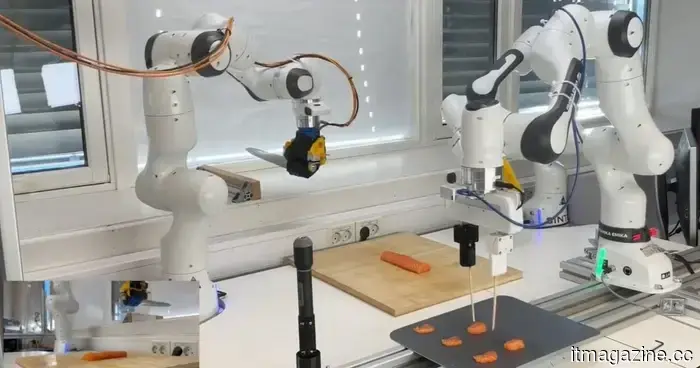
The Sashimi robot actually exists, and it is precise when it comes to slicing and dicing.
Three arms, a GelSight sensor, and surprisingly effective chopstick maneuvering.
Robots are capable of picking up boxes, sorting packages, and tightening bolts with ease. Some can even walk and run like humans. However, hand a robot a flexible, slippery piece of raw salmon, and it all goes downhill from there.
A team from the Norwegian University of Science and Technology aimed to address this challenge. They developed the Sashimi-Bot, a three-armed robot that can prepare sashimi from a raw salmon loin without any human chefs involved.
So, how does the Sashimi-Bot function?
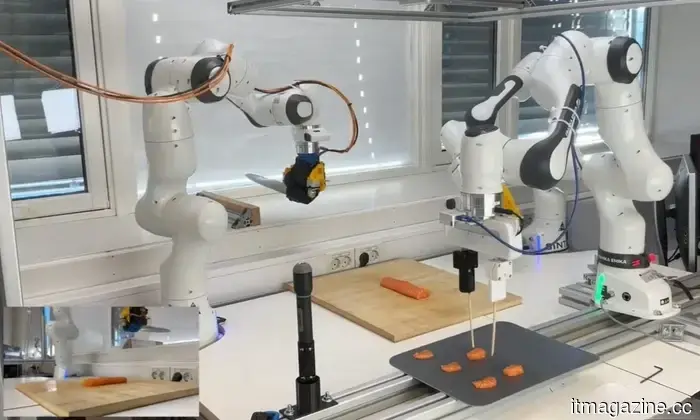
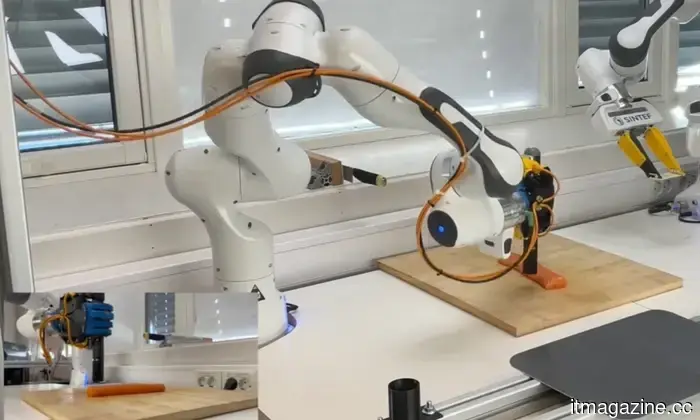
The task is divided among its three arms. The first arm stabilizes and positions the salmon on the cutting board. The second arm wields a chef’s knife to make the slices. The third arm uses chopsticks to pick up each completed slice and transfer it to a serving tray.
What elevates this beyond a simple configuration of arms is how the robot acquired its skills. Lead researcher Sverre Herland and the team utilized deep reinforcement learning within a virtual simulation to train the robot.
This technology allowed the robot to practice thousands of movements and learn via trial and error without interacting with actual fish.
Does it actually perform well?
The knife arm is equipped with a GelSight tactile sensor, featuring a soft gel surface with an embedded camera that informs the robot when it makes contact with the cutting board.
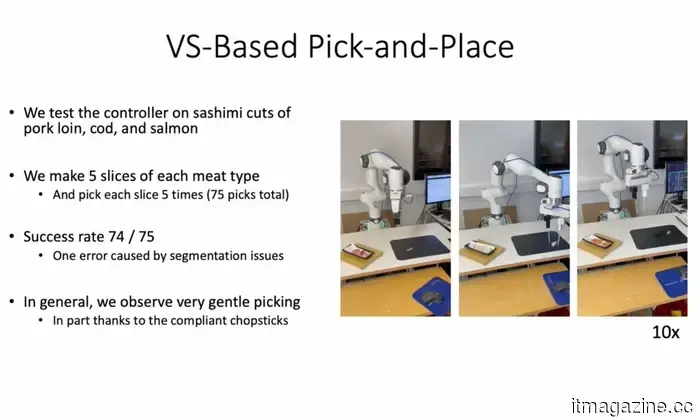
During trials, the robot successfully cut 34 slices of salmon and managed to grasp 26 out of the 28 slices that landed on the cutting board using chopsticks. It also retrieved an additional six slices that had adhered to the knife blade.
The average time for each cutting cycle was 27.9 seconds. This study was published in npj Robotics (via TechXplore). While most robots excel at handling rigid and predictable items, the Sashimi-Bot signifies a greater advancement in robotics by demonstrating the ability to manage fragile and irregular materials with real-time movements and adjustments.
---
For over five years, Shikhar has diligently simplified advancements in the consumer tech sector and shared them…
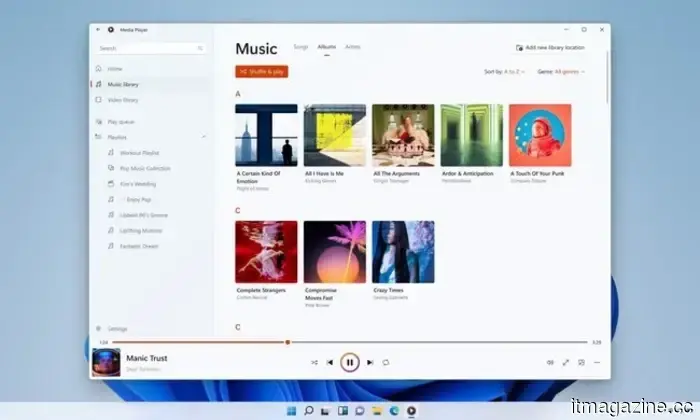
Windows 11’s revamped Media Player is somehow inferior to the version from 17 years ago.
The modern Media Player for Windows 11 is slower and more resource-intensive than the classic edition.
Microsoft has rolled out a new Insider Preview update for the Media Player in Windows 11. However, it is currently facing criticism after tests showed it consumes more memory and opens local video files more slowly than the classic Windows Media Player, which is 17 years old. The update includes several useful fixes, such as improved captions, clearer codec error messages, and enhanced file recognition. However, the prominent complaints involve increased RAM usage and the necessity for paid codec support for certain common video formats. This update has not yet been made available to everyone; Media Player version 11.2605.14.0 is currently only accessible on Experimental Insider builds as part of Microsoft’s June 12 Insider Preview.
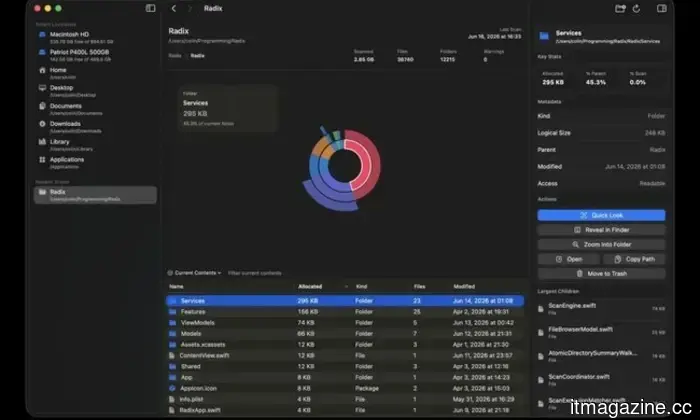
If you own a Mac, you should try this free, well-designed disk space tool.
Radix is a free, open-source alternative to commercial disk analyzers for Macs.
Running low on storage on a Mac is frequent, but Apple’s built-in storage tools can be inadequate at identifying what is actually using space. Users typically receive broad categories, but pinpointing exact folders, downloads, app files, or old projects causing the issue may still require significant effort. Radix is a free, open-source application for Mac that aims to clarify this process. It functions as a disk space analyzer that scans a folder, drive, or volume and presents the findings in an interactive sunburst chart. Instead of manually navigating through folders, users receive a visual summary of how their storage is allocated across their drive.
This free Mac app features stunning glassy widgets on your lock screen.
WidgetScreen introduces weather, calendar, battery, and music widgets to your Mac's lock screen.
The Mac lock screen has always seemed underutilized. It displays the time, your wallpaper, and minimal other information. While macOS supports desktop widgets, any additional information vanishes once your Mac is locked. WidgetScreen aims to address this limitation in a straightforward manner. Created by UK computer science student Sam Cook, this free Mac app adds glassy widgets to the lock screen, allowing users to quickly view information such as the weather, clock, calendar, battery level, music playback, countdowns, and system information.


Other articles
 Apple users are being targeted by a well-known tech support scam.
Following years of scammers impersonating Microsoft support, reports indicate that Apple users are now encountering a similar surge of fraudulent tech support alerts.
Apple users are being targeted by a well-known tech support scam.
Following years of scammers impersonating Microsoft support, reports indicate that Apple users are now encountering a similar surge of fraudulent tech support alerts.
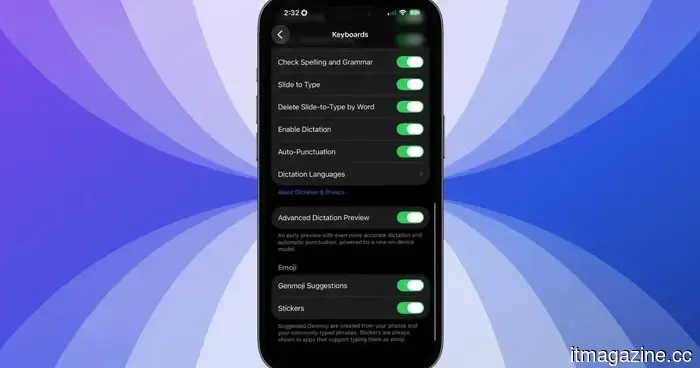 iOS 27 offers an improved dictation experience on your iPhone, and you need to activate it.
iOS 27 discreetly introduces two dictation systems. The superior option is turned off by default, needs 12GB of RAM, and most users are unlikely to realize it needs to be activated.
iOS 27 offers an improved dictation experience on your iPhone, and you need to activate it.
iOS 27 discreetly introduces two dictation systems. The superior option is turned off by default, needs 12GB of RAM, and most users are unlikely to realize it needs to be activated.
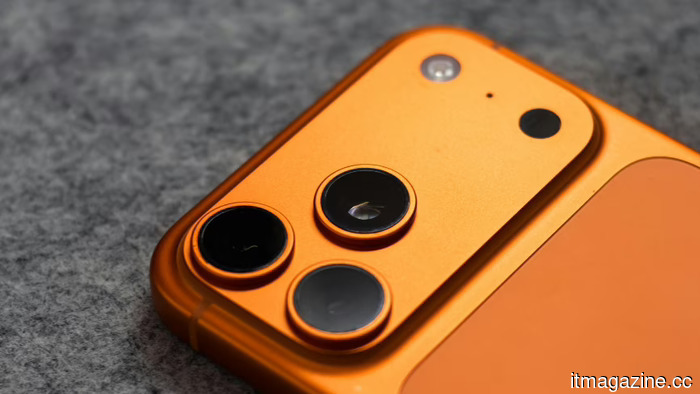 Apple's design studio has seen almost all of the designers from the Jony Ive period leave. The new CEO, John Ternus, claims he will address this issue.
Incoming Apple CEO John Ternus is getting ready for a significant overhaul of the design team, which has seen the departure of Ive, Hankey, Dye, and almost all of its senior designers over the past ten years.
Apple's design studio has seen almost all of the designers from the Jony Ive period leave. The new CEO, John Ternus, claims he will address this issue.
Incoming Apple CEO John Ternus is getting ready for a significant overhaul of the design team, which has seen the departure of Ive, Hankey, Dye, and almost all of its senior designers over the past ten years.
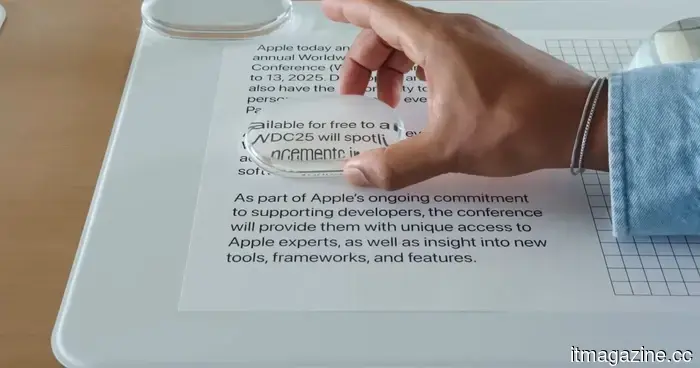 The Liquid Glass slider in iOS 27 appears straightforward, but it's actually more beneficial than I anticipated.
Having used iOS 27 on my iPhone for more than a week, I’ve discovered that the Liquid Glass slider is one of the most overlooked features of the update. Here’s how it functions and why you should give it a try.
The Liquid Glass slider in iOS 27 appears straightforward, but it's actually more beneficial than I anticipated.
Having used iOS 27 on my iPhone for more than a week, I’ve discovered that the Liquid Glass slider is one of the most overlooked features of the update. Here’s how it functions and why you should give it a try.
 A study reveals that almost 60% of TikTok videos presented to new users are low-quality AI-generated content.
A Kapwing analysis of 10,742 TikTok videos revealed that 59% of the content presented to new accounts consists of AI-generated material deemed low quality, which is three times more than what is found on YouTube Shorts.
A study reveals that almost 60% of TikTok videos presented to new users are low-quality AI-generated content.
A Kapwing analysis of 10,742 TikTok videos revealed that 59% of the content presented to new accounts consists of AI-generated material deemed low quality, which is three times more than what is found on YouTube Shorts.
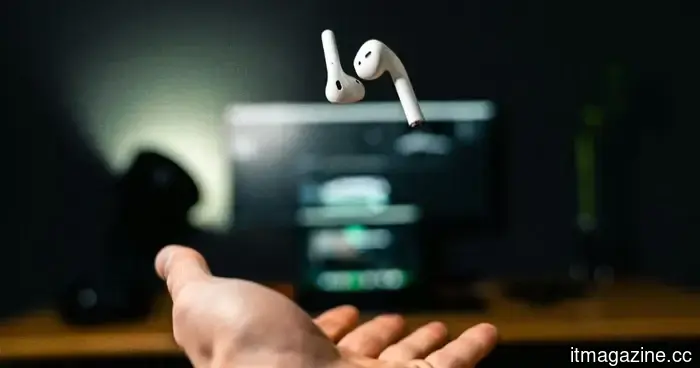 AirPods didn't eliminate public life; they made it simpler to navigate.
AirPods are often criticized for contributing to social isolation, yet these small earbuds have also turned into a common means of making noisy public environments more bearable.
AirPods didn't eliminate public life; they made it simpler to navigate.
AirPods are often criticized for contributing to social isolation, yet these small earbuds have also turned into a common means of making noisy public environments more bearable.
The Sashimi robot actually exists, and it is precise when it comes to slicing and dicing.
A research group from Norway developed a robot capable of slicing and serving salmon sashimi, utilizing three arms, artificial intelligence training, and a tactile sensor that detects when the blade makes contact with the cutting board.