
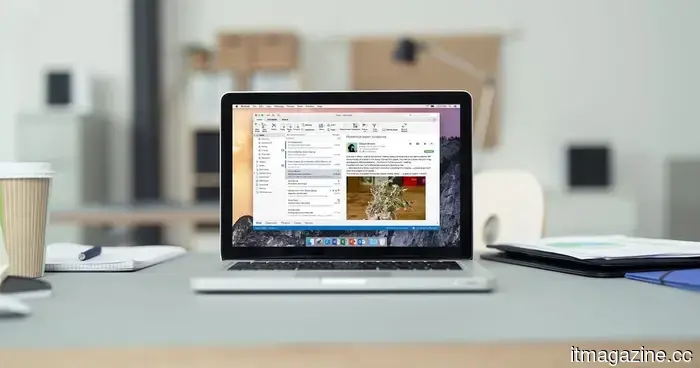
Microsoft has announced that it is working on a solution for the Outlook issue that caused documents to appear blank.
The issue affected Office documents accessed from OneDrive and SharePoint links in classic Outlook.
Microsoft has announced that it has begun the rollout of a service-side update to address a classic Outlook bug that led to Office files opening blank, showing repair prompts, or displaying corruption warnings.
This issue impacts Word, Excel, and PowerPoint files that are opened via OneDrive and SharePoint links in classic Outlook. For users within Microsoft 365, the main concern isn't just the blank documents; it's the confusion Outlook creates when a file that seems fine suddenly appears damaged.
As this is a change on Microsoft's side, users will not need to perform any manual installations.
A server-side update is being implemented
The rollout commenced on May 4, 2026, and will gradually reach the affected Microsoft 365 installations. Once this update is applied, users may need to restart classic Outlook for the links to function correctly again.
The bug is associated with how classic Outlook processes Microsoft 365 file links. This can cause a document to seem corrupt in Outlook, even though the same file still opens properly from SharePoint, OneDrive, or directly from the internet.
This detail is important for typical troubleshooting, as the repair warning might mislead users when a quicker solution is to access the file outside of Outlook.
Alternative methods can keep files accessible
Until the rollout is complete, the easiest workaround is to open the file outside of classic Outlook. Users can paste the link into a web browser, access the document directly from SharePoint, or use Outlook on the web.
Right-clicking a shared link and selecting the browser option can also provide immediate access when a document requires quick attention. The objective is to prevent a functioning file from being mistaken for a damaged one.
Microsoft also offers a registry-based workaround for IT administrators and advanced users. However, most users should avoid this unless it is executed within a managed setting.
What to monitor next
The update is currently being distributed across Microsoft 365, but the timing will differ depending on the affected setup. If Office files still load blank in Outlook, users should restart classic Outlook once and utilize a browser-based workaround if the issue persists.
IT teams should remain alert for recurring issues linked to OneDrive and SharePoint links in classic Outlook. The clearest indication that the update has been applied will be that Word, Excel, and PowerPoint files should open in Outlook without false alarms.



Другие статьи
 Pinterest surpasses $1 billion in quarterly revenue as its AI-driven visual search boosts advertising growth beyond what social platforms can achieve.
Pinterest achieved $1.008 billion in revenue in Q1, alongside 631 million monthly active users. Performance+ AI advertisements generated 24% more conversions. The driving force behind growth is 80 billion visual searches each month, rather than social feeds.
Pinterest surpasses $1 billion in quarterly revenue as its AI-driven visual search boosts advertising growth beyond what social platforms can achieve.
Pinterest achieved $1.008 billion in revenue in Q1, alongside 631 million monthly active users. Performance+ AI advertisements generated 24% more conversions. The driving force behind growth is 80 billion visual searches each month, rather than social feeds.
 The release deadline for GTA 6 comes with a human toll, a situation that's not uncommon in the gaming industry.
Recent reports from within Rockstar Games indicate that the effort to produce Grand Theft Auto VI is impacting employees negatively, with allegations of unpaid overtime, late-night working hours, and stringent deadlines.
The release deadline for GTA 6 comes with a human toll, a situation that's not uncommon in the gaming industry.
Recent reports from within Rockstar Games indicate that the effort to produce Grand Theft Auto VI is impacting employees negatively, with allegations of unpaid overtime, late-night working hours, and stringent deadlines.
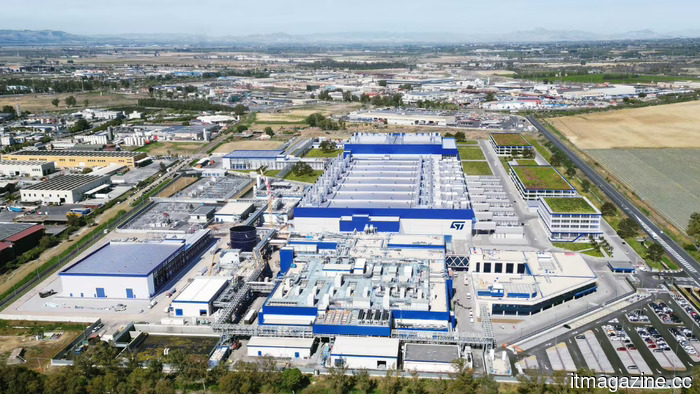 STMicroelectronics aims to exceed $3 billion from the space sector.
STMicroelectronics aims to achieve over $3 billion in total revenue from space chips from 2026 to 2028, propelled by the growth of Starlink.
STMicroelectronics aims to exceed $3 billion from the space sector.
STMicroelectronics aims to achieve over $3 billion in total revenue from space chips from 2026 to 2028, propelled by the growth of Starlink.
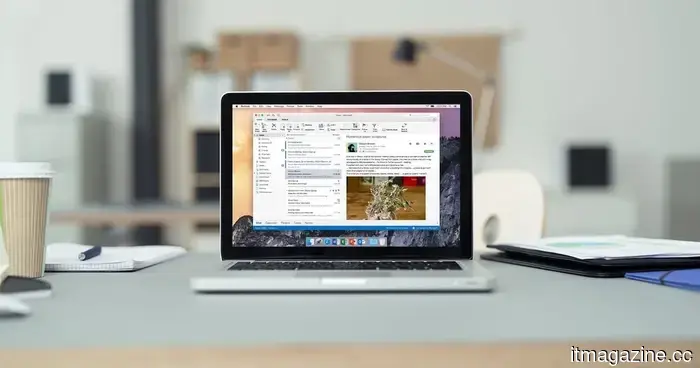 Microsoft announced that it is working on a solution for an Outlook issue that caused documents to appear blank.
Microsoft is implementing a server-side solution for a longstanding Outlook issue that caused shared Word, Excel, and PowerPoint files to open with a blank screen. In the meantime, browser-based alternatives are available until the fix is fully deployed.
Microsoft announced that it is working on a solution for an Outlook issue that caused documents to appear blank.
Microsoft is implementing a server-side solution for a longstanding Outlook issue that caused shared Word, Excel, and PowerPoint files to open with a blank screen. In the meantime, browser-based alternatives are available until the fix is fully deployed.
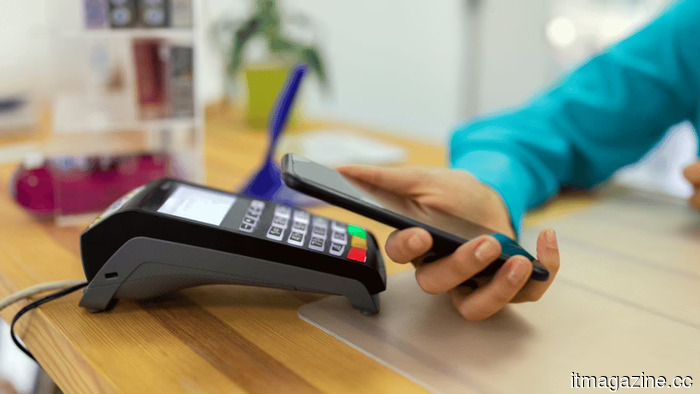 iOS 27 allows users to generate personalized Wallet passes from any QR code as Apple stops waiting for developers.
Apple's iOS 27 introduces a "Create a Pass" feature that includes three templates. After a 14-year wait for the adoption of PassKit, Apple is now allowing users to create their own passes.
iOS 27 allows users to generate personalized Wallet passes from any QR code as Apple stops waiting for developers.
Apple's iOS 27 introduces a "Create a Pass" feature that includes three templates. After a 14-year wait for the adoption of PassKit, Apple is now allowing users to create their own passes.
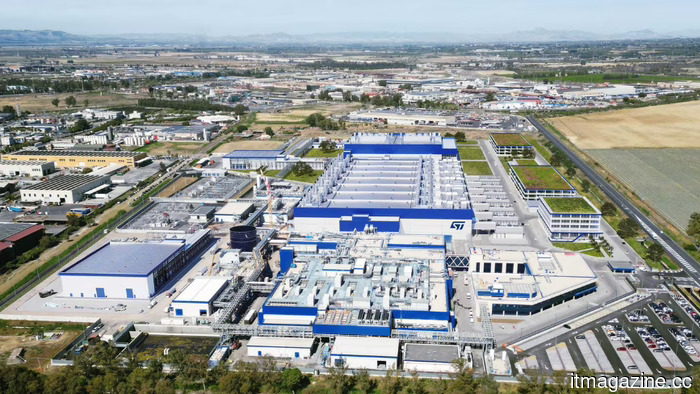 STMicroelectronics aims to generate over $3 billion from the space sector.
STMicroelectronics aims for over $3 billion in total revenue from space chips from 2026 to 2028, driven by the growth of Starlink.
STMicroelectronics aims to generate over $3 billion from the space sector.
STMicroelectronics aims for over $3 billion in total revenue from space chips from 2026 to 2028, driven by the growth of Starlink.
Microsoft has announced that it is working on a solution for the Outlook issue that caused documents to appear blank.
Microsoft is deploying a server-side solution for a longstanding Outlook issue that caused shared Word, Excel, and PowerPoint files to open as blank. In the meantime, browser-based alternatives are available until the fix is implemented for all users.