
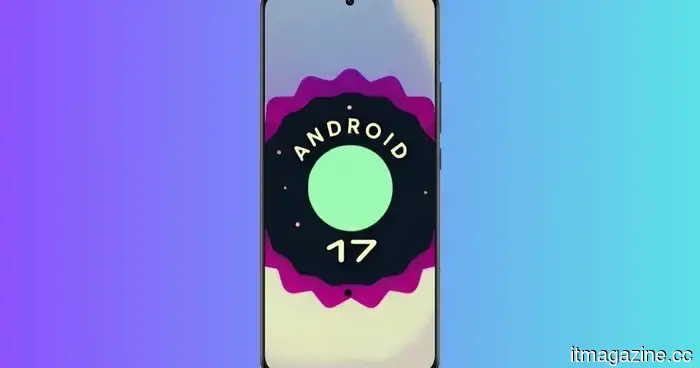
Android 17 prefers to throttle one problematic app instead of affecting the performance of your whole phone.
New memory limits for individual apps are aimed at controlling excessive memory usage before it leads to broader performance issues and battery drain.
Android 17 is enforcing stricter limits on apps that consume an excessive amount of memory, with Google's preference being to hinder a single app rather than allowing it to impact the overall performance of the device.
According to Google, Android 17 implements memory limitations per app that correspond to the total RAM of the device. This feature is intended to identify extreme memory usage before it results in UI lag or increased battery consumption. Applications that consistently exceed their memory allowance may ultimately be shut down.
What occurs when an app exceeds its limits
Android 17 does not grant the same RAM quota to all apps. Google notes that the thresholds have been purposefully set conservatively, so typical app usage seldom exceeds them.
When an app surpasses its limit, Android may begin reclaiming memory instead of immediately prioritizing the closure of other processes. If the app continues to use more memory, Android 17 can eventually terminate the problematic app.
This approach allows Android to manage the issue proactively before it affects other functionalities on the phone.
How much memory can an app utilize
The allowed memory varies based on the device and the visibility of the process. Google's AOSP documentation indicates that, for an 8GB device, a visible process has a 5GB limit, whereas a non-visible process is allotted 3GB.
Exceeding this limit does not result in the immediate termination of the app. Android can first recover memory and transfer inactive data into compressed zRAM, which might slow down the offending app while still keeping it operational.
Termination occurs later in more severe situations, such as when a memory leak continues to allocate resources after the available swap space is full. In such cases, the app bears the consequences rather than forcing Android to terminate other essential processes first.
What you can expect on your device
In general, you should not notice much difference during regular use. Google anticipates that typical app activities will remain well within these limits.
These rules apply universally. AOSP states that preinstalled apps are also subject to these limits, and developers do not receive any exclusion that allows their apps to bypass the system.
Therefore, if an app suddenly experiences lag or closes due to high memory demand, Android 17 may be functioning precisely as intended, ensuring the phone continues to operate smoothly while addressing the problematic app first.
---
Huawei aims to revive interest in smaller phones, and you might want one too.
Since the debut of the Galaxy Z Fold 8, there has been a noticeable demand among fans for more compact, palm-friendly phones. This interest isn't just nostalgia. After using Samsung's small foldable phone for several weeks, I find it incredibly comfortable to hold and easy to carry in my pocket. What if a traditional candybar-style phone could replicate this convenience? Well, Huawei is responding to that desire.
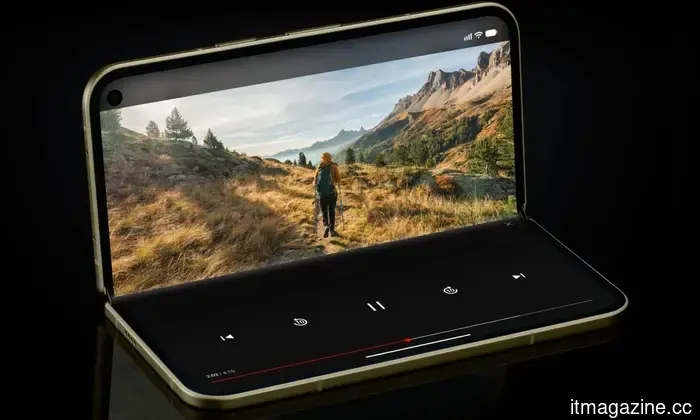
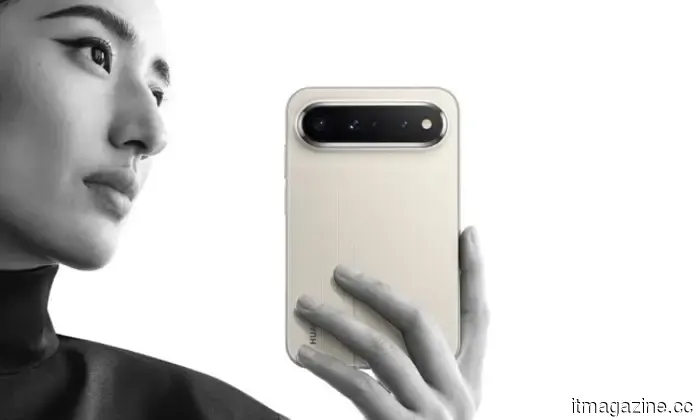
The latest offering from the Chinese tech company is the Pura X View. Featuring a wide 16:9.5 aspect ratio, it emphasizes a broader display. As seen in the promotional images, the phone appears quite charming and practical.
---
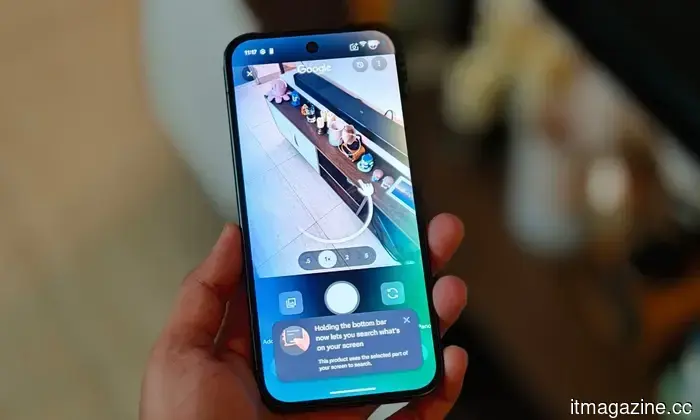
Google has missed the opportunity with HiLight on the Pixel 11 Pro, but an app has just unlocked its potential.
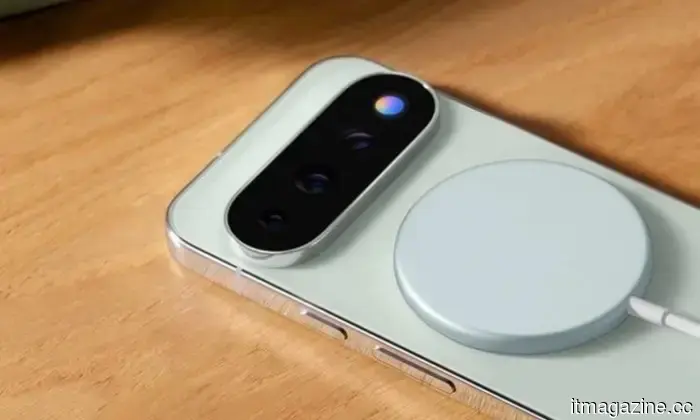
Hey, Google, are you seeing this? One of the standout features of the Pixel 11 series this year is the new colorful LED notification system that Google calls "HiLight." The main idea behind this colorful feature is its customizability. Unfortunately, Google has tightly restricted its use. For instance, it only activates during interactions with Gemini or when assigned as a caller ID for voice calls.
That’s as far as it goes. Following its introduction on the latest flagship phones, users expressed disappointment over what they saw as a missed opportunity. Google should have enabled users to customize the light colors for individual apps or even more extensively. Fortunately, there's now a solution. Tech content creator @Dhananjay_Tech (DhananjayBhosale) has developed an app that fully unlocks HiLight features on the Pixel 11 Pro smartphones.
---
Just received a Pixel 11? Here are the top accessories I recommend.
From a magnetic wallet to a first-party charging stand, these are the Pixel 11 accessories worth your investment.
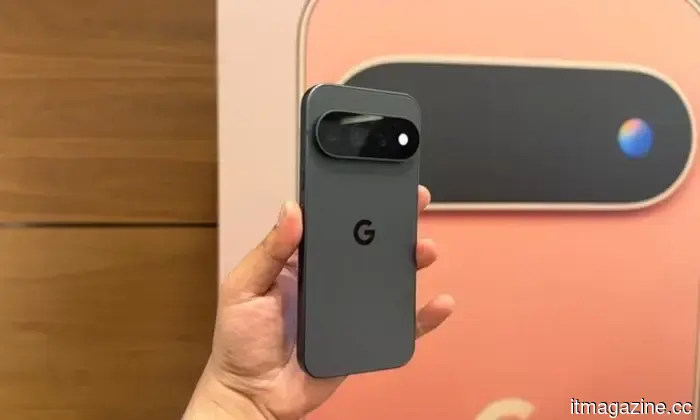
Whether you're contemplating a new Pixel 11 or currently own one, you might be considering the best accessories to pair with Google's beautiful smartphones launched in August 2026. As always, I've explored numerous Pixel 11 accessories on Amazon, and have pinpointed seven that genuinely merit your purchase.
Included are a $20 third-party dual-port charger that competes with Google's $70 charging dock. Some address practical issues, like the inconvenience of searching for a cable at night, while others are simply nice additions to have with a Pixel 11. So, without further ado, here are the top Pixel 11 accessories that are worth the investment.

Other articles
 Data indicates that Tesla's robotaxis in Austin are now completely autonomous.
All 170 Tesla robotaxi rides monitored in Austin over a two-week period operated without supervision. Just two days prior, a passenger recorded one navigating past bollards.
Data indicates that Tesla's robotaxis in Austin are now completely autonomous.
All 170 Tesla robotaxi rides monitored in Austin over a two-week period operated without supervision. Just two days prior, a passenger recorded one navigating past bollards.
 The Google Pixel 11 will allow you to tailor the vibration settings of your phone.
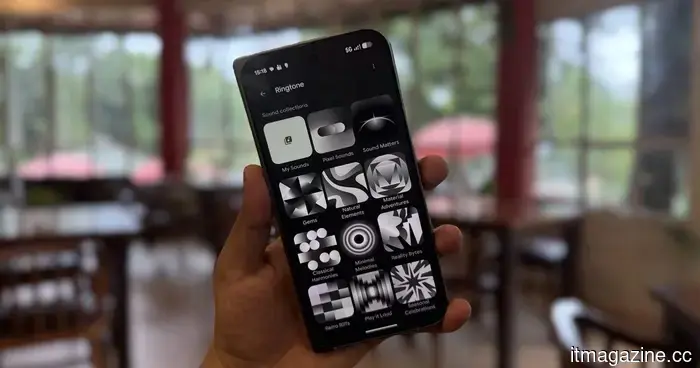
Google's concealed vibration options are finally available. The Pixel 11 series allows you to choose distinct vibrations for ringtones, notifications, and even individual contacts.
The Google Pixel 11 will allow you to tailor the vibration settings of your phone.
Google's concealed vibration options are finally available. The Pixel 11 series allows you to choose distinct vibrations for ringtones, notifications, and even individual contacts.
 Cinemas, educational institutions, and ICE are all prohibiting the use of Meta smart glasses.
Cinemas, schools in the US, and ICE are all placing limitations on Meta smart glasses, but their motivations differ significantly. The regulation concerning cinemas has been in place since 2014.
Cinemas, educational institutions, and ICE are all prohibiting the use of Meta smart glasses.
Cinemas, schools in the US, and ICE are all placing limitations on Meta smart glasses, but their motivations differ significantly. The regulation concerning cinemas has been in place since 2014.
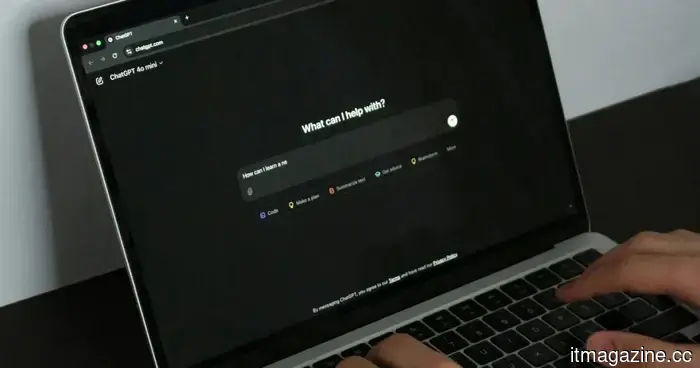 OpenAI aims to track AI misuse without requiring customers to submit their data.
OpenAI's Private Safety Processing aims to identify abuse across various interactions while maintaining Zero Data Retention, directly contrasting with Anthropic's 30-day data retention policy.
OpenAI aims to track AI misuse without requiring customers to submit their data.
OpenAI's Private Safety Processing aims to identify abuse across various interactions while maintaining Zero Data Retention, directly contrasting with Anthropic's 30-day data retention policy.
 The Sony neck fan may appear nerdy, but researchers claim it is actually more effective than desk fans.
Researchers discovered that wearable fans for the face and neck can provide almost the same level of comfort as desk fans, while using less energy and producing fewer undesirable drafts.
The Sony neck fan may appear nerdy, but researchers claim it is actually more effective than desk fans.
Researchers discovered that wearable fans for the face and neck can provide almost the same level of comfort as desk fans, while using less energy and producing fewer undesirable drafts.
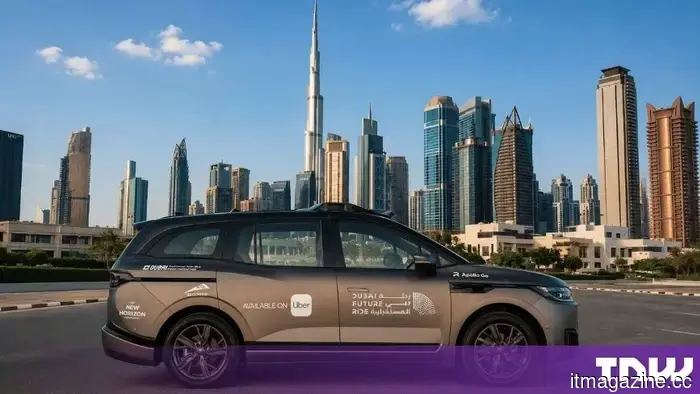 Baidu's Apollo Go has launched in Dubai through Uber, operating without a safety driver.
Uber introduced Baidu's Apollo Go in Dubai without a safety driver, just one day after launching its first European autonomous vehicle rides in Zagreb with a safety driver present.
Baidu's Apollo Go has launched in Dubai through Uber, operating without a safety driver.
Uber introduced Baidu's Apollo Go in Dubai without a safety driver, just one day after launching its first European autonomous vehicle rides in Zagreb with a safety driver present.
Android 17 prefers to throttle one problematic app instead of affecting the performance of your whole phone.
Android 17 implements stricter memory limits for individual apps, which can slow down or stop apps that consume excessive resources. This gives Google a new method to safeguard the overall performance of the phone, preventing a single memory-intensive app from causing broader issues.