
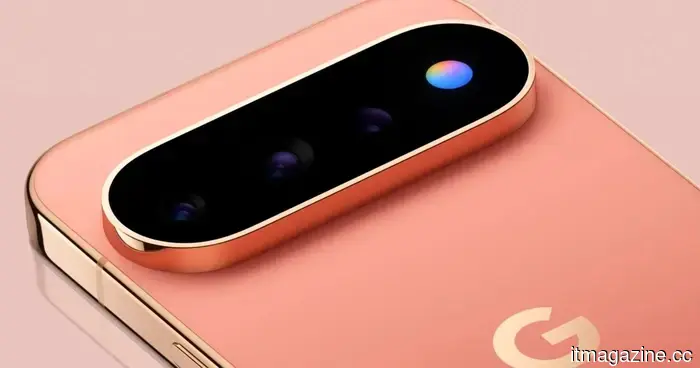
Google's much-anticipated RGB HiLight feature on the Pixel 11 Pro left me feeling disappointed.
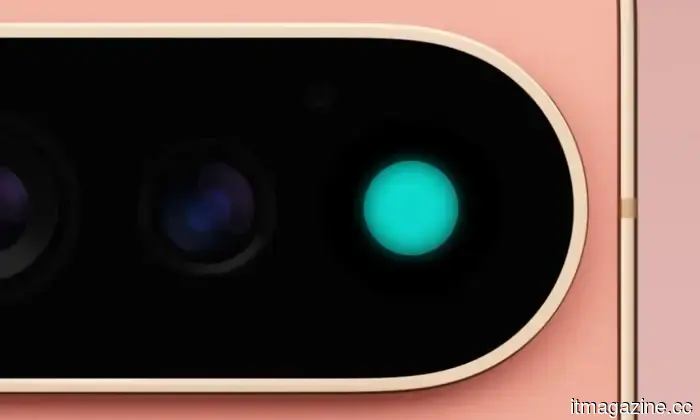
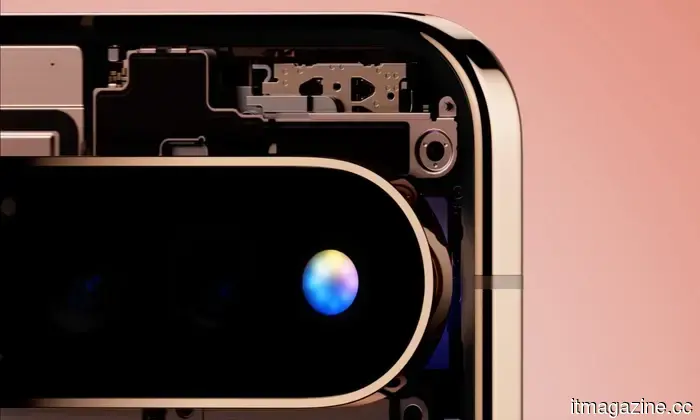
I've been keeping an eye on the chatter surrounding Google's new HiLight feature long before the company officially revealed its name. A few weeks back, there were discussions about the feature being Google's AI interface, which emits a glow when users interact with Gemini.
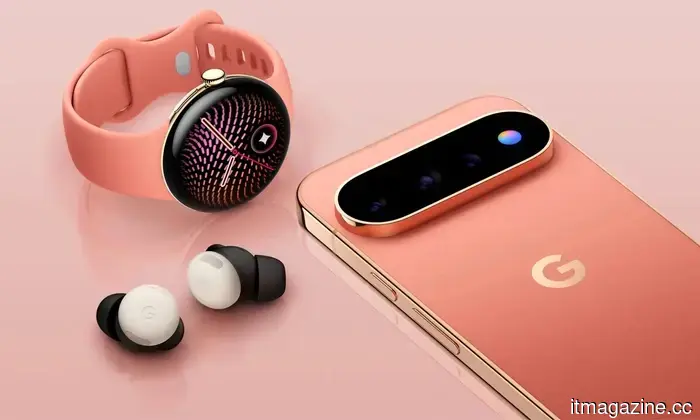
Now that the Pixel 11 launch event has concluded, all details are revealed, and one of the two primary functions is simply to light up when you converse with Gemini. After all the speculation and anticipation, Google's big unveiling is… essentially what we expected, and I have strong opinions about it.
I believed Google was on to something.
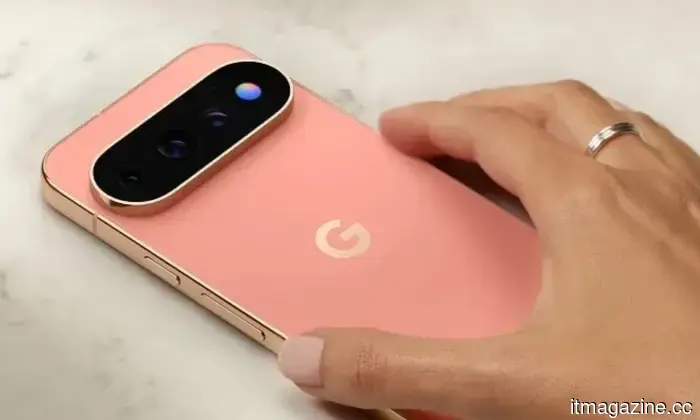
My feelings of excitement and disappointment regarding HiLight stem from how the smartphone industry has utilized LED notification lights. While an always-on display alerts you about notifications, it also invites more distraction, making it tempting to pick up the phone and respond. By contrast, I find LED indicators on the back of phones, like those seen on Nothing and CMF devices, to be less intrusive.
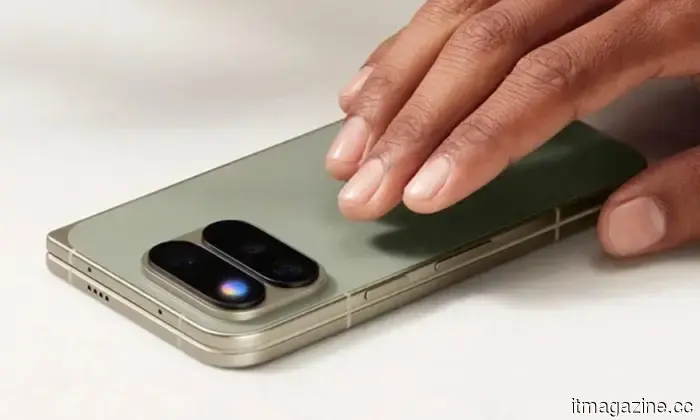
They indicate a notification without pressuring you to grab the phone right away. They also allow you to keep your phone face-down on the table while enjoying a meal with family or friends, engrossed in a competitive game of UNO, or watching a new film at the theater.
That's what I, or anyone who has observed the evolution of the smartphone market and the various iterations of LED notification indicators, would expect HiLight on the Pixel 11 Pro phones to accomplish. It seemed like a great idea in theory. However, I was unaware that the company intended to restrict it to a limited software experience.
Here's what HiLight currently offers.
It essentially does two things. First, it serves as a Gemini conversation indicator, alternating between different glow patterns for listening, thinking, and responding. This visual confirmation that the assistant has heard you allows you to keep the phone down. That's reasonable. We’ve seen similar features on Amazon’s Echo devices and Google’s own Home Speaker.
Second, it illuminates in one of five colors when a favorite contact calls. This functionality works with both the Phone app and WhatsApp (the only third-party app supported according to 9To5Google). While you might expect to choose a color for each contact, that’s not the case. Google pre-selected five colors, and you simply assign them.
Thus, at launch, one of the most anticipated features of the Pixel 11 Pro can do little more than these two things, which feels like a frustratingly limited use of what could have been a genuinely useful RGB light on the back of a smartphone.
The fact that Google decided to provide preset colors and call it a day, despite the RGB light ring having the capability to do much more, is not even the most disappointing aspect.
The shortcomings become apparent when you actually use it.
The main issue with Google's strict approach to what could be a fantastic idea is the lack of support for third-party apps.
As reported by Alexander Maxham from Android Headlines, Google has no plans to allow HiLight to be used with other apps within its ecosystem or to open it to third-party developers. The closest thing to a roadmap Google has offered is a reference to RCS messaging support coming eventually, but that’s about it.
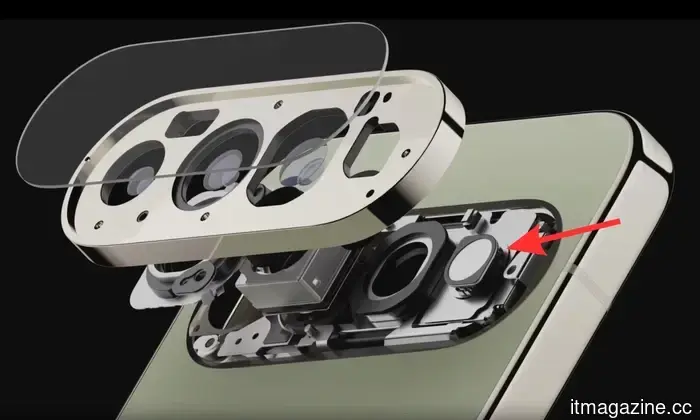
The primary reason for having a rear-facing RGB light is to keep users informed while the phone is placed face-down. Among the various notifications that Pixel 11 Pro owners miss out on, despite having the actual hardware available, are alerts from everyday apps like Slack, Teams, social media platforms like Instagram, and even Uber.
Then there’s the issue of charging or battery status. I understand it’s an RGB ring, and integrating progress indicators that are normally shown via horizontal UI elements is challenging. However, how hard would it be to use the light to signal when the battery is low? Is it really that difficult to have it blink red a few times? I’m not even asking for live charging notifications.
If the hardware truly supports full-color RGB LED capabilities, I'm puzzled as to why it’s limited to just five color choices. Wouldn’t a color-coding system in the app be manageable for users to comprehend and customize? For example, pink for Instagram, purple for Teams, or yellow for Snapchat?
Perhaps a flickering yellow or amber light when someone snaps a selfie using the rear camera, in sync with the timer sounds already programmed into the phone? I’m just considering how Google could have made this hardware addition more useful and captivating.
I’m not suggesting that Google should incorporate every one of these features into HiLight all at once. In fact, I know that implementing all of them simultaneously would likely create more confusion than clarity. However, Google can assemble a team of engineers and designers to brainstorm effective ways to integrate the hardware more deeply into the Pixel experience, making it feel less like a gimmick than it currently does.
It’s not too late; Google can still improve this.
There’s no reason to compare Google’s HiLight RGB light to Nothing’s circular or
Other articles
 An AI company compensated individuals to reach climax with a robot. It now asserts significant achievements in stress management and concentration.
Joi AI asserts that following AI-guided masturbation sessions, there was an average decrease of 25% in stress levels and a 19% reduction in restlessness.
An AI company compensated individuals to reach climax with a robot. It now asserts significant achievements in stress management and concentration.
Joi AI asserts that following AI-guided masturbation sessions, there was an average decrease of 25% in stress levels and a 19% reduction in restlessness.
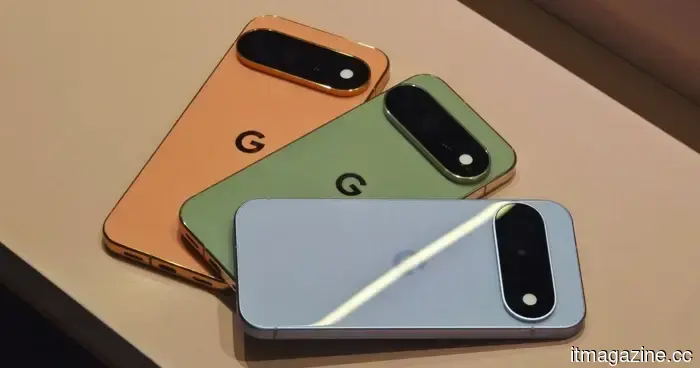 The seven-year spare parts guarantee of the Pixel 11 might be ideal for navigating RAMageddon.
The Pixel 11 series will maintain seven years of spare-parts support. In a market where smartphones are increasingly costly, this could render long-term ownership much more feasible.
The seven-year spare parts guarantee of the Pixel 11 might be ideal for navigating RAMageddon.
The Pixel 11 series will maintain seven years of spare-parts support. In a market where smartphones are increasingly costly, this could render long-term ownership much more feasible.
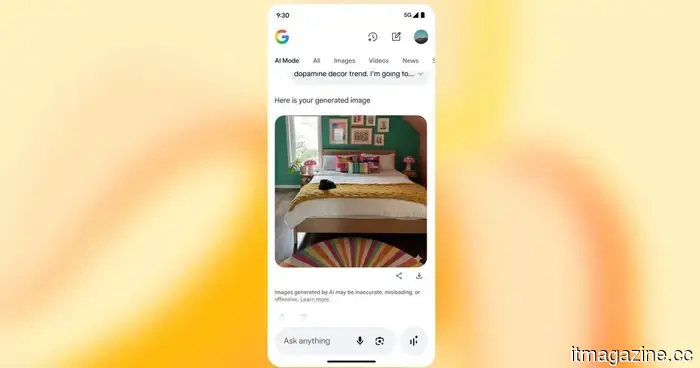 Google's Gemini app introduces a switch to turn off AI watermarks, though there are certain exceptions.
Gemini now allows users to disable visible watermarks on Nano Banana images, Omni videos, and Lyria music, although this feature is still limited in specific countries.
Google's Gemini app introduces a switch to turn off AI watermarks, though there are certain exceptions.
Gemini now allows users to disable visible watermarks on Nano Banana images, Omni videos, and Lyria music, although this feature is still limited in specific countries.
 Google Sheets can now transform your dull spreadsheets into mini-applications.
Google's updated Sheets canvas employs Gemini to convert data rows into interactive dashboards, trackers, and various visual tools — all without the need for coding.
Google Sheets can now transform your dull spreadsheets into mini-applications.
Google's updated Sheets canvas employs Gemini to convert data rows into interactive dashboards, trackers, and various visual tools — all without the need for coding.
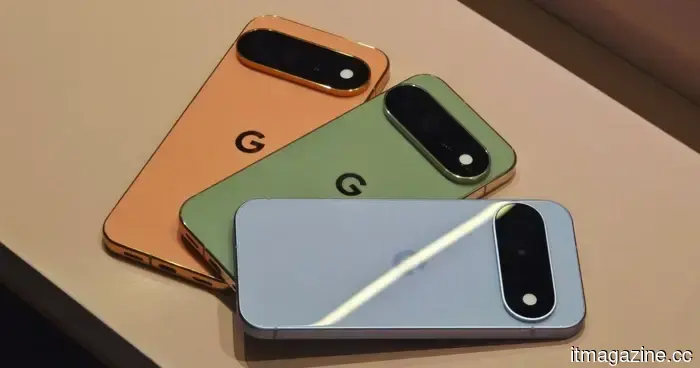 The seven-year spare parts guarantee for Pixel 11 might be ideal for weathering RAMageddon.
The Pixel 11 series will maintain seven years of spare-parts support. In a market where smartphone prices are continuously rising, this could make long-term ownership significantly more feasible.
The seven-year spare parts guarantee for Pixel 11 might be ideal for weathering RAMageddon.
The Pixel 11 series will maintain seven years of spare-parts support. In a market where smartphone prices are continuously rising, this could make long-term ownership significantly more feasible.
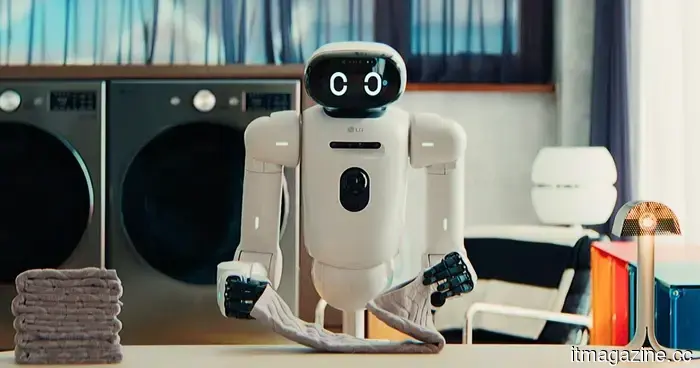 LG aims to create humanoid robots, with NVIDIA providing the intelligence.
LG's humanoid robot now has a concrete launch date: early 2027, utilizing NVIDIA's Jetson Thor chip along with the Isaac GR00T model.
LG aims to create humanoid robots, with NVIDIA providing the intelligence.
LG's humanoid robot now has a concrete launch date: early 2027, utilizing NVIDIA's Jetson Thor chip along with the Isaac GR00T model.
Google's much-anticipated RGB HiLight feature on the Pixel 11 Pro left me feeling disappointed.
Google's HiLight has the potential to reduce the intrusiveness of notifications, but its restricted features leave me desiring greater functionality.