

What Advantages Do Laser Printers Offer for Small Business Operations?
Walk into nearly any small business that has streamlined its operations, and you will likely see a laser printer quietly operating in a corner, largely overlooked while efficiently completing its tasks. In contrast, another scenario often features a printer not built to handle the demands of a bustling office. As teams expand and document volumes rise, the shortcomings become apparent quickly: slower output, connectivity issues requiring constant attention, and print queues forming exactly when they are most inconvenient.
The distinction between these two environments might not seem significant at first glance, but it accumulates over each workday, during every shared print job, and with every document that must be delivered promptly.
Printing needs for small businesses differ markedly from those of home users. The volume is greater, multiple users are involved, the importance of the documents is heightened, and downtime is not tolerated. Laser printers are specifically designed for these conditions. Here’s why businesses that depend on high-volume printing frequently choose laser printers and where the benefits manifest in daily office activities.
Understanding the differences in laser printing
It's important to briefly grasp the basic mechanics as they account for most practical differences.
Inkjet printers operate by ejecting tiny droplets of liquid ink onto paper via small nozzles. Laser printers, however, employ a different method: a laser beam outlines the image on a charged drum, powdered toner sticks to the charged regions, and heat permanently bonds it to the paper. This process results in prints that are dry immediately upon exit, resistant to smudging, and produced at speeds that inkjet printers cannot match for textual documents.
In a small office environment, the impact of this is considerable. Laser printers are designed for quick first-page output and reliable performance for frequent, high-volume uses. This ensures that a busy office team doesn’t have to wait for the machine to keep pace with their workload. Documents maintain consistent quality from the first page through the last, without the variability that comes from inkjet cartridges running low. With print speeds reaching up to 35 pages per minute, as seen in the HP LaserJet Pro 3000 series, a shared printer won’t generate a backlog during peak times as a slower inkjet would.
Understanding the document workload in a typical small business
The best way to see why laser printing aligns well with small business operations is to honestly evaluate what a small office prints in a week.
Consider a seven-person professional services firm, a small e-commerce back-office team, or a local contractor with administrative staff: all share a printer that caters to multiple users, operates most days, and processes documents requiring high quality and reliability. Examples include contracts for client signatures, invoices to customers, shipping documents for outgoing orders, internal reports reviewed in meetings, and compliance filings that must present correctly.
None of these can afford issues such as smudged pages, slow printing during busy mornings, or an out-of-ink warning when a document needs to be sent out within ten minutes. Moreover, the printed volume accumulates quickly. An office of seven, each printing 20 pages daily, generates 700 pages weekly. Such sustained daily use highlights the differences between printers designed for home use versus those intended for small businesses and office teams.
The HP LaserJet Pro 3000 series was created to cater specifically to such an operational profile. Suitable for teams of up to seven users, it efficiently manages the complete spectrum of business document types at professional quality, all while requiring minimal IT oversight for everyday operation.
Importance of speed and volume for shared office printing
Print speed is often perceived as a mere marketing term until one experiences it in a shared office setting.
Both the HP LaserJet Pro MFP 3101fdw and HP LaserJet Pro MFP 3101sdw can print up to 35 black-and-white pages per minute. This translates to a 10-page document being completed in under 20 seconds, while a 30-page contract gets done in around a minute. In a shared office where multiple users send jobs to the same printer throughout a busy day, this speed ensures no one stands waiting for their printout, and no backlog forms during peak periods.
Additionally, the text quality produced by the HP LaserJet Pro MFP 3101fdw is excellent, with black-and-white printing costing about 5 cents per page. At this cost and speed, it’s perfectly suited for the routine daily output that can lead to wear on home inkjets and inflate cartridge expenses on lower-volume office inkjets.
The 250-sheet paper tray in both models can accommodate a morning's worth of printing without needing a refill, and automatic duplex printing is a default feature, yielding significant paper savings when printing double-sided reports, contracts, and reference documents regularly.
Choosing between mono and color printing
A practical consideration for small businesses is whether to opt for color laser printing or stick with monochrome. The decision hinges largely on the type of output the office produces.
For businesses mostly generating black-and-white documents such as contracts, invoices, financial papers, shipping documents,


Other articles
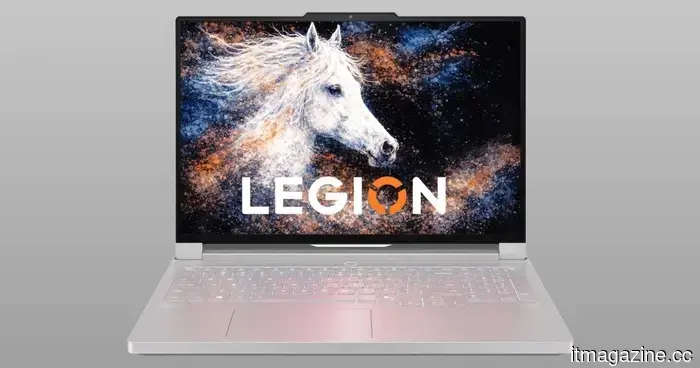 Lenovo's latest gaming laptop is the first to include a 240Hz OLED display that is printed using inkjet technology.
Lenovo's latest Legion R9000P is the inaugural laptop to utilize an inkjet-printed OLED display, boasting a 240Hz refresh rate and more than 99% DCI-P3 coverage.
Lenovo's latest gaming laptop is the first to include a 240Hz OLED display that is printed using inkjet technology.
Lenovo's latest Legion R9000P is the inaugural laptop to utilize an inkjet-printed OLED display, boasting a 240Hz refresh rate and more than 99% DCI-P3 coverage.
 In what ways do ink tank printers lower printing expenses in the long run?
Although the initial cost of an ink tank printer might be greater, its reduced ink expenses and fewer refills can make it a wiser long-term investment for those who print frequently at home.
Apple has surpassed Nvidia to regain the title of the world's most valuable company, now valued at $4.88 trillion.
Apple reached a market value of $4.88 trillion, while Nvidia decreased by 3.5% to $4.86 trillion. Nvidia had maintained the leading position for nearly a year. Investors are expanding their interest in AI to include areas beyond just chips.
In what ways do ink tank printers lower printing expenses in the long run?
Although the initial cost of an ink tank printer might be greater, its reduced ink expenses and fewer refills can make it a wiser long-term investment for those who print frequently at home.
Apple has surpassed Nvidia to regain the title of the world's most valuable company, now valued at $4.88 trillion.
Apple reached a market value of $4.88 trillion, while Nvidia decreased by 3.5% to $4.86 trillion. Nvidia had maintained the leading position for nearly a year. Investors are expanding their interest in AI to include areas beyond just chips.
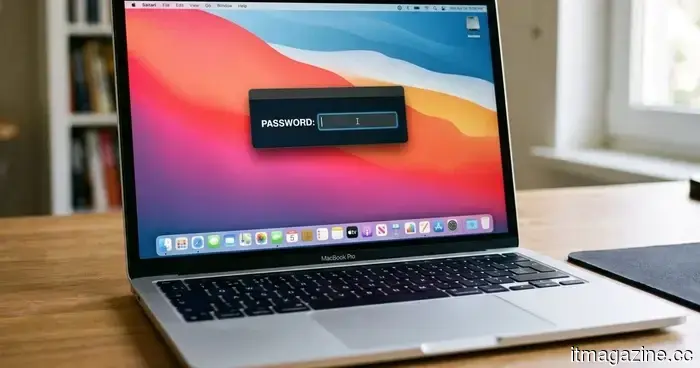 This new Mac malware prevents you from using your computer until you provide your password.
ClickLock is a new malware for macOS that persistently terminates system processes and deceives victims into providing their login passwords to capture sensitive information.
This new Mac malware prevents you from using your computer until you provide your password.
ClickLock is a new malware for macOS that persistently terminates system processes and deceives victims into providing their login passwords to capture sensitive information.
 Sega’s Virtua Fighter Crossroads will be available on Nvidia’s innovative RTX Spark PCs.
Sega is introducing Virtua Fighter Crossroads to Nvidia’s Arm-powered RTX Spark laptops and compact desktop computers.
Sega’s Virtua Fighter Crossroads will be available on Nvidia’s innovative RTX Spark PCs.
Sega is introducing Virtua Fighter Crossroads to Nvidia’s Arm-powered RTX Spark laptops and compact desktop computers.
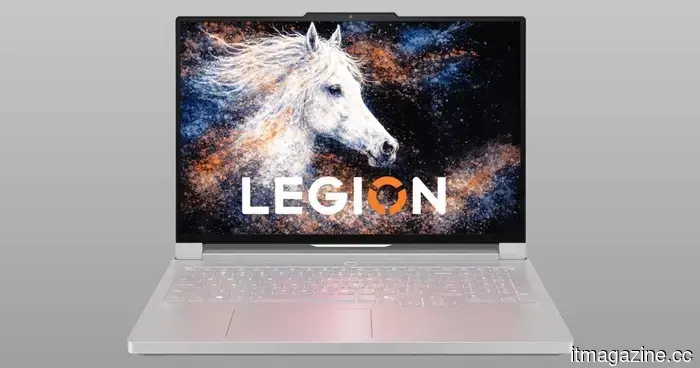 Lenovo's latest gaming laptop is the first to offer a 240Hz OLED display printed with inkjet technology.
Lenovo's latest Legion R9000P is the first laptop to incorporate an inkjet-printed OLED display, boasting a refresh rate of 240Hz and more than 99% coverage of the DCI-P3 color space.
Lenovo's latest gaming laptop is the first to offer a 240Hz OLED display printed with inkjet technology.
Lenovo's latest Legion R9000P is the first laptop to incorporate an inkjet-printed OLED display, boasting a refresh rate of 240Hz and more than 99% coverage of the DCI-P3 color space.
What Advantages Do Laser Printers Offer for Small Business Operations?
With quicker print speeds, reduced operating expenses, and integrated security features, laser printers are the top choice for small businesses that have high daily workflow demands.