
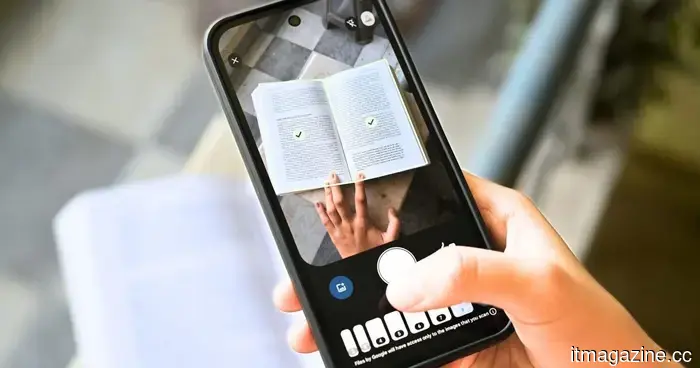
Google Drive can now scan your documents in batches and alleviate some of your other frustrations as well.
The automated scanning feature operates entirely on your device, ensuring that nothing is sent to Google’s servers.
Scanning documents on a mobile device has long been a frustrating task, particularly for Android users. Common issues include the need to scan page by page, capturing blurry images that go unnoticed until later, and inadvertently scanning the same page twice—these problems can be a hassle for everyday users.
Google Drive’s newly redesigned document scanner addresses all three of these issues simultaneously. Announced by Sameer Samat, President of the Android Ecosystem at Google, this feature is now being rolled out to Android users.
So, what are the new features in the Google Drive scanner?
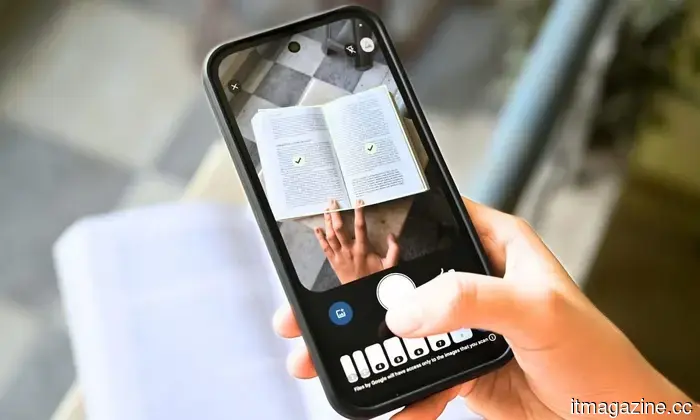
The most significant update is Smart Batch Scanning. Instead of pressing the capture button for each individual page, you can simply position your phone over multiple documents laid out on a surface, similar to recording a video.
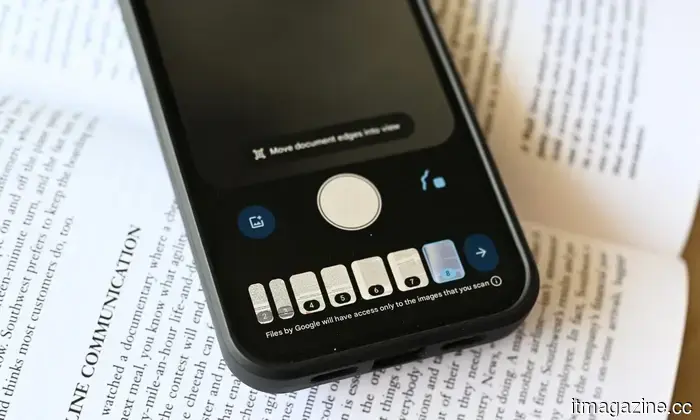
The tool automatically detects and separates each document into individual files. Additionally, there is a pause button that allows you to stop the auto-scanning feature during a session, along with a system file picker to include images you have previously captured.
In addition to batch scanning, you will benefit from Auto-Best Frame and Duplicate Detection. The former replaces any blurry images with the clearest frame obtained from your captures, while the latter identifies any pages that have been scanned twice and automatically omits them.
Scanning documents on a phone can be cumbersome! I'm pleased to see that the new document scanning feature in Google Drive for Android is now being released. 📄 Smart Batch Scanning: Scan multiple pages at once and automatically separates them into distinct documents.🚫 Duplicate Detection: Just hover… pic.twitter.com/Uqh2Zf2NMY— Sameer Samat (@ssamat) May 29, 2026
Is there a drawback?
The Google Drive scanner has also been updated with a new interface that replaces the old beaker icon in the top-right corner with a more streamlined Material 3 Expressive viewfinder. Since the feature is integrated within Google Play Services, it also functions in the Files by Google app, not just in Google Drive. However, there is a slight downside.
The entire automated scanning process takes place on the device, meaning it works offline and keeps your documents off Google’s servers. Due to the nature of on-device processing, it requires at least 8GB of RAM. Consequently, if your Android device does not meet this requirement, you will not have access to the feature.

Other articles
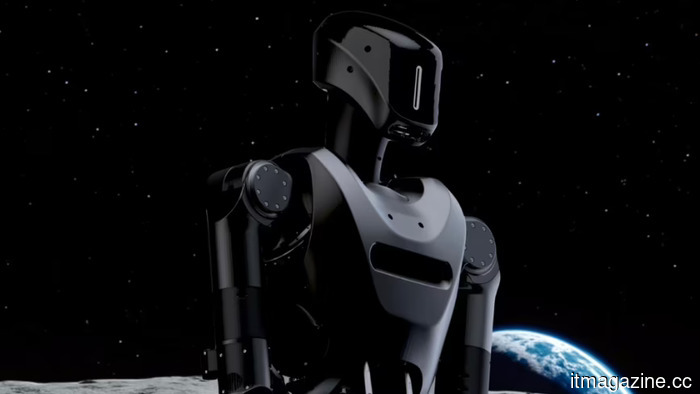 A startup advised by Eric Trump is conducting tests on humanoid robots in Ukraine, aiming to deploy them on US front lines within 18 months.
The Foundation dispatched two Phantom MK-1 robots to Ukraine for testing in logistics. It holds $24 million in contracts from the Pentagon. Senator Warren referred to the deal as "corruption."
A startup advised by Eric Trump is conducting tests on humanoid robots in Ukraine, aiming to deploy them on US front lines within 18 months.
The Foundation dispatched two Phantom MK-1 robots to Ukraine for testing in logistics. It holds $24 million in contracts from the Pentagon. Senator Warren referred to the deal as "corruption."
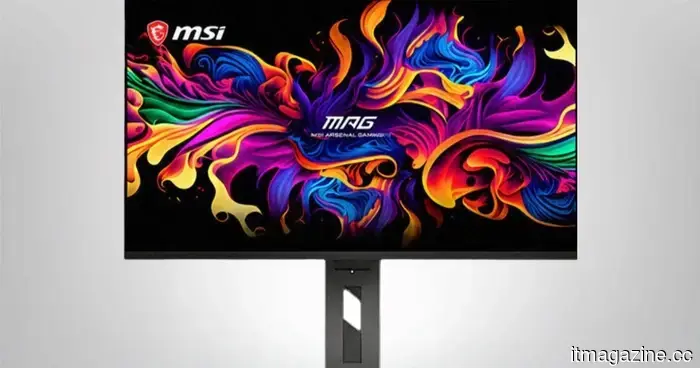 MSI’s Triple Mode OLED monitor is a highlight of Computex, and I truly can't wait to see it.
The MSI MPG OLED 322URDX36 is recognized as the world's first gaming monitor with Triple Mode capability, allowing transitions between 4K at 360Hz, 2K at 520Hz, and FHD at 680Hz.
MSI’s Triple Mode OLED monitor is a highlight of Computex, and I truly can't wait to see it.
The MSI MPG OLED 322URDX36 is recognized as the world's first gaming monitor with Triple Mode capability, allowing transitions between 4K at 360Hz, 2K at 520Hz, and FHD at 680Hz.
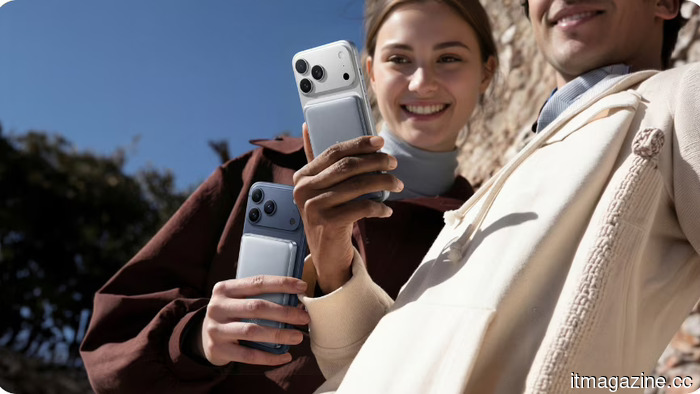 Your power bank is likely getting too hot, but TORRAS has solved that issue.
TORRAS's MiniMag Pro utilizes semi-solid-state battery technology adapted from the electric vehicle industry to address the most significant issue in portable charging: heat.
Your power bank is likely getting too hot, but TORRAS has solved that issue.
TORRAS's MiniMag Pro utilizes semi-solid-state battery technology adapted from the electric vehicle industry to address the most significant issue in portable charging: heat.
 Meta is developing an AI pendant and also intends to launch a business subscription service named Wearables for Work.
An internal memo indicates that Meta will begin testing the pendant next year, following its Limitless acquisition. Last quarter, Reality Labs reported a loss of $4 billion.
Meta is developing an AI pendant and also intends to launch a business subscription service named Wearables for Work.
An internal memo indicates that Meta will begin testing the pendant next year, following its Limitless acquisition. Last quarter, Reality Labs reported a loss of $4 billion.
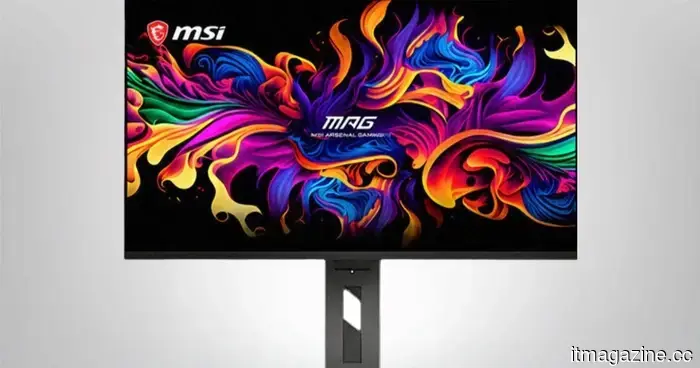 MSI's Triple Mode OLED monitor stole the show at Computex, and I truly can't wait to see it.
The MSI MPG OLED 322URDX36 is the first gaming monitor in the world to feature Triple Mode, allowing users to switch between 4K at 360Hz, 2K at 520Hz, and FHD at 680Hz.
MSI's Triple Mode OLED monitor stole the show at Computex, and I truly can't wait to see it.
The MSI MPG OLED 322URDX36 is the first gaming monitor in the world to feature Triple Mode, allowing users to switch between 4K at 360Hz, 2K at 520Hz, and FHD at 680Hz.
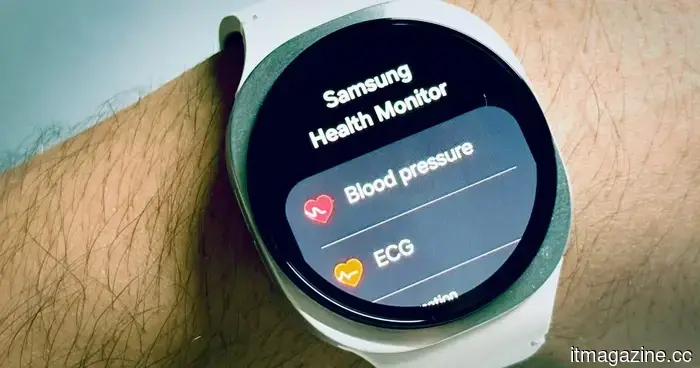 Samsung's Galaxy Watch is set to become significantly more intelligent in interpreting your health information.
Your Galaxy Watch may soon improve its ability to connect information. Samsung's upcoming update might transform the way you utilize your health data.
Samsung's Galaxy Watch is set to become significantly more intelligent in interpreting your health information.
Your Galaxy Watch may soon improve its ability to connect information. Samsung's upcoming update might transform the way you utilize your health data.
Google Drive can now scan your documents in batches and alleviate some of your other frustrations as well.
Google Drive's updated document scanner allows you to scan a stack of pages in a single smooth motion, automatically corrects blurry images, and omits duplicates.