
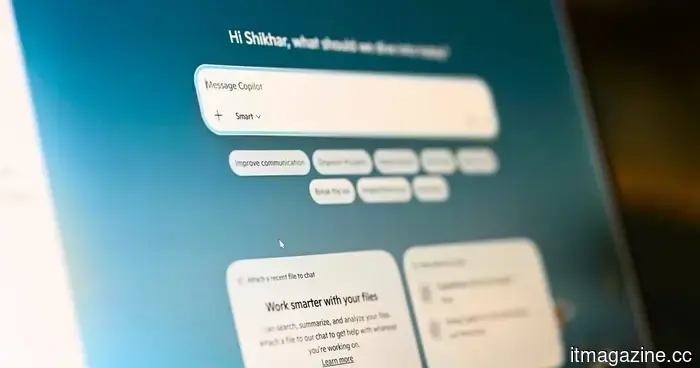
Copilot is receiving a sidebar feature for Windows 11, similar to what Gemini offers in Chrome.
Microsoft is reintroducing the original sidebar concept for Copilot in Windows 11, now with options to dock to the left or right and enhanced desktop integration.
Microsoft has modified Copilot for Windows 11 multiple times. However, its most recent design revisits a previously attempted concept: anchoring the AI assistant to the side of the screen, allowing constant access while using other applications.
Currently, Microsoft’s AI assistant opens as a separate app by default. But by hovering over a new dropdown menu in the title bar, users can access specific window snapping options to dock the assistant to either side of the screen (as reported by Windows Latest).
What is the updated Copilot sidebar?
While the snapping interface may seem similar to Windows 11’s Snap Layouts, it is distinct. Copilot has its own dedicated layout options, separate from the standard window snapping capabilities of the operating system.
It functions as a fixed sidebar that remains open during tasks, rather than a floating window requiring constant adjustment. For users who wish to keep the AI assistant visible but less intrusive, a picture-in-picture mode is also available.
When Copilot is docked, the system automatically adjusts other windows around it. For example, Windows 11 rearranges active apps to utilize the remaining screen area, and the desktop watermark moves to the opposite side.
Hasn’t Microsoft attempted this before?
Indeed, and that’s where it gets intriguing. The original version of Copilot was launched on Windows 11 as a sidebar next to applications, allowing users to pose questions about the content on-screen.
Subsequently, Microsoft abandoned this design in favor of a standalone app, which was eventually transformed into an Edge-based web wrapper. According to a report from Windows Latest, which highlighted the new docking feature, the initial sidebar version faltered because it relied completely on web technologies.
The new iteration provides users with significant control over placement, a feature that the original version lacked. While it remains unclear whether Copilot Vision will automatically trigger docking when activated, the docking feature is being gradually implemented.




Other articles
 Microsoft will finally allow you to remove Copilot.
The April 2026 update for Windows 11 introduces an official option to uninstall Copilot, following the fact that only 3.3% of eligible users decided to pay for it and after requests from administrators for removal controls.
Microsoft will finally allow you to remove Copilot.
The April 2026 update for Windows 11 introduces an official option to uninstall Copilot, following the fact that only 3.3% of eligible users decided to pay for it and after requests from administrators for removal controls.
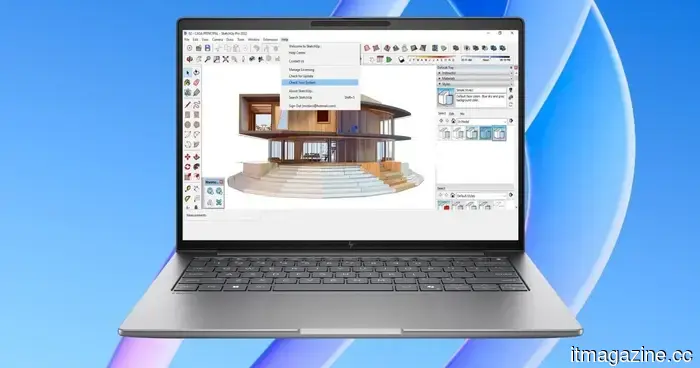 HP's latest ZBook workstations feature AI chips, Blackwell GPUs, and astonishingly high prices.
HP has introduced new ZBook workstation laptops equipped with Ryzen AI processors, high-quality displays, and advanced configurations designed for creators and professional users.
HP's latest ZBook workstations feature AI chips, Blackwell GPUs, and astonishingly high prices.
HP has introduced new ZBook workstation laptops equipped with Ryzen AI processors, high-quality displays, and advanced configurations designed for creators and professional users.
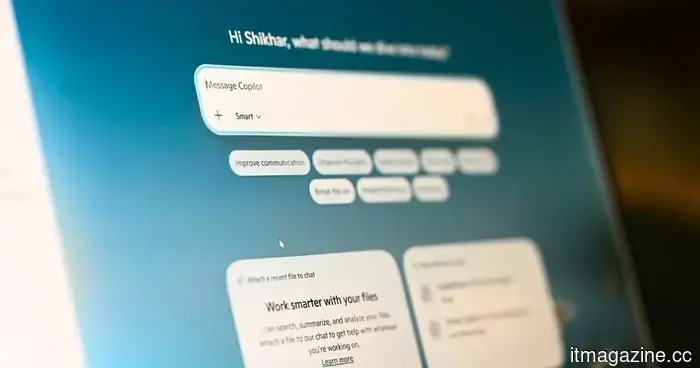 Copilot is receiving a sidebar design for Windows 11, similar to Gemini in Chrome.
Copilot is set to receive a dockable sidebar in Windows 11, functioning similarly to Gemini in Chrome, an approach that Microsoft previously attempted and abandoned.
Copilot is receiving a sidebar design for Windows 11, similar to Gemini in Chrome.
Copilot is set to receive a dockable sidebar in Windows 11, functioning similarly to Gemini in Chrome, an approach that Microsoft previously attempted and abandoned.
 Microsoft will allow users to remove the Copilot app as part of its ongoing cleanup for Windows 11.
The most recent update to Windows 11 from Microsoft brings new options for permanently eliminating Copilot via Group Policy, alterations to the Registry, and conventional uninstallation methods.
Microsoft will allow users to remove the Copilot app as part of its ongoing cleanup for Windows 11.
The most recent update to Windows 11 from Microsoft brings new options for permanently eliminating Copilot via Group Policy, alterations to the Registry, and conventional uninstallation methods.
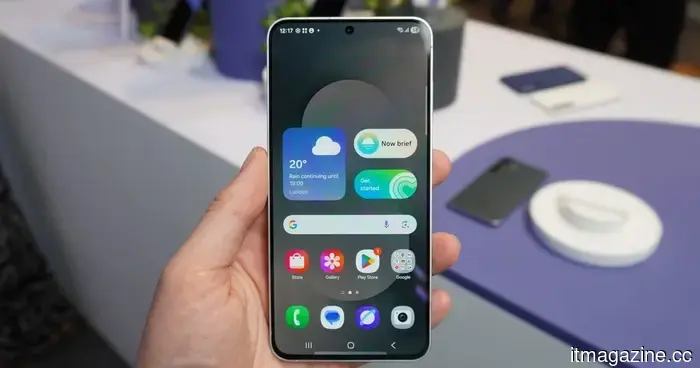 The upcoming budget flagship from Samsung has just been revealed, and here's a glimpse of its design.
Case renders for the Galaxy S26 FE have emerged online, showcasing its design and potential color choices several months before its anticipated release in October.
The upcoming budget flagship from Samsung has just been revealed, and here's a glimpse of its design.
Case renders for the Galaxy S26 FE have emerged online, showcasing its design and potential color choices several months before its anticipated release in October.
 Microsoft will indeed allow you to remove Copilot.
The April 2026 update for Windows 11 introduces an official option to uninstall Copilot, following the fact that only 3.3% of eligible users subscribed to it and administrators requested the ability to remove it.
Microsoft will indeed allow you to remove Copilot.
The April 2026 update for Windows 11 introduces an official option to uninstall Copilot, following the fact that only 3.3% of eligible users subscribed to it and administrators requested the ability to remove it.
Copilot is receiving a sidebar feature for Windows 11, similar to what Gemini offers in Chrome.
Copilot will feature a dockable sidebar in Windows 11, functioning similarly to Gemini in Chrome, a strategy that Microsoft previously attempted and then abandoned.