

Microsoft will allow users to remove the Copilot app as part of its ongoing cleanup for Windows 11.
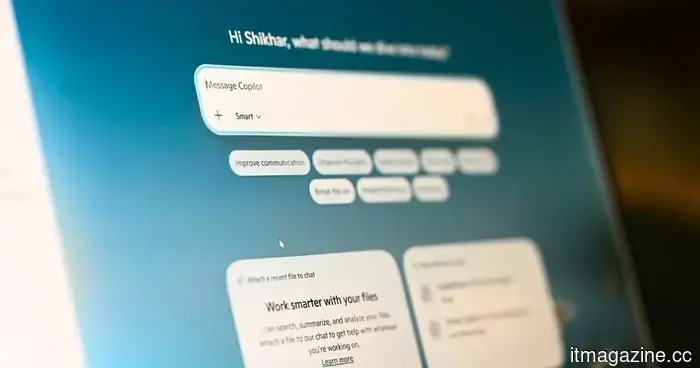
Microsoft seems to be moderating its assertive AI initiative in Windows 11 by simplifying the process for users and organizations to completely remove the Copilot app from their computers. This decision follows ongoing criticism from users who felt that Microsoft had integrated Copilot too deeply into Windows without granting sufficient control over the user experience.
As reported by Windows Latest, Microsoft has discreetly added a new Group Policy option in the Windows 11 April 2026 Update, which enables administrators to eliminate the Microsoft Copilot app system-wide. The policy, titled “Remove Microsoft Copilot app,” is located under User Configuration > Administrative Templates > Windows Components > Windows AI.
This change is significant because Copilot has become one of the most debated additions to Windows in recent years. Despite Microsoft's strong promotion of AI as the future of productivity in Windows, numerous users have voiced their concerns about forced integrations, performance issues, privacy matters, and the persistent reappearance of Copilot following major updates or fresh installations of Windows.
Microsoft is finally granting users more control.
In principle, Copilot has been removable just like any regular Windows application. Users can uninstall it via the Start menu or through Installed Apps settings. However, several users observed that the app sometimes reappeared after Windows updates or reinstallations, especially in managed environments.
The new Group Policy option seems aimed at resolving that issue more definitively, particularly for businesses and IT administrators who manage multiple PCs. Organizations can now configure Windows devices to automatically disable or remove Copilot across the entire organization, rather than uninstalling it on each individual machine.
Microsoft also appears to be expanding this policy to include Microsoft 365 Copilot integrations, indicating that the company recognizes not every workplace desires AI assistants enabled by default. While the policy itself isn’t officially available for Windows Home users, similar results can reportedly be achieved via the Registry Editor. By creating a new "WindowsAI" key and activating a "RemoveMicrosoftCopilotApp" value, users can compel Windows to eliminate both Copilot and Microsoft 365 Copilot apps after a system restart.
Advanced users can also utilize PowerShell to remove Copilot using Microsoft’s AppxPackage removal commands.
Why this is significant
The larger issue here centers around more than just removing a single app; it reflects Microsoft’s evolving AI strategy. Over the past two years, the company has integrated Copilot into nearly every aspect of Windows and Microsoft 365 to position AI as an essential computing experience.
However, the level of user adoption remains uncertain. Microsoft seldom shares specific usage statistics for Windows Copilot, leading to speculation that mainstream engagement might not be as robust as anticipated.
The pushback against AI integration has also intensified throughout the tech industry. Many users increasingly desire the option to select which AI tools operate on their devices rather than having them integrated into operating systems by default. By simplifying the process for removing Copilot, Microsoft seems to be recognizing that flexibility is as important as AI adoption itself.
What lies ahead
Microsoft is anticipated to continue broadening Copilot features across Windows 11 and future versions. The company remains heavily invested in AI through its partnership with OpenAI and broader AI initiatives for PCs.
At the same time, the new policy suggests that Microsoft may take a more cautious approach regarding how aggressively it implements AI features into Windows. For now, users who never wanted Copilot in the first place might finally have a more streamlined and reliable means to keep it off their PCs permanently.

Other articles
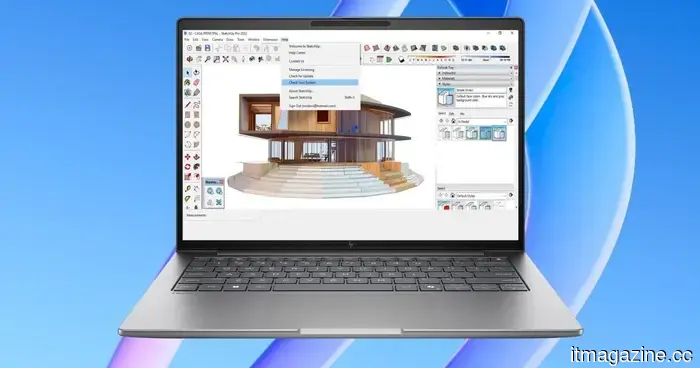 HP's latest ZBook workstations feature AI chips, Blackwell GPUs, and eye-popping price tags.
HP has introduced new ZBook workstation laptops that are equipped with Ryzen AI processors, high-quality displays, and top-tier configurations designed for creators and professional users.
HP's latest ZBook workstations feature AI chips, Blackwell GPUs, and eye-popping price tags.
HP has introduced new ZBook workstation laptops that are equipped with Ryzen AI processors, high-quality displays, and top-tier configurations designed for creators and professional users.
 Microsoft will indeed allow you to remove Copilot.
The April 2026 update for Windows 11 introduces an official option to uninstall Copilot, following the fact that only 3.3% of eligible users subscribed to it and administrators requested the ability to remove it.
Microsoft will indeed allow you to remove Copilot.
The April 2026 update for Windows 11 introduces an official option to uninstall Copilot, following the fact that only 3.3% of eligible users subscribed to it and administrators requested the ability to remove it.
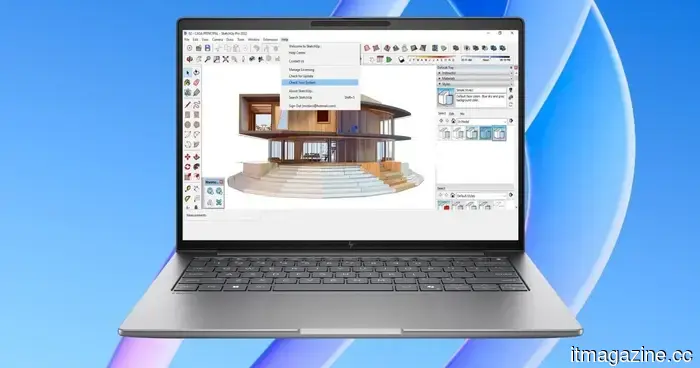 HP's latest ZBook workstations feature AI chips, Blackwell GPUs, and astonishingly high prices.
HP has introduced new ZBook workstation laptops equipped with Ryzen AI processors, high-quality displays, and advanced configurations designed for creators and professional users.
HP's latest ZBook workstations feature AI chips, Blackwell GPUs, and astonishingly high prices.
HP has introduced new ZBook workstation laptops equipped with Ryzen AI processors, high-quality displays, and advanced configurations designed for creators and professional users.
 Copilot is receiving a sidebar design for Windows 11, similar to Gemini in Chrome.
Copilot is set to receive a dockable sidebar in Windows 11, functioning similarly to Gemini in Chrome, an approach that Microsoft previously attempted and abandoned.
Copilot is receiving a sidebar design for Windows 11, similar to Gemini in Chrome.
Copilot is set to receive a dockable sidebar in Windows 11, functioning similarly to Gemini in Chrome, an approach that Microsoft previously attempted and abandoned.
 China allocates identification codes to over 28,000 humanoid robots.
China has introduced a national robot identification system that assigns a 29-character code to each humanoid robot, allowing it to be tracked from the factory to the scrapyard, with 28,000 robots already registered.
China allocates identification codes to over 28,000 humanoid robots.
China has introduced a national robot identification system that assigns a 29-character code to each humanoid robot, allowing it to be tracked from the factory to the scrapyard, with 28,000 robots already registered.
 China has issued ID codes to over 28,000 humanoid robots.
China implemented a national robot identification system that assigns a 29-character code to each humanoid robot, allowing for tracking from the factory to the scrapyard. So far, 28,000 robots have been registered.
China has issued ID codes to over 28,000 humanoid robots.
China implemented a national robot identification system that assigns a 29-character code to each humanoid robot, allowing for tracking from the factory to the scrapyard. So far, 28,000 robots have been registered.
Microsoft will allow users to remove the Copilot app as part of its ongoing cleanup for Windows 11.
The most recent update to Windows 11 from Microsoft brings new options for permanently eliminating Copilot via Group Policy, alterations to the Registry, and conventional uninstallation methods.