
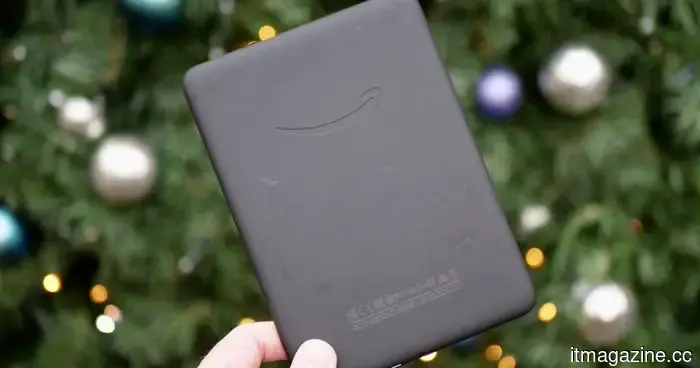
Your old Kindle will no longer be supported starting in May. Here’s how you can maintain its functionality.
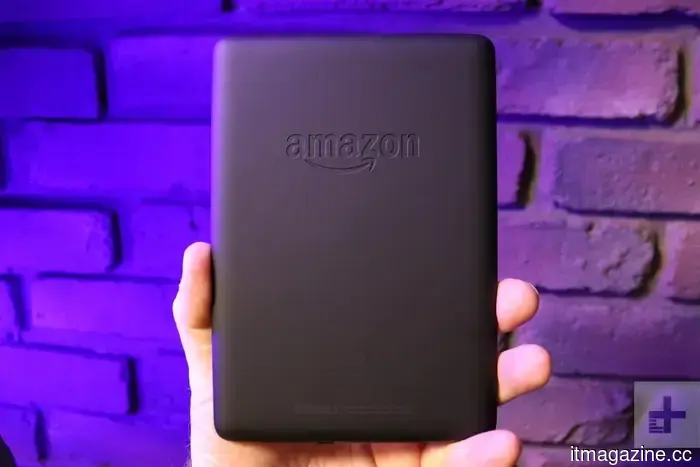
If you're still using a first-generation Kindle Paperwhite or an earlier Kindle model, I have some unfortunate news for you. Amazon will be discontinuing support for all Kindle e-readers released in 2012 or earlier, starting May 20, 2026.
There's quite a bit of uncertainty regarding what this entails, so as a dedicated Kindle reader, I set out to clarify exactly what will occur.
Here's what you can anticipate regarding the end of device support for your Kindle if it is affected.
Is your Kindle at risk?
Before you begin to worry, the first step is to check if your Kindle is included in the list of outdated devices. Amazon has published the list of affected Kindles on its support page, which includes:
- Kindle 1st Generation
- Kindle 2nd Generation
- Kindle DX
- Kindle DX Graphite
- Kindle Keyboard (3rd Generation)
- Kindle 4
- Kindle Touch
- Kindle 5
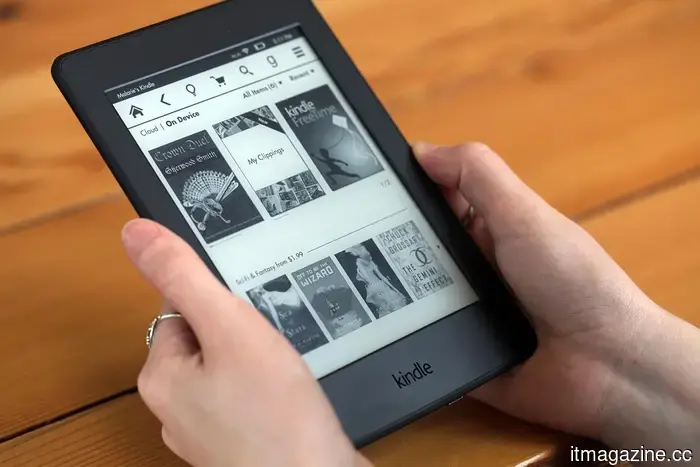
- Kindle Paperwhite 1st Generation
What will happen to your Kindle if it’s on this list
If your Kindle is on this list, here's what you can expect. After the May 20th deadline, these devices will no longer have access to Amazon’s services. This means that you won't be able to purchase, borrow, or download new books.
You also won’t be able to register the device to an Amazon account. So, if you have an old Kindle you plan to give to someone, make sure to register it to their account as soon as possible.
The aspect that concerns me more is the last point on Amazon’s support page. “If you deregister or factory reset an affected device, you won’t be able to reregister it or use the device in any way,” the page states.
While I understand the part about registering, it’s the “use the device in any way” that raises concerns. Kindle has traditionally permitted us to sideload DRM-free books, but it appears the company will effectively render the device unusable if someone attempts to remove the Amazon account and transfer it to another user after the deadline, which is troubling.
What happens to books you’ve already downloaded?
Here's a bit of positive news, to an extent. If you remain logged in and do not reset or deregister your device, you can still read anything that's downloaded on it. Your Amazon account, along with your entire Kindle library, will also remain accessible on other devices and apps.
The first priority should be downloading any books from your cloud library before the May 20 deadline. This will ensure you can access your current library on your Kindle.
Regarding the addition of new books to your Kindle library, there are a couple of options you can consider.
I’m not fond of the fix Amazon is suggesting
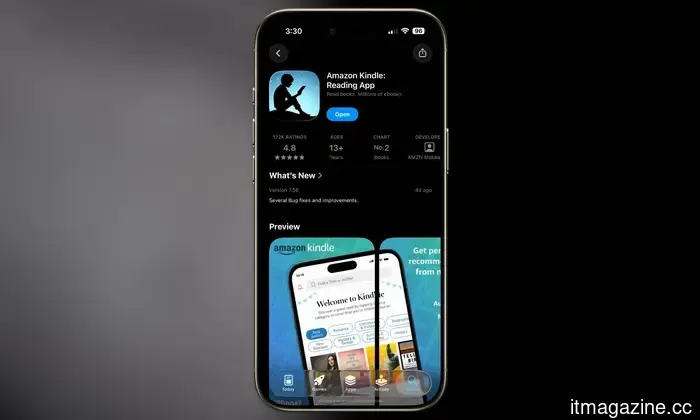
Let’s discuss the solution Amazon is proposing. The company claims you will still be able to download new books via the Kindle app. The free Kindle app is available on Android, iOS, Mac, and PC, providing access to your entire existing library and any new books you download.
However, is this truly a solution? Individuals purchase a Kindle for two main reasons. First, it simplifies the process of buying books and offers a vast selection compared to other platforms. Second, Kindle devices are effective e-readers at reasonable prices.
Removing the physical hardware makes Kindle similar to any other platform. If I have to read books on my phone or laptop, why would I continue buying them through Kindle rather than exploring other options?
What about sideloading books?
One feature that will remain available is the ability to transfer personal documents and DRM-free books via USB. You can still connect the old Kindle to your computer to manually move files. Therefore, if you possess a collection of your own files, that option will still be available.
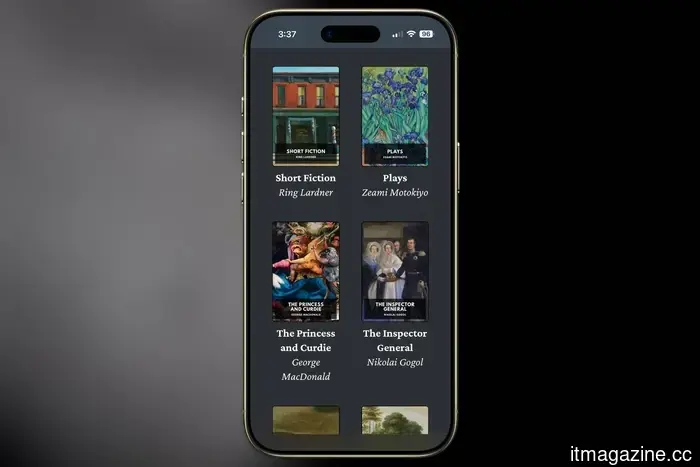
For those looking to build a library of free e-books, several excellent resources are available. Project Gutenberg offers over 70,000 free books, primarily classics. Standard Ebooks repackages those same public domain texts in a well-formatted style.
For DRM-free paid books, Humble Bundle frequently offers e-book bundles at significant discounts. Additionally, consider visiting your favorite authors’ websites, as some provide a way to purchase e-books directly, which you can then sideload onto your Kindle.
While I acknowledge these solutions are not ideal, it’s preferable to continue using the device rather than discarding it as electronic waste.
Should you consider getting a new Kindle?
Lastly, we arrive at a potential reason behind Amazon's decision to implement this policy. While offering support for nearly 14 to 18 years is commendable, Kindles are relatively simple devices.
They don’t require support for all the latest technologies. Amazon could have maintained their functionality with the existing features, but that would likely result in fewer people upgrading to new Kindles.
If your old Kindle is still operational, there’s no urgent need to rush. You can continue reading what's already on it or sideload books if you
Other articles
 Gmail on mobile now features end-to-end encryption to protect your emails from prying eyes.
Google's Gmail application on Android and iOS now offers end-to-end encryption for Workspace Enterprise Plus users, marking a substantial enhancement in mobile privacy by ensuring that encrypted email content is not stored on Google's servers.
Gmail on mobile now features end-to-end encryption to protect your emails from prying eyes.
Google's Gmail application on Android and iOS now offers end-to-end encryption for Workspace Enterprise Plus users, marking a substantial enhancement in mobile privacy by ensuring that encrypted email content is not stored on Google's servers.
 The unseen laborers of the influencer economy are the first to face the threat of AI.
AI is beginning to take the place of the often unseen global workforce of clippers, editors, and virtual assistants who assisted creators in generating "organic" reach on a large scale.
The unseen laborers of the influencer economy are the first to face the threat of AI.
AI is beginning to take the place of the often unseen global workforce of clippers, editors, and virtual assistants who assisted creators in generating "organic" reach on a large scale.
.jpg) Three underrated movies on Netflix to check out this weekend (April 10-12).
Seeking something unique for this weekend? These three overlooked Netflix films go beyond the typical suggestions, offering genuine emotion, dark narratives, and surprising humor that merit a place on your watchlist.
Three underrated movies on Netflix to check out this weekend (April 10-12).
Seeking something unique for this weekend? These three overlooked Netflix films go beyond the typical suggestions, offering genuine emotion, dark narratives, and surprising humor that merit a place on your watchlist.
 Gmail on mobile has introduced end-to-end encryption to protect your emails from prying eyes.
Google's Gmail application for Android and iOS now offers end-to-end encryption for users of Workspace Enterprise Plus, marking an important enhancement in mobile privacy that prevents encrypted email content from being stored on Google's servers.
Gmail on mobile has introduced end-to-end encryption to protect your emails from prying eyes.
Google's Gmail application for Android and iOS now offers end-to-end encryption for users of Workspace Enterprise Plus, marking an important enhancement in mobile privacy that prevents encrypted email content from being stored on Google's servers.
 YouTube Premium has just increased its prices, and there was no prior notice.
YouTube Premium prices are increasing for all plans. The individual plan will rise from $13.99 to $15.99, and the Student and Lite plans are also affected.
YouTube Premium has just increased its prices, and there was no prior notice.
YouTube Premium prices are increasing for all plans. The individual plan will rise from $13.99 to $15.99, and the Student and Lite plans are also affected.
 It's best not to rely on Meta’s new Muse Spark AI for health-related guidance.
Meta's latest Muse Spark AI prompts users to share their health data, yet it still generates unreliable and possibly harmful recommendations.
It's best not to rely on Meta’s new Muse Spark AI for health-related guidance.
Meta's latest Muse Spark AI prompts users to share their health data, yet it still generates unreliable and possibly harmful recommendations.
Your old Kindle will no longer be supported starting in May. Here’s how you can maintain its functionality.
Amazon will cease support for Kindle e-readers launched in 2012 or earlier, effective May 20, 2026. Here’s what you need to know and what actions to take before the deadline arrives.