

The most recent update for Windows 11 has turned into a risk for gamers.
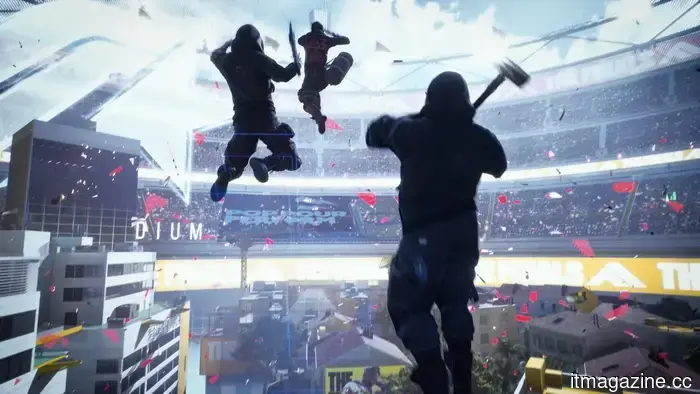
KB5121003 is causing The Finals to crash for some players, despite Microsoft not having listed any known issues with the update.
Windows 11's August update is proving problematic for certain gamers. While issues with Windows 11 updates are not new, KB5121003 has been associated with crashes in The Finals, prompting developer Embark to provide troubleshooting steps for those affected.
Embark identified the issue as stemming from inpoutx64.sys, a third-party driver that conflicts with the update. Their workaround involves eliminating the problematic driver while keeping KB5121003 installed, which is preferable to reverting the entire update.
This consideration is significant because KB5121003 also includes security patches. Microsoft’s support page continues to indicate that no known issues exist, despite Embark confirming at least one conflict related to gaming.
Which games are affected
The Finals currently shows the most clearly confirmed issue. Embark has stated that crashes began occurring following the release of KB5121003, and they have provided a temporary remedy while working on a more permanent solution.
Reports have also emerged regarding ARC Raiders, another game by Embark, in relation to the update. Windows Latest reported incidents of crashes and even complete system reboots, while Embark has acknowledged the matter via Discord.
Windows 11 has faced gaming-related issues post-updates before, but evidence for The Finals problem is stronger since Embark has made a public acknowledgment. However, it's wise to approach broader reports with caution until documented more formally by Microsoft or the developers.
Why uninstalling isn't preferable
While uninstalling a Windows 11 update can resolve significant issues, removing KB5121003 also eliminates the associated security fixes. Microsoft advises exploring other recovery options before uninstalling security updates.
Thus, Embark's specific workaround is the better initial step for players of The Finals who are impacted. It addresses the known driver conflict without the need to sacrifice the August security updates.
What should gamers do next
If your games are functioning normally, there is little reason to proactively remove KB5121003. The confirmed issue is relatively specific, and there is no evidence to suggest that every gaming PC will experience problems. For those looking to enhance performance rather than resolve a crash, there are safer methods to optimize Windows 11 for gaming.
For those experiencing crashes in The Finals, it is advisable to start with Embark's workaround and stay alert for a permanent fix. Uninstalling KB5121003 should be viewed as a last resort, especially since doing so would mean losing valuable security patches.
Paulo Vargas is an English major-turned-reporter-turned-technical writer, with a career that has perpetually circled back to…
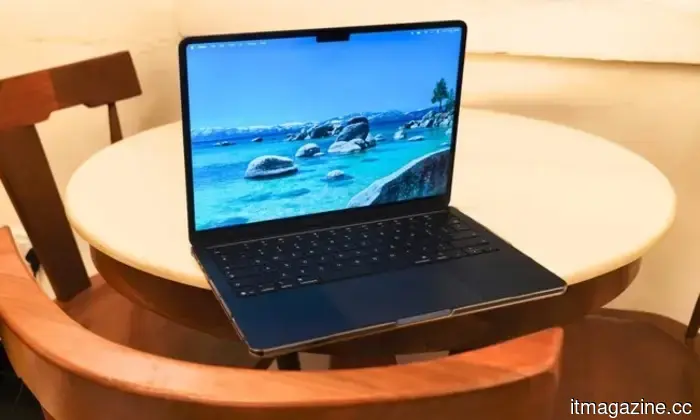
I’ve been using a Mac for quite some time, and throughout the years, I’ve become adept at diagnosing issues when something feels off. Usually, I begin in the Settings app, explore various options, make adjustments, and typically identify the source of the problem. Storage issues are a prime example; I recently noticed my Mac lagging, checked the Storage section, and immediately got a clear overview of what was consuming space. After cleaning up, I freed up a significant amount of storage, and everything felt normal again. I’ve done similar troubleshooting for battery drains or unusually high CPU usage. macOS offers plenty of areas to investigate when something seems amiss.
However, one aspect it doesn't highlight clearly is where all your internet data is actually being used. My concern about this issue arose after my internet began acting oddly over the past few days. Everything seemed slower than usual, but I couldn’t pinpoint the reason. My connection appeared stable, and I wasn’t downloading anything substantial, so I wondered what was consuming so much bandwidth. It turned out that several apps on my Mac were using the internet in the background without my knowledge. I probably wouldn’t have uncovered this if not for discovering a Mac app that revealed exactly what was happening behind the scenes. That’s when things started to get interesting.
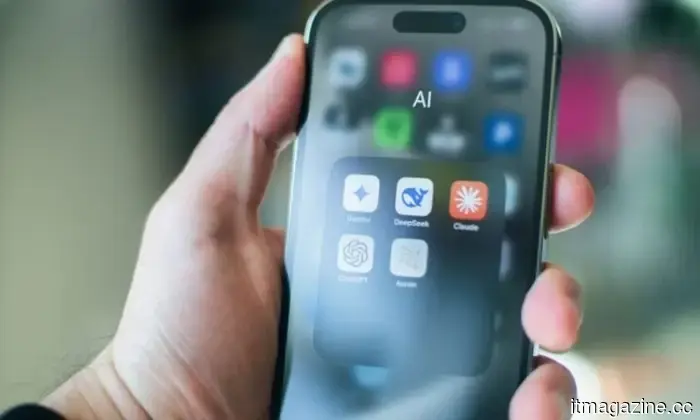
Researchers reveal a disturbingly simple method to make AI bots behave erratically and bypass safety measures.
If you ask an AI to hack into an account, it will undoubtedly refuse, but researchers at EPFL have demonstrated an easier approach that involves patience instead of technical expertise. Their recent study indicates that breaking down a harmful goal into small, seemingly innocuous requests can deceive AI agents into performing tasks they would typically reject (via TechXplore). This reflects a recent 'Bioshocking' exploit, where AI browsers were manipulated into viewing credential theft as part of a harmless game.
[Update] Googlebook finally announces a launch date, and it’s sooner than anticipated.
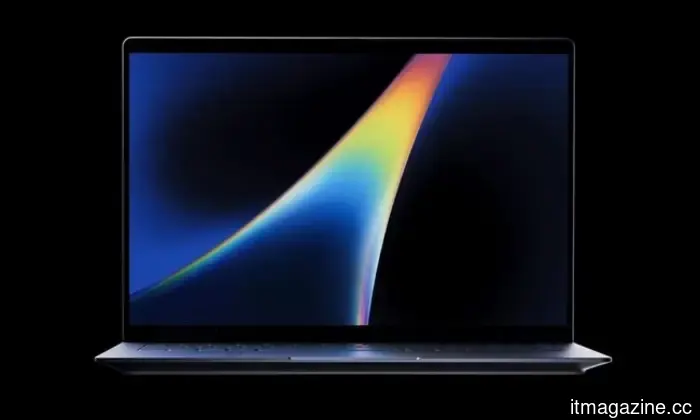
Googlebook has scheduled a showcase on September 15, featuring Gemini, Android, and new laptops.
Update: Google has clarified details regarding the event. Here is the statement: "Nothing will be announced on September 15; that is simply the date of the embargoed event."
The initial story remains as follows.



Other articles
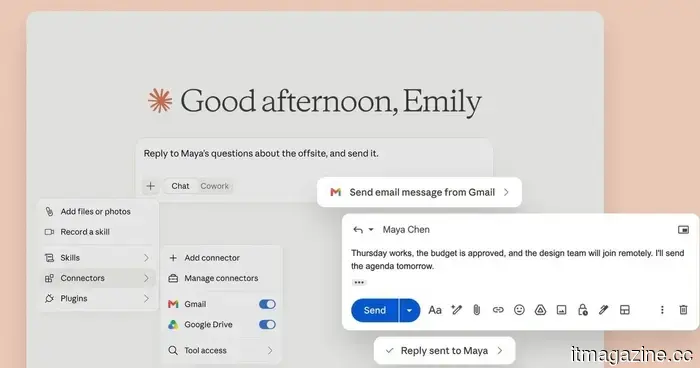 Claude is now able to respond to and send Gmail messages on your behalf.
Claude is now able to send, reply to, and forward Gmail messages without needing approval each time, allowing users greater control over the level of autonomy granted to the AI.
Claude is now able to respond to and send Gmail messages on your behalf.
Claude is now able to send, reply to, and forward Gmail messages without needing approval each time, allowing users greater control over the level of autonomy granted to the AI.
 The most affordable laptop from Framework is now focused on competing with the MacBook Neo.
The modular Laptop 12 from Framework has been updated with Intel Core Series 3 processors, Thunderbolt 4, Wi-Fi 7, and enhanced battery life, with a starting price of $699 for the prebuilt model.
The most affordable laptop from Framework is now focused on competing with the MacBook Neo.
The modular Laptop 12 from Framework has been updated with Intel Core Series 3 processors, Thunderbolt 4, Wi-Fi 7, and enhanced battery life, with a starting price of $699 for the prebuilt model.
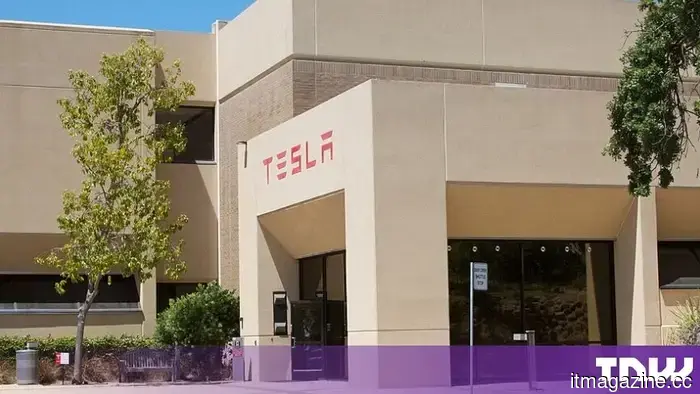 Tesla requested 5,000 robotaxis from Las Vegas, but Nevada approved only 10.
Tesla requested permission from Nevada for as many as 5,000 robotaxis in Las Vegas. The regulatory body approved only 10, set a maximum speed limit of 45 mph, and prohibited pickups at the airport.
Tesla requested 5,000 robotaxis from Las Vegas, but Nevada approved only 10.
Tesla requested permission from Nevada for as many as 5,000 robotaxis in Las Vegas. The regulatory body approved only 10, set a maximum speed limit of 45 mph, and prohibited pickups at the airport.
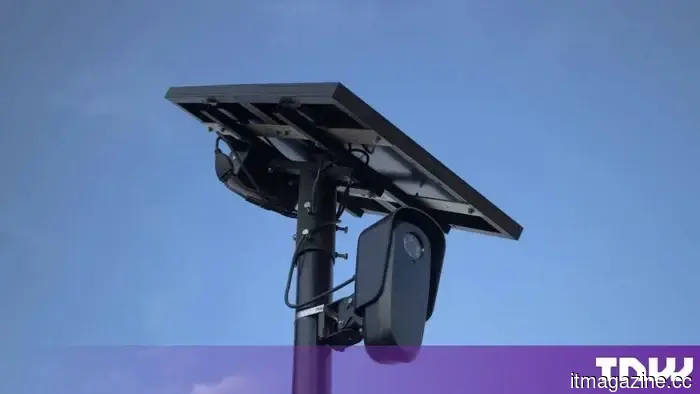 Flock developed an AI tool that allows law enforcement to identify individuals based on their driving behavior.
A WIRED investigation reveals that Flock's AI tool OS Investigate enables law enforcement to track individuals based on their movements without requiring a license plate, name, or any criminal activity.
Flock developed an AI tool that allows law enforcement to identify individuals based on their driving behavior.
A WIRED investigation reveals that Flock's AI tool OS Investigate enables law enforcement to track individuals based on their movements without requiring a license plate, name, or any criminal activity.
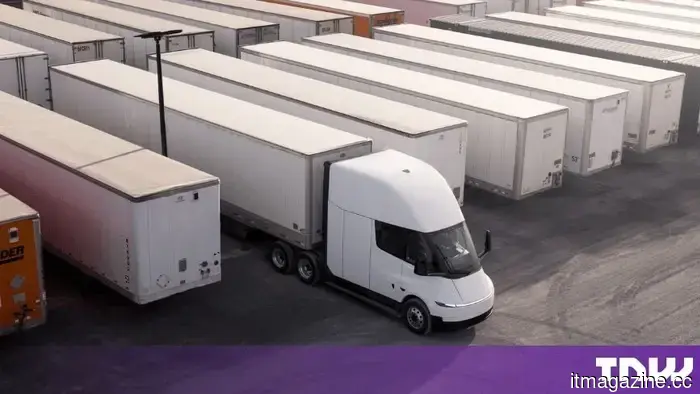 Einride erwirbt 500 Tesla Semis, und Amazon besitzt einen Anteil an dem Käufer.
Einride wird 500 Tesla Semis für Amazon und andere Unternehmen bereitstellen, was die größte Bestellung dieser Art darstellt. SEC-Unterlagen zeigen, dass Amazon Warrants für etwa 12% von Einride hält.
Einride erwirbt 500 Tesla Semis, und Amazon besitzt einen Anteil an dem Käufer.
Einride wird 500 Tesla Semis für Amazon und andere Unternehmen bereitstellen, was die größte Bestellung dieser Art darstellt. SEC-Unterlagen zeigen, dass Amazon Warrants für etwa 12% von Einride hält.
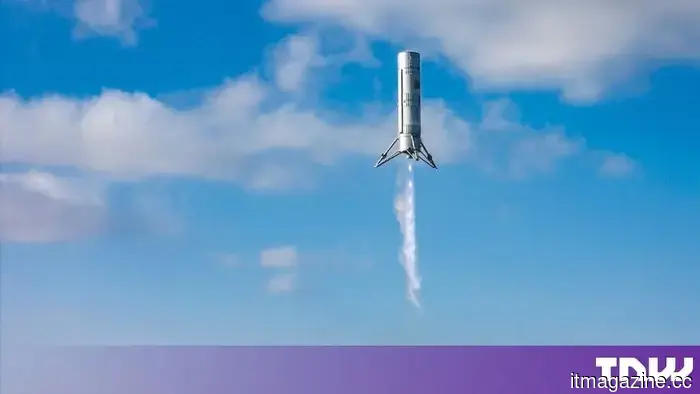 China successfully lands a rocket booster on the ground for the first time.
China's LandSpace successfully landed the first stage of its Zhuque-3 rocket on solid ground, marking a national milestone that reduces the gap between the US and SpaceX in the realm of reusable rockets.
China successfully lands a rocket booster on the ground for the first time.
China's LandSpace successfully landed the first stage of its Zhuque-3 rocket on solid ground, marking a national milestone that reduces the gap between the US and SpaceX in the realm of reusable rockets.
The most recent update for Windows 11 has turned into a risk for gamers.
The Windows 11 update KB5121003 is reportedly causing crashes in The Finals, leading affected players to consider the trade-off between stability and security, despite Microsoft indicating that there are no known issues with the update.