
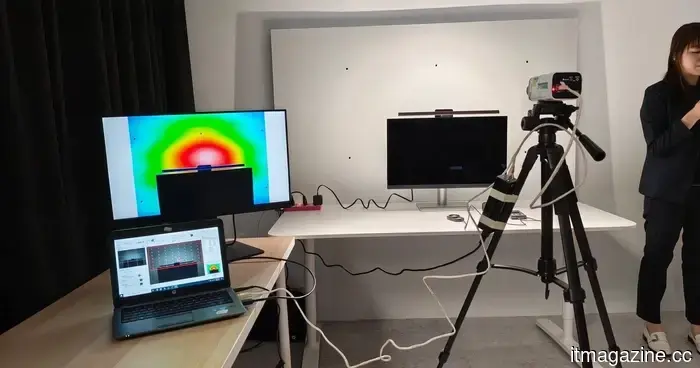
I visited BenQ's lighting lab, and now my desk arrangement seems off.
I have always regarded desk lighting as an afterthought. Until recently, I had no idea how significant a proper lighting setup could be. If the room was too dark, I would simply turn on a lamp. Working in a poorly lit space? Just reduce the screen brightness. And when my eyes felt tired after hours of writing, gaming, or editing, it was easy to blame the monitor I was looking at.
Then I visited BenQ’s lighting lab in Taiwan during Computex 2026, and my entire desk setup began to seem rather lazy. Interestingly, I had never seen monitor light bars as essential equipment. Perhaps you've noticed those impeccably arranged desktop setups online—one without a bulky lamp base, just a sleek light bar above the monitor casting a stylish glow. It conveys a very specific image of a workstation used by certain creative professionals.
However, I didn’t think of them as addressing a real issue. But BenQ does. Their ScreenBar line is based on a straightforward concept: your monitor isn’t the only element your eyes have to contend with. The screen’s brightness, the surrounding darkness, glare on the panel, and inconsistent lighting on your desk—every aspect is important! When explained suitably in a lab setting, the usual solution of “just put a light lamp” quickly comes across as inadequate.
The problem was present throughout my room, not solely around my monitor.
What struck me was that poor desk lighting doesn’t always appear bad. My home setup is functional enough—simple, efficient, sufficient for my needs. But therein lies the problem; "sufficient" was doing a lot of heavy lifting. Touring BenQ’s lab made it clear that numerous other issues exist, including contrast. A bright monitor in a dim room forces your eyes to continually adjust between the screen and its surroundings. While a typical desk lamp can alleviate some darkness, it may also introduce glare, uneven lighting, intense reflections, or harsh shadows.
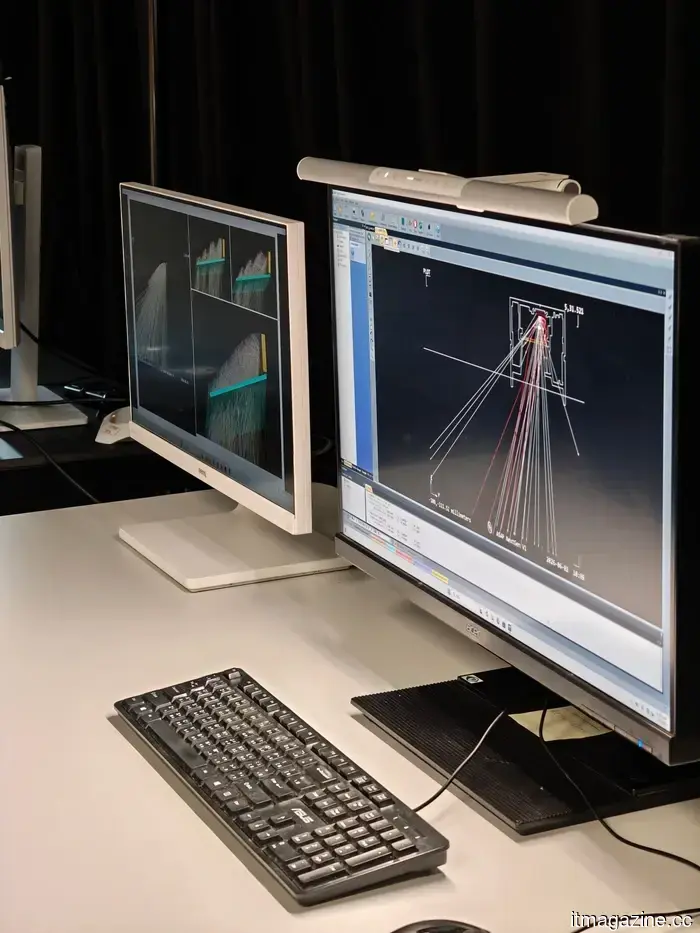
BenQ’s solution with the ScreenBar Halo 2 is much more thoughtful. This light rests on top of the monitor and uses asymmetric lighting to illuminate the desk without overwhelming the screen. The rear light softens the contrast between the display and the wall behind it, making the entire screen environment easier on your eyes rather than just aesthetically improving your desk setup.
The ScreenBar Halo 2 is a modern solution.
Initially, the ScreenBar Halo 2 seemed overly engineered until I grasped the reasoning behind its design. It includes front lighting for the desk, rear illumination for the area behind the monitor, adjustable brightness and color temperature, and a wireless controller to avoid awkward button placement above the screen. For many, a lamp illuminating the desk seems like a straightforward solution. However, I don’t want that light reflecting off the monitor or interfering with my view of the screen.
BenQ’s approach is more considered. It’s a tool crafted by individuals attentive to minutiae, addressing the subtle problems one might face. This isn't merely a stylish accessory or add-on.
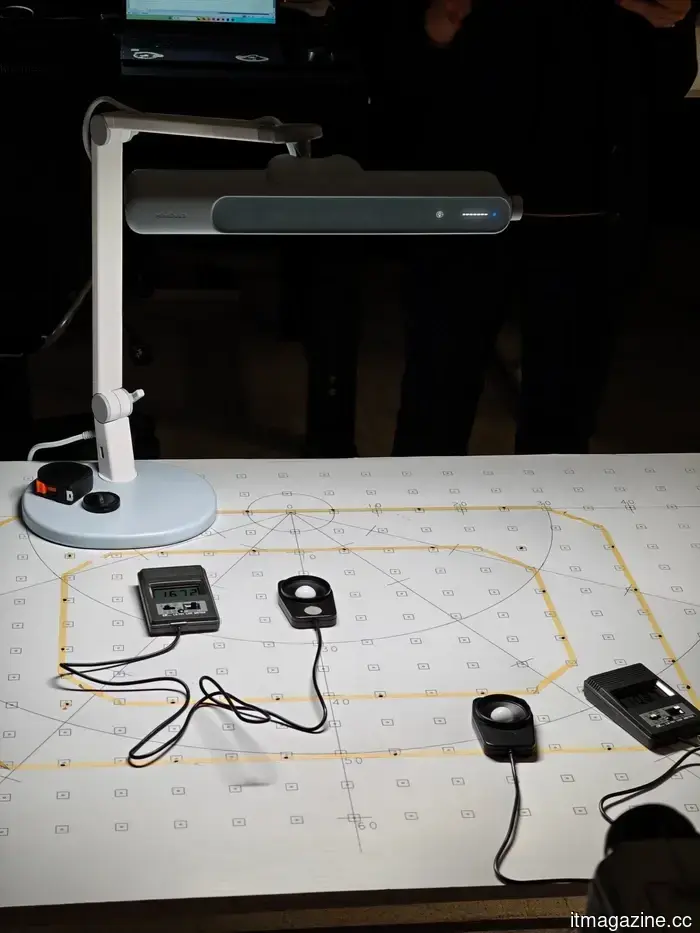
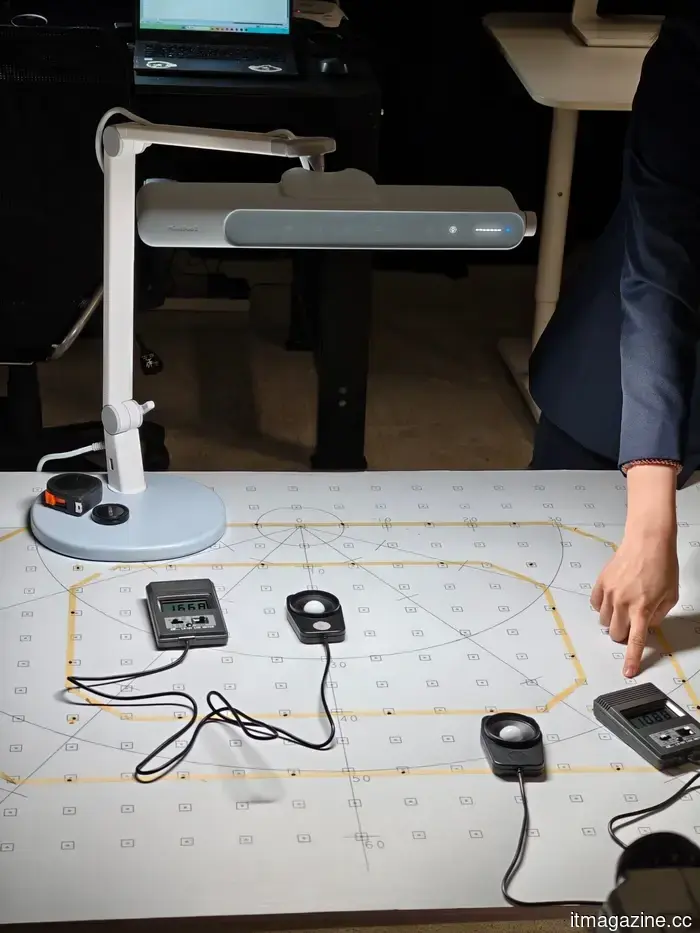
One example is BenQ’s ASYM-Light optical design, which employs an asymmetrical reflector to direct light forward onto the desk, rather than straight down onto the display, thus illuminating the workspace while reducing screen glare. BenQ also invests significant effort in tuning beam angles and light distribution, ensuring that the center of the desk isn’t overly bright while the edges remain in shadow.
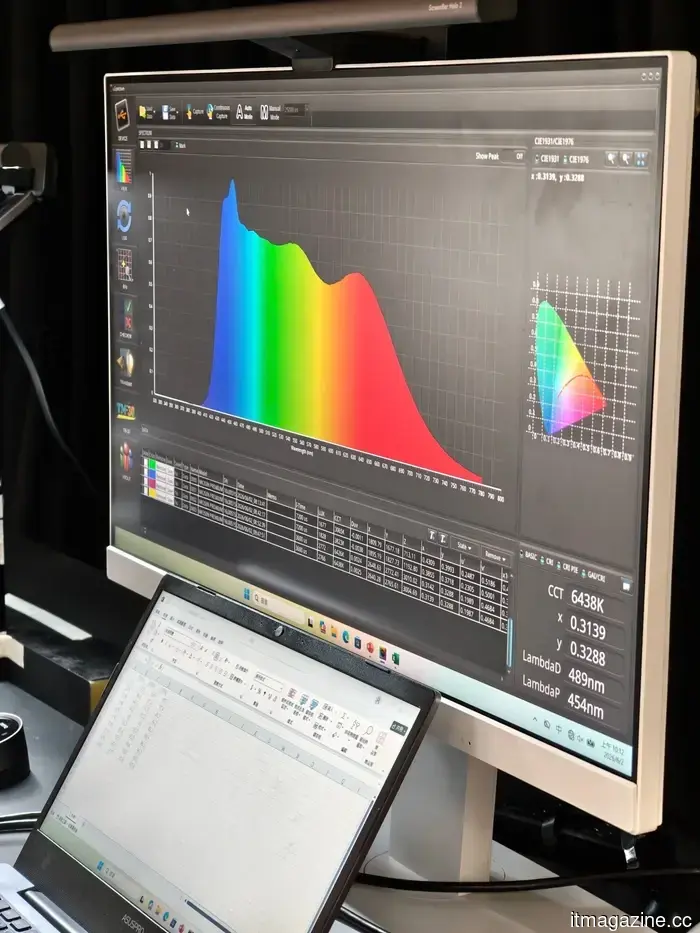
During the lab tour, engineers showcased how they measure illuminance across various desk zones to achieve more consistent coverage. Other technical aspects are often easy to overlook. BenQ assesses color rendering performance so that objects on the desk appear natural instead of washed out, and they test for flicker and visual comfort during prolonged use. Though these details may not feature in flashy marketing, collectively they clarify the necessity of a monitor light once you experience one.
The best lighting seamlessly integrates into your routine.
This became even clearer during my discussion with JC Pan, Head of Digital Lifestyle Product Business Unit at BenQ. Pan shared that he typically tests new ScreenBar prototypes at his own desk for about two weeks. But when engineers take the prototype away for further testing, he remarked that the absence of light becomes immediately obvious. The comfort vanishes and the desk suddenly feels off. Regaining your focus becomes more challenging. This aspect is difficult to articulate in specifications.
It’s lighting that appreciates context. Your work routine in the morning differs from how you use your desk at night. You may be deeply engaged in writing or editing during the day, then watching YouTube, gaming, or participating in a video call later. Pan envisions lighting that adapts naturally to your day, adjusting brightness, color temperature, and distribution based on your current activity.
This also connects to BenQ's broader display initiatives. For designers and creators, lighting is not just about comfort; it can impact how colors appear next to what is shown on a calibrated monitor. If you're matching a fabric sample with a digital design, dragging your monitor to a window

Other articles
 A humanoid robot ascended a volcano, aided by some very human assistance.
A humanoid robot called Pemba made it to the summit of Ecuador's Chimborazo, but the ascent also highlighted the limitations of robot autonomy, particularly when humans needed to transport it over more challenging terrain.
A humanoid robot ascended a volcano, aided by some very human assistance.
A humanoid robot called Pemba made it to the summit of Ecuador's Chimborazo, but the ascent also highlighted the limitations of robot autonomy, particularly when humans needed to transport it over more challenging terrain.
 Rivian launches R2 deliveries, viewing the declining US EV market as a chance for growth.
On Tuesday, Rivian began delivering R2 SUVs to customers, aiming for 20,000 to 25,000 deliveries by the end of the year, as there are fewer new electric vehicles competing in a challenging US market.
Rivian launches R2 deliveries, viewing the declining US EV market as a chance for growth.
On Tuesday, Rivian began delivering R2 SUVs to customers, aiming for 20,000 to 25,000 deliveries by the end of the year, as there are fewer new electric vehicles competing in a challenging US market.
 Netherlands broadens investment scrutiny to include AI and biotechnology.
Starting in January 2027, the Netherlands will incorporate AI, biotechnology, nanotechnology, and three additional sectors into its investment screening process, impacting hundreds of companies following the Nexperia incident.
Netherlands broadens investment scrutiny to include AI and biotechnology.
Starting in January 2027, the Netherlands will incorporate AI, biotechnology, nanotechnology, and three additional sectors into its investment screening process, impacting hundreds of companies following the Nexperia incident.
 The EU has instructed Meta to reinstate access to its WhatsApp AI competitor within five days.
The EU instructed Meta to reinstate WhatsApp access for competing AI assistants within five days. Meta plans to appeal this decision. Potential fines could amount to 10% of its global revenue, and no deadline for the investigation has been established.
The EU has instructed Meta to reinstate access to its WhatsApp AI competitor within five days.
The EU instructed Meta to reinstate WhatsApp access for competing AI assistants within five days. Meta plans to appeal this decision. Potential fines could amount to 10% of its global revenue, and no deadline for the investigation has been established.
 Rivian starts R2 deliveries, viewing the contracting US EV market as a chance for growth.
On Tuesday, Rivian began delivering R2 SUVs to customers, aiming for 20,000 to 25,000 deliveries by the end of the year amidst a challenging US market with fewer new EV competitors.
Rivian starts R2 deliveries, viewing the contracting US EV market as a chance for growth.
On Tuesday, Rivian began delivering R2 SUVs to customers, aiming for 20,000 to 25,000 deliveries by the end of the year amidst a challenging US market with fewer new EV competitors.
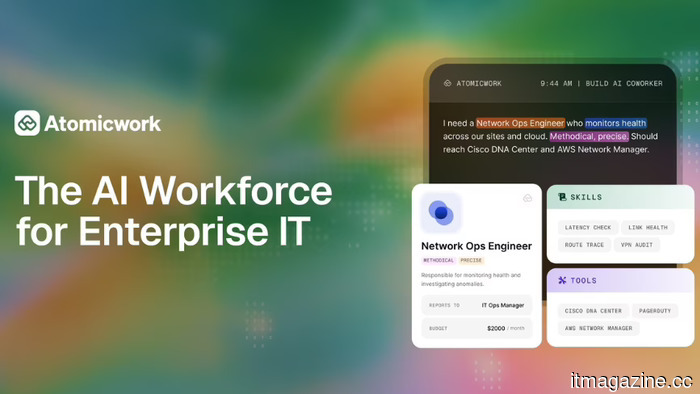 Atomicwork introduces a regulated AI workforce for enterprise IT.
Atomicwork has introduced AI agents for enterprise IT, featuring specific roles, spending limits, and audit trails. The company was established by former employees of Freshworks. Customer data remains confidential. They have raised $40.3 million.
Atomicwork introduces a regulated AI workforce for enterprise IT.
Atomicwork has introduced AI agents for enterprise IT, featuring specific roles, spending limits, and audit trails. The company was established by former employees of Freshworks. Customer data remains confidential. They have raised $40.3 million.
I visited BenQ's lighting lab, and now my desk arrangement seems off.
After observing BenQ's approach to monitor lighting, glare, and desk comfort, my typical desk arrangement suddenly felt like the complacent option I had settled for over the years.