
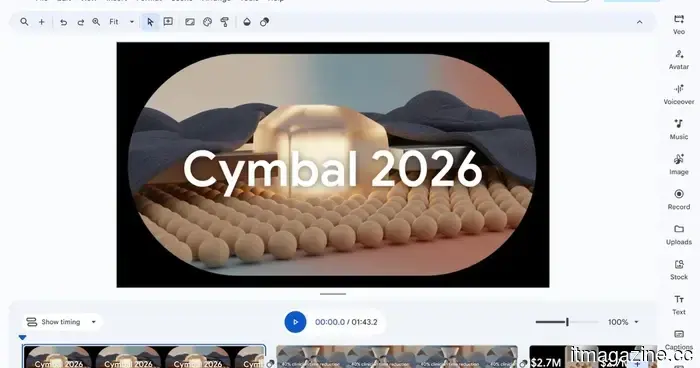
Google Vids now allows you to convert Docs, PDFs, and Word documents into video summaries.
Google has introduced an AI narrator and script for your most tedious documents, meaning you no longer need to open the PDF directly.
If your role requires sifting through meeting notes or training PDFs for extended periods daily, Google has provided a solution that saves time and makes reviewing documents less tedious.
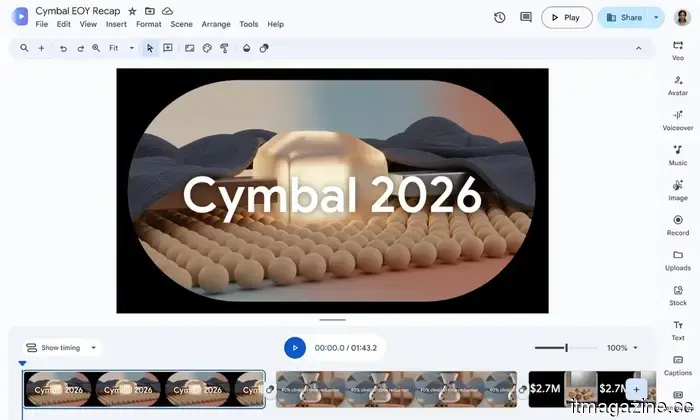
Google Vids can now transform your documents—including PDFs, Word files, and Google Docs—into a video summary narrated by AI, complete with curated visuals.
So, what does the new Docs to Video feature entail?
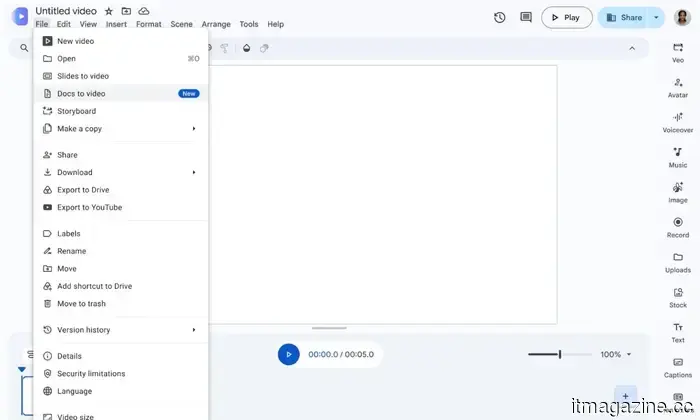
There’s a new Docs to Video option in the Vids’ File menu. It allows you to import a document directly from your Drive or computer. The AI then scans the document, creates a script highlighting key points, and adds voice narration.
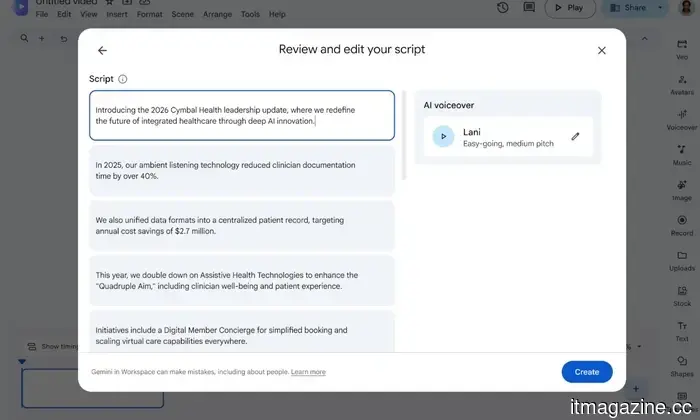
Before finalizing the tool, you can review the script, modify certain sections, or choose a different narrator's voice. Once everything is set, Vids uses AI to combine it all with generated visuals and backgrounds. If this sounds familiar, it's because Google’s NotebookLM offers similar capabilities.
As someone who routinely processes various press releases, presentations, and emails, I can envision many people quickly adapting to this feature. The primary advantage is the ability to bypass reading entirely, whether for meeting notes or instructional material that is often neglected. Additionally, the combination of visuals and voiceover makes the experience significantly less dull.
When will you be able to use this feature, and is it operational?
Despite its promising nature, there's a limitation: it's exclusively accessible to Google AI Plus, Pro, or Ultra users, along with those on Business, Enterprise, and Education plans. The rollout will vary based on account type.
While users in Google’s Rapid Release domains have current access, those in Scheduled Release domains will receive access over the next two weeks, starting from September 5, 2026.
While investigating this feature, I found that AndroidAuthority's test encountered an issue, stopping at the script generation stage and facing repeated errors when attempting to render the video. This is common for newly launched multimodal AI features trying to execute multiple tasks at once, so don't be alarmed if it doesn't work perfectly on the initial try.
For more than five years, Shikhar has been effectively clarifying advancements in consumer tech…
Meta asserts its new AI model can finally rival OpenAI and Anthropic
This model enhances coding capabilities and task efficiency as Meta aims to bridge the AI gap.
Meta has unveiled its most robust AI model to date, claiming it can now compete with leading players in the AI sector. Developers can access and purchase Muse Spark 1.3, the latest version of Meta's primary model. It will soon be integrated into various Meta applications, including Instagram, Facebook, and Meta AI, in the upcoming weeks.
How effective is Meta's new AI model?
Claude can now operate your computer while you focus on other tasks
The latest update allows Claude to execute tasks in the background while you continue using your PC.
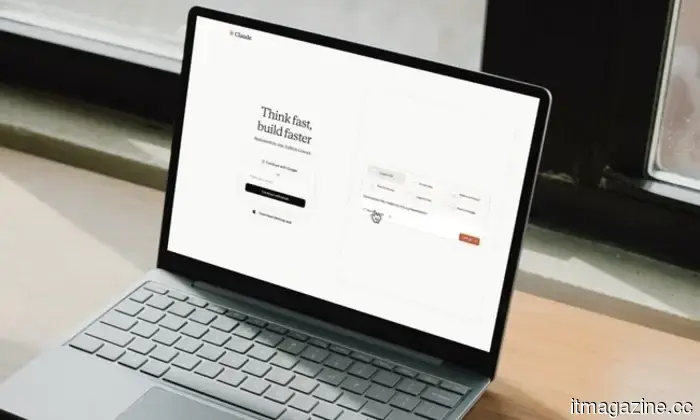
Anthropic has just launched a practical update. With Claude Cowork and Claude Code, Claude can now work in the background on your Mac, performing clicks, typing, and opening applications while you engage in other activities.
How does Claude manage background tasks without taking over my screen?
Google’s AI Mode displays higher prices than standard Search, study suggests
A recent study claims that items listed in AI Mode are, on average, 21.6% more expensive.
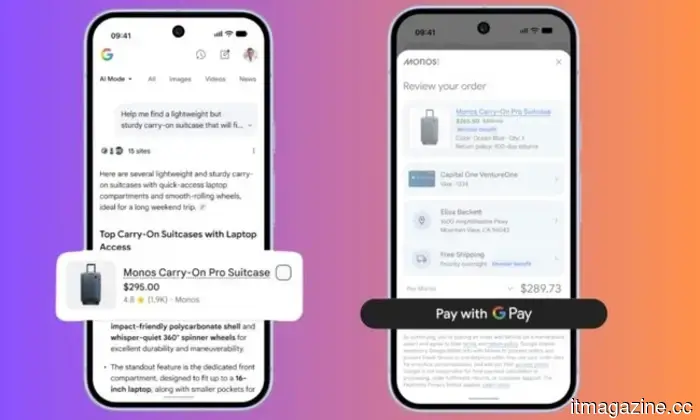
If you have been relying on Google's AI Mode for shopping assistance, you may want to recheck those prices. Researchers at Product Rise discovered that identical products shown in both AI Mode and traditional Google Search had an average price increase of 21.6% in the AI-driven experience.

Other articles
 Request an Uber, and a self-driving Mustang could arrive.
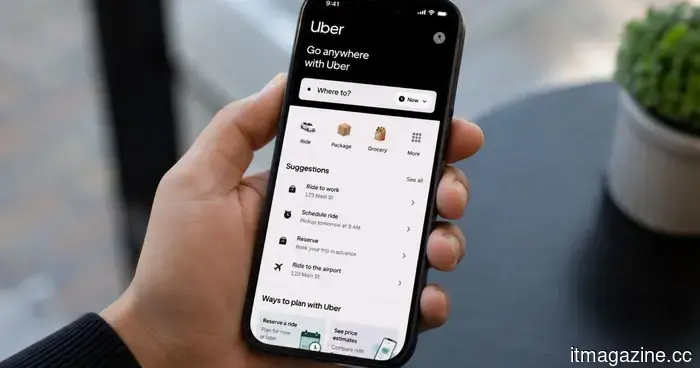
Londoners can now receive something unique when they request an Uber: a self-driving Ford Mustang Mach-E. Additionally, there is no extra charge for this experience.
Request an Uber, and a self-driving Mustang could arrive.
Londoners can now receive something unique when they request an Uber: a self-driving Ford Mustang Mach-E. Additionally, there is no extra charge for this experience.
 Meta claims that its latest AI model is now capable of competing with those from OpenAI and Anthropic.
Meta has just launched Muse Spark 1.3, its strongest AI model to date, and as reported by Bloomberg, the company claims it is now capable of competing with OpenAI and Anthropic.
Meta claims that its latest AI model is now capable of competing with those from OpenAI and Anthropic.
Meta has just launched Muse Spark 1.3, its strongest AI model to date, and as reported by Bloomberg, the company claims it is now capable of competing with OpenAI and Anthropic.
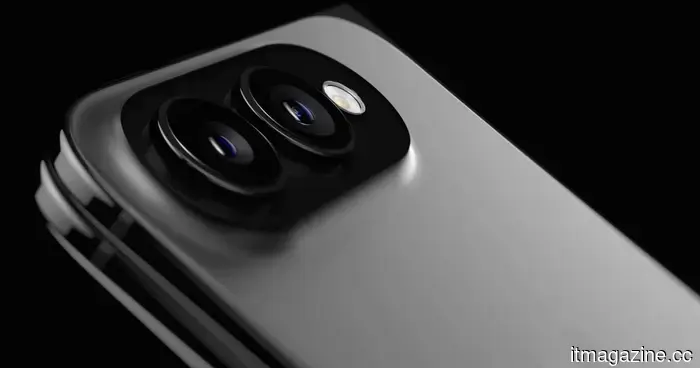 Apple might have discovered a way to incorporate MagSafe into its incredibly slim foldable iPhone.
Mark Gurman indicates that MagSafe will be included in Apple's foldable iPhone, and this feature might be what justifies its cost.
Apple might have discovered a way to incorporate MagSafe into its incredibly slim foldable iPhone.
Mark Gurman indicates that MagSafe will be included in Apple's foldable iPhone, and this feature might be what justifies its cost.
 Anker's latest sleep speakers aim to improve your nights without the need for you to wear anything.
Anker Soundcore's latest SleepLab and SleepLab Pro speakers employ radar, sound, and light to enhance your sleep quality while simultaneously monitoring your sleep patterns.
Anker's latest sleep speakers aim to improve your nights without the need for you to wear anything.
Anker Soundcore's latest SleepLab and SleepLab Pro speakers employ radar, sound, and light to enhance your sleep quality while simultaneously monitoring your sleep patterns.
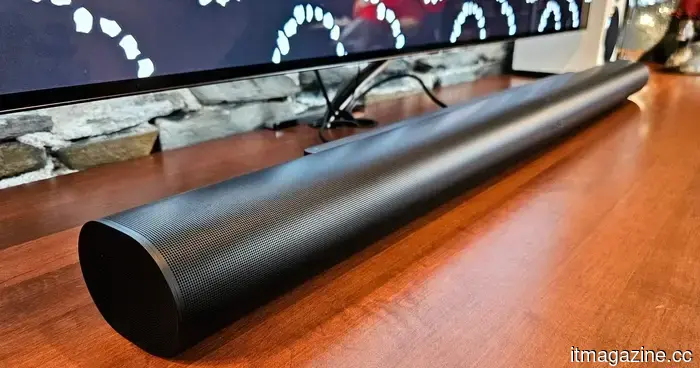 I discovered 6 Labor Day audio deals that are just perfect.
I went through the Labor Day audio sales on Amazon and Best Buy and discovered six soundbar and speaker deals that are truly worth looking into.
I discovered 6 Labor Day audio deals that are just perfect.
I went through the Labor Day audio sales on Amazon and Best Buy and discovered six soundbar and speaker deals that are truly worth looking into.
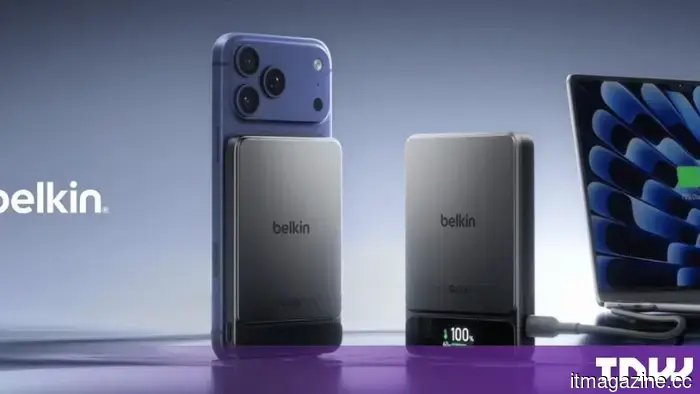 Belkin introduces semi-solid-state batteries in a $70 power bank.
Belkin's UltraCharge Pro utilizes semi-solid-state cells, and its initial trackers are compatible with both Apple and Google networks.
Belkin introduces semi-solid-state batteries in a $70 power bank.
Belkin's UltraCharge Pro utilizes semi-solid-state cells, and its initial trackers are compatible with both Apple and Google networks.
Google Vids now allows you to convert Docs, PDFs, and Word documents into video summaries.
Google Vids can now convert a PDF, Google Doc, or Word document into a narrated video summary with the help of AI, eliminating the need for reading.