
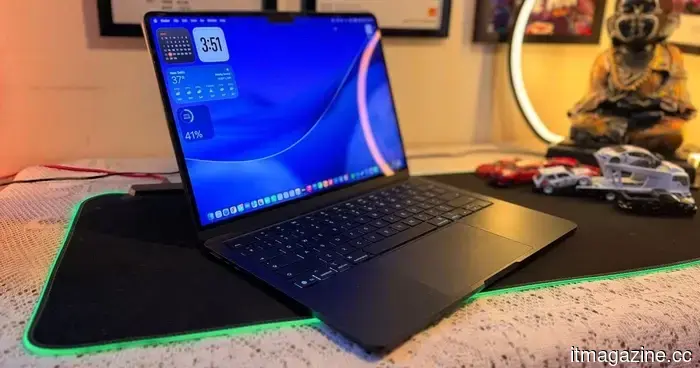
After 25 years, I transitioned from Windows to Mac, and it was the trackpad that won me over.
I have been using Windows laptops for nearly 25 years, and during that time, I never seriously considered purchasing a MacBook. In fact, I can genuinely say that I hadn’t even used one until I bought my MacBook Air M5 six months ago. I never borrowed one for a weekend, spent any time at an Apple Store, or even experimented with one at a friend's home. To me, Macs were just pricey computers for people who edited videos, created logos, or enjoyed sipping expensive coffee.
My transition to a Mac happened completely by chance.
Earlier this year, while I was traveling in Manali during the winter, the temperature dropped significantly below what my Windows laptop deemed acceptable for operation. The device was from a smartphone brand that had ventured into laptops, and between the frigid weather and its rather questionable internals, the motherboard short-circuited. It turned into just an expensive paperweight in my backpack.
Luckily, a friend lent me his MacBook Air M1 so I could complete some urgent work. That seemingly small decision cost Apple nothing, but it proved to be far more costly for Windows and me. Because just a few hours later, I noticed that not a single feature stood out. Let me clarify: during my time with the MacBook, I found that I had no issues to contend with – the usual problems that accompany using a Windows machine. There was no lag when switching tabs, no freezing while utilizing AI agents in Chrome, and no stuttering while navigating my screens. After an intense hour of typing and getting WordPress to cooperate, I came to a realization.
The keyboard didn’t flex under my enthusiastic typing. I wasn't dealing with accidental double presses causing ghost typos. The display could be opened with one hand. I lifted the lid, and the laptop awoke. Every click, scroll, and gesture occurred exactly as I expected. It simply felt… refined.
That’s likely the best way to summarize the MacBook experience. Nothing jumps out at you. Nothing requires you to wait. Everything just functions seamlessly. Naturally, I purchased my own MacBook Air M5 shortly afterward, and six months later, I still consider it one of the best tech investments I’ve ever made. There are numerous reasons for this.
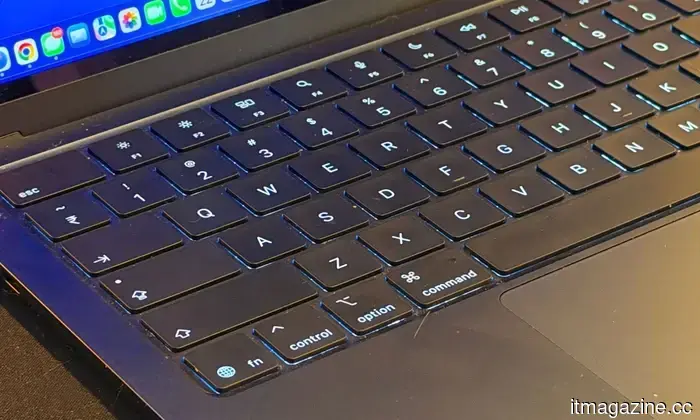
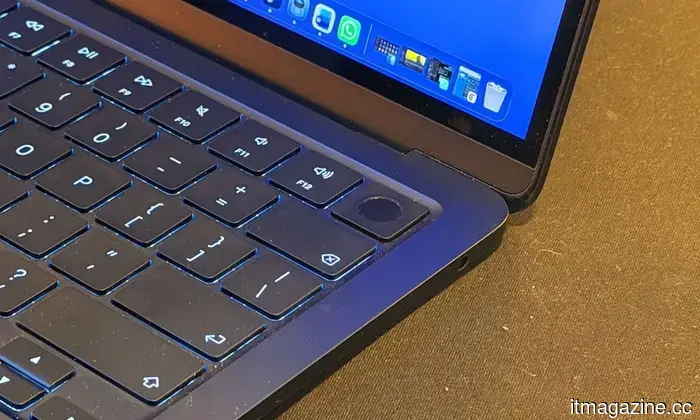
I love the hardware. The minimalist design remains elegant without being excessive. It's surprisingly comfortable for lengthy writing sessions due to its ergonomics. More importantly, it feels like the hardware and software were developed by people who actually communicated with each other before the product was released. However, one thing that has completely spoiled Windows laptops for me is the trackpad. Yes, I'm sure someone has suggested, “Have you tried this laptop?” or something similar, but I remained steadfast in my opinion.
I understand how absurd that sounds. But let me explain!
Nobody buys a laptop primarily for the trackpad. At least, I didn’t. But now, it’s the one feature I miss most when using a Windows machine. For years, I utilized the trackpad only until I could find a mouse. On Windows, it became almost instinctual. The trackpad was merely adequate, prompting me to reach for an external mouse as soon as possible.
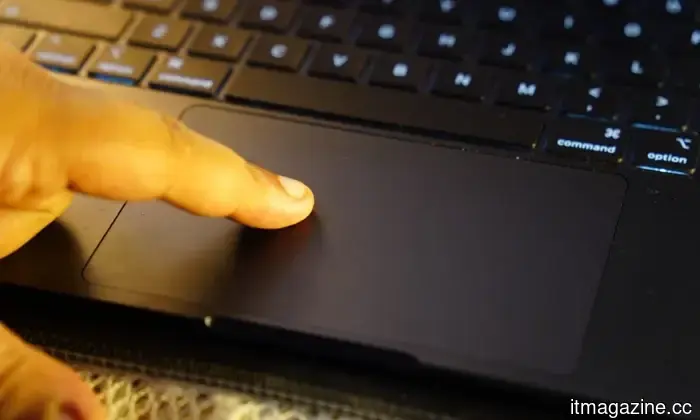
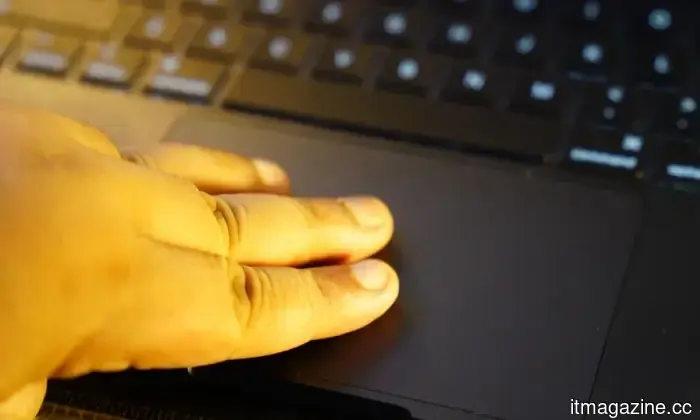
It took several weeks of using the MacBook to break that habit. The Apple MacBook Air’s trackpad isn’t just large; it's also highly functional. More significantly, it serves as a foundational element of macOS. Instead of simply moving a cursor around the screen, you're directly interacting with the operating system. Soon, the gestures ceased to feel like shortcuts and became the intended way to use the computer.
For 25 years, all my Windows laptops followed a similar pattern. After a day or two of using the trackpad, I would switch to using a wireless mouse. Not that Windows trackpads were bad; they just felt like compromises. They were fine for casual browsing, but serious work seemed to require a wired mouse. I carried that same habit over to my MacBook.
Interestingly, I never took the mouse out of my backpack. It wasn’t a deliberate decision to stop using it. Weeks turned into a month, and eventually, I realized I had completely forgotten about it. It wasn’t only that the trackpad was larger or smoother than its competitors, though that was certainly true. The more significant difference was that macOS was designed with the trackpad in mind instead of just accommodating it.
The operating system encourages gestures rather than clicks. Very quickly, my fingers stopped moving a cursor around the screen and began navigating the operating system itself. It felt less like pointing at icons and more like physically interacting with my workspace. That change, seemingly minor on the surface, fundamentally altered the way I use my laptop every day.
Now, I perform gestures without even thinking about them.
I activated Mission Control by swiping up with three fingers; that was the first habit I developed. My average workday includes Chrome with an excessive number of tabs (don’t judge me!),
Other articles
 AI companies might be acquiring old books, and I sincerely hope they are not ruining them.
Booksellers in various nations are noticing an unusual influx of large orders for rare and out-of-print books, and some believe that AI companies may be driving this surge.
AI companies might be acquiring old books, and I sincerely hope they are not ruining them.
Booksellers in various nations are noticing an unusual influx of large orders for rare and out-of-print books, and some believe that AI companies may be driving this surge.
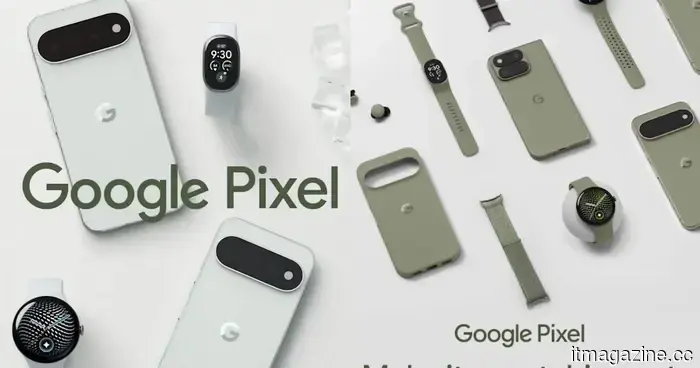 Google might have unintentionally revealed a new fitness tracker that features a display.
Google's Pixel 11 ads seem to reveal a yet-to-be-announced fitness tracker that falls in between the Fitbit Air and Pixel Watch.
Google might have unintentionally revealed a new fitness tracker that features a display.
Google's Pixel 11 ads seem to reveal a yet-to-be-announced fitness tracker that falls in between the Fitbit Air and Pixel Watch.
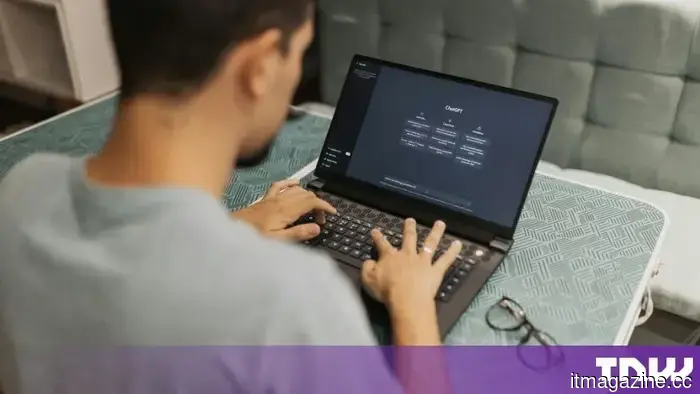 OpenAI's latest ChatGPT feature records your keystrokes and saves them in unencrypted text format.
OpenAI's Computer History tracks mouse clicks, keystrokes, and application switches on macOS, saves the memory files without encryption, and is not accessible in the EEA and UK.
OpenAI's latest ChatGPT feature records your keystrokes and saves them in unencrypted text format.
OpenAI's Computer History tracks mouse clicks, keystrokes, and application switches on macOS, saves the memory files without encryption, and is not accessible in the EEA and UK.
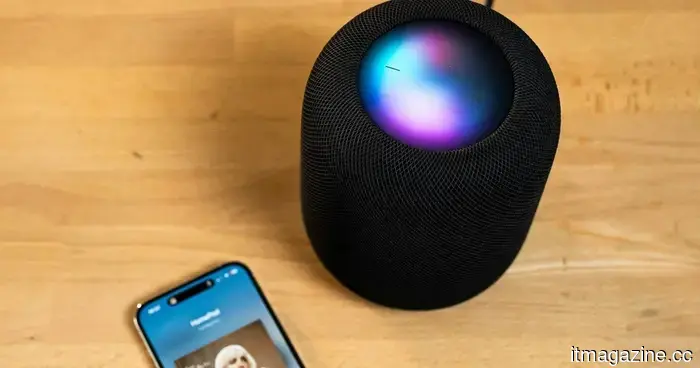 Apple is said to be planning to broaden its smart home range with new smart displays, cameras, and refreshed HomePods.
Apple seems to be gearing up for a more extensive entry into the smart-home hardware market, as multiple new products are in the works, aiming to extend beyond the HomePod mini and Apple TV, as reported by 9To5Mac. The planned developments include updated versions of the existing products, a new smart-home hub featuring a display, and a larger HomePod.
Apple is said to be planning to broaden its smart home range with new smart displays, cameras, and refreshed HomePods.
Apple seems to be gearing up for a more extensive entry into the smart-home hardware market, as multiple new products are in the works, aiming to extend beyond the HomePod mini and Apple TV, as reported by 9To5Mac. The planned developments include updated versions of the existing products, a new smart-home hub featuring a display, and a larger HomePod.
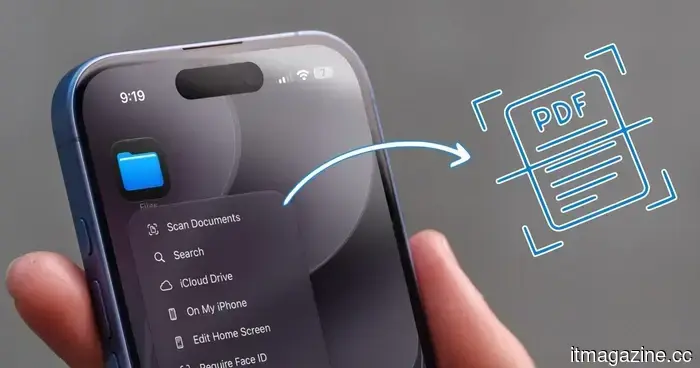 You don’t require a document scanning app; your iPhone already has that capability.
Your iPhone is already capable of scanning documents effectively. There's no requirement for additional apps; just the Notes and Files apps handle everything.
You don’t require a document scanning app; your iPhone already has that capability.
Your iPhone is already capable of scanning documents effectively. There's no requirement for additional apps; just the Notes and Files apps handle everything.
 Claude is becoming ambitious with watermarking, and I can sense the issues from far away.
Anthropic is working on the challenge of detecting AI-generated text, but a constant watermark might lead to a new issue if AI support is confused with AI authorship.
Claude is becoming ambitious with watermarking, and I can sense the issues from far away.
Anthropic is working on the challenge of detecting AI-generated text, but a constant watermark might lead to a new issue if AI support is confused with AI authorship.
After 25 years, I transitioned from Windows to Mac, and it was the trackpad that won me over.
I have been using Windows laptops for nearly 25 years and, during that time, I never seriously considered purchasing a MacBook. In truth, I can genuinely say that I had never used one until I purchased my MacBook Air M5 six months ago. I never borrowed one for a weekend or spent an afternoon with a […]