
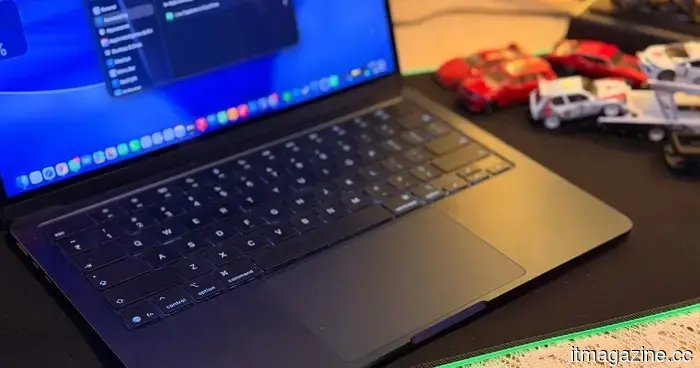
Apple has recently fixed a security vulnerability in Mac. It's advisable to update today.
Your Mac now has one less security concern to deal with.
Apple has issued a series of security updates for macOS that resolve a vulnerability in its built-in remote access feature, Screen Sharing. This flaw could potentially allow an attacker on the same network to circumvent authentication and gain access to Screen Sharing without the correct credentials.
The issue, identified as CVE-2026-65400, impacts various versions of macOS. Apple has rolled out macOS Tahoe 26.6.1, macOS Sequoia 15.7.9, and macOS Sonoma 14.8.9, all of which address this vulnerability.
According to Apple, this vulnerability primarily affects users who have manually activated Screen Sharing prior to updating. An attacker would generally need to be on the same network as the targeted Mac, which lessens the risk of a remote attack via the internet. Private home and corporate networks often block the connections necessary to exploit this flaw.
Nonetheless, given the circumstances surrounding the patch, it is advisable to install it rather than delay.
This flaw pertains to a feature that can control your Mac.
Screen Sharing enables a connected user to remotely view and control a Mac. When activated, it allows access to the desktop, files, windows, applications, and even the ability to restart the computer. Thus, an authentication bypass is far more critical than a vulnerability affecting a standalone component.
The vulnerability was highlighted by Alfredo Pesoli, co-founder and CEO of the cybersecurity firm Bynario. Apple has stated that it is not aware of the flaw being exploited outside of test environments, and a company representative informed Inc. that users who have not manually enabled Screen Sharing are not at risk.
Currently, there is no public proof-of-concept exploit for this issue, which is somewhat reassuring, but it does not warrant ignoring the update.
The unusual timing of the release is a significant alert.
Apple issued the patch outside of its regular software update schedule, and the security notes published by the company emphasize this single vulnerability. This drew attention from Phil Stokes, a research engineer at the cybersecurity firm SentinelOne, who remarked to Inc. that the timing “suggests some urgency.” He advised that enterprises should prioritize the patch based on whether Screen Sharing is enabled and accessible.
For Mac users, updating is a simple process. Go to System Settings > General > Software Update and install the latest version compatible with your Mac. Apple also recommends keeping macOS up-to-date as one of the most crucial steps users can take to ensure security.
This update precedes Apple’s major software releases this fall, including macOS 27 and iOS 27, which are set to bring features such as Siri AI and enhanced on-device intelligence. While those updates may receive more focus, this smaller security patch is arguably the more pressing matter for Mac users.
Moinak Pal has been covering both consumer technology and automotive technology in the tech sector...
Microsoft unintentionally provided Windows 11 users with an additional OneDrive app, which cannot be easily removed.
Microsoft stated that the wider deployment was accidental, but currently, uninstalling the app also means removing OneDrive.
Windows 11 users have been receiving a new OneDrive app without their consent. The issue? Microsoft confirmed it was not intended to happen. The company acknowledged that its OneDrive Photos app was rolled out to Windows 11 PCs more broadly than planned, even impacting enterprise machines for which the app was not designed. Microsoft is now working on a resolution, but there is an awkward limitation: users cannot uninstall OneDrive Photos without also removing the primary OneDrive app.
So, what exactly was installed?
For the longest time, I used Apple Reminders solely for quickly jotting down tasks. Thanks to its Siri integration, Reminders allowed me to swiftly add tasks so nothing would be overlooked. However, when it came to managing larger projects, I would always switch to a more robust task management tool like OmniFocus or Things 3.
That changed when I discovered the Column view. Apple introduced this feature with the iOS 17 and macOS Sonoma updates, and somehow, I completely missed it. But once I found it and got accustomed to using it, Reminders finally began to feel like a genuine project management tool rather than just an elaborate sticky note.
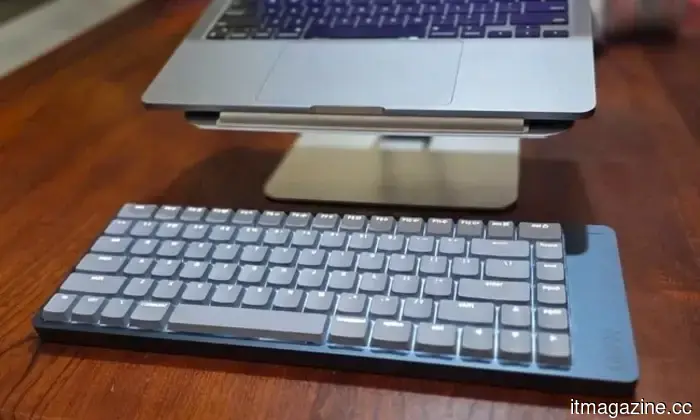
The Lofree Flow 2 made a strong first impression. Its aluminum body feels solid, its minimalist design appears upscale without being overly flashy, and once I started typing, my fingers felt surprisingly nimble.



Other articles
 My upcoming phone needs to prove itself before it can retire.
Promises of seven-year software support are making it more feasible to own smartphones for the long term. The more significant issue is whether the hardware, repair infrastructure, and yearly upgrade cycle are prepared for this shift.
My upcoming phone needs to prove itself before it can retire.
Promises of seven-year software support are making it more feasible to own smartphones for the long term. The more significant issue is whether the hardware, repair infrastructure, and yearly upgrade cycle are prepared for this shift.
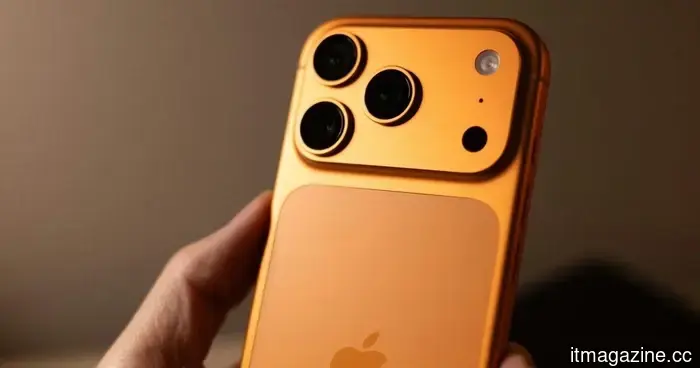 Apple is evaluating Chinese DRAM despite CXMT's refusal to lower prices.
Apple is said to be testing CXMT memory in various products such as iPhones and MacBooks, despite the Chinese supplier declining to provide the more affordable DRAM prices that Apple sought.
Apple is evaluating Chinese DRAM despite CXMT's refusal to lower prices.
Apple is said to be testing CXMT memory in various products such as iPhones and MacBooks, despite the Chinese supplier declining to provide the more affordable DRAM prices that Apple sought.
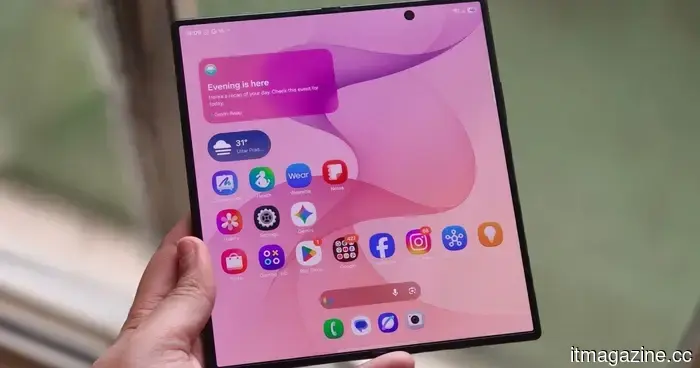 The Galaxy Z Fold 8 is really impressive, but I would spend extra for the Z Fold 8 Ultra.
If I’m looking for the top foldable Samsung model in 2026, I would bypass the Fold 8's broader display and head directly to the Ultra.
The Galaxy Z Fold 8 is really impressive, but I would spend extra for the Z Fold 8 Ultra.
If I’m looking for the top foldable Samsung model in 2026, I would bypass the Fold 8's broader display and head directly to the Ultra.
 In a span of six months, 420 children in the UK reported explicit deepfakes featuring themselves. The issue is escalating.
In a span of six months, children in the UK reported 420 instances of explicit deepfakes, exceeding the total reported in the previous year, as AI has made the creation of abusive images more accessible.
In a span of six months, 420 children in the UK reported explicit deepfakes featuring themselves. The issue is escalating.
In a span of six months, children in the UK reported 420 instances of explicit deepfakes, exceeding the total reported in the previous year, as AI has made the creation of abusive images more accessible.
 My upcoming phone needs to justify its retirement.
Promises of seven-year software support are making long-term ownership of smartphones more feasible. The greater concern is whether the hardware, repair infrastructure, and annual upgrade cycle are prepared for this change.
My upcoming phone needs to justify its retirement.
Promises of seven-year software support are making long-term ownership of smartphones more feasible. The greater concern is whether the hardware, repair infrastructure, and annual upgrade cycle are prepared for this change.
 The Galaxy Tab S12 Ultra has appeared online, and Samsung appears unwilling to alter a successful approach.
Recent renders of the Galaxy Tab S12 Ultra indicate that Samsung is retaining the well-known notch and overall design, while primarily concentrating the enhancements on the internal components.
The Galaxy Tab S12 Ultra has appeared online, and Samsung appears unwilling to alter a successful approach.
Recent renders of the Galaxy Tab S12 Ultra indicate that Samsung is retaining the well-known notch and overall design, while primarily concentrating the enhancements on the internal components.
Apple has recently fixed a security vulnerability in Mac. It's advisable to update today.
Apple has issued macOS updates that address a Screen Sharing vulnerability which could permit network attackers to circumvent authentication.