
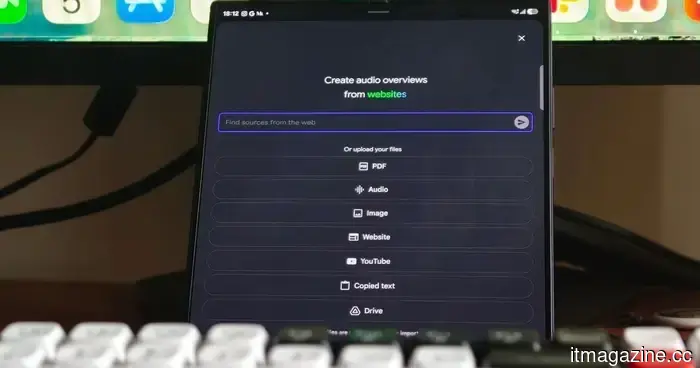
After spending a week using Gemini Notebook on my Galaxy Z Fold 8 Ultra, I can't envision using it on a flat phone.
The Gemini Notebook app has become one of my most frequently used applications. Whether I'm doing research for a project, studying for extended periods, or trying to organize a pile of PDFs, I usually have it open on my phone. Over the years, I've used it across nearly every type of device, but there was always something that bothered me: it never truly felt like a notebook.
Let me clarify — it functioned perfectly well on a standard phone. All the features were available, and I never felt deprived of anything. However, each research session followed the same pattern: scrolling through different sources, switching between sections, opening another app, returning, and repeating the cycle. It wasn’t until I stopped using a small screen that I realized how much it was hindering my productivity.
That changed when I upgraded to the Samsung Galaxy Z Fold 8 Ultra. Gemini Notebook is now pre-installed on Samsung’s latest foldable devices, and the larger screen finally provides the app the space it needs to operate more effectively.
It genuinely feels like a proper notebook now.
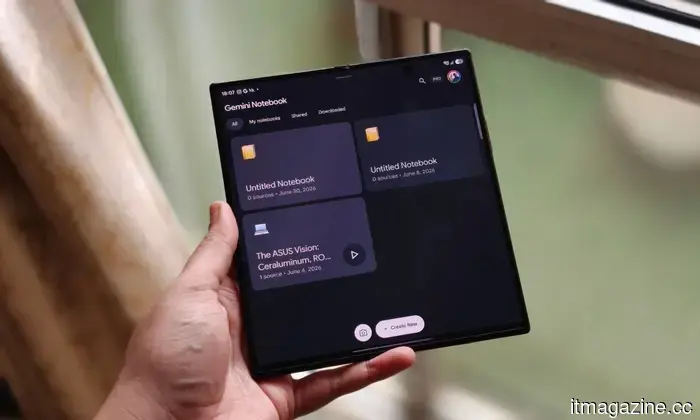
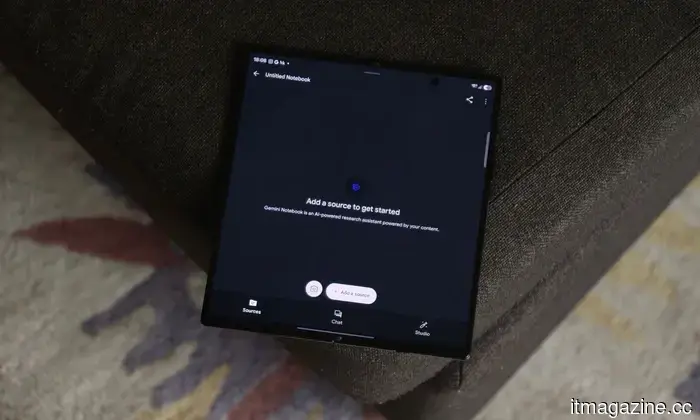
Interestingly, on the surface, nothing has really changed. You still encounter the same interface, tools, and overall experience as on any other Android phone. Yet, as soon as you unfold the Galaxy Z Fold 8 Ultra, everything transforms. Rather than trying to fit an entire workspace into a tall, narrow screen, the app suddenly has ample room to expand. Most of my notebooks start off similarly. I upload a few research papers, include some web articles, add screenshots I’ve gathered, and occasionally let Gemini find more sources for me. Using a standard phone usually meant excessive scrolling to recall what I had uploaded, but on the Fold, I can see all my materials simultaneously. My source documents remain open, Gemini’s replies are visible next to them, and the key points I want to capture are easily accessible. This allows me to review multiple sources and ask follow-up inquiries without losing my momentum.
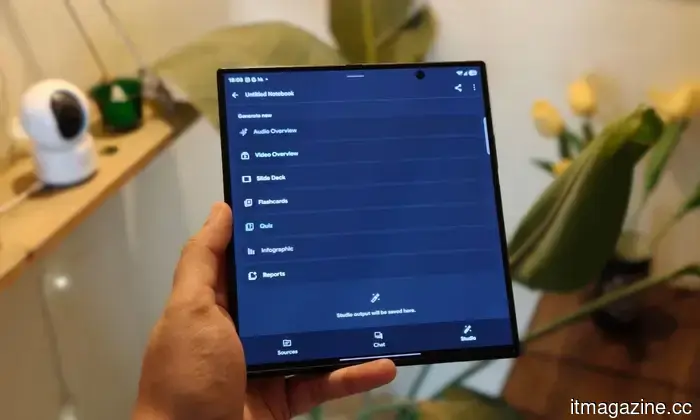
I also didn’t anticipate that Samsung's multitasking capabilities would integrate so significantly into my workflow. If I stumble upon an interesting article in Chrome, find a screenshot in Gallery, open a PDF in Files, or refer to notes from other apps, I can have both apps open side by side and easily drag everything straight into Gemini Notebook. It takes just seconds, feels completely intuitive, and reverting to my old methods suddenly seems sluggish. One feature I frequently return to is Audio Overviews. I enjoyed them before switching to the Fold, but producing them on the larger display is surprisingly gratifying. Watching the podcast-style animation stretch across the screen makes the entire experience seem more dynamic. When the conversation starts, I’m reminded of why I use the feature so often. The AI hosts sound less like they are reading from a script; they interact with one another and articulate ideas in a way that feels distinctly human. Listening to lengthy research summaries has transitioned from a chore to an enjoyable experience.
The same goes for Flashcards and Video Overviews. On a regular phone, I would often be jumping between various sections of the notebook to stay on track. With the Galaxy Z Fold 8 Ultra, everything stays organized in one view. I spend less time managing windows and more time actually absorbing information. At some point, I also noticed something unexpected: I wasn’t reaching for my laptop nearly as much. This isn’t because the Fold replaces a computer in every scenario, but because it manages so much of my daily research that I no longer feel the need to switch devices.
Now I understand why it comes pre-installed.
Initially, when I saw that Gemini Notebook was pre-loaded on the Galaxy Z Fold 8 and Galaxy Z Fold 8 Ultra, I didn’t think much of it. However, after using it daily, the decision makes perfect sense. Google clearly aims to make Gemini an integral part of the Android experience, and Samsung’s foldables serve as an ideal platform for that vision. The larger display gives Gemini Notebook the space it requires, transforming it into a legitimate productivity tool that one can comfortably use for extended periods. Additionally, Samsung enhances the offer: purchasing the Galaxy Z Fold 8 or Galaxy Z Fold 8 Ultra includes a six-month trial that provides access to higher Gemini generation limits and larger source limits. If you depend on Notebook for studying, work, or research, this is a genuinely beneficial bonus rather than just another free trial you might forget about.
More significantly, this setup has altered the way I work. Whether I'm gathering research, dragging in web snippets, or listening to Audio Overviews while taking notes, I can easily accomplish everything from the Fold’s spacious display. I no longer feel as though I’m trying to force desktop-style tasks onto a phone. Instead, it seems like the phone has finally aligned with my actual working habits. That’s likely the highest praise I can offer Gemini Notebook on the Galaxy Z Fold 8 Ultra. After a week of using it this way, trying to open Gemini Notebook on a standard flat phone feels
Other articles
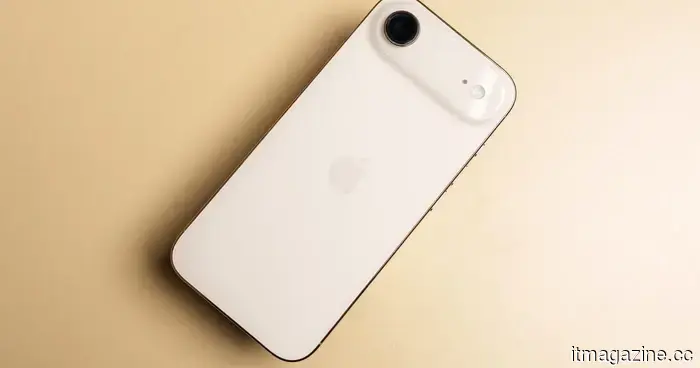 Apple's iPhone Air might be the model for its 20th anniversary iPhone.
Leaked information suggests that the iPhone 20 will adopt its frame design from the iPhone Air, featuring a larger vapor chamber and bigger displays typical of Pro models.
Apple's iPhone Air might be the model for its 20th anniversary iPhone.
Leaked information suggests that the iPhone 20 will adopt its frame design from the iPhone Air, featuring a larger vapor chamber and bigger displays typical of Pro models.
 The Interactive Storytime feature of Google Home makes me curious about who really requested this.
The newest update for Google Home allows families to collaboratively create interactive bedtime stories using Gemini, and it also broadens camera compatibility.
The Interactive Storytime feature of Google Home makes me curious about who really requested this.
The newest update for Google Home allows families to collaboratively create interactive bedtime stories using Gemini, and it also broadens camera compatibility.
 Huawei has created an incredibly slim laptop that is 35% lighter than the MacBook Air. Unfortunately, it seems you have no use for it.
Huawei's newest MateBook incorporates a 14.2-inch OLED touchscreen and a 54Wh battery within a 798-gram body, while also featuring a privacy display for public use.
Huawei has created an incredibly slim laptop that is 35% lighter than the MacBook Air. Unfortunately, it seems you have no use for it.
Huawei's newest MateBook incorporates a 14.2-inch OLED touchscreen and a 54Wh battery within a 798-gram body, while also featuring a privacy display for public use.
 Sunbird reintroduces its iMessage app for Android, three years following a privacy controversy that led to its closure.
Sunbird Messaging is making a comeback on Android following its shutdown in 2023, introducing encryption improvements, a priority inbox, and an AI assistant set to launch later this year.
Sunbird reintroduces its iMessage app for Android, three years following a privacy controversy that led to its closure.
Sunbird Messaging is making a comeback on Android following its shutdown in 2023, introducing encryption improvements, a priority inbox, and an AI assistant set to launch later this year.
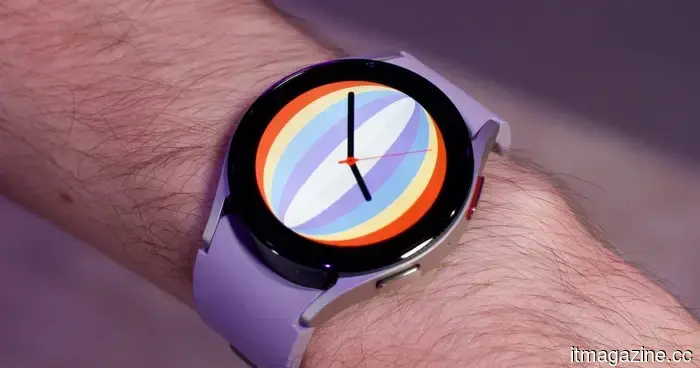 A more affordable Galaxy Watch with a battery life exceeding a week might be in development.
References discovered within the Galaxy Wearable app suggest a new Samsung smartwatch referred to as Galaxy Aero, which may operate on RTOS instead of Wear OS and could have a battery life exceeding a week between charges.
A more affordable Galaxy Watch with a battery life exceeding a week might be in development.
References discovered within the Galaxy Wearable app suggest a new Samsung smartwatch referred to as Galaxy Aero, which may operate on RTOS instead of Wear OS and could have a battery life exceeding a week between charges.
 Asus and Gigabyte have increased the price of your upcoming RTX 50 GPU.
Asus and Gigabyte have announced new price increases on RTX 50-series and Radeon graphics cards, and the situation is looking bleak.
Asus and Gigabyte have increased the price of your upcoming RTX 50 GPU.
Asus and Gigabyte have announced new price increases on RTX 50-series and Radeon graphics cards, and the situation is looking bleak.
After spending a week using Gemini Notebook on my Galaxy Z Fold 8 Ultra, I can't envision using it on a flat phone.
I already thought Gemini Notebook was fantastic — but after using it on a foldable, I can't imagine using it any other way.