
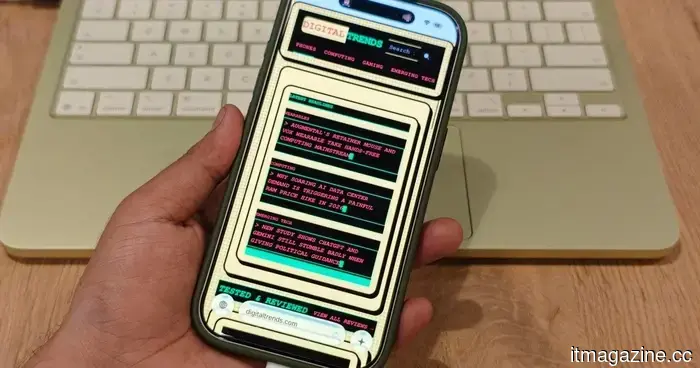
Gem Browser envisions an internet where you can reimagine the design of every website.
By creating its own interactive version of a webpage, the experimental browser empowers readers with control over the interface while leaving publishers in a precarious position.
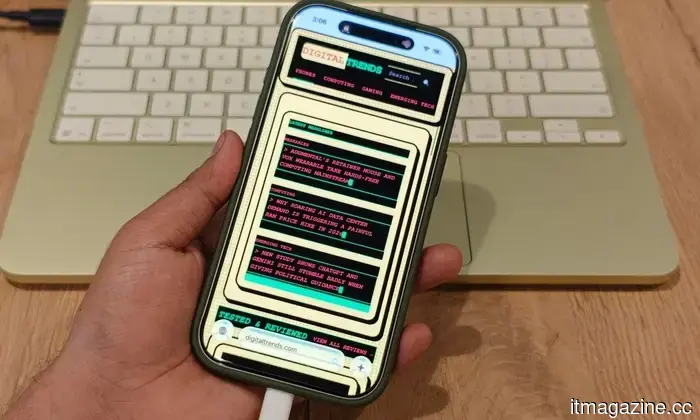
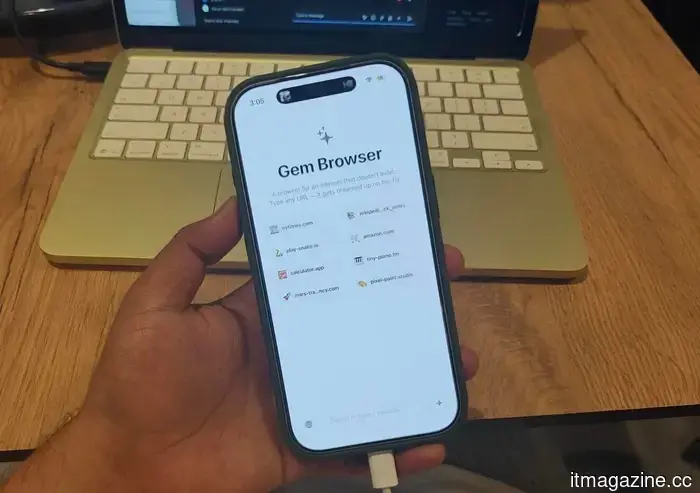
Gem Browser can transform an existing webpage based on the reader's requests. In his initial announcement, Google DeepMind designer Vidy Thatte showcased how this Apple-exclusive experiment utilizes Gemini to make the typical layout of a website optional.
This concept is quite intriguing for anyone who has wished to customize the internet to their preferences. However, it likely poses challenges for those who originally designed the page.
### How Gem Browser Redefines the Web
By entering a fabricated URL, Gem Browser generates a fully functional website on the fly, complete with links to additional created pages. As you navigate through it, you can explore an internet generated by Gemini.
This new feature applies that same technology to real websites. A prompt can modify the appearance of a page without changing the actual site. The publisher’s webpage stays live, but what readers see is managed by Gem Browser.
Essentially, what you view is a version of someone else's work as interpreted by Gemini.
### Who Determines What Readers See
Typically, publishers dictate the presentation of their content and where advertisements are placed to support it. Gem Browser introduces an AI-generated layer between these decisions and the audience.
This layer could help readers avoid a confusing layout. However, it might also strip away context or diminish attributions. Readers must trust Gemini to accurately maintain the content while reassembling almost everything around it.
In essence, readers receive an interface tailored to their preferences, while publishers can no longer ensure how their content will appear to the audience.
### Concerns for Publishers
Currently, Gem Browser is an Apple-only TestFlight experiment, and the necessity of a Gemini API key should keep it within the realm of enthusiasts for now. It's unlikely that a beta app will drastically alter the internet this week.
Nonetheless, the foundational concept is already operational. A browser can present a generated experience alongside an actual webpage, leaving publishers to provide content for an interface they do not oversee.
The original page remains accessible; it may just end up as the version that few bother to visit.
---
Paulo Vargas is an English major who transitioned into reporting and then technical writing, with a career that has always revolved around…
### Recommended Compact Printers for Back-to-School
From handling dorm paperwork to instant selfie prints, there's a small printer to meet every requirement.
In a world that's become digital, the moment arrives when a professor insists on a printed essay or when you need to sign a lease in ink, or when you're looking for a photo to put on your dorm wall. That’s often when you realize you no longer have a printer, and the closest option is a library machine with a long queue.
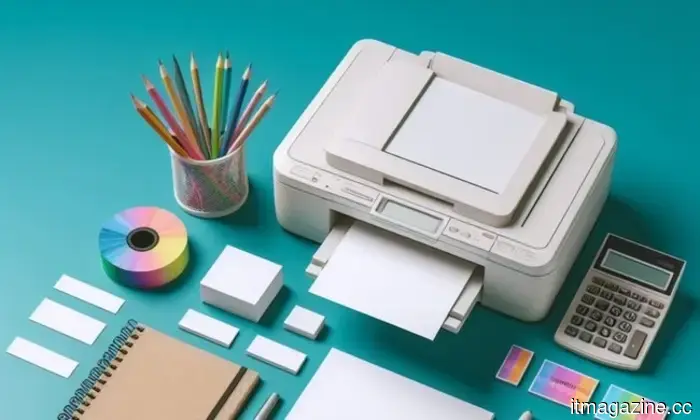
I evaluated four compact printers that address this issue without dominating your workspace or stretching your budget. Two are designed for documents, one is a full-function all-in-one suitable for home office tasks, and another focuses on turning your camera roll into something tangible.
### Essential Webcam Lights for Back-to-School
Whether it’s a budget clip light or a complete desk setup, there’s a webcam light available for every price point.
With online classes, group project calls, and occasional Zoom job interviews, your laptop camera will play a much more significant role in schooling than it did at home. Unfortunately, most laptop cameras are poor in low-light conditions, and a single overhead lamp or a window behind you makes every call a struggle to ensure visibility.
A suitable webcam light resolves this issue quicker than relocating your entire desk. I've selected five options, starting with the most economical and progressing to one that's excessively powerful for a Zoom call, yet still worth consideration.
### Google Chrome May Soon Include In-Reading Mode Translation
However, not every user has access to this yet, even on Canary.
Chrome's Reading Mode has received a new button nestled within its settings menu. Google is subtly testing a translation feature for this mode on Chrome Canary, the experimental version of the browser where new concepts emerge long before becoming mainstream.
What functionality does this new translation button offer?



Other articles
 I recently discovered a Mac application that places volume and brightness sliders along the edges of your MacBook's touchpad.
Fed up with searching for the volume or brightness buttons on your Mac? Slidr enables you to glide along the edges of your trackpad to adjust volume and brightness immediately, without needing the keyboard.
I recently discovered a Mac application that places volume and brightness sliders along the edges of your MacBook's touchpad.
Fed up with searching for the volume or brightness buttons on your Mac? Slidr enables you to glide along the edges of your trackpad to adjust volume and brightness immediately, without needing the keyboard.
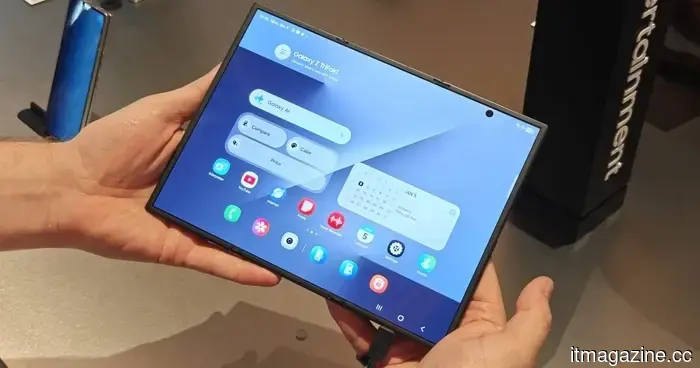 Samsung has an exciting foldable phone planned for 2027 that is sure to thrill screen enthusiasts.
According to reports, Samsung has begun work on its second-generation Galaxy Z TriFold, which is anticipated to feature another nearly 10-inch OLED display. A launch alongside the Galaxy Z9 series is expected in 2027.
Dopl Technologies secures $6.3 million to introduce remote robotic ultrasound services in rural hospitals.
Dopl Technologies secured $6.3 million to develop a telerobotic ultrasound system. Sonographers will control it remotely using haptic controllers. The next step is obtaining FDA clearance. The system promises a 90% reduction in wait times.
Samsung has an exciting foldable phone planned for 2027 that is sure to thrill screen enthusiasts.
According to reports, Samsung has begun work on its second-generation Galaxy Z TriFold, which is anticipated to feature another nearly 10-inch OLED display. A launch alongside the Galaxy Z9 series is expected in 2027.
Dopl Technologies secures $6.3 million to introduce remote robotic ultrasound services in rural hospitals.
Dopl Technologies secured $6.3 million to develop a telerobotic ultrasound system. Sonographers will control it remotely using haptic controllers. The next step is obtaining FDA clearance. The system promises a 90% reduction in wait times.
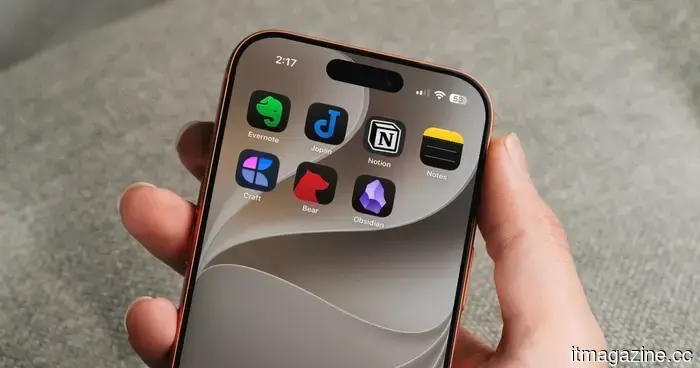 The top note-taking applications for iOS and Android.
We’ve gathered a selection of our preferred note-taking applications for iOS and Android devices, including phones and tablets, to assist you in staying organized and managing your thoughts.
The top note-taking applications for iOS and Android.
We’ve gathered a selection of our preferred note-taking applications for iOS and Android devices, including phones and tablets, to assist you in staying organized and managing your thoughts.
 Microsoft has developed an autonomous security system featuring red, blue, and green team AI agents, which will enter public preview on August 3.
Project Perception employs AI agents that continuously attack, investigate, and resolve security vulnerabilities. Microsoft's MAI-Cyber-1-Flash achieved a score of 96% on CyberGym, surpassing Mythos by 12 points.
Microsoft has developed an autonomous security system featuring red, blue, and green team AI agents, which will enter public preview on August 3.
Project Perception employs AI agents that continuously attack, investigate, and resolve security vulnerabilities. Microsoft's MAI-Cyber-1-Flash achieved a score of 96% on CyberGym, surpassing Mythos by 12 points.
 The most powerful app permission on Android may soon include a significantly more alarming warning.
Android 17 might allow trusted applications to manage screen content while the device is locked. Google's more explicit warning highlights the balance of convenience, risks, and protective measures associated with the incomplete permission system.
The most powerful app permission on Android may soon include a significantly more alarming warning.
Android 17 might allow trusted applications to manage screen content while the device is locked. Google's more explicit warning highlights the balance of convenience, risks, and protective measures associated with the incomplete permission system.
Gem Browser envisions an internet where you can reimagine the design of every website.
Gem Browser utilizes Gemini to reconstruct authentic web pages based on reader prompts, providing enhanced control over the interface but also raising difficult questions regarding the fate of a publisher's original design.