
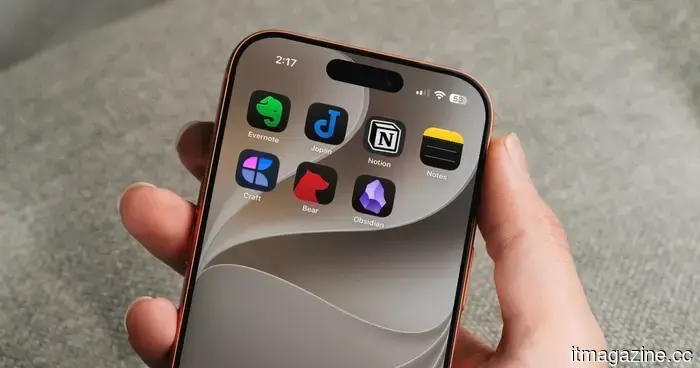
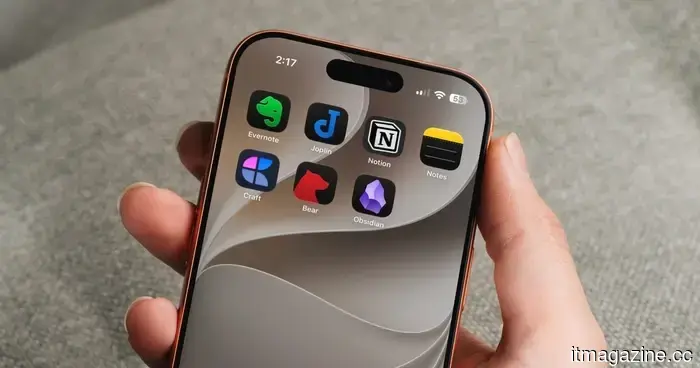
The top note-taking applications for iOS and Android.
Selecting a note-taking app can be quite challenging. The app you ultimately choose is influenced by your specific needs, the platform you operate on, and of course, budget considerations. The situation becomes even more complex with the frequent release of new, appealing apps seemingly every week.
For this reason, I always advise opting for a note-taking app that encompasses all the features you require and has the potential to be useful for an extended period. Moreover, it’s wise not to get distracted by new apps. The true strength of a note-taking app is revealed when all your notes are centralized, allowing for easy identification of connections between them.
With that brief advice covered, here are the top note-taking apps for iOS and Android that you should consider using in 2026.
### How I assessed and selected these apps?
As someone who has accumulated thousands of notes, I rely heavily on note-taking for clarity, so I take this list seriously. Each app included here has been personally tested for months rather than just briefly reviewed.
While some did not quite fit my requirements, I found that each app listed excels at its designated function. For my needs, which lean towards text-heavy notes since I enjoy writing, Obsidian has been my longest-running choice.
That being said, your requirements may differ. If you seek an app that extends beyond basic text notes to accommodate documents and files with robust collaboration tools, Obsidian may not be the right fit for you.
I also understand that not everyone is willing to invest in a note-taking app, nor does everyone need to. Some prefer to pay for a premium app once and be done with it, while others opt for a reliable free app that does not entail any costs. Considering this, I’ve aimed to include options that cater to both perspectives.
Since I have personally used every app on this list, I can confidently recommend them to you. Whether you're looking for a free tool, a premium option, or something tailored to your specific workflow, there should be a suitable app for you here.
### Obsidian
Obsidian is a cross-platform app I recommend to everyone. It is my primary note-taking tool for several reasons. Firstly, it saves all notes in plain-text format, ensuring that even if the developers cease support, you can easily transfer your notes to another platform.
Secondly, it allows for interlinking notes, enabling you to build a personalized web of knowledge. One of my favorite features is the backlinks, which help you see which notes connect to your current note, providing a complete overview.
Other notable features include a Graph view for visualizing all your notes, community plugin support to enhance functionality as your needs evolve, a web clipper for importing online articles, theme customization, and more. Plus, it’s completely free.
The primary downside of Obsidian is its lack of beginner-friendliness; you will need to invest some time to become familiar with it. However, once you overcome that initial learning curve, it offers a fantastic note-taking experience.
### Craft
If you appreciate Obsidian’s features but desire a more aesthetically pleasing and user-friendly app, Craft is the way to go. It is one of the most visually appealing apps I've encountered, significantly enhancing your note-taking experience.
You can utilize Craft as a standard note-taking app or a full document creation tool, offering various formatting options, including tables, Kanban boards, databases, note links, and embedded pages.
Craft is particularly well-suited for teamwork or sharing notes, allowing for easy collaboration with just a click. If you need to share a proposal with a client, Craft has a publishing option that enables you to make your notes accessible to anyone with a web browser.
Its organization features are extensive, allowing you to arrange notes in folders and subfolders, spaces, and collections, with the ability to embed notes within other notes and use tags for further categorization. Craft is an all-encompassing, user-friendly, and attractive note-taking app that will serve you well.
### Bear
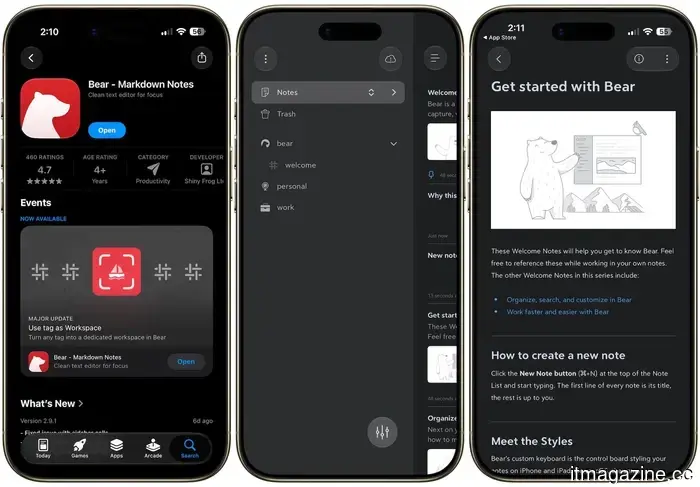
Sometimes, a straightforward note-taking app for quick thoughts is all that’s required, and for that, I recommend Bear. Bear is a simple and elegant note-taking app focused on easy capture and organization.
It supports Markdown, enabling quick formatting without needing to remove your hands from the keyboard. Instead of folders, it uses tags for organization, allowing a single note to be associated with multiple tags.
Bear features a variety of beautiful themes and is smooth and quick to use. Additional features include the ability to lock sensitive notes, automatic outline generation, and support for images and sketches.
The downside is that it is only available for iPhones, leaving Android users out in the cold. However, there is a web app that can serve as a backup if you use both Android and iOS devices.
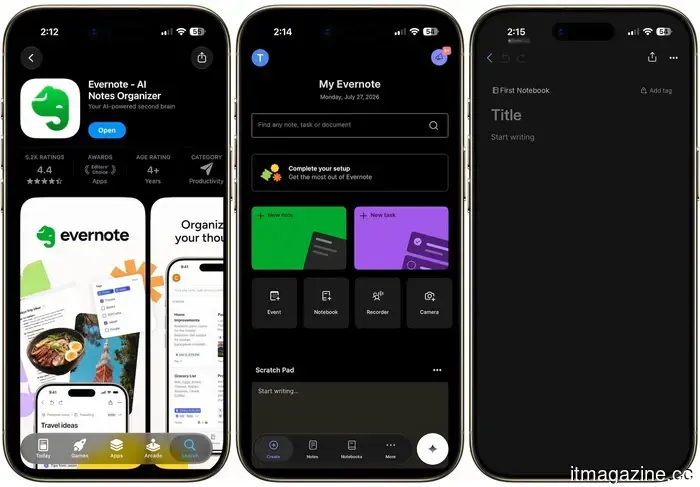
### Evernote
Evernote brands itself as your “second brain,” which is an apt description. The app allows you to consolidate notes, tasks, and your calendar in one


Other articles
 Nvidia announces the formation of an open AI security alliance, excluding OpenAI.
The Open Secure AI Alliance consists of 37 members, none of which are from China, despite the fact that the Hugging Face breach involved an open model developed in China.
Nvidia announces the formation of an open AI security alliance, excluding OpenAI.
The Open Secure AI Alliance consists of 37 members, none of which are from China, despite the fact that the Hugging Face breach involved an open model developed in China.
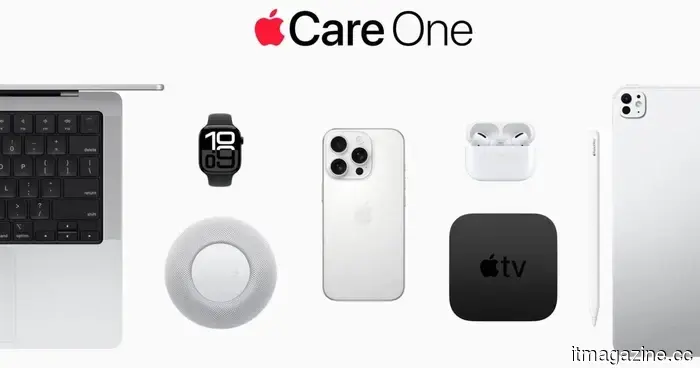 Apple's top device protection offer is officially exiting the US market.
AppleCare One is set to expand internationally for the first time, offering bundled protection for various Apple devices in four more countries starting August 4.
Apple's top device protection offer is officially exiting the US market.
AppleCare One is set to expand internationally for the first time, offering bundled protection for various Apple devices in four more countries starting August 4.
 I discovered five desk organization tools that I would gladly suggest for Back-to-School.
Messy cords, lost keys, and a desk that feels like a black hole? Check out these five gadgets that will truly help you organize your workspace.
I discovered five desk organization tools that I would gladly suggest for Back-to-School.
Messy cords, lost keys, and a desk that feels like a black hole? Check out these five gadgets that will truly help you organize your workspace.
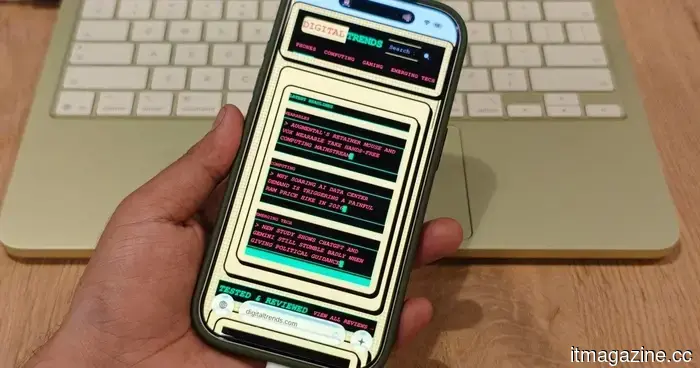 Gem Browser envisions a web where every website can be reimagined by you.
Gem Browser leverages Gemini to reconstruct actual web pages based on reader prompts, providing enhanced control over the interface but also prompting challenging inquiries regarding the fate of a publisher's original layout.
Gem Browser envisions a web where every website can be reimagined by you.
Gem Browser leverages Gemini to reconstruct actual web pages based on reader prompts, providing enhanced control over the interface but also prompting challenging inquiries regarding the fate of a publisher's original layout.
 I discovered five desk organization tools that I would gladly suggest for Back-to-School.
Are you dealing with tangled cords, lost keys, and a desk that resembles a black hole? Here are five gadgets that can truly help you organize your workspace.
I discovered five desk organization tools that I would gladly suggest for Back-to-School.
Are you dealing with tangled cords, lost keys, and a desk that resembles a black hole? Here are five gadgets that can truly help you organize your workspace.
 I discovered five desk organization tools that I would gladly suggest for Back-to-School.
Tangled wires, lost keys, and a desk that resembles a black hole? Check out these five gadgets that will help you organize your workspace effectively.
I discovered five desk organization tools that I would gladly suggest for Back-to-School.
Tangled wires, lost keys, and a desk that resembles a black hole? Check out these five gadgets that will help you organize your workspace effectively.
The top note-taking applications for iOS and Android.
We’ve gathered a selection of our preferred note-taking applications for iOS and Android devices, including phones and tablets, to assist you in staying organized and managing your thoughts.