
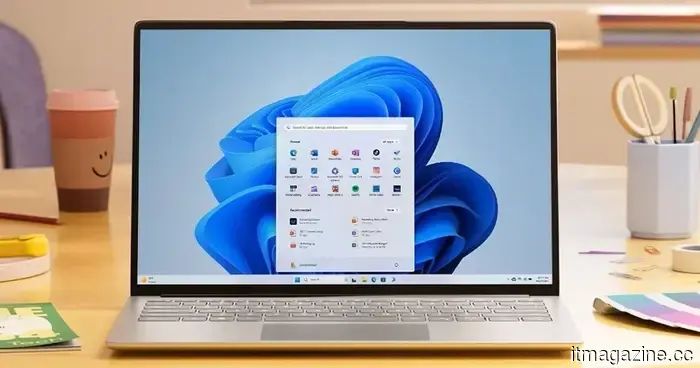
Windows users can now choose when to pause updates thanks to Microsoft's newest patch.
From scheduling updates at your convenience to restoring a malfunctioning PC with a single click, here's all that's new in the July 2026 update for Windows 11.
While Patch Tuesday updates are typically unremarkable, Microsoft's July 2026 release brings some exciting changes.
You can now download this update, labeled KB5101650, directly through Settings, or manually through the Microsoft Update Catalog if you prefer not to wait for it to be distributed.
What’s the significant change in this Windows Update?
If you navigate to Settings and then to Windows Update, you'll find a new calendar feature that allows you to pause updates simply by selecting an end date up to 35 days in the future.
Once that timeframe expires, Windows will automatically start checking for updates again unless you choose to pause it once more. This isn’t a permanent “forever” pause since you’ll need to renew it manually.
Nonetheless, it represents a significant improvement over the previous system, which only permitted delays for a few days before requiring another action.
What additional features are included in this update?
The Point-in-time Restore is arguably more important over the long term. Windows now automatically creates restore points that encompass your apps, settings, and personal files. Therefore, if something goes wrong, you can revert your entire PC to a recent functioning state without having to troubleshoot blindly.
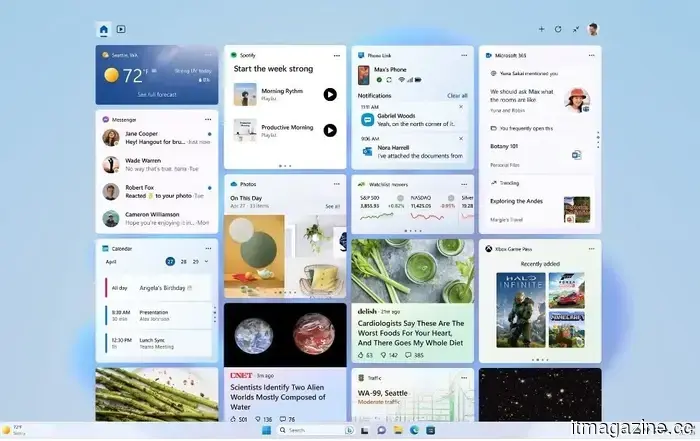
The Widgets feature has also been decluttered. They no longer open on hover, defaulting to the dashboard, and provide greater control over notification badges. The accessibility options have been enhanced with a screen tint feature to alleviate eye strain, and there’s now a Magnifier that allows you to set a precise zoom percentage.
File Explorer now showcases quick actions like “Ask Copilot” when you hover over a file, even for work and school accounts. Additionally, for PCs with over 32GB of memory, adjustments to the Graphics Kernel allow for the operation of larger local AI models.
For more than five years, Shikhar has been dedicated to demystifying advancements in consumer technology.
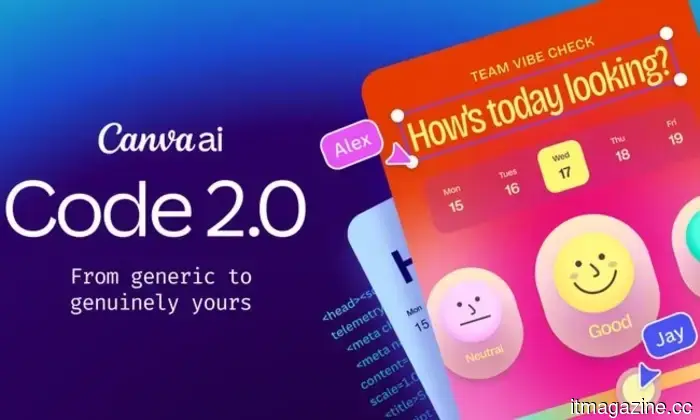
Canva Code 2.0 has made vibe coding significantly less daunting for everyone.
Coding was once the domain of developers who dedicated years to mastering complex programming languages. However, with the advent of vibe coding, individuals can now create apps and websites using straightforward, plain-language prompts.
Unfortunately, many of these tools still seem intimidating for the average user, as a basic understanding of code is necessary for making meaningful adjustments. Consequently, the creations often end up looking uniform.
A new study examines whether AI-narrated audiobooks can outperform humans, revealing that many listeners believe they do.
Interestingly, a study by Edison Research at SSRS found that listeners preferred AI-narrated audiobooks over those narrated by humans during blind testing. This research surveyed 1,005 fiction audiobook enthusiasts in May 2026 for a study commissioned by AI audio company Spoken. The surprising element is that listeners rated the AI narration more favorably without realizing it was AI until after the fact.
AI can understand child behavior, but it’s essential to keep human interpretation involved.
Google's Gemini models are making notable strides in interpreting videos, images, and conversations. Recent research indicates that AI can accurately identify subtle behaviors in parent-child interactions. However, experts caution that while Gemini can reliably observe actions, it should not be relied upon to interpret the significance of those behaviors.
Notably, the study utilized Gemini 2.5 Pro, which is not Google’s most advanced AI, suggesting that future models may enhance performance even further. Nevertheless, researchers maintain that human insight remains crucial.



Other articles
 Pebble is finally making progress on Time 2 orders, and I value the openness.
The backlog for Pebble Time 2 is almost resolved, with specific shipping dates now verified by color, along with a clear overview of hardware problems being addressed at no cost.
Pebble is finally making progress on Time 2 orders, and I value the openness.
The backlog for Pebble Time 2 is almost resolved, with specific shipping dates now verified by color, along with a clear overview of hardware problems being addressed at no cost.
 Frontier becomes part of the Starlink network, offering high-speed internet during flights.
Frontier Airlines has revealed a collaboration with SpaceX's Starlink to provide high-speed, low-latency Wi-Fi throughout its fleet, with installations set to commence in early 2027.
Frontier becomes part of the Starlink network, offering high-speed internet during flights.
Frontier Airlines has revealed a collaboration with SpaceX's Starlink to provide high-speed, low-latency Wi-Fi throughout its fleet, with installations set to commence in early 2027.
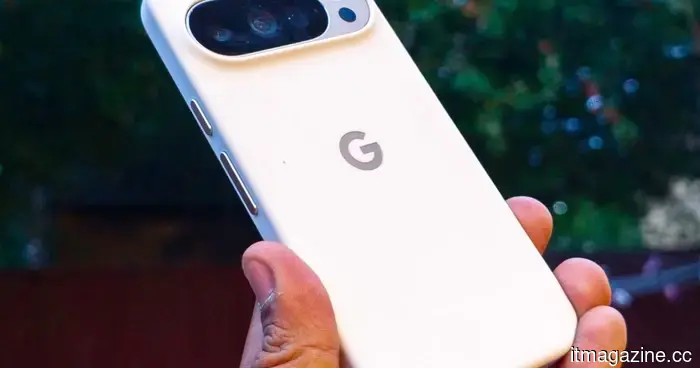 Created by Google August 2026: What we anticipate for the Pixel 11 launch event.
Google's event on August 12 will introduce the Pixel 11 series featuring a 2nm Tensor G6 chip, along with the new Pixel Watch 5, with anticipated price increases for all items.
Created by Google August 2026: What we anticipate for the Pixel 11 launch event.
Google's event on August 12 will introduce the Pixel 11 series featuring a 2nm Tensor G6 chip, along with the new Pixel Watch 5, with anticipated price increases for all items.
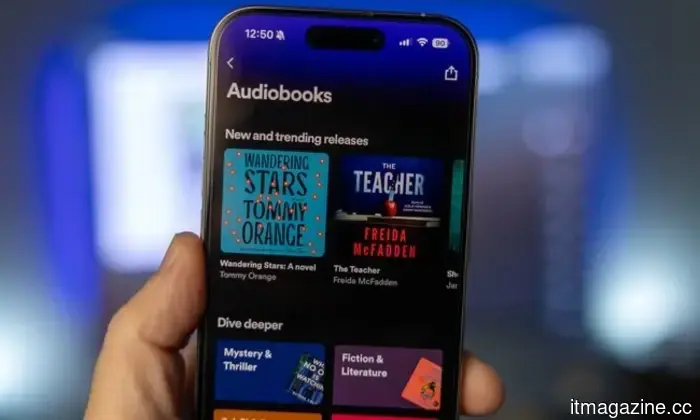
 Can AI-generated audiobooks outperform human narrators? According to this study, a significant number of listeners believe they do.
A surprising recent study reveals that individuals perceive AI-narrated audiobooks as more engaging and of better quality than those narrated by humans.
Can AI-generated audiobooks outperform human narrators? According to this study, a significant number of listeners believe they do.
A surprising recent study reveals that individuals perceive AI-narrated audiobooks as more engaging and of better quality than those narrated by humans.
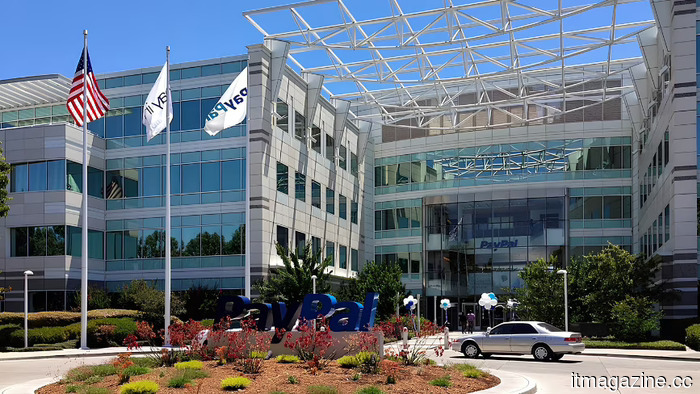 Stripe and Advent propose a price of $60.50 per share for PayPal, which values the company at over $53 billion.
Stripe and Advent International have offered $60.50 per share for PayPal, supported by $50 billion in secured bank financing. PayPal has yet to respond.
Stripe and Advent propose a price of $60.50 per share for PayPal, which values the company at over $53 billion.
Stripe and Advent International have offered $60.50 per share for PayPal, supported by $50 billion in secured bank financing. PayPal has yet to respond.
 Xbox and Nvidia aim for Gears of War: E-Day to demonstrate the true capabilities of RTX PCs.
NVIDIA has secured the position of exclusive PC partner for Gears of War: E-Day, integrating DLSS 4.5, ray tracing, and fixes for shader stuttering in preparation for its beta launch in August and official release in October.
Xbox and Nvidia aim for Gears of War: E-Day to demonstrate the true capabilities of RTX PCs.
NVIDIA has secured the position of exclusive PC partner for Gears of War: E-Day, integrating DLSS 4.5, ray tracing, and fixes for shader stuttering in preparation for its beta launch in August and official release in October.
Windows users can now choose when to pause updates thanks to Microsoft's newest patch.
The July update for Windows 11 introduces a calendar feature for delaying updates, a new Point-in-time Restore recovery option, and a more subdued, less disruptive Widgets experience.