

I invested a lot of money in a Copilot+ PC, yet I've hardly used Microsoft's AI at all.
My ASUS Zenbook 14 OLED features a dedicated Copilot key. However, months after purchasing the laptop, it has turned out to be one of the least significant keys on the entire keyboard. The Zenbook UM3406 is powered by AMD's Ryzen AI 300 series processor, which includes a dedicated NPU capable of delivering up to 50 TOPS of AI performance. This qualifies it as a Copilot+ PC, placing it within what Microsoft has referred to as the new era of Windows.
AI has become a standard part of my daily routine. I utilize it for tasks such as research, brainstorming, and idea development. Instead of relying on the built-in features of Windows OS, I have turned to tools like ChatGPT, Claude, and Gemini.
How Copilot+ set the wrong expectations
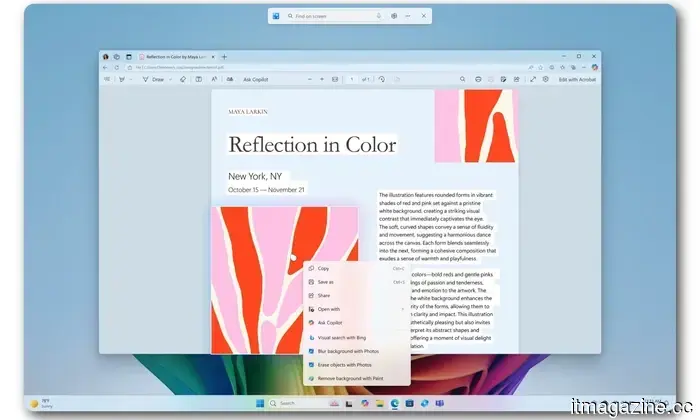
The term “Copilot+ PC” suggests a computer designed around Microsoft Copilot. In reality, the certification mainly refers to the hardware and local Windows features. The NPU in my Zenbook can enhance experiences like Windows Studio Effects, Live Captions, smarter searches, and Recall. However, the Copilot chatbot itself requires an internet connection, meaning it can function on Macs and web browsers, not just Windows PCs. Pressing the dedicated key does not launch an assistant that utilizes the full potential of the 50 TOPS NPU inside my device.
The marketing has poorly conveyed what Copilot was intended to accomplish. Microsoft promoted Copilot+ PCs as part of a significant reinvention of personal computing, with local AI transforming the way we use Windows daily. Although the NPU is present and the badge on the device indicates it can support various AI features in Windows, very few of them address issues I frequently encounter.
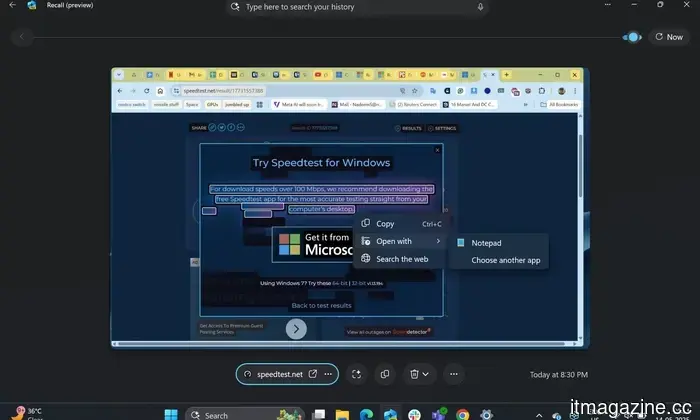
Recall is likely the most beneficial feature among them. It can capture snapshots of your activities and assist in retrieving something you previously viewed. For those managing many important files or discussions, it can be invaluable. Even so, I haven't found it necessary enough to enable Windows to generate a searchable history of my screen. Live Captions and Studio Effects can also be beneficial in the appropriate scenarios, but they remain sporadic features rather than reasons to change how I use my laptop.
Other AI services were simply more convenient
I am aware of where to look for my workflow needs. I typically begin with ChatGPT for general research and idea exploration, while Claude is useful for handling longer texts. Each service has its limitations, yet I’m familiar with their responses now.
Copilot came pre-installed with my PC, but until recently, I hadn’t really given it a chance. After testing it, I understand why I initially overlooked it. Microsoft uses the Copilot name across various products, including its consumer assistant, Microsoft 365 Copilot, GitHub Copilot, and different Windows integrations. Distinguishing which Copilot serves which function can require more effort than simply using the tool I already rely on.
This year, Microsoft reorganized its Copilot teams to provide a more unified experience across consumer and commercial offerings. This change alone indicates that the current structure has become challenging to clarify.
Microsoft's widespread implementation of Copilot did not make it a necessity
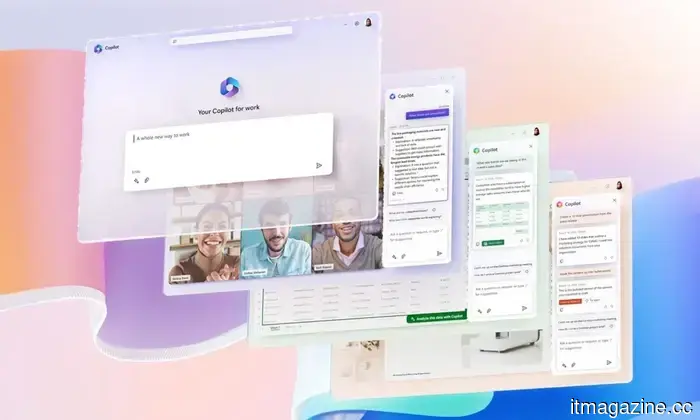
Microsoft attempted to address the adoption issue by increasing Copilot's visibility. It became present in Windows, Edge, Office, Paint, Notepad, and other system parts. PC keyboards even received a dedicated key for the first time in decades.
Microsoft has started to remove or scale back some of those entry points. Even its hardware partners have recognized the disconnect. Dell mentioned that customers were purchasing newer laptops for tangible improvements like performance and battery life, while AI terminology often confused them. This was also one reason I chose my laptop: its stunning OLED display, lightweight design, and dependable battery longevity.
Even those who have tried it find it difficult to stick with
After I reported on Copilot's low adoption, an author reached out to share his experience. He extensively used the service while writing a book but noted that updates and policy changes sometimes led to it refusing tasks it had previously completed. He now opens Copilot with one question in mind: “Will it or won’t it?”
To be fair, generative AI services are constantly evolving, and refusals can occur across Copilot, ChatGPT, Claude, and Gemini. However, Copilot bears the added expectation of being an integrated productivity assistant, meaning users anticipate consistency from a tool that’s embedded directly into their operating system and work software.
Is this genuinely future-proof?
I don't regret purchasing the Zenbook. It is a capable machine, and the NPU may prove increasingly beneficial as more applications begin to run AI workloads locally. The Copilot+ certification also offers some assurance that the device meets Microsoft’s current standard for future Windows features. However, this just suggests future-proofing rather than being immediately useful.
Moreover, Microsoft may elevate the standard as systems advance and requirements evolve. For the moment, I will continue utilizing the AI tools that already align with my workflow, although

Other articles
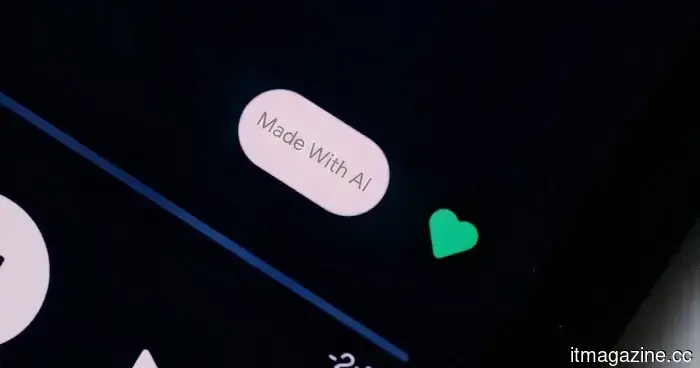 Your upcoming song might soon feature an AI warning label, and the music industry fully supports this.
The music industry is urging Spotify and Apple Music to tag AI-generated songs, aiming to provide listeners with more transparency as the use of artificial intelligence in music creation grows.
Your upcoming song might soon feature an AI warning label, and the music industry fully supports this.
The music industry is urging Spotify and Apple Music to tag AI-generated songs, aiming to provide listeners with more transparency as the use of artificial intelligence in music creation grows.
 I invested in a more promising future, but my online life incurs monthly subscription fees.
Contemporary life operates on subscriptions that tend to be helpful, affordable, and progressively essential. The future has come, but it seems we must continue to pay monthly to access it.
I invested in a more promising future, but my online life incurs monthly subscription fees.
Contemporary life operates on subscriptions that tend to be helpful, affordable, and progressively essential. The future has come, but it seems we must continue to pay monthly to access it.
 Netflix might introduce channels that are always available. That’s essentially like cable.
According to reports, Netflix has contemplated the idea of offering 24/7 genre-specific channels and handling subscriptions for competing services through its own app, effectively reinventing the cable model it previously disrupted.
Netflix might introduce channels that are always available. That’s essentially like cable.
According to reports, Netflix has contemplated the idea of offering 24/7 genre-specific channels and handling subscriptions for competing services through its own app, effectively reinventing the cable model it previously disrupted.
 What occurs when AI detectors do not succeed? Researchers suggest that we need to learn how to identify fake AI-generated faces.
AI detectors are facing challenges with increasingly convincing deepfakes. Researchers indicate that individuals can significantly enhance their skills in recognizing artificial AI faces by engaging in structured training and developing pattern recognition.
What occurs when AI detectors do not succeed? Researchers suggest that we need to learn how to identify fake AI-generated faces.
AI detectors are facing challenges with increasingly convincing deepfakes. Researchers indicate that individuals can significantly enhance their skills in recognizing artificial AI faces by engaging in structured training and developing pattern recognition.
 I attempted to create a parody of the most ridiculous AI products, but the tech industry outdid me.
I attempted to create AI devices that were too ridiculous for the tech sector. However, I soon discovered that toothbrushes, litter boxes, headphones, and various appliances had already surpassed my ideas.
I attempted to create a parody of the most ridiculous AI products, but the tech industry outdid me.
I attempted to create AI devices that were too ridiculous for the tech sector. However, I soon discovered that toothbrushes, litter boxes, headphones, and various appliances had already surpassed my ideas.
 I invested a lot in a Copilot+ PC, yet I hardly ever use Microsoft's AI.
Although my Copilot+ PC is equipped with specialized AI hardware and comes with its own Copilot key, Microsoft's assistant has not significantly integrated into my everyday tasks.
I invested a lot in a Copilot+ PC, yet I hardly ever use Microsoft's AI.
Although my Copilot+ PC is equipped with specialized AI hardware and comes with its own Copilot key, Microsoft's assistant has not significantly integrated into my everyday tasks.
I invested a lot of money in a Copilot+ PC, yet I've hardly used Microsoft's AI at all.
My Copilot+ PC is equipped with dedicated AI hardware and features its own Copilot key, but Microsoft's assistant has only marginally integrated into my daily routine.