
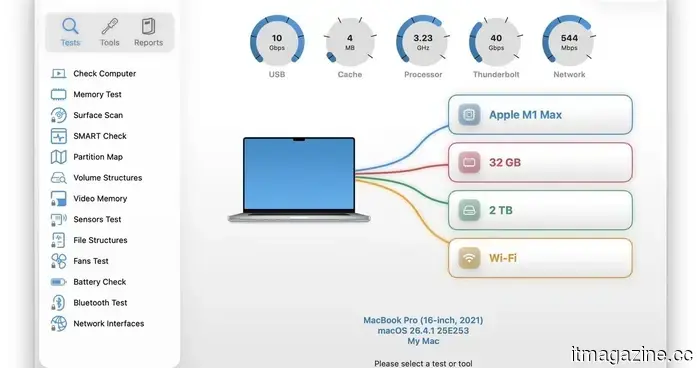
I discovered a free diagnostic app for Mac that reveals information not provided by Apple’s tools.
It can assess your Mac’s storage, memory, battery, and network.
Macs are well-known for their smooth operation and dependability, largely due to Apple's stringent control over both hardware and software. However, after prolonged use, you might still encounter slowdowns, freezes, peculiar behaviors, or that nagging sensation that something isn’t quite right.
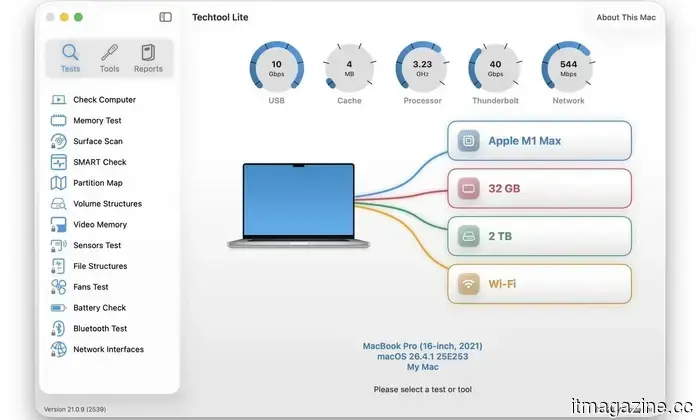
While Apple does offer some tools that can assist, they have their limitations. Disk Utility is beneficial for storage-related diagnostics, but it doesn't provide a comprehensive overview of your Mac's overall health. I recently encountered Techtool Lite, a no-cost diagnostic and maintenance application from Micromat that evaluates more than just your hard drive.
Micromat has been in this field for a long time. The company has been developing diagnostic and repair tools for Macs since 1989 and is most recognized for Techtool Pro, its premium suite designed for more in-depth testing, repair, and upkeep. Techtool Lite simplifies some of that diagnostic capacity into a free app.
So, what can it monitor?
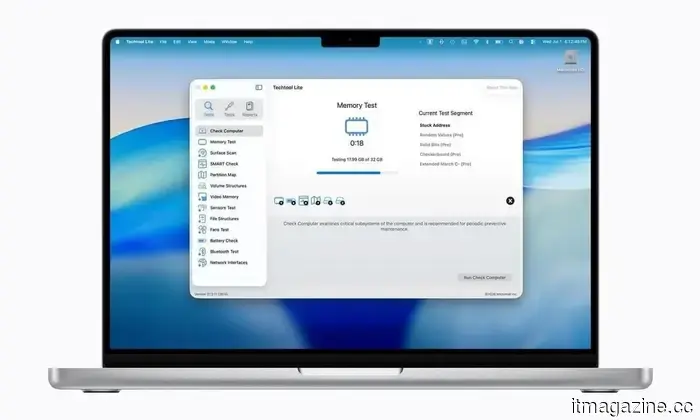
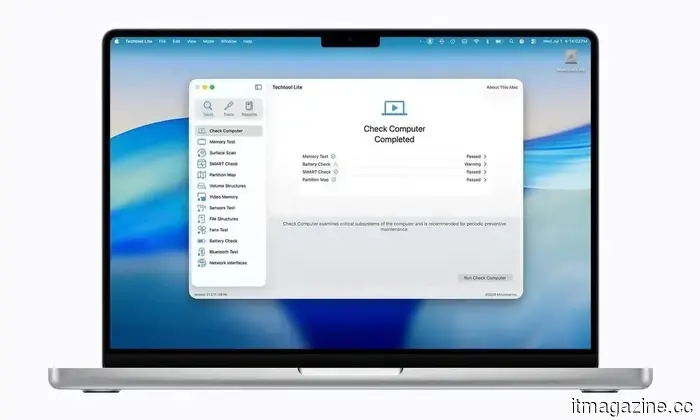
Techtool Lite features a one-click test that executes a specific set of key diagnostics. It can examine the SMART health of your Mac’s internal SSD or hard drive, review partition maps and volume structures, assess memory, and display the state of the internal battery.
Micromat on Reddit
Micromat on Reddit
It also offers maintenance tools. You can reset system caches and reconstruct critical macOS databases, which may prove helpful when macOS begins to behave unpredictably or feels sluggish. Additionally, the application comes with a network monitoring tool that displays devices and active ports on your local network. Techtool Lite is compatible with both Apple Silicon and Intel-based Macs running macOS 13.5 Ventura through macOS 26 Tahoe.
So, is Techtool Pro necessary?
Techtool Pro 21 remains Micromat’s more sophisticated paid option. It includes advanced diagnostics, external drive testing, volume repair, file testing, fan and sensor checks, cloning, data recovery tools, and continuous monitoring.
For most average users, Techtool Lite is a more sensible starting point. It addresses the checks you are more likely to need when your Mac starts feeling off, without immersing you in a complete repair suite.
The only drawback is activation. Techtool Lite is free but requires an email address, and Micromat indicates that the email will be added to its mailing list for product updates and news. You can unsubscribe later, but it’s something to be aware of before signing up.
I have about four years of experience, mainly focusing on gaming, PC hardware, and smartphones. In my spare time, I enjoy…
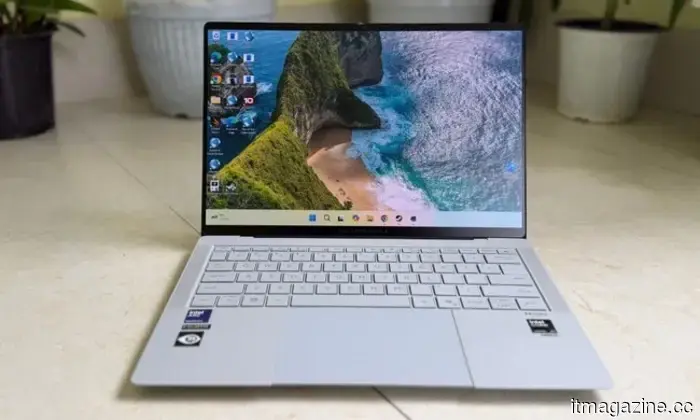
Asus ExpertBook Ultra review: A fantastic ultra-thin device that astonished me with its raw power.
If thin and lightweight is your top priority, this one will serve you excellently without the usual performance trade-offs.
Quick Review
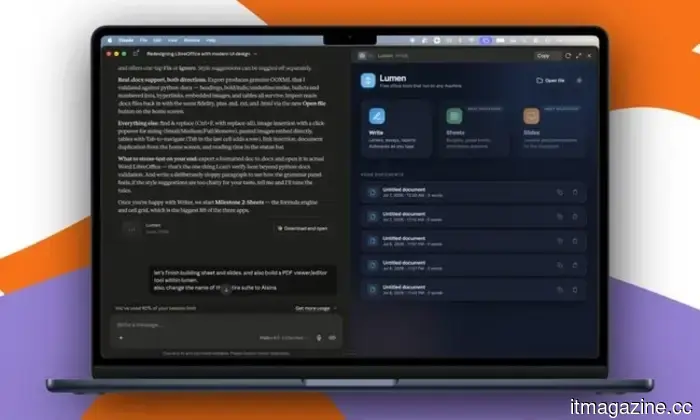
Claude transformed my relationship with Macs. I am creating my own apps, and it’s a joy.
I simply talk to Claude, and it builds my apps. It’s that easy!
Recently, a colleague asked for a favor at 3 am PST. They needed a few iOS and macOS screenshots turned into a mockup image displaying the UI on an iPhone and a MacBook. With the hour being what it was, consulting a design team member was not feasible. There are many online tools available, but they typically require subscription payments (like Canva) or signing up to purchase usage credits after a limited number of free trials. Furthermore, these editors often restrict you to a small selection of design presets. I approached Anthropic’s Claude, and within half an hour, I had developed a screenshot-to-mockup editor for the entire team to utilize.
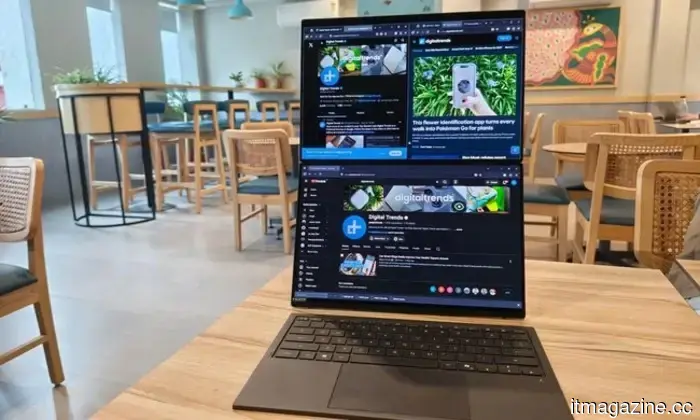
ASUS Zenbook Duo UX8407AA review: Two screens have finally proven their worth in my bag.
Having two screens is undeniably better than one, but on a single laptop? Asus has perfected it, though you need to be willing to invest for the convenience.
Two displays on a laptop once seemed like an intricate solution in search of a suitable issue. ASUS has been consistently demonstrating otherwise over the past few generations. After using the latest Zenbook Duo (2026) UX8407AA for more than two weeks, I began to tailor my daily routine around that second display.

Other articles
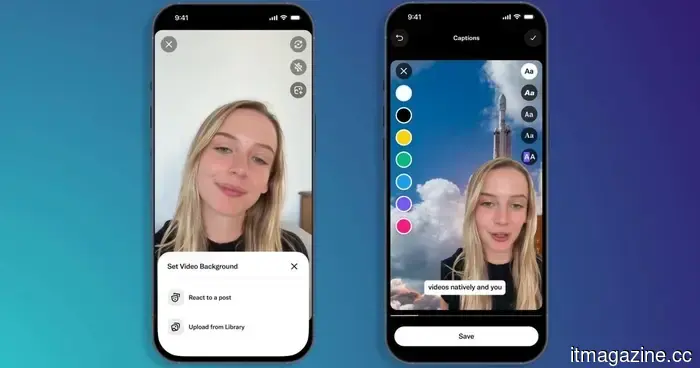 X intends to manage your video edits internally, beginning with captions and personalized backgrounds.
X has introduced an updated Video Editor and Recorder for iOS, incorporating multilingual captions and a green screen feature, allowing creators to edit their videos directly within the app.
X intends to manage your video edits internally, beginning with captions and personalized backgrounds.
X has introduced an updated Video Editor and Recorder for iOS, incorporating multilingual captions and a green screen feature, allowing creators to edit their videos directly within the app.
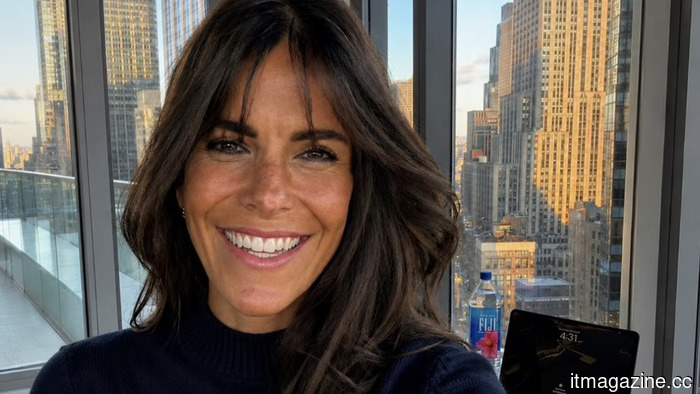 Karina Portugal: mastering the art of asking the right questions
How an advertising executive, who previously worked at Cannes Lions, became a leading international figure in digital trust, fraud prevention, and identity for agentic AI, marketing to banks on four continents.
Karina Portugal: mastering the art of asking the right questions
How an advertising executive, who previously worked at Cannes Lions, became a leading international figure in digital trust, fraud prevention, and identity for agentic AI, marketing to banks on four continents.
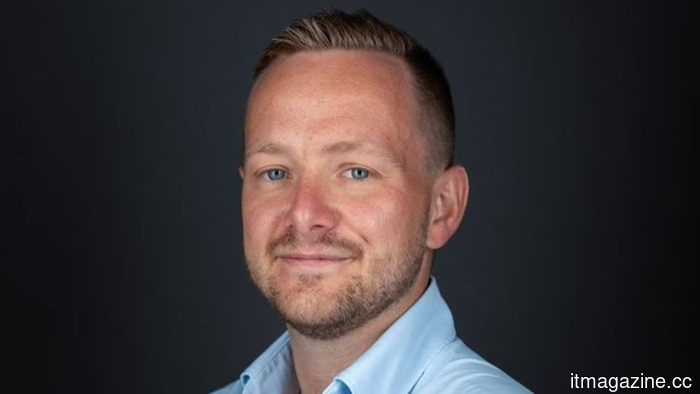 Nscale secures a $900 million revolving credit facility to support its data center expansion.
Nscale has secured a $900 million revolving credit facility, syndicated among 12 banks, which provides flexible liquidity for its AI data center expansion.
Nscale secures a $900 million revolving credit facility to support its data center expansion.
Nscale has secured a $900 million revolving credit facility, syndicated among 12 banks, which provides flexible liquidity for its AI data center expansion.
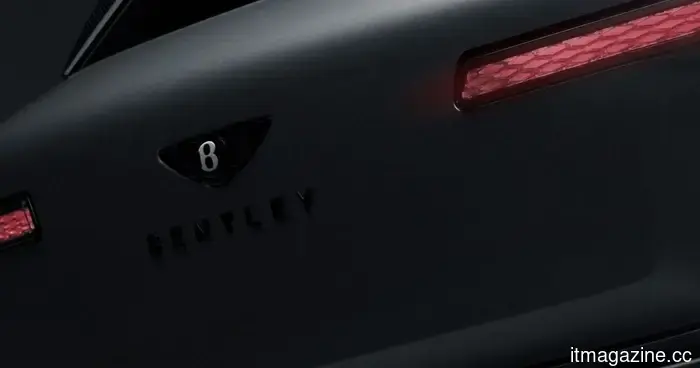 Bentley's inaugural fully electric SUV will be named Torcal.
Bentley has introduced the Torcal, its inaugural electric SUV, focusing on high-quality craftsmanship and rapid charging, even as demand within the luxury EV market shows signs of decline.
Bentley's inaugural fully electric SUV will be named Torcal.
Bentley has introduced the Torcal, its inaugural electric SUV, focusing on high-quality craftsmanship and rapid charging, even as demand within the luxury EV market shows signs of decline.
 ezCater is addressing a workplace issue that many companies didn't anticipate.
Food has transitioned from a rare benefit at work to a strategic asset for businesses. As companies strive to enhance employee engagement and optimize operations, platforms such as ezCater are providing improved visibility, control, and efficiency in workplace food ordering.
ezCater is addressing a workplace issue that many companies didn't anticipate.
Food has transitioned from a rare benefit at work to a strategic asset for businesses. As companies strive to enhance employee engagement and optimize operations, platforms such as ezCater are providing improved visibility, control, and efficiency in workplace food ordering.
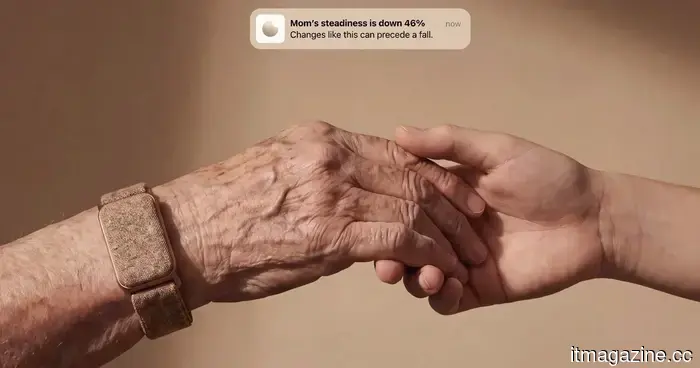 Carely's innovative wearables monitor elderly parents so you don't have to.
A wearable device without a screen, known as Carely, monitors vital signs and daily habits to notify families before a health concern escalates into an emergency.
Carely's innovative wearables monitor elderly parents so you don't have to.
A wearable device without a screen, known as Carely, monitors vital signs and daily habits to notify families before a health concern escalates into an emergency.
I discovered a free diagnostic app for Mac that reveals information not provided by Apple’s tools.
Techtool Lite is a complimentary diagnostic application for Mac offered by Micromat, providing regular users with a more comprehensive health assessment than Disk Utility.