
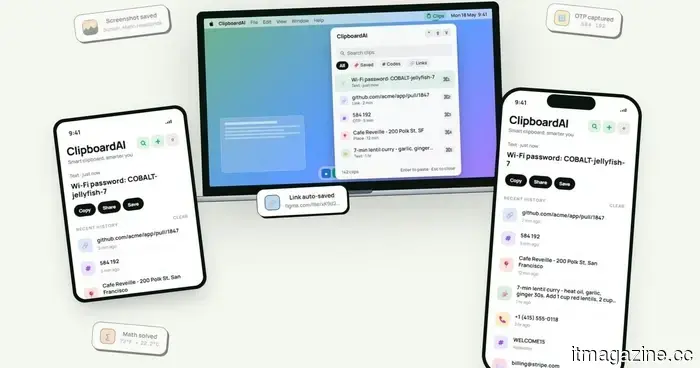
This clipboard app that works across devices resolves the copy-paste issues I frequently encounter on my Mac.
I have lost track of how many times I've copied something important, then copied something else before pasting, only to find that the initial item is no longer available. It's a minor annoyance, but it occurs often enough to be frustrating. I recently discovered ClipboardAI, which caught my eye because it enhances Apple’s built-in clipboard by preserving copied items in a searchable history.
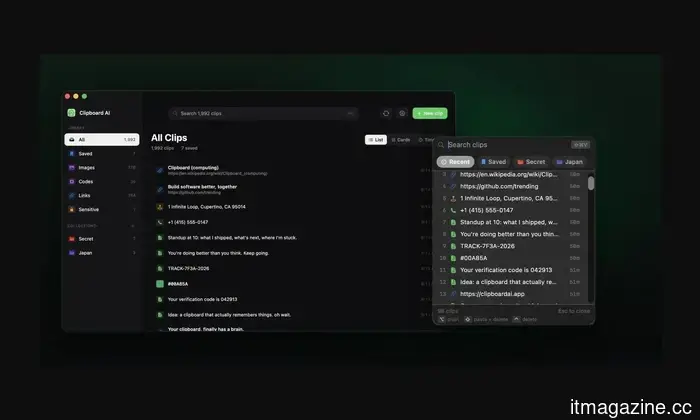
Rather than overwriting your last copied item each time, ClipboardAI maintains a searchable record of copied text, links, codes, email addresses, phone numbers, addresses, and images across iPhone, iPad, and Mac. This means that older clips remain available even when new ones are copied.
It saves, organizes, and retrieves clips swiftly.
ClipboardAI employs on-device AI to categorize copied items into links, codes, emails, addresses, phone numbers, text, and images. Users can also create collections for frequently reused material, such as research links, templates, travel details, or saved snippets.
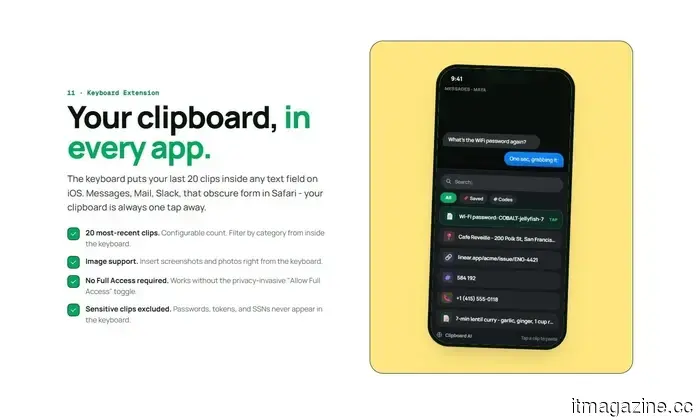
The keyboard extension is what makes the app particularly useful. It can display up to 20 recent clips within any iOS text field, allowing you to paste something you copied earlier without leaving apps like Messages, Mail, Slack, Safari, or others.
The app can summarize copied text, generate link previews, detect languages, provide translations, convert lists into checklists, and solve math problems or unit conversions. Some features will be frequently useful, while others may be more situational.
Privacy is a crucial aspect.
Since clipboards often store sensitive information such as passwords, codes, addresses, emails, phone numbers, and copied messages, privacy is essential for apps like this. ClipboardAI keeps AI functionalities on-device, stores clips locally using SwiftData, and refrains from utilizing analytics, ads, third-party SDKs, or developer-managed servers.
The app also handles sensitive clips differently from standard copied items. It can recognize passwords, API tokens, credit card numbers, and Social Security Numbers, and will obscure them by default. Passwords can vanish after 60 seconds, and sensitive clips remain inaccessible in the keyboard extension unless the user opts to change that setting.
Syncing is done through the user's own iCloud account and is optional. The free version offers automatic capture, categorization, search, and up to 10 saved clips. The Pro version provides unlimited clips, iCloud sync, the keyboard extension, AI features, and collections, with a 7-day yearly trial and a $24.99 lifetime option.
Not everyone requires a clipboard manager. However, if you frequently lose copied links, codes, notes, or addresses several times a week, ClipboardAI could serve as a beneficial alternative to Apple’s built-in clipboard.
Other articles
 Not everything is running smoothly with DuckDuckGo and its AI.
DuckDuckGo's AI search assistant was misled into reiterating a false narrative, underscoring how organized misinformation can deceive contemporary AI technologies.
Not everything is running smoothly with DuckDuckGo and its AI.
DuckDuckGo's AI search assistant was misled into reiterating a false narrative, underscoring how organized misinformation can deceive contemporary AI technologies.
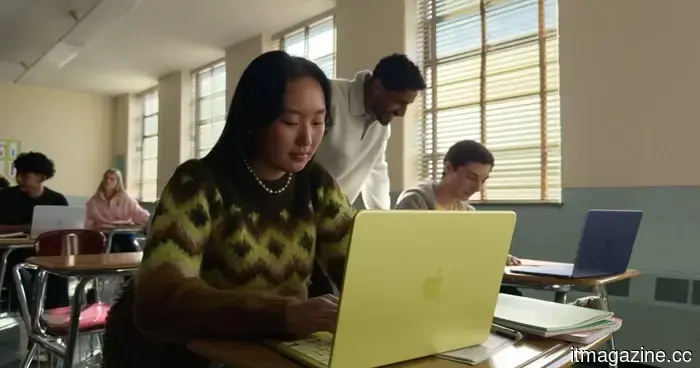 The refurbished MacBook Neo could be the ideal solution to avoid Apple’s price increase.
Refurbished MacBook Neo models have been listed on Apple's online store, but the discounts might not be as substantial as you might anticipate.
The refurbished MacBook Neo could be the ideal solution to avoid Apple’s price increase.
Refurbished MacBook Neo models have been listed on Apple's online store, but the discounts might not be as substantial as you might anticipate.
 Silicon Valley financed efforts to eliminate AI regulations, and now it seeks to reinstate those rules.
According to Politico, AI leaders who supported Trump's deregulation efforts now describe his improvised crackdown as more severe than anything proposed by Biden.
Silicon Valley financed efforts to eliminate AI regulations, and now it seeks to reinstate those rules.
According to Politico, AI leaders who supported Trump's deregulation efforts now describe his improvised crackdown as more severe than anything proposed by Biden.
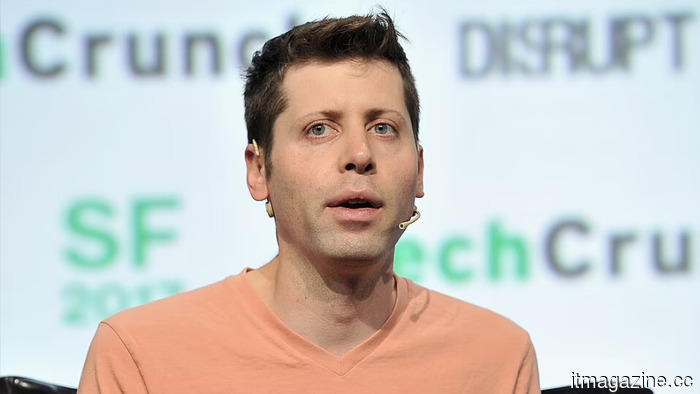 OpenAI appoints the chief of Uber India as its inaugural managing director for the region.
OpenAI has named Prabhjeet Singh, the departing president of Uber India, as its inaugural managing director for India, which is its second-largest market.
OpenAI appoints the chief of Uber India as its inaugural managing director for the region.
OpenAI has named Prabhjeet Singh, the departing president of Uber India, as its inaugural managing director for India, which is its second-largest market.
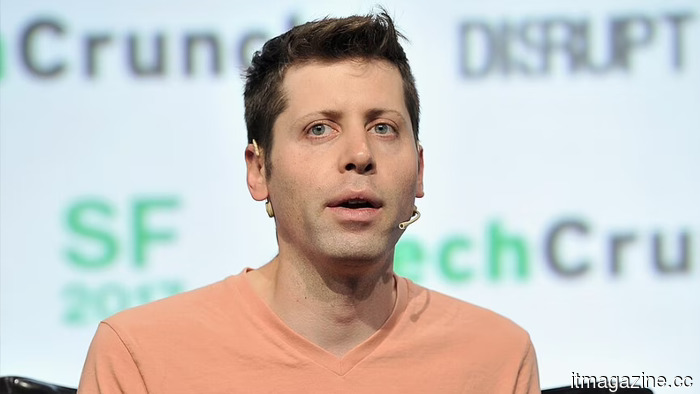 OpenAI appoints the chief of Uber India as its inaugural managing director for the nation.
OpenAI has named Prabhjeet Singh, the departing president of Uber India, as its inaugural managing director for India, which is its second-largest market.
OpenAI appoints the chief of Uber India as its inaugural managing director for the nation.
OpenAI has named Prabhjeet Singh, the departing president of Uber India, as its inaugural managing director for India, which is its second-largest market.
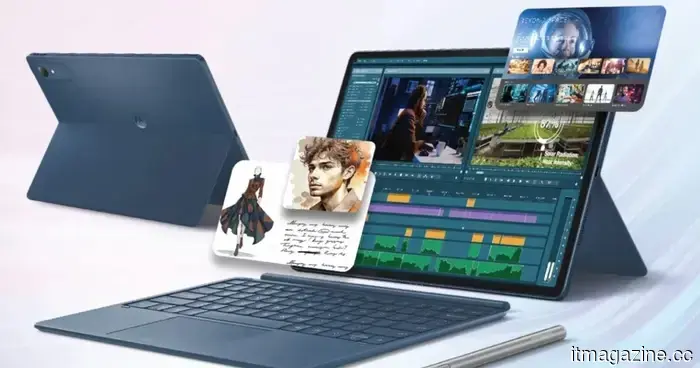 As the cost of iPads rises, Motorola’s Pad 70 Pro presents a strong choice… though it's not yet available for US customers.
The Moto Pad 70 Pro is a rebranded Lenovo tablet with solid specifications, set to launch in India at approximately $440, and it would be a great addition to the US market at this time.
As the cost of iPads rises, Motorola’s Pad 70 Pro presents a strong choice… though it's not yet available for US customers.
The Moto Pad 70 Pro is a rebranded Lenovo tablet with solid specifications, set to launch in India at approximately $440, and it would be a great addition to the US market at this time.
This clipboard app that works across devices resolves the copy-paste issues I frequently encounter on my Mac.
ClipboardAI stores copied text, links, code, images, and more in a searchable history available on iPhone, iPad, and Mac.