
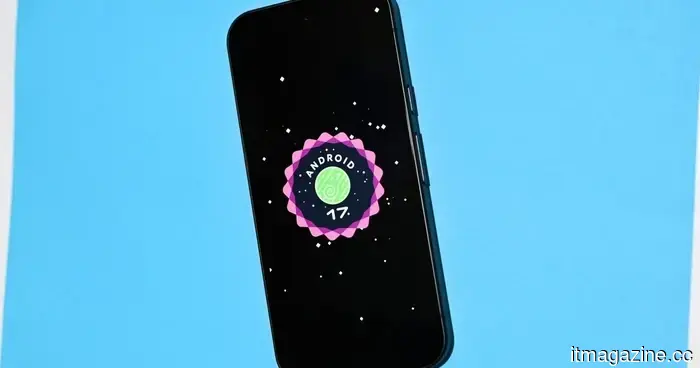
Android 17: All the information we have up to now
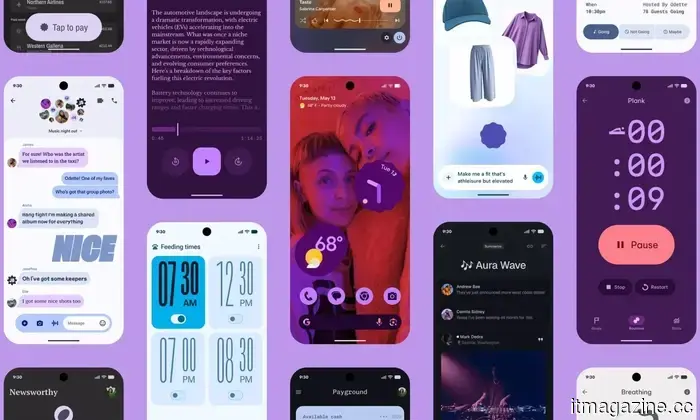
Taking into account all the Android 16 QPR updates and the new features revealed at The Android Show and Google I/O 2026, Android 17 is certainly coming together as one of the most ambitious updates the company has delivered in years.
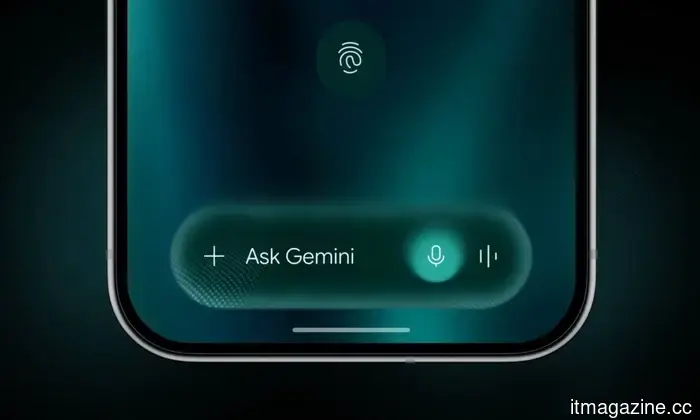
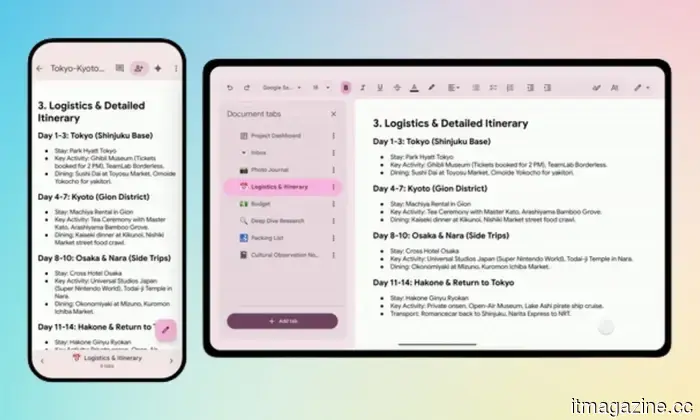
With advancements like Gemini Intelligence that handles tasks for you, enhanced security measures, and productivity-oriented features such as App Bubbles, there’s plenty to explore. The stable update is anticipated in June or early July 2026, but many of the new features are already available in the Android 17 Beta version for compatible Pixel devices.
Here’s what we know so far, including the latest Android 17 updates, release schedule, instructions for downloading the beta version, compatible devices, and features that may be available to a broader audience with the upcoming stable release.
**Google**
**Android 17: Latest Updates**
- **June 10, 2026**: Google announced Android 17 QPR1 Beta 4 for Pixel devices.
- **June 1, 2026**: Android 17 Beta 4.1 was released, introducing features like Continue On.
- **May 20, 2026**: A feature named Continue On is being introduced, making it easier to switch between Android devices.
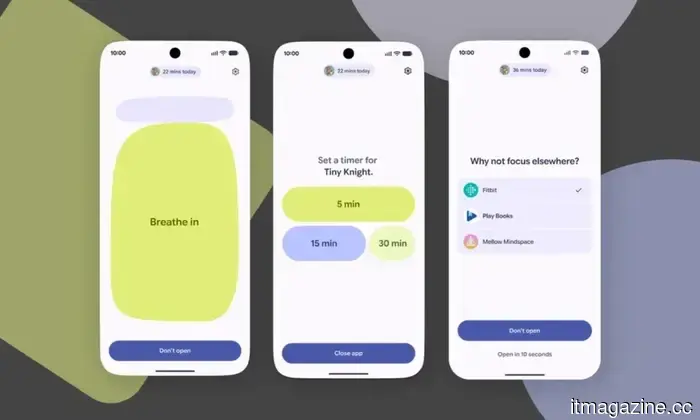
- **May 17, 2026**: Google is developing an anti-doomscrolling feature named Pause Point, set to be included with Android 17 for all users.
- **May 12, 2026**: During The Android Show 2026, Google unveiled various developments, including Gemini Intelligence, a suite of AI-enabled features, alongside updates for Chromebooks and Android 17.
- **May 12, 2026**: The upcoming version of Android will feature a location button that gives apps precise location access only when in use.
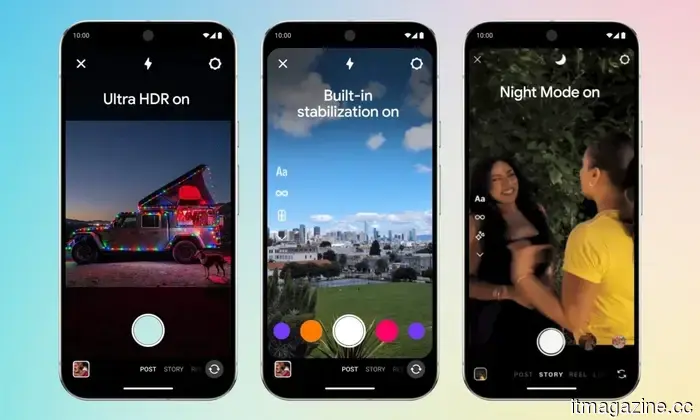
- **May 12, 2026**: The Instagram app will receive Ultra HDR capabilities, video stabilization, and Night Sight support for flagship Android smartphones with Android 17.
- **April 8, 2026**: Android 17 will allow gamers to remap controller settings at the system level.
**Android 17 Release Schedule**
The release cycle for Android 17 differs from previous ones due to the retirement of Google's long-standing Developer Preview this year. In its place, the Android Canary channel has been introduced.
Android 17 achieved platform stability in April 2026, but the Beta 4.1 upgrade was released on June 3, 2026, as an unscheduled bug fix to resolve issues ahead of the expected stable launch in June 2026.
| Stage | Date | Description |
|---------------------------------|------------------------|------------------------------------------------------------------------------|
| Android Canary Channel | Continuous (2025 – early 2026) | Permanent replacement for Developer Previews. |
| Beta 1 | February 13, 2026 | First public beta, open to all enrolled Pixel devices with API updates. |
| Beta 2 | February 26, 2026 | Improvements in system stability and UI based on Beta 1 feedback. |
| Beta 3: Platform Stability | March 26, 2026 | Locking down final SDK and NDK APIs. |
| Beta 4 | April 16, 2026 | Last scheduled public beta. |
| Google I/O & The Android Show | May 19, 2026 | Official consumer reveal. |
| Beta 4.1 | June 3, 2026 | Minor, unscheduled bug-fix update prior to stable launch. |
| Stable Public OTA Rollout | Expected June 2026 | Over-the-air rollout to all supported Pixel devices. |
| QPR1 Minor SDK Release | September 2026 (estimated)| Q4 platform update with additional APIs and features. |
**How to Download the Android 17 Beta?**
Currently, the beta version of Android 17 is accessible to anyone with a compatible Pixel device. To download the beta, you must first enroll in Google's official Beta Program.
However, there's an essential note: if you exit the beta program before the stable release of Android 17, a complete factory reset of your device will be required to revert back to the stable Android 16 channel.
Here’s how to install the Android 17 beta:
1. Navigate to Settings > System > Backup and create a manual backup to your Google account.
2. Sign in to the Android Beta Program portal with the Google account linked to your Pixel device and find your device in the list of eligible devices.
3. Tap “Opt in” to enroll your device.
4. On your compatible Pixel, go to Settings > System > System update and tap “Check for update.” The beta package should appear shortly after enrollment.
5. Download the update and allow installation to proceed in the background.



Other articles
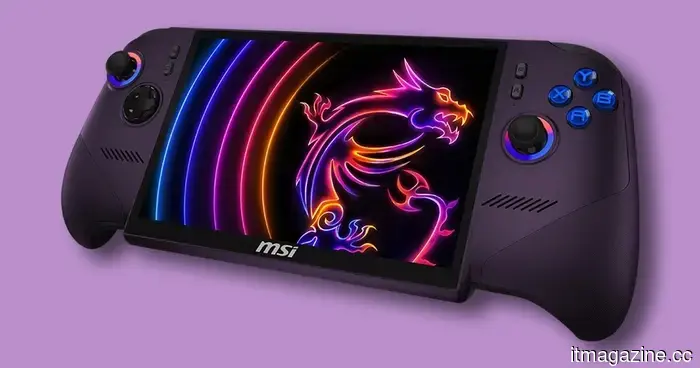 The MSI Claw 8 EX AI+ represents the next generation of gaming handhelds, but its price is quite painful.
The MSI Claw 8 EX AI+ has been reportedly priced at $1,699, positioning Intel's newest handheld among the priciest portable gaming PCs available.
The MSI Claw 8 EX AI+ represents the next generation of gaming handhelds, but its price is quite painful.
The MSI Claw 8 EX AI+ has been reportedly priced at $1,699, positioning Intel's newest handheld among the priciest portable gaming PCs available.
 David Silver from AlphaGo places his superintelligence wager on Google Cloud.
David Silver’s Ineffable Intelligence has designated Google Cloud as its infrastructure partner, utilizing Nvidia Vera Rubin GPUs to develop a self-learning AI.
David Silver from AlphaGo places his superintelligence wager on Google Cloud.
David Silver’s Ineffable Intelligence has designated Google Cloud as its infrastructure partner, utilizing Nvidia Vera Rubin GPUs to develop a self-learning AI.
 TCS incurs a $70 million loss as the US Supreme Court dismisses its appeal.
India's TCS will incur a $70 million charge following the refusal of the US Supreme Court to consider its appeal in a trade-secrets case involving DXC Technology.
TCS incurs a $70 million loss as the US Supreme Court dismisses its appeal.
India's TCS will incur a $70 million charge following the refusal of the US Supreme Court to consider its appeal in a trade-secrets case involving DXC Technology.
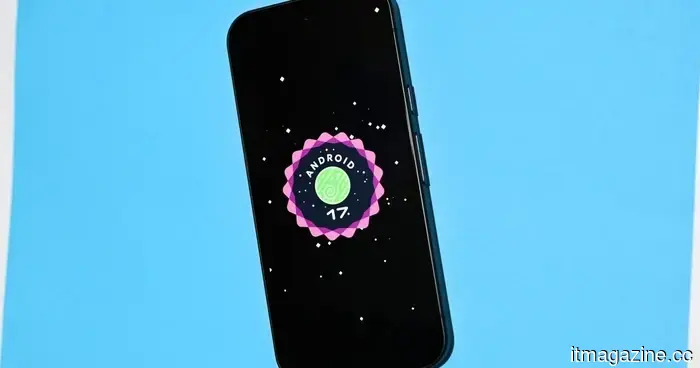 Android 17: All the information we currently have
From app bubbles to 3D emojis and Gemini Intelligence, Android 17 is filled with features. Here’s what has been confirmed up to this point.
Android 17: All the information we currently have
From app bubbles to 3D emojis and Gemini Intelligence, Android 17 is filled with features. Here’s what has been confirmed up to this point.
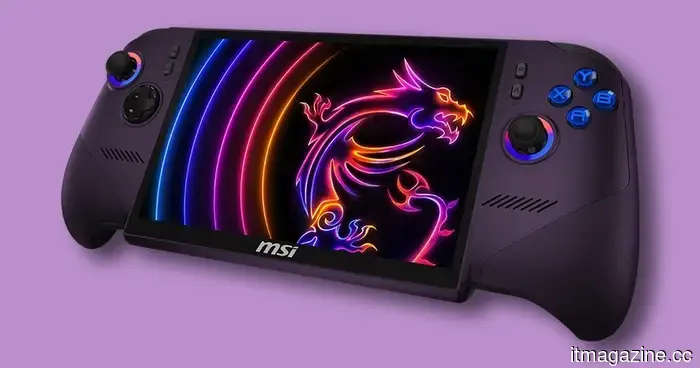 The MSI Claw 8 EX AI+ represents the future of portable gaming devices, yet its cost is quite painful.
The MSI Claw 8 EX AI+ has been reported to be priced at $1,699, positioning Intel's newest handheld as one of the priciest portable gaming PCs available.
The MSI Claw 8 EX AI+ represents the future of portable gaming devices, yet its cost is quite painful.
The MSI Claw 8 EX AI+ has been reported to be priced at $1,699, positioning Intel's newest handheld as one of the priciest portable gaming PCs available.
 Ukraine obtains access to the EU's emergency cyber response system in light of significant attacks.
The EU Council has included Ukraine in the EU Cybersecurity Reserve, allowing it to request incident-response services from reliable private providers during significant attacks.
Ukraine obtains access to the EU's emergency cyber response system in light of significant attacks.
The EU Council has included Ukraine in the EU Cybersecurity Reserve, allowing it to request incident-response services from reliable private providers during significant attacks.
Android 17: All the information we have up to now
From app bubbles to 3D emojis and Gemini Intelligence, Android 17 is full of features. Here’s a summary of everything that has been confirmed so far.