
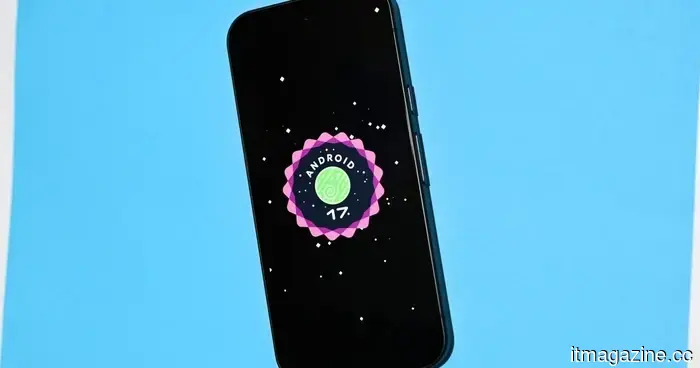
Android 17: All the information we currently have
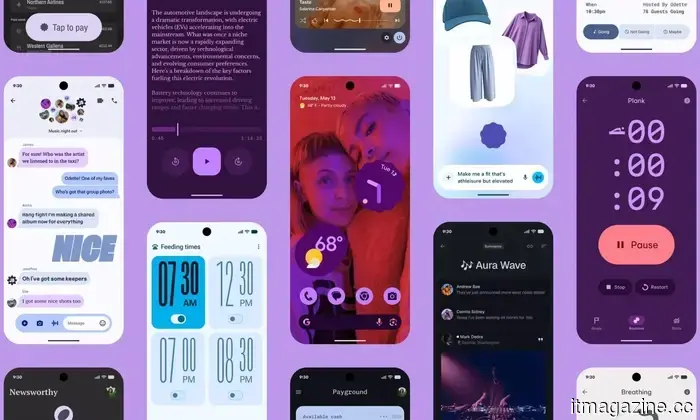
Taking into account all the Android 16 QPR updates and the new ones revealed at The Android Show and Google I/O 2026, Android 17 is clearly becoming one of the most ambitious updates the company has released in years.
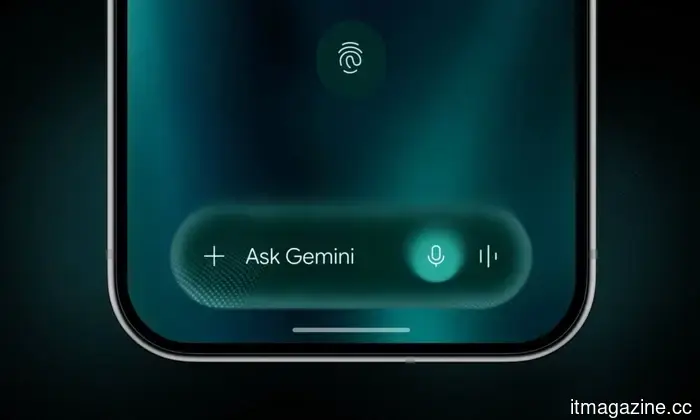
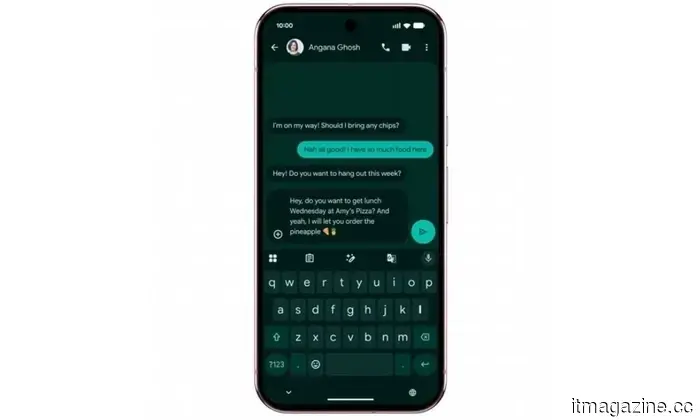
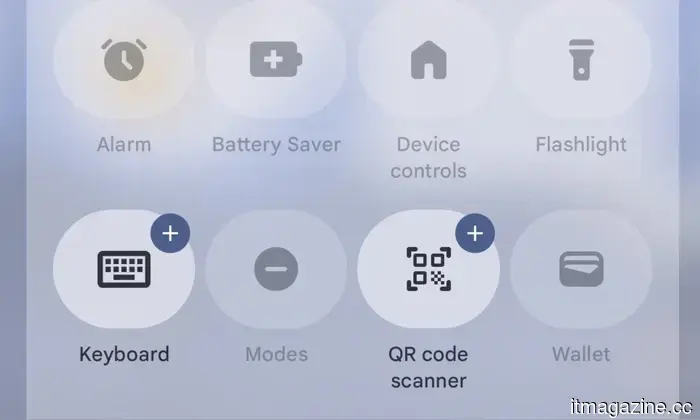
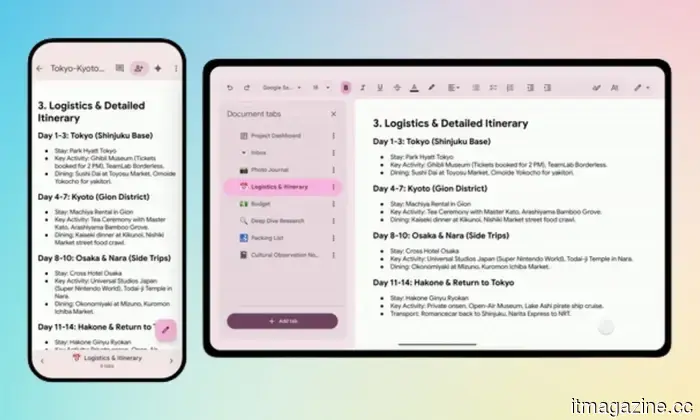
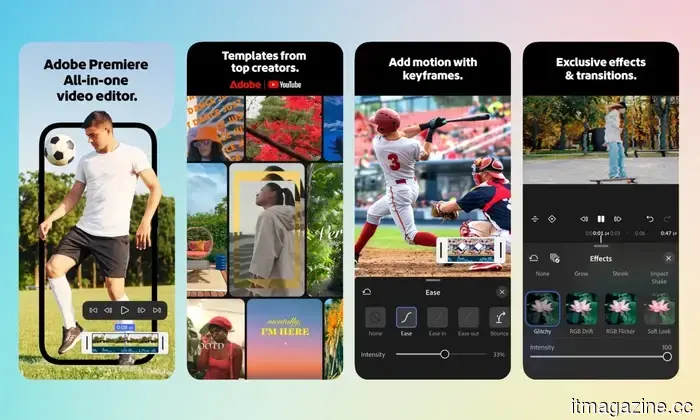
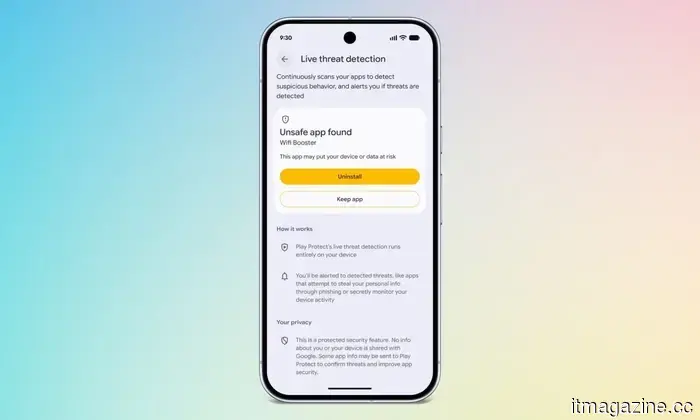
With features like Gemini Intelligence that handles tasks for you, enhanced security options, and productivity centric tools such as App Bubbles, there’s a lot to explore. The stable update is anticipated to arrive in June or early July 2026, but many upcoming features are already accessible via the Android 17 Beta version for compatible Pixel devices.
Here’s what we know up to this point, including the latest news on Android 17, release schedule, how to download the beta version, supported devices, and all features that may be available to a broader audience with the stable version's release.
Google
**Android 17: Latest Updates**
- June 10, 2026: Google launched Android 17 QPR1 Beta 4 for Pixel devices.
- June 1, 2026: Android 17 Beta 4.1 went live featuring new elements such as Continue On.
- May 20, 2026: A new feature called Continue On is being introduced to facilitate smoother transitions between Android devices.
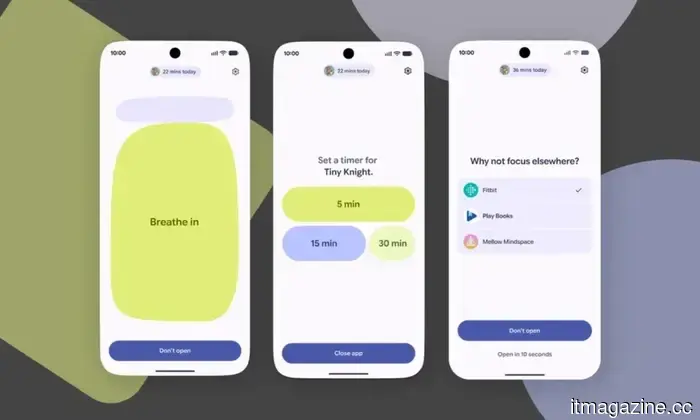
- May 17, 2026: Google is developing an anti-doomscrolling feature called Pause Point, set to be included with Android 17 for all users.
- May 12, 2026: Announced at The Android Show 2026, Google revealed several advancements including Gemini Intelligence, Chromebooks, and Android 17.
- May 12, 2026: The upcoming version will feature a location button allowing apps to access precise location data only while actively in use.
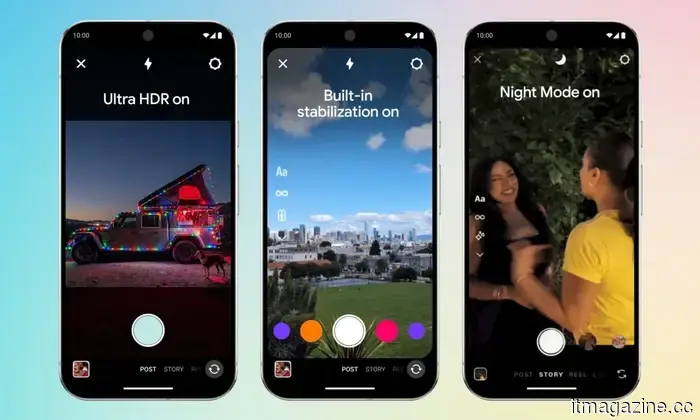
- May 12, 2026: Instagram will offer Ultra HDR capture, playback, video stabilization, and Night Sight support for flagship smartphones with Android 17.
- April 8, 2026: Android 17 will enable gamers to remap their controllers at the system level.
**Android 17 Release Timeline**
The release cycle for Android 17 differs from Google's previous processes, primarily due to the retirement of the long-standing Developer Preview this year. In its place, Google has introduced the Android Canary channel.
While Android 17 reached platform stability in April 2026, the Beta 4.1 update was released on June 3, 2026, as an unscheduled bug-fix addressing lingering issues before the stable launch expected in June 2026.
| Stage | Date | Description |
|----------------------------------|-------------------------------|-----------------------------------------------------------------------------------------|
| Android Canary Channel | Continuous (2025 – early 2026)| Google’s ongoing substitute for Developer Previews. |
| Beta 1 | February 13, 2026 | The first public beta open to all enrolled Pixel devices, featuring app-related API changes and early security updates.|
| Beta 2 | February 26, 2026 | Enhancements in system stability, UI changes, and adjustments based on Beta 1 feedback.|
| Beta 3: Platform Stability | March 26, 2026 | Final SDK and NDK APIs were confirmed in this build. |
| Beta 4 | April 16, 2026 | The last planned public beta. |
| Google I/O & The Android Show | May 19, 2026 | Google’s official consumer unveiling. |
| Beta 4.1 | June 3, 2026 | A minor, unplanned bug-fix addressing residual issues before stable launch. |
| Stable Public OTA Rollout | Expected June 2026 | Over-the-air rollout to all compatible Pixel devices. |
| QPR1 Minor SDK Release | September 2026 (estimated) | Google’s Q4 platform update introducing additional APIs and features beyond the main release.|
**How to Download the Android 17 Beta**
Currently, the Android 17 beta is accessible to users with compatible Pixel devices. To download it, you must first enroll in Google’s official Beta Program.
However, an important note: if you exit the beta program prior to the stable Android 17 release, Google will require you to perform a full factory reset on your device before reverting to the stable Android 16 version.
The steps for installing the Android 17 beta are as follows:
1. Navigate to Settings > System > Backup and perform a manual backup to your Google account.
2. Enroll your device in the Android Beta Program by signing into the portal with the Google account linked to your Pixel and find your device in the eligible hardware list.
3. Tap “Opt in” to enroll once your device is found.
4. Then, on your compatible Pixel device, go to Settings > System > System update and select “Check for update.” The beta package should appear shortly



Other articles
 Ukraine obtains access to the EU's emergency cyber response system in light of significant attacks.
The EU Council has included Ukraine in the EU Cybersecurity Reserve, allowing it to request incident-response services from reliable private providers during significant attacks.
Ukraine obtains access to the EU's emergency cyber response system in light of significant attacks.
The EU Council has included Ukraine in the EU Cybersecurity Reserve, allowing it to request incident-response services from reliable private providers during significant attacks.
 India has banned Telegram until June 22 due to ongoing medical exam cheating schemes.
India has placed a temporary ban on Telegram until 22 June, referring to channels that are marketing unauthorized access to a NEET-UG re-examination. Additionally, there is a separate directive to turn off the message editing feature.
India has banned Telegram until June 22 due to ongoing medical exam cheating schemes.
India has placed a temporary ban on Telegram until 22 June, referring to channels that are marketing unauthorized access to a NEET-UG re-examination. Additionally, there is a separate directive to turn off the message editing feature.
 David Silver from AlphaGo places his superintelligence wager on Google Cloud.
David Silver’s Ineffable Intelligence has designated Google Cloud as its infrastructure partner, utilizing Nvidia Vera Rubin GPUs to develop a self-learning AI.
David Silver from AlphaGo places his superintelligence wager on Google Cloud.
David Silver’s Ineffable Intelligence has designated Google Cloud as its infrastructure partner, utilizing Nvidia Vera Rubin GPUs to develop a self-learning AI.
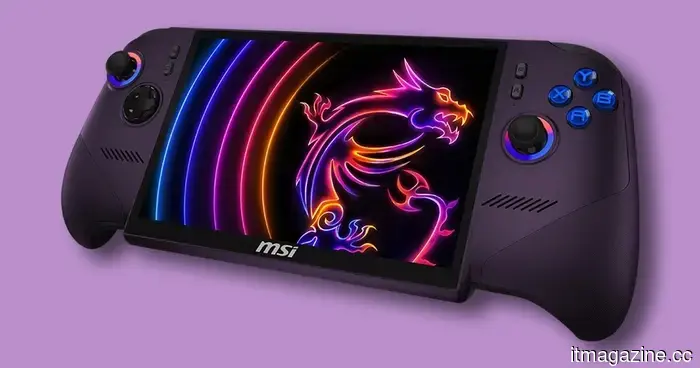 The MSI Claw 8 EX AI+ represents the next generation of gaming handhelds, but its price is quite painful.
The MSI Claw 8 EX AI+ has been reportedly priced at $1,699, positioning Intel's newest handheld among the priciest portable gaming PCs available.
The MSI Claw 8 EX AI+ represents the next generation of gaming handhelds, but its price is quite painful.
The MSI Claw 8 EX AI+ has been reportedly priced at $1,699, positioning Intel's newest handheld among the priciest portable gaming PCs available.
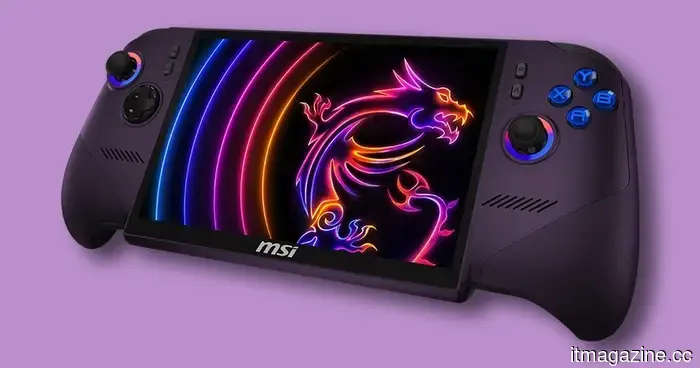 The MSI Claw 8 EX AI+ represents the future of portable gaming devices, yet its cost is quite painful.
The MSI Claw 8 EX AI+ has been reported to be priced at $1,699, positioning Intel's newest handheld as one of the priciest portable gaming PCs available.
The MSI Claw 8 EX AI+ represents the future of portable gaming devices, yet its cost is quite painful.
The MSI Claw 8 EX AI+ has been reported to be priced at $1,699, positioning Intel's newest handheld as one of the priciest portable gaming PCs available.
 TCS incurs a $70 million loss as the US Supreme Court dismisses its appeal.
India's TCS will incur a $70 million charge following the refusal of the US Supreme Court to consider its appeal in a trade-secrets case involving DXC Technology.
TCS incurs a $70 million loss as the US Supreme Court dismisses its appeal.
India's TCS will incur a $70 million charge following the refusal of the US Supreme Court to consider its appeal in a trade-secrets case involving DXC Technology.
Android 17: All the information we currently have
From app bubbles to 3D emojis and Gemini Intelligence, Android 17 is filled with features. Here’s what has been confirmed up to this point.