
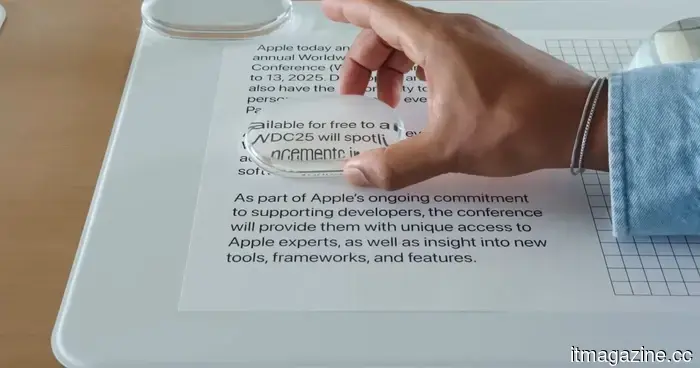
Apple has made Liquid Glass adjustable, which speaks volumes about its capabilities.
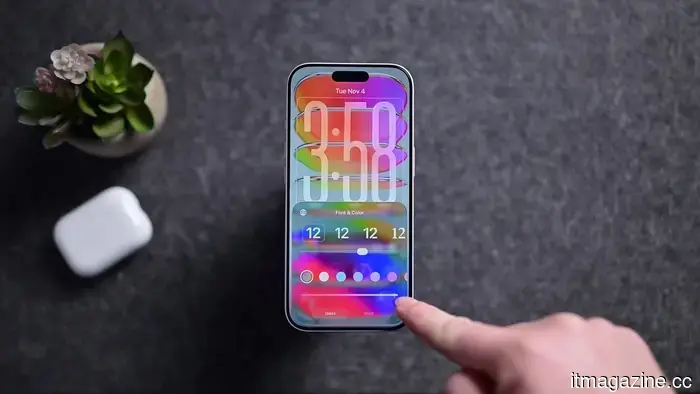
Apple's grand, glossy software vision now includes a way to reduce that glossiness. In iOS 27, users can modify the translucency of the Liquid Glass effect, while macOS Golden Gate introduces similar Liquid Glass settings within System Settings.
Liquid Glass continues to be a prominent feature across Apple's platforms, shimmering through menus and panels and showcasing the elegant user interface that Apple clearly favors. This significant visual concept has already been equipped with a dimmer switch. After a year of promoting translucency as the natural evolution, the most revealing design update from WWDC might be the one that allows users to tone it down.
AppleInsider
What occurs when Apple's design confidence meets the need for readability
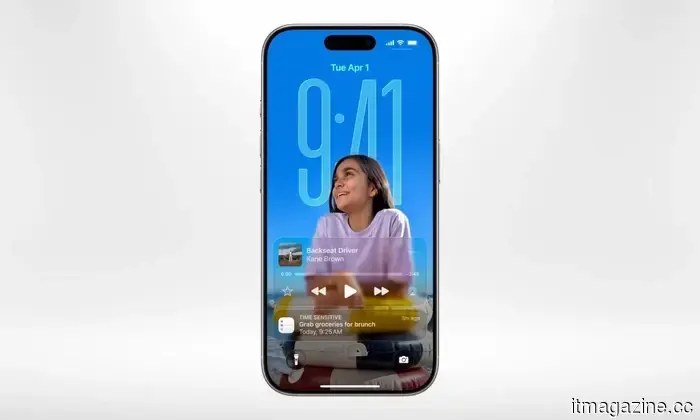
Liquid Glass was never merely a superficial enhancement. Apple presented it as a comprehensive visual language intended to impart a sense of coherence, luxury, and unmistakable Apple identity across the software. However, it faced challenges when interacting with actual screens. As software becomes increasingly translucent, it must contend with the chaotic elements beneath it, such as busy wallpapers, cluttered notifications, and forgotten widgets.
The concept of a glassy interface is not a hidden Apple technique unearthed from a secret lab at Apple Park. Windows Vista showcased Aero Glass when laptops still had DVD drives, while Microsoft later revived a frosted appearance with Fluent Design’s Acrylic material. Even Apple experimented with translucency in iOS 7.
Although Liquid Glass may appear smoother, more refined, and more technically sophisticated, the fundamental trade-off remains: create software that looks luxurious, then spend subsequent updates assisting users in seeing through it.
Apple
Complaints about readability were not unfounded. Reddit users and design-focused commenters noted issues with low contrast, notifications that could be difficult to read, and text competing with backgrounds. A glassy UI appears appealing until it clashes with the background.
The new slider transforms that tension into a setting. Apple still desires to have Liquid Glass everywhere, but it seems ready to acknowledge that not every screen requires the full aquarium effect. This feels like a sensible compromise for a design philosophy centered around transparency since transparency can only be charming until the underlying elements start to interfere with the foreground.
Why an escape route is essential
Referring to it as a “less Liquid Glass” button is somewhat simplistic, accurate, and perhaps a bit unfair. Apple made a wise choice.
A design system this bold should provide an escape option before the interface someone is attempting to interact with resembles an extravagant shower door.
Apple
On macOS Golden Gate, the setting can render the effect clearer, more opaque, or somewhere in between, with a more opaque version enhancing text readability. This approach is preferable to compelling everyone to conform to the same glossy concept endlessly. Apple can maintain its design confidence, allowing users to read a menu without contention over a wallpaper.
When does polish begin to feel like noise
Modern software continually seeks visual polish until that polish becomes just another factor to manage.
It appears impressive in a keynote presentation, but less so when someone is trying to read a menu under bright light. Screens are not showroom displays; they are where users navigate routine tasks on their phones and computers without the interface making each interaction a design showcase.
Apple did not abandon the design. Instead, it offered everyone a subtle, elegant way to strain their eyes less, which may ultimately be the most valuable feature of Liquid Glass.
Not the shiniest feature, certainly, but that was part of the issue.
Other articles
 KPMG retracted its AI report after UBS, the NHS, and others stated that its assertions regarding them were fabricated.
KPMG retracted a report on agentic AI after several organizations disputed the accuracy of its statements regarding their AI use. GPTZero attributed the inaccuracies to AI hallucinations.
KPMG retracted its AI report after UBS, the NHS, and others stated that its assertions regarding them were fabricated.
KPMG retracted a report on agentic AI after several organizations disputed the accuracy of its statements regarding their AI use. GPTZero attributed the inaccuracies to AI hallucinations.
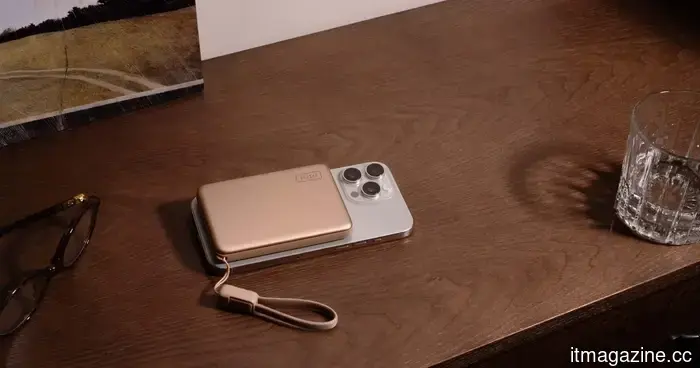 Replace Your Bulky Power Bank with SnapGo Air for Easier Charging
Charge your phone efficiently with the smart choice. This Spring Offer from INIU has the SnapGo Air (P781) available for only $49.99. Replace your bulky power bank with a streamlined magnetic snap-on that charges your device effortlessly, eliminating cables and clutter that could hold you back.
Replace Your Bulky Power Bank with SnapGo Air for Easier Charging
Charge your phone efficiently with the smart choice. This Spring Offer from INIU has the SnapGo Air (P781) available for only $49.99. Replace your bulky power bank with a streamlined magnetic snap-on that charges your device effortlessly, eliminating cables and clutter that could hold you back.
 A Tesla operating on Autopilot veered into a garage door in Washington. Authorities are looking into the incident.
A driver in Redmond, Washington, claims that Tesla's self-driving feature failed just before the vehicle crashed through a garage door of a residence. No injuries have been reported.
A Tesla operating on Autopilot veered into a garage door in Washington. Authorities are looking into the incident.
A driver in Redmond, Washington, claims that Tesla's self-driving feature failed just before the vehicle crashed through a garage door of a residence. No injuries have been reported.
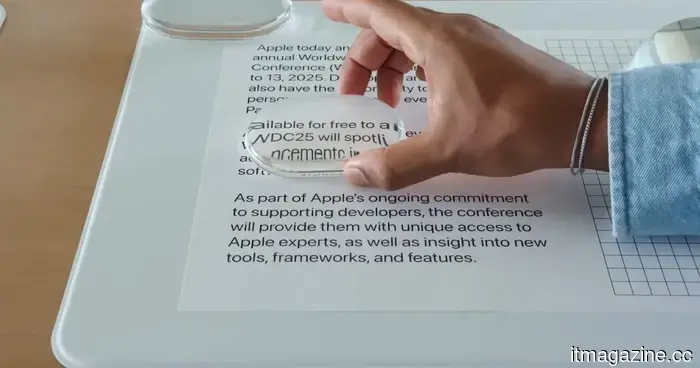 Apple has made Liquid Glass adjustable, which says a lot about Liquid Glass.
Apple introduced a Liquid Glass slider in iOS 27 and macOS Golden Gate, and the amusing aspect is how practical it seems.
Apple has made Liquid Glass adjustable, which says a lot about Liquid Glass.
Apple introduced a Liquid Glass slider in iOS 27 and macOS Golden Gate, and the amusing aspect is how practical it seems.
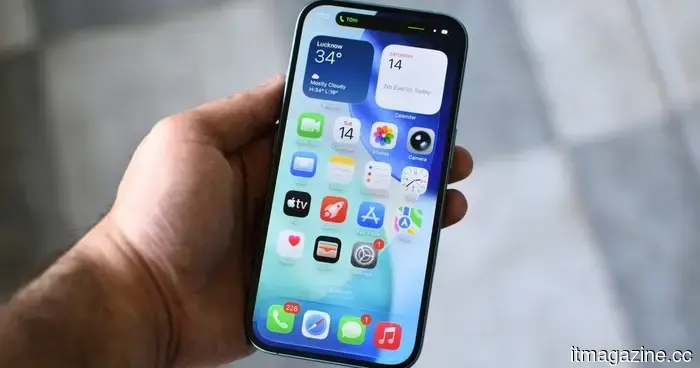 Apple has finally laid to rest the rumors surrounding planned obsolescence.
Each iOS update often brought the same concern: my older iPhone might slow down. iOS 27 finally changes that trend, and it’s significant.
Apple has finally laid to rest the rumors surrounding planned obsolescence.
Each iOS update often brought the same concern: my older iPhone might slow down. iOS 27 finally changes that trend, and it’s significant.
 Windows 11 has just addressed one of Search's most frustrating limitations, and you'll be amazed at how much you missed it.
Windows 11 search has become more intelligent with a single added character, addressing an issue you've been dealing with for years.
Windows 11 has just addressed one of Search's most frustrating limitations, and you'll be amazed at how much you missed it.
Windows 11 search has become more intelligent with a single added character, addressing an issue you've been dealing with for years.
Apple has made Liquid Glass adjustable, which speaks volumes about its capabilities.
Apple introduced a Liquid Glass slider to iOS 27 and macOS Golden Gate, and the most amusing aspect is how practical it appears.