
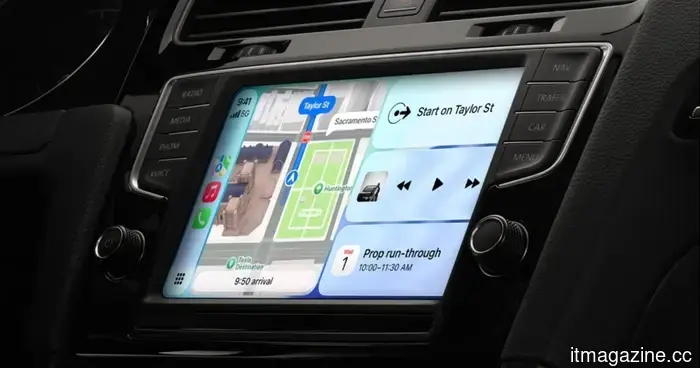
All the new features arriving in CarPlay with iOS 17.
At its WWDC 2026 keynote, Apple barely mentioned CarPlay, focusing instead on Siri AI and other Apple Intelligence features in iOS 27. However, this doesn't mean CarPlay is absent this year.
The company included most CarPlay updates in a video intended for developers, revealing that there is indeed more than expected. As a CarPlay user, I believe some of these features are long overdue, while others are part of the overall iOS 27 redesign.
Without delaying further, let's go over all the new features coming to your CarPlay dashboard this fall with the official iOS 27 launch.
**Full video playback apps for when parked**
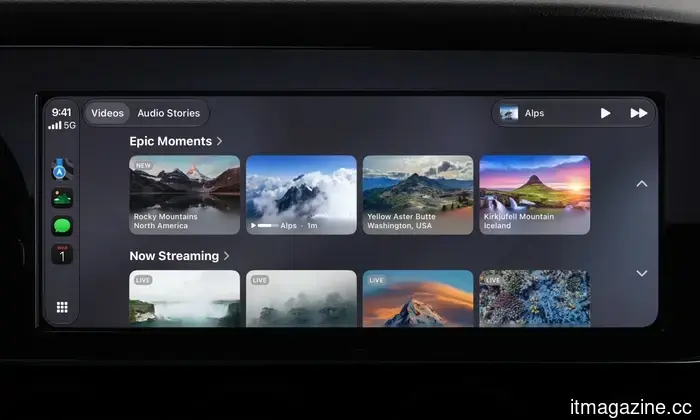
The most significant update for CarPlay this year is the addition of video playback support. With iOS 27, developers can create video streaming apps for your car’s dashboard. Although last year CarPlay introduced AirPlay video casting, iOS 27 advances this further by allowing you to view videos directly from compatible apps.
Apple hasn’t yet disclosed which apps will be supported, but it may include options like YouTube and Netflix. The key point is that you can only watch videos on your CarPlay screen while your vehicle is parked, and manufacturers must specifically enable this feature, meaning not every car may have it available right away.
**Audio scrubbing in Now Playing**
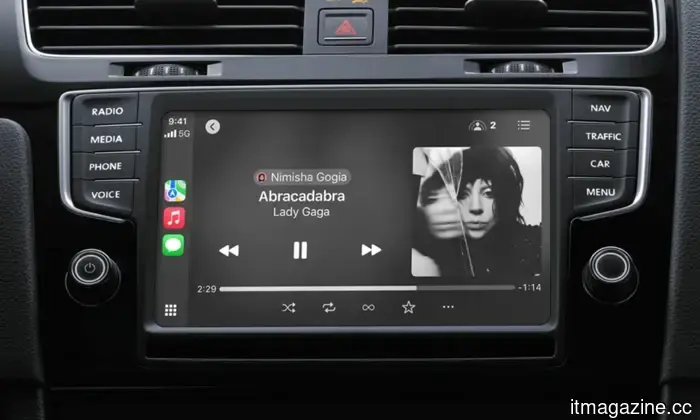
This is the "how was this not already available" update for CarPlay. Countless times I’ve attempted to skip to a certain part of a song using the horizontal audio bar on the CarPlay Now Playing screen, only to find it ineffective.
With iOS 27, the Now Playing screen finally includes a functional scrubber. Using the horizontal progress bar, you can drag and skip to any moment in a song or podcast. If you often replay the same 10 seconds of a song or bypass podcast introductions, this feature will certainly be beneficial.
**A persistent audio MiniPlayer**
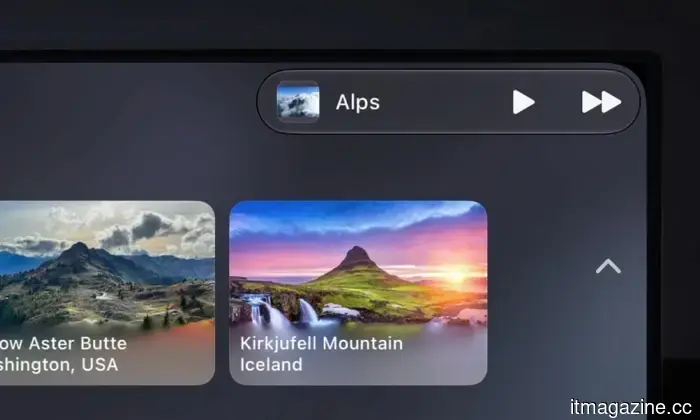
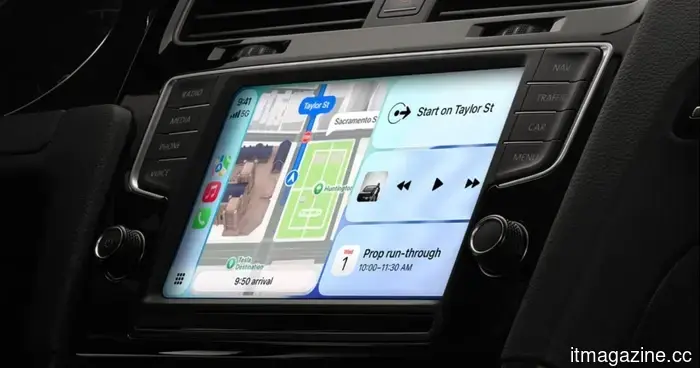
Music and podcast applications will feature a continuous MiniPlayer located in the top-right corner of the CarPlay dashboard, providing essential playback controls alongside album artwork.
You can easily glance over while checking your map and see what’s currently playing, with the option to skip tracks without having to exit navigation first.
**Enhanced navigation heading and GPS accuracy**
This is one of the quieter yet crucial updates for CarPlay included in iOS 27. Apple is enhancing how the iPhone mirroring system tracks direction and location, improving both GPS accuracy and heading detection (the direction your car is facing).
While it may not be a flashy feature, it should resolve the occasional issue of the car icon spinning at a stoplight or the navigation incorrectly telling you to take a turn down an avenue you are not on.
**More dependable wireless CarPlay**
Wireless CarPlay is all about ease of use, and it generally works well—until it doesn’t, leading many to revert to a wired connection. For those who’ve experienced dropouts while driving, muffled voice calls, or degraded audio quality after a call ends, iOS 27 might offer the long-awaited solution.
While Apple hasn’t specified the details of the improvement, it states that wireless CarPlay connections are more stable in iOS 27.
**New developer tools**
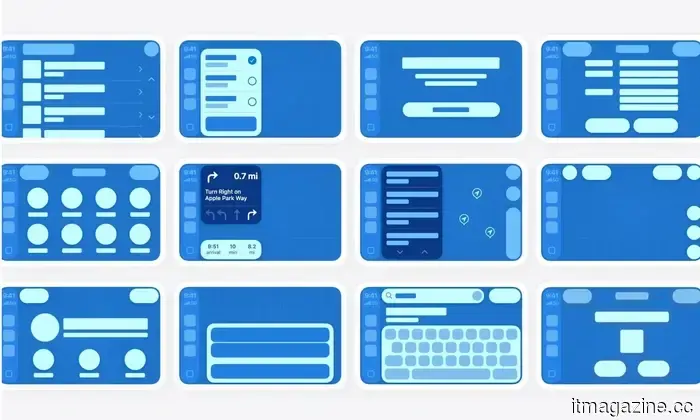
iOS 27 introduces new app templates across various categories. It also supports Live Activities (added in iOS 16.1) and widgets from any app, allowing for a live sports score widget to appear on your CarPlay screen without the need to open the app.
Developers will also have access to new APIs for creating conversational voice apps, including integrations for AI chatbots, within CarPlay.
**A subtle visual refresh**
Although the design language remains consistent, CarPlay receives a total of 14 new wallpapers in the Celosia style, rolling out with iOS 27 and macOS 27. Liquid Glass elements will adjust based on the level of transparency you select with the new iOS 27 slider, and app icons will feature additional refractive layers for enhanced depth and clarity.
**Siri AI finally available in your car**
Along with all these updates, CarPlay will also gain Siri AI with iOS 27. For those not up to speed, this is Apple’s long-awaited, Gemini-powered assistant capable of managing natural follow-up queries as Gemini does.
This means you can ask for a restaurant and then inquire about its closing time without needing to repeat the entire question. Additionally, Siri AI will keep a record of all conversations in your iPhone's Siri app, marked with a small car icon to indicate that the inquiry occurred while using CarPlay.
However, it's important to note that Siri AI for CarPlay requires an iPhone 15 Pro or newer.
Other articles
 FINQ's AI-managed ETFs subtly surpass Wall Street in early 2026.
FINQ's two AI-managed ETFs, AIUP and AINT, have surpassed the S&P 500 in performance since their debut on NYSE Arca in February 2026, achieving returns of 15.30% and 27.13% respectively, compared to the benchmark's 10.07%.
FINQ's AI-managed ETFs subtly surpass Wall Street in early 2026.
FINQ's two AI-managed ETFs, AIUP and AINT, have surpassed the S&P 500 in performance since their debut on NYSE Arca in February 2026, achieving returns of 15.30% and 27.13% respectively, compared to the benchmark's 10.07%.
 Digital Trends Computex 2026 Publisher Awards
Computex 2026 was filled with AI PCs, massive monitors, gaming handhelds, and innovative desktop concepts, but several products stood out amidst the clutter.
Digital Trends Computex 2026 Publisher Awards
Computex 2026 was filled with AI PCs, massive monitors, gaming handhelds, and innovative desktop concepts, but several products stood out amidst the clutter.
 All the new features arriving for CarPlay in iOS 17.
CarPlay is receiving its most significant update in years with iOS 27, and the most valuable improvements aren't the most attention-grabbing.
All the new features arriving for CarPlay in iOS 17.
CarPlay is receiving its most significant update in years with iOS 27, and the most valuable improvements aren't the most attention-grabbing.
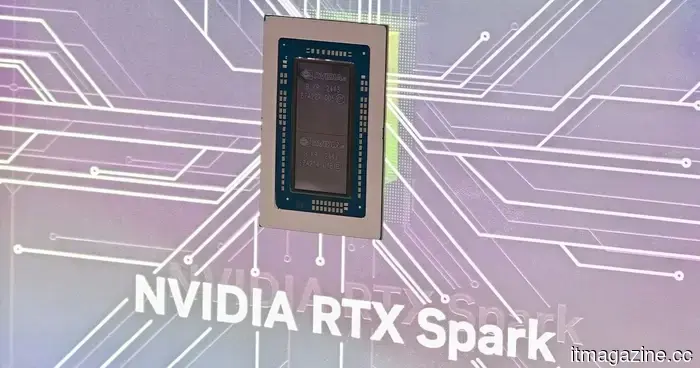 I witnessed the Nvidia RTX Spark in operation, and it seems that Windows PCs might finally be experiencing their own Apple Silicon Moment.
After witnessing the Nvidia RTX Spark perform video editing, local AI tasks, and gaming at Computex 2026, it appears to be one of the most significant efforts to reimagine high-end Windows PCs.
I witnessed the Nvidia RTX Spark in operation, and it seems that Windows PCs might finally be experiencing their own Apple Silicon Moment.
After witnessing the Nvidia RTX Spark perform video editing, local AI tasks, and gaming at Computex 2026, it appears to be one of the most significant efforts to reimagine high-end Windows PCs.
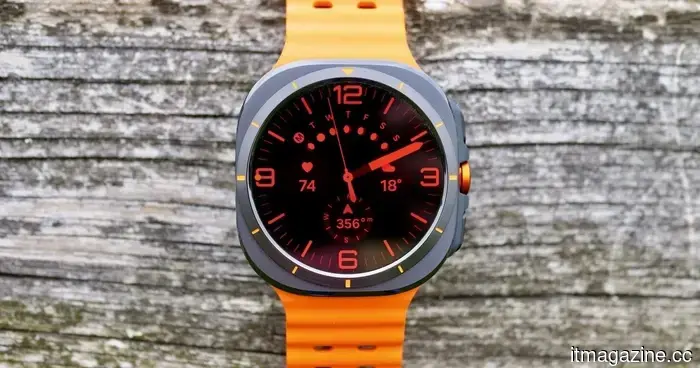 Samsung's upcoming Ultra watch could be receiving a significant battery upgrade.
Samsung's upcoming Galaxy Watch Ultra might deliver the battery enhancement that many users have been anticipating. The Galaxy Watch Ultra 2 is projected to be released in the next few weeks, and a recent report indicates that it could feature a significantly bigger battery compared to the models from 2024 and 2025. As per SamMobile, the Galaxy Watch Ultra […]
Samsung's upcoming Ultra watch could be receiving a significant battery upgrade.
Samsung's upcoming Galaxy Watch Ultra might deliver the battery enhancement that many users have been anticipating. The Galaxy Watch Ultra 2 is projected to be released in the next few weeks, and a recent report indicates that it could feature a significantly bigger battery compared to the models from 2024 and 2025. As per SamMobile, the Galaxy Watch Ultra […]
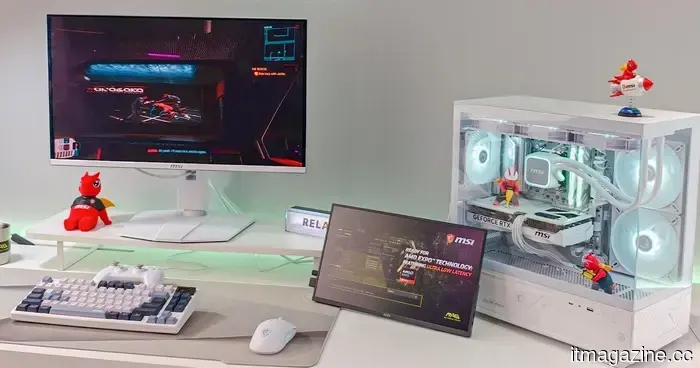 The Major PC Hardware Trends from Computex 2026
From laptops driven by AI and ARM processors to more advanced gaming monitors and next-generation handheld devices, these are the key PC hardware trends from Computex 2026 that will influence the future of computing.
The Major PC Hardware Trends from Computex 2026
From laptops driven by AI and ARM processors to more advanced gaming monitors and next-generation handheld devices, these are the key PC hardware trends from Computex 2026 that will influence the future of computing.
All the new features arriving in CarPlay with iOS 17.
CarPlay is receiving its most significant update in years with iOS 27, and the most notable improvements aren't the ones that stand out the most.