
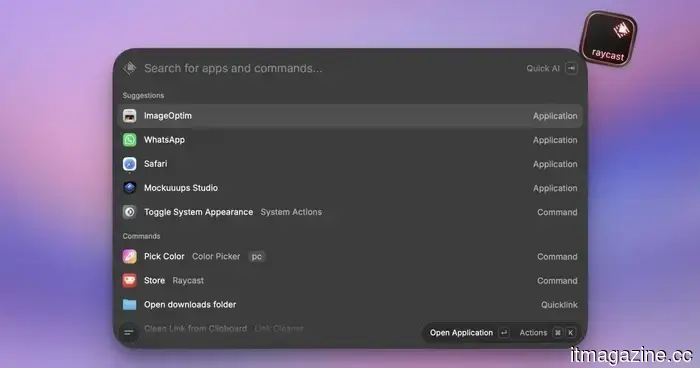
This new feature in Raycast 2.0 is driving me crazy.
I have been using Raycast for several years, and it is undoubtedly one of my favorite applications for Mac. It accomplishes a lot without being intrusive, which is precisely what one expects from a productivity tool. Naturally, when Raycast 2.0 was released, I updated almost immediately.
Overall, I appreciate the new features and interface modifications included in the update. However, there is one alteration that has been subtly irritating me every day since I upgraded, and I feel the need to address it.
The clipboard modification that disrupted my workflow
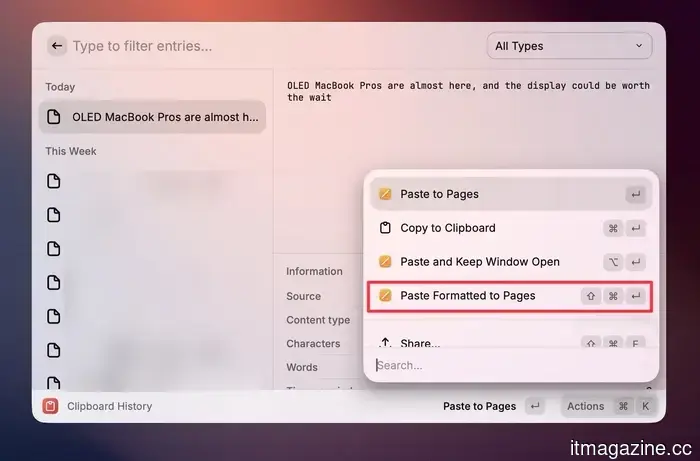
The issue lies with the revised clipboard history function. In Raycast 2.0, the clipboard now retains the original format of what you copied and restores it upon pasting. While this seems like a beneficial enhancement in theory, for me, it has become a significant inconvenience in practice.
The problem stems from my reliance on the previous functionality. Previously, when I copied text from a website or document and pasted it, Raycast would strip the formatting and provide me with clean, plain text. This made it incredibly simple to insert copied content anywhere without the fear of inconsistent fonts or styles contaminating my notes or documents.
Previously, I had to use a keyboard shortcut to paste text with its original formatting. Now, Raycast has flipped this behavior around. By default, every paste includes the original formatting from the source, causing me to spend more time cleaning up than I did before. Although it may seem minor, it has significantly affected my workflow, resulting in more time spent tidying up pasted text.
So, what’s the solution?
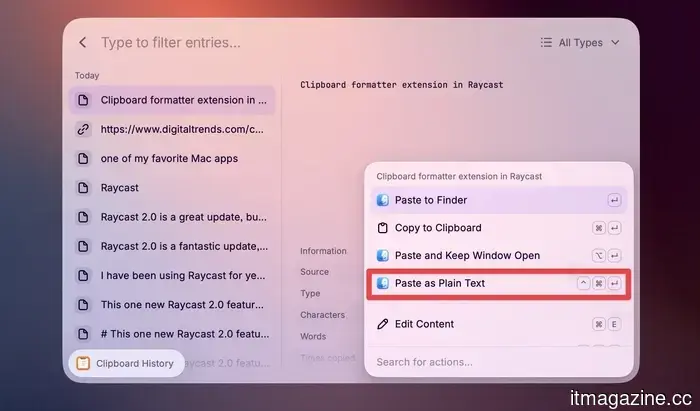
Fortunately, there are two ways to address this. The first is a built-in keyboard shortcut that Raycast supports. When you access the clipboard manager and want to paste something without formatting, use Command + Control + Enter instead of the usual Enter. This will paste the copied content as plain text, bypassing any formatting.
Although I appreciate that this option is available, it has been several days since I installed the update, and I still haven't developed the muscle memory for it. I wish Raycast would allow us to change the default behavior to plain text and maintain the other keyboard shortcut for pasting with formatting.
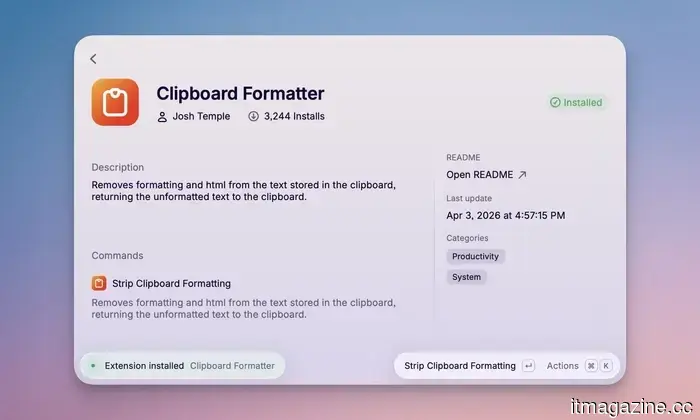
There is also a free Raycast extension called Clipboard Formatter, created by Josh Temple. This extension removes all formatting from the text currently on your clipboard, returning it as clean, plain text. The downside is that it doesn’t automatically strip the formatting; you have to trigger it manually.
Both methods require user action, which adds an extra step to the process. I simply wish Raycast would let me set plain-text pasting as the default option.
What else is included in Raycast 2.0?
Aside from my clipboard gripe, Raycast 2.0 is a genuinely excellent update. The AI Chat has been revamped and now features a Memory function that accumulates context about you over time, making conversations feel much more personalized.
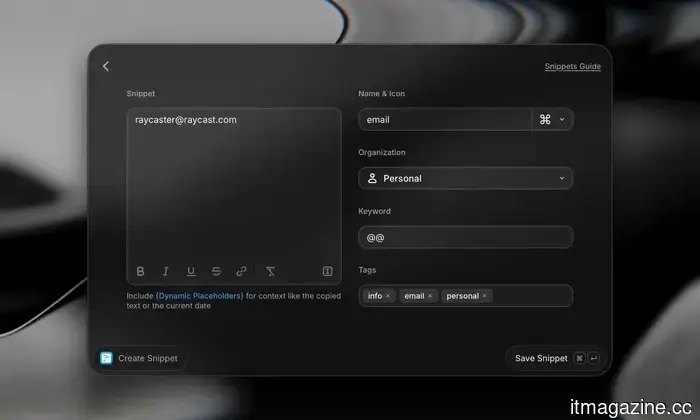
File search now functions within root search, yielding faster and more accurate results. Both Snippets and Quicklinks now support tagging, which is significant if you have amassed a large collection over the years.
Dictation is a brand-new feature that transcribes your speech and directly pastes it into whichever application you are using. However, this is part of Raycast Pro. Overall, it’s a solid update. So yes, you should update to Raycast 2.0, but be sure to address the clipboard issue first.
Other articles
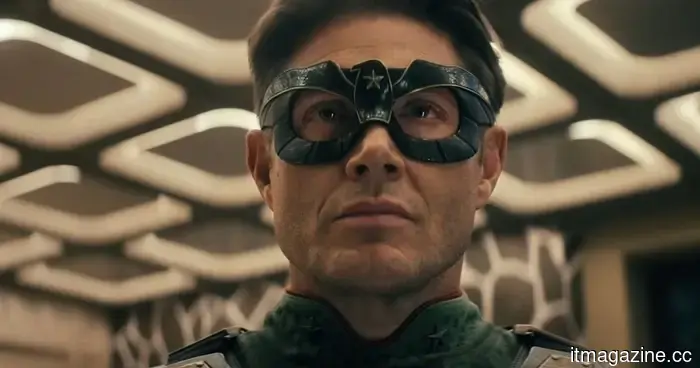 Following a letdown of a finale, Vought Rising appears to be the potential savior of the Boys universe.
The first trailer for Vought Rising on Prime Video has been released, showcasing a prequel story set in the 1950s that focuses on Soldier Boy and the sinister beginnings of Vought's initial superhero team.
Following a letdown of a finale, Vought Rising appears to be the potential savior of the Boys universe.
The first trailer for Vought Rising on Prime Video has been released, showcasing a prequel story set in the 1950s that focuses on Soldier Boy and the sinister beginnings of Vought's initial superhero team.
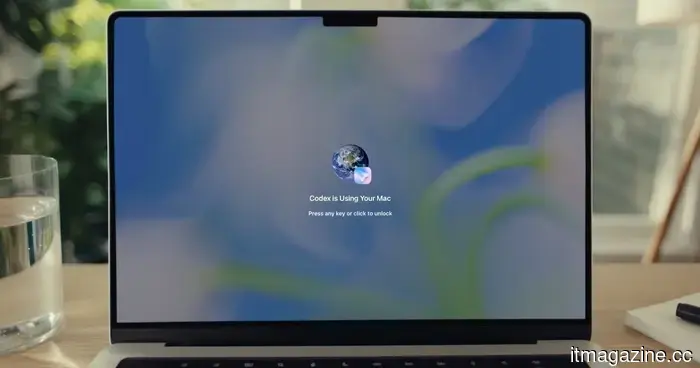 You can now submit Codex tasks from your phone even if your Mac is locked.
OpenAI's Codex is now able to operate applications on your Mac remotely from your phone, even if the screen is turned off and the Mac is locked. Here’s how it functions and what you should consider.
You can now submit Codex tasks from your phone even if your Mac is locked.
OpenAI's Codex is now able to operate applications on your Mac remotely from your phone, even if the screen is turned off and the Mac is locked. Here’s how it functions and what you should consider.
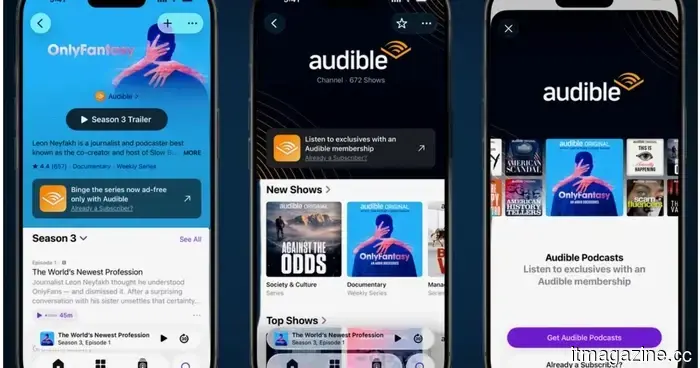 You can now listen to Audible's top podcasts directly on Apple Podcasts.
Audible members can now access nearly 700 premium podcast titles on Apple Podcasts, with the subscription available in 135 countries and more titles expected to be added soon.
You can now listen to Audible's top podcasts directly on Apple Podcasts.
Audible members can now access nearly 700 premium podcast titles on Apple Podcasts, with the subscription available in 135 countries and more titles expected to be added soon.
 The CEO of Xiaomi acknowledged that his SUV was not priced competitively enough to surpass Tesla, so he introduced a new model that is.
The new YU7 Standard Edition is priced at $4,350 less than the Model Y and has a range that exceeds it by 50km. Xiaomi has delivered 600,000 electric vehicles in less than two years.
The CEO of Xiaomi acknowledged that his SUV was not priced competitively enough to surpass Tesla, so he introduced a new model that is.
The new YU7 Standard Edition is priced at $4,350 less than the Model Y and has a range that exceeds it by 50km. Xiaomi has delivered 600,000 electric vehicles in less than two years.
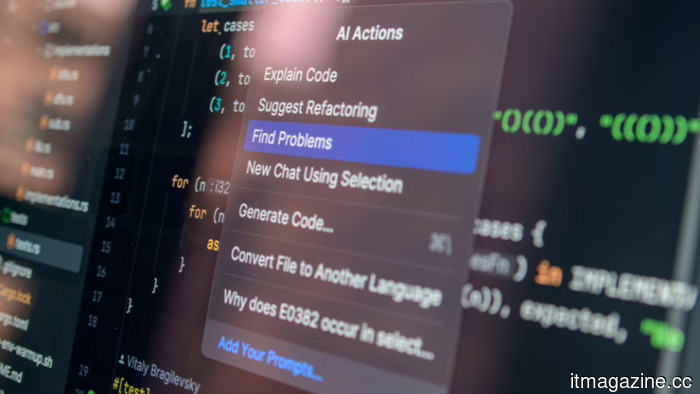 Anthropic's Claude Mythos identified 10,000 critical vulnerabilities within a single month. The patches are unable to keep pace.
The partners of Project Glasswing utilized Claude Mythos to identify 1,094 verified high-severity vulnerabilities in over 1,000 open-source projects. Only 97 of these have been resolved.
Anthropic's Claude Mythos identified 10,000 critical vulnerabilities within a single month. The patches are unable to keep pace.
The partners of Project Glasswing utilized Claude Mythos to identify 1,094 verified high-severity vulnerabilities in over 1,000 open-source projects. Only 97 of these have been resolved.
 Tesla has finally introduced FSD in China, while its competitors have been offering self-driving vehicles in the country for several years.
Tesla's Full Self-Driving (Supervised) is now available in China, following Musk's visit with Trump to Beijing last week. Meanwhile, Chinese competitors are already providing Level 3 autonomy.
Tesla has finally introduced FSD in China, while its competitors have been offering self-driving vehicles in the country for several years.
Tesla's Full Self-Driving (Supervised) is now available in China, following Musk's visit with Trump to Beijing last week. Meanwhile, Chinese competitors are already providing Level 3 autonomy.
This new feature in Raycast 2.0 is driving me crazy.
Raycast 2.0 is an excellent update, but a modification to the clipboard history has disrupted my workflow entirely. Here's the change that occurred and how to resolve it.