
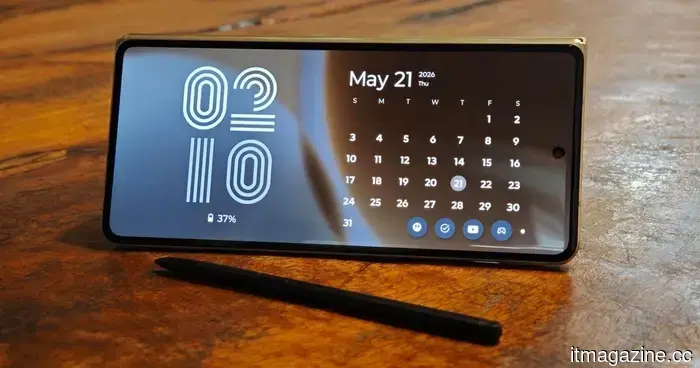
The Motorola Raze Fold brought back my appreciation for the phone stylus, and I realized how much I've missed using it.
I had largely come to terms with the notion that phone styluses cater to a very specific type of user. There are a few who still prefer taking notes the traditional way (sort of), artists who find value in them, or loyal Galaxy Ultra fans who swear by them. However, for most users, a stylus doesn't inherently improve the experience.
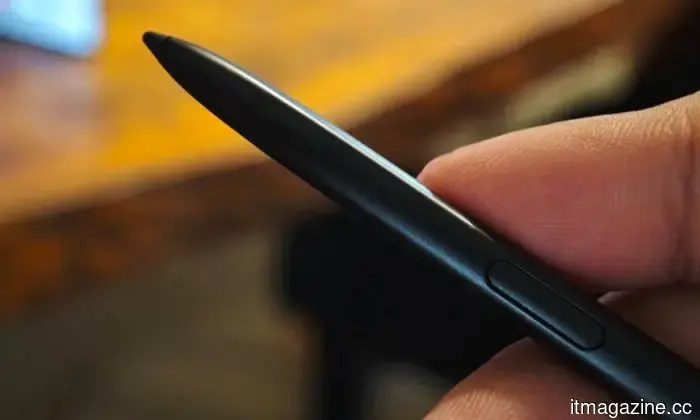
So, when I began using the Motorola Razr Fold with the Moto Pen Ultra, I didn’t anticipate it would change my perspective. A stylus on a foldable device seems logical, as it provides a larger workspace. Yet, phone pens often seem more appealing in theory than they do in practice. The Moto Pen Ultra caught me off guard because Motorola has approached it as more than just a small writing instrument. It functions more like a remote, a shortcut tool, and a companion for sketches, all combined into one accessory.
The Bluetooth features are surprisingly valuable
One of the most pleasant surprises was utilizing the Moto Pen Ultra as a remote camera shutter. I could place the Razr Fold down, frame my shot, and use the pen to take a selfie without having to sprint back to the phone or awkwardly stretch my arm into the frame.
While this isn’t a completely new function—Samsung's S Pen has had this capability in the past—Samsung has stopped including Bluetooth-enabled S Pens with its flagship Ultra models in recent years, which means those handy remote camera controls are no longer available. But the Moto Pen Ultra has more tricks to offer.
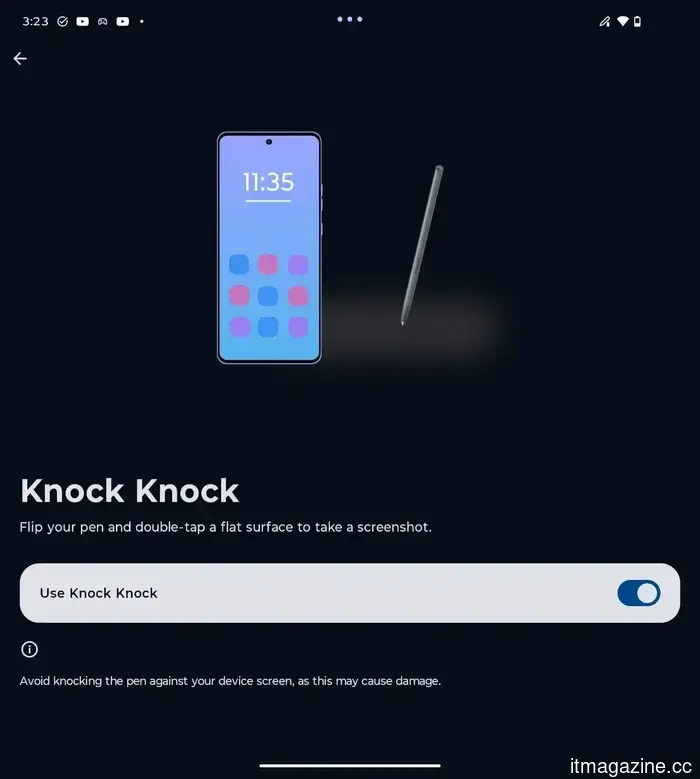
The standout feature is called Knock Knock. You simply flip the pen and double-tap its opposite end on a flat surface to capture a screenshot. It may sound ridiculous at first, but there’s something oddly satisfying about physically tapping a pen on a table and watching the phone take a screenshot.
Annotation from anywhere is a game-changer
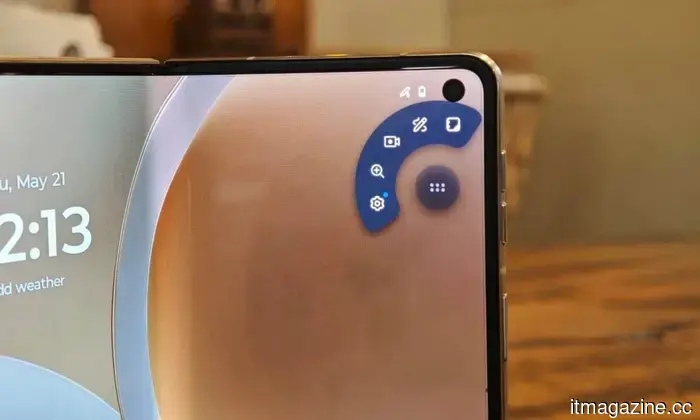
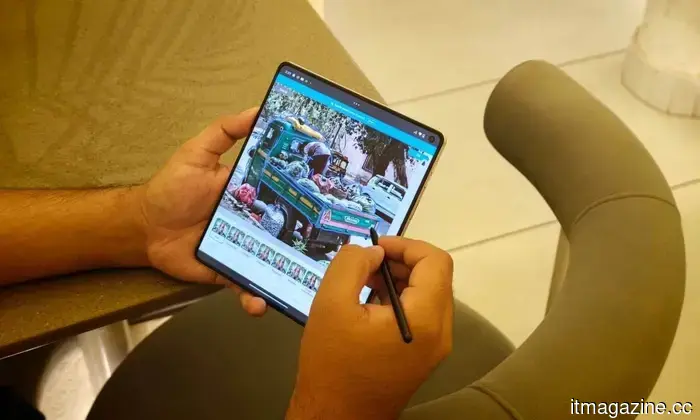
Another feature that impressed me was the ability to quickly annotate. By long-pressing the stylus button, I could access annotation tools almost anywhere and write directly on whatever was on the screen. It’s easy to see how convenient it is to add notes to anything displayed. At one point, the Razr Fold felt more like a digital notepad than just a standard foldable.
Reading through something? Highlight it. Need to jot down a thought before it slips away? Quickly open the note feature. You can customize the pen button to launch the Notes app directly, which is likely what I would opt for with daily use. Initially, I treated the Razr Fold as a standard foldable for the first week, but things changed once I started using the stylus.
Sketch to Image is amusingly ridiculous
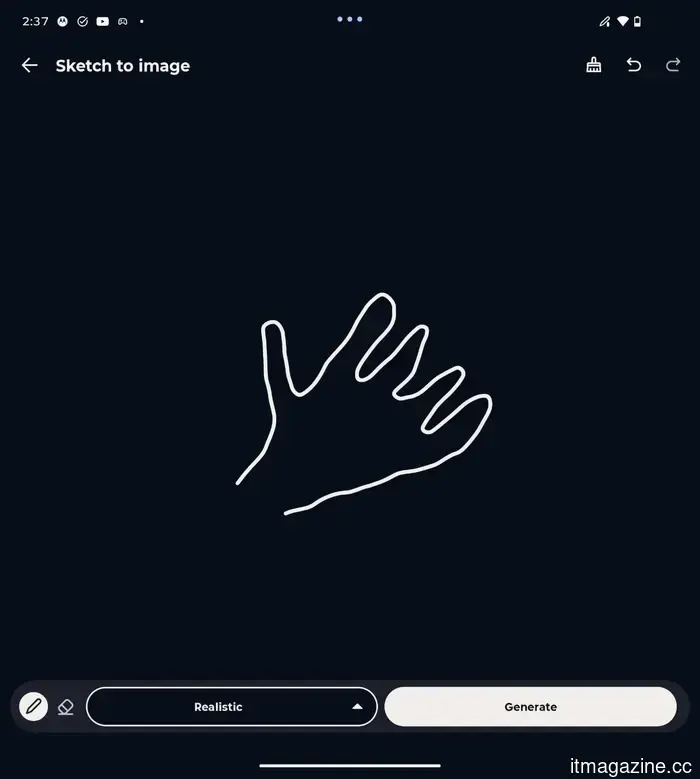
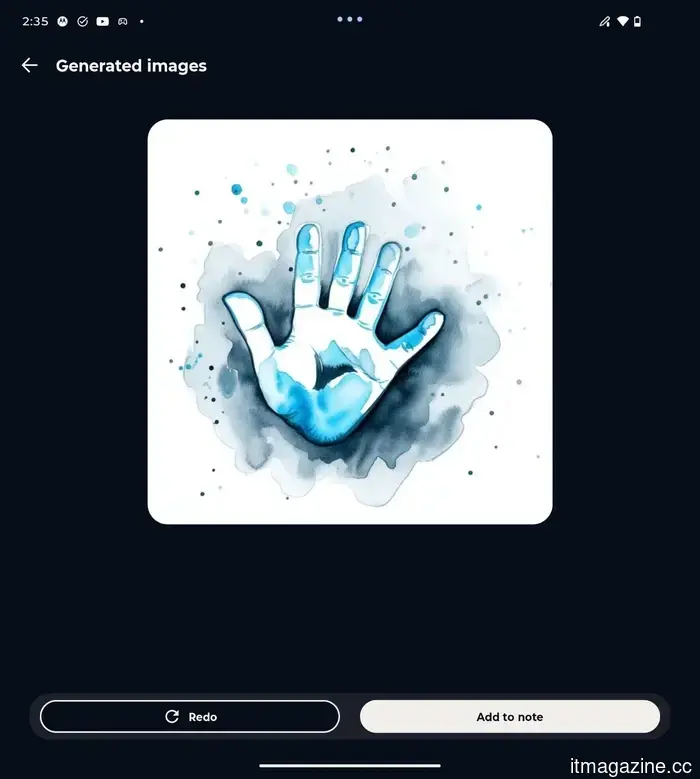
I’m not an artist, but I’m surrounded by many, and they had a blast using the Pen Ultra to edit photos and create sketches on the Razr Fold. Personally, I found the Sketch to Image feature interesting. While I don't endorse AI-generated art, it’s entertaining to watch how the machine interprets my poorly drawn sketches and turns them into something resembling art. I sketched a crude outline of a hand, and the phone translated it into a surprisingly refined AI-generated image.
Part of the fun lies in observing how much the phone can interpret from a terrible scribble. I don’t think this will become an essential productivity tool for everyone, but it does add a playful creative aspect to the stylus.
The smaller shortcuts are genuinely useful
While the more eye-catching tricks are amusing, you soon realize they’re not features you use frequently. The real value comes from the convenient interactions that are consistently available. Quick Clip is one such tool, allowing you to highlight text and send it directly to a new or existing note using a quick toolbar. Speed Share can recommend people to send notes or annotations to based on your usage patterns. Both are part of the Moto Pen Ultra’s intelligent toolset.
These functions improve the overall user experience and demonstrate that thoughtful features were specifically designed for this product. Additionally, these functionalities aren’t limited to the large folding screen; you can utilize the stylus on both the main and cover displays.
While I still maintain that a stylus isn't necessary for every foldable buyer, and many will enjoy the Razr Fold without feeling it's lacking anything, Motorola makes a valid case for why this accessory is beneficial.

Other articles
 ByteDance's Seedance 2.0 debuts at Cannes with a 95-minute AI film titled Hell Grind.
At the 79th Cannes Film Festival, renowned for its abundance of cinematic storytelling, one of the most unexpected highlights of this year stemmed from AI.
ByteDance's Seedance 2.0 debuts at Cannes with a 95-minute AI film titled Hell Grind.
At the 79th Cannes Film Festival, renowned for its abundance of cinematic storytelling, one of the most unexpected highlights of this year stemmed from AI.
 ByteDance's Seedance 2.0 premieres at Cannes with the 95-minute AI film Hell Grind.
During the 79th Cannes Film Festival, renowned for its abundance of cinematic storytelling, one of the most unexpected highlights this year emerged from artificial intelligence.
ByteDance's Seedance 2.0 premieres at Cannes with the 95-minute AI film Hell Grind.
During the 79th Cannes Film Festival, renowned for its abundance of cinematic storytelling, one of the most unexpected highlights this year emerged from artificial intelligence.
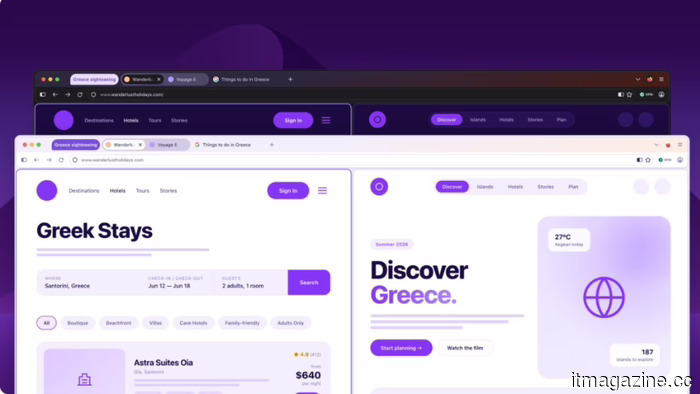 The Firefox Project Nova redesign introduces a compact mode and a fresh appearance.
Mozilla's Project Nova will introduce softer tabs for Firefox, a fire-themed color palette, a compact mode, and more transparent privacy settings. The update is anticipated to be released later this year.
The Firefox Project Nova redesign introduces a compact mode and a fresh appearance.
Mozilla's Project Nova will introduce softer tabs for Firefox, a fire-themed color palette, a compact mode, and more transparent privacy settings. The update is anticipated to be released later this year.
 SpaceX's bridge loan reduces Musk's debt expenses by 50% in preparation for the IPO.
SpaceX's IPO filing discloses a $20 billion bridge loan at a 4.58% interest rate, which has replaced high-interest junk debt from X and xAI, resulting in savings of nearly $1 billion annually.
SpaceX's bridge loan reduces Musk's debt expenses by 50% in preparation for the IPO.
SpaceX's IPO filing discloses a $20 billion bridge loan at a 4.58% interest rate, which has replaced high-interest junk debt from X and xAI, resulting in savings of nearly $1 billion annually.
 Spotify will allow you to use AI to create covers and remixes of your favorite tracks, for an additional charge.
Spotify and Universal Music Group revealed an agreement that allows Premium subscribers to utilize AI for creating covers and remixes of their favorite tracks.
Spotify will allow you to use AI to create covers and remixes of your favorite tracks, for an additional charge.
Spotify and Universal Music Group revealed an agreement that allows Premium subscribers to utilize AI for creating covers and remixes of their favorite tracks.
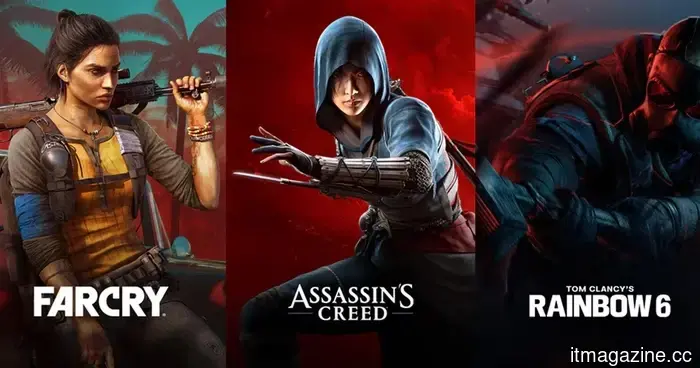 Ubisoft aims for a resurgence with Assassin’s Creed, Far Cry, Ghost Recon, and an AI experiment that has players concerned.
Ubisoft's plan for a comeback features new titles in the Assassin's Creed, Far Cry, and Ghost Recon franchises, along with a playable generative AI project named Teammates.
Ubisoft aims for a resurgence with Assassin’s Creed, Far Cry, Ghost Recon, and an AI experiment that has players concerned.
Ubisoft's plan for a comeback features new titles in the Assassin's Creed, Far Cry, and Ghost Recon franchises, along with a playable generative AI project named Teammates.
The Motorola Raze Fold brought back my appreciation for the phone stylus, and I realized how much I've missed using it.
I was surprised by the Moto Pen Ultra of the Razr Fold, as it doesn’t regard the stylus as just a nostalgic item but instead as a useful shortcut tool for a spacious foldable display.