
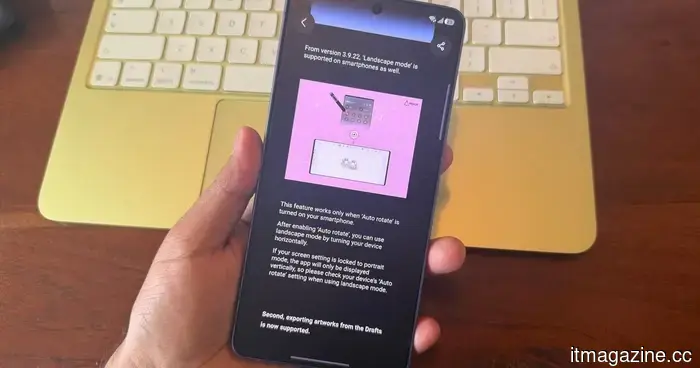
Samsung PenUp introduces additional stylus features for your Galaxy phone, provided it is compatible with an S Pen.
Galaxy S Pen users now have more brushes to experiment with
Samsung's PenUp app is receiving a valuable creative enhancement for Galaxy users, particularly those utilizing the S Pen for casual digital artistry. For those unfamiliar, PenUp is Samsung's app designed for sketching and coloring within provided templates. While it operates with touch input, the recent update is particularly advantageous for Galaxy phones and tablets with S Pen support.
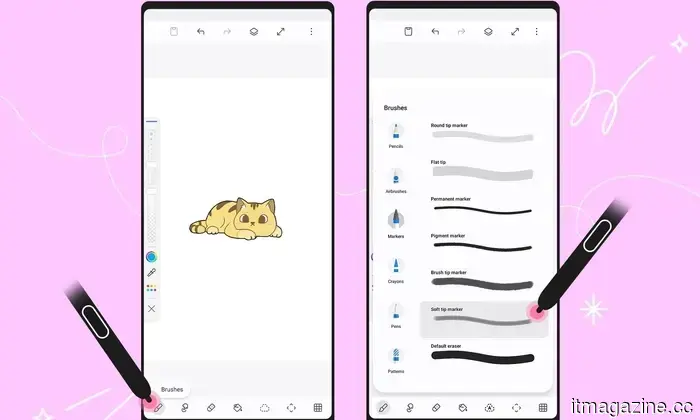
The latest PenUp update, version 3.9.22.23, introduces 53 new brushes via the “Download more brushes” option. It also includes Dual brush, a new feature that allows two strokes to collaborate for layered effects.
Samsung
What new drawing tools are being added to PenUp?
Brush controls have been refined as well. Users can now double-tap a brush from the selection screen to access individual settings. The updated menu separates unrelated controls and presents a live preview, making it simpler to adjust a brush prior to applying it on the canvas.
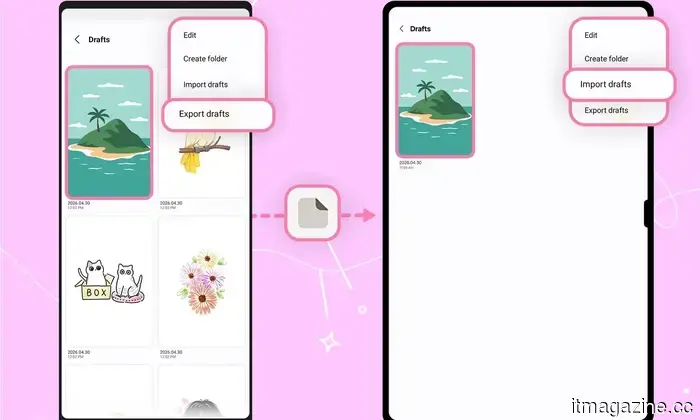
Samsung has also simplified the process of resuming a drawing on another device. The new Export Draft and Import Draft features save work as a “.penup” file, preserving layers and key settings. Additionally, there is Samsung account synchronization for users who switch between devices.
Samsung
What other updates are there for PenUp users?
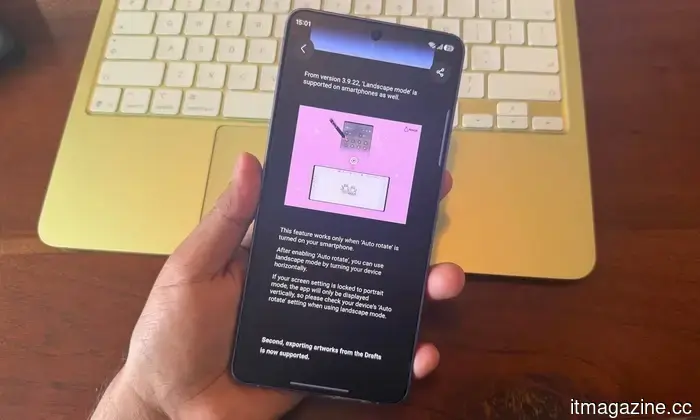
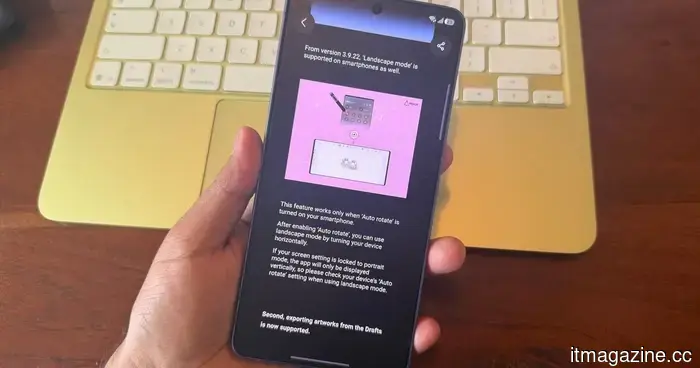
Editing receives a minor enhancement with the Auto Select feature in the Lasso selection tool, which can automatically identify objects within a drawing. PenUp now also allows for automatic landscape rotation, given that Auto Rotate is enabled on the Galaxy device.
Although this update primarily targets users who draw with an S Pen, PenUp is not confined to stylus-compatible devices. The app also includes a Finger Drawing mode, enabling users to draw using touch input. This feature is suitable for coloring templates, quick tracing, rough sketches, or casual doodles, although it lacks the precision of using an S Pen.
I've got about 4 years of experience, mainly focusing on gaming, PC hardware, and smartphones. In my spare time, I enjoy…
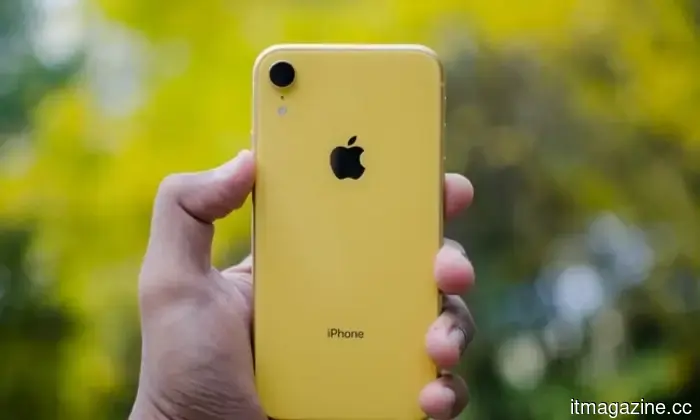
Apple should simply give the Neo treatment to its upcoming iPhone 18e, and I'd be interested
There, I said it; I want the iPhone Neo.
For years, Apple has been approaching its budget-friendly iPhones with a consistent formula: take an older flagship design, strip away a few premium features, reduce the price slightly, and present it as the "entry point" into the ecosystem. This approach works financially but often falls short emotionally.
This is why the forthcoming iPhone 18e presents a significant opportunity for Apple. Rather than handling it as another diluted flagship, Apple should fully adopt a “Neo” identity, one centered on color, character, experimentation, and intelligent hardware reuse. Apple has already executed this strategy flawlessly with the MacBook Neo. It simply needs to replicate that model for an affordable iPhone.
Read more
Your Android phone can now share files with any iPhone using a Quick Share QR code
Quick Share has received an upgrade that simplifies cross-platform file sharing.
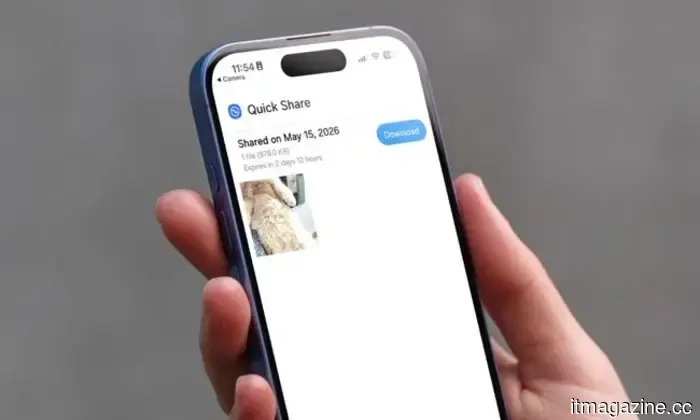
Exchanging files between Android and iPhone has historically been a hassle, but Google is addressing this quietly. The company has rolled out a new Quick Share feature that makes Android devices compatible with Apple's AirDrop, enabling users to easily transfer files between iPhones and Android devices.
However, not all Android devices possess the necessary hardware for Quick Share-AirDrop compatibility, meaning that not every Android smartphone can utilize this feature. To tackle this issue, Google has introduced a new QR code-based file-sharing system, allowing any Android device to send files to iPhones.
Your next free Google account might only come with 5GB of storage
Google's free storage has long been a competitive edge over Apple's 5GB iCloud limit, but that's shifting.
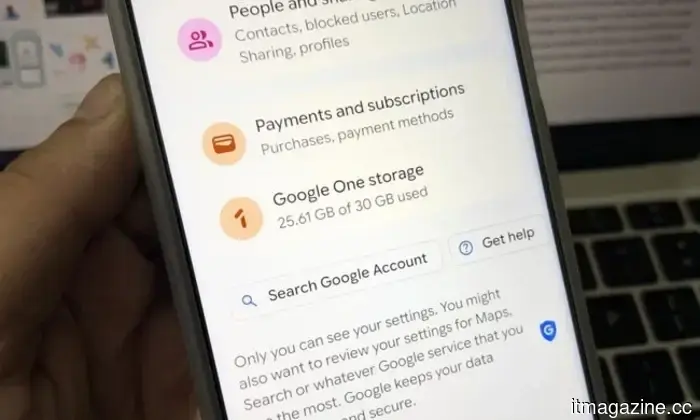
Google has discreetly modified one of the most dependable assurances in consumer technology: 15GB of free cloud storage. For years, creating a Google account provided 15GB of free storage, shared across Gmail, Drive, and Photos. However, this has changed.
New accounts are now defaulting to 5GB (the same as iCloud), with the full 15GB only accessible if a phone number was entered during setup. The message users see reads: “Your account includes 5GB of storage. Now get even more storage space with your phone number.”
Read more

Other articles
 Samsung PenUp introduces new stylus features for your Galaxy phone, provided it is compatible with an S Pen.
Samsung's PenUp update introduces 53 new brushes, a Dual brush feature, enhanced draft syncing, and improved controls, enhancing the drawing app's utility on Galaxy devices that support the S Pen.
Samsung PenUp introduces new stylus features for your Galaxy phone, provided it is compatible with an S Pen.
Samsung's PenUp update introduces 53 new brushes, a Dual brush feature, enhanced draft syncing, and improved controls, enhancing the drawing app's utility on Galaxy devices that support the S Pen.
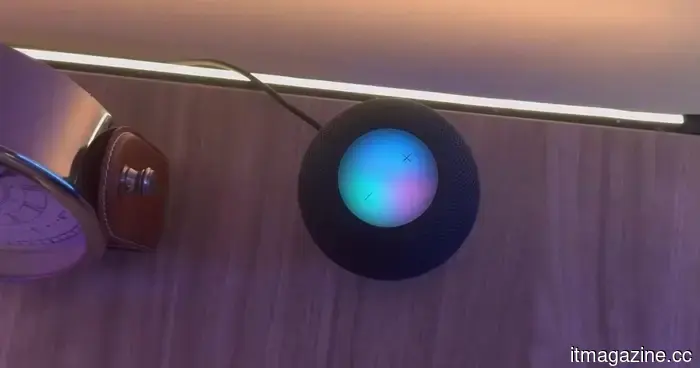 In 2026, the HomePod mini remains a sensible choice if you are already integrated into Apple's ecosystem.
The HomePod mini has seen little change over the years, but it continues to deliver respectable sound quality, effortless integration with Apple devices, and an unexpectedly good experience with the Apple TV 4K. However, the downside is that many of its top features are best utilized within Apple’s ecosystem.
In 2026, the HomePod mini remains a sensible choice if you are already integrated into Apple's ecosystem.
The HomePod mini has seen little change over the years, but it continues to deliver respectable sound quality, effortless integration with Apple devices, and an unexpectedly good experience with the Apple TV 4K. However, the downside is that many of its top features are best utilized within Apple’s ecosystem.
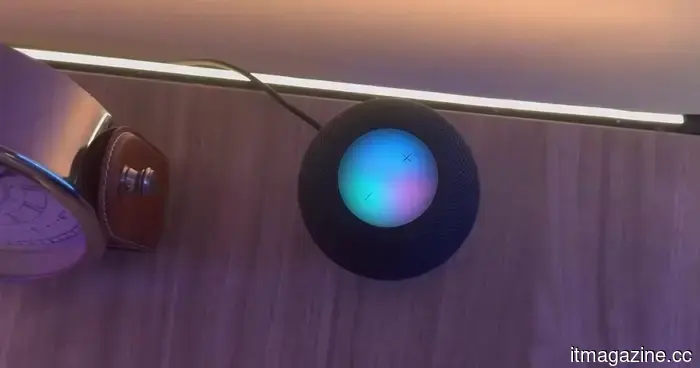 In 2026, the HomePod mini remains a sensible choice if you are already part of Apple's ecosystem.
The HomePod mini has seen little change throughout the years, yet it continues to deliver impressive sound quality, smooth integration with Apple devices, and an unexpectedly pleasant experience when used with the Apple TV 4K. However, the downside is that many of its top features are most effective within Apple’s ecosystem.
In 2026, the HomePod mini remains a sensible choice if you are already part of Apple's ecosystem.
The HomePod mini has seen little change throughout the years, yet it continues to deliver impressive sound quality, smooth integration with Apple devices, and an unexpectedly pleasant experience when used with the Apple TV 4K. However, the downside is that many of its top features are most effective within Apple’s ecosystem.
 The shocking lawsuit against OpenAI alleges that your conversations with ChatGPT were shared with Google and Meta.
A recent class action lawsuit alleges that OpenAI shared ChatGPT prompts and user identifiers with trackers from Google and Meta, highlighting new privacy issues related to private conversations with the chatbot.
The shocking lawsuit against OpenAI alleges that your conversations with ChatGPT were shared with Google and Meta.
A recent class action lawsuit alleges that OpenAI shared ChatGPT prompts and user identifiers with trackers from Google and Meta, highlighting new privacy issues related to private conversations with the chatbot.
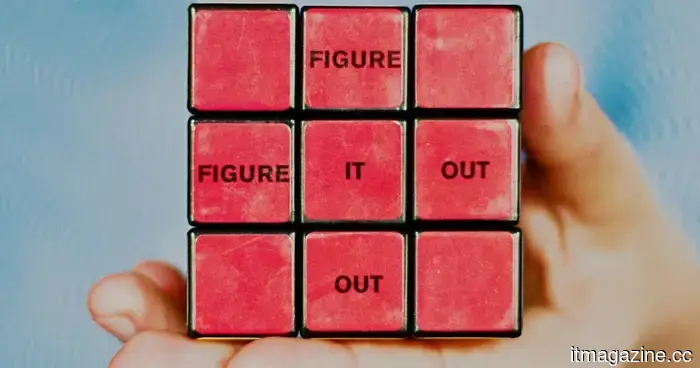 AI shouldn't decide for you, but this one will indicate when you're making a poor choice.
A new AI tool developed by researchers at Cornell assists you in improving decision-making by identifying inconsistencies between your expressed values and your real choices.
AI shouldn't decide for you, but this one will indicate when you're making a poor choice.
A new AI tool developed by researchers at Cornell assists you in improving decision-making by identifying inconsistencies between your expressed values and your real choices.
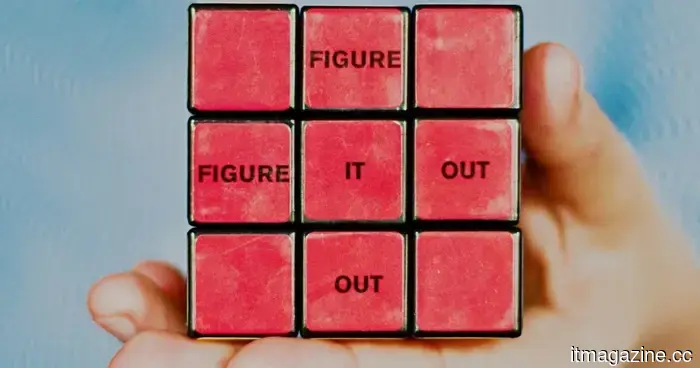 AI shouldn't decide for you, but this one will indicate when you're making a poor choice.
A novel AI tool developed by researchers at Cornell assists you in making improved decisions by identifying inconsistencies between your declared values and your real choices.
AI shouldn't decide for you, but this one will indicate when you're making a poor choice.
A novel AI tool developed by researchers at Cornell assists you in making improved decisions by identifying inconsistencies between your declared values and your real choices.
Samsung PenUp introduces additional stylus features for your Galaxy phone, provided it is compatible with an S Pen.
Samsung’s PenUp update introduces 53 new brushes, a Dual brush feature, improved draft syncing, and enhanced control smoothness, enhancing the functionality of the drawing app on Galaxy devices that support the S Pen.