
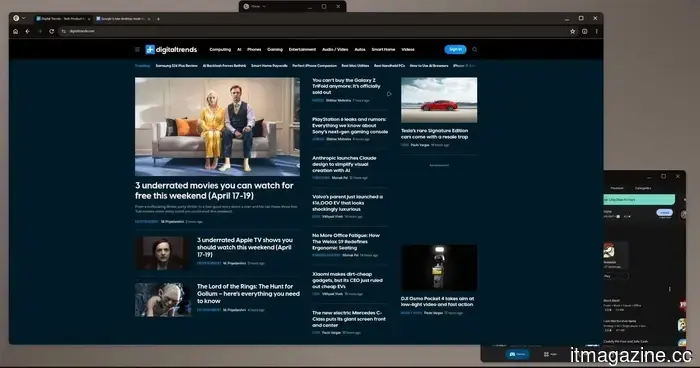
Google's updated desktop mode clearly indicates that Samsung DeX had the right idea.
I've been hopeful for years that Android would fully embrace desktop mode. In 2019, I purchased a OnePlus 7 Pro and spent a regrettable amount of time trying to force its rudimentary desktop mode into something practical.
Back then, the concept seemed logical to me. Smartphones had become incredibly powerful, and the notion of carrying a real computer in my pocket felt less like a futuristic dream and more like an inevitable reality.
What drained my enthusiasm wasn’t the concept itself but the prolonged wait. Devices like the Steam Deck proved that connecting a compact device to a functional desktop setup could actually succeed, while Google seemed to lose interest in advancing Android in that direction.
Conversely, Samsung consistently improved DeX in plain view. I’ve spent years browsing r/SamsungDex, observing users showcase desktop setups powered by their phones, all while feeling frustrated that the version I desired appeared to be tied to an ecosystem I was reluctant to join.
So, when Android 16 finally introduced a connected-display desktop mode for compatible Pixel phones, it felt like a significant acknowledgment. Desktop mode had lingered too long as a peculiar experiment, oscillating between promise and hobby.
Now, it’s recognized as a legitimate aspect of Android.
The evolution of stock Android
Android 16’s desktop mode is now integrated into supported Pixel phones, marking a noteworthy moment for stock Android.
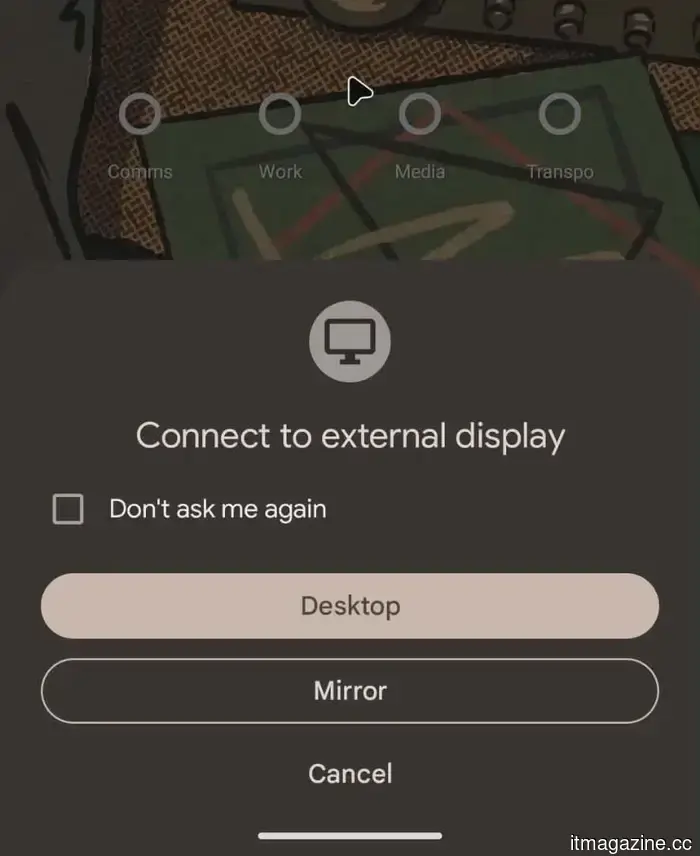
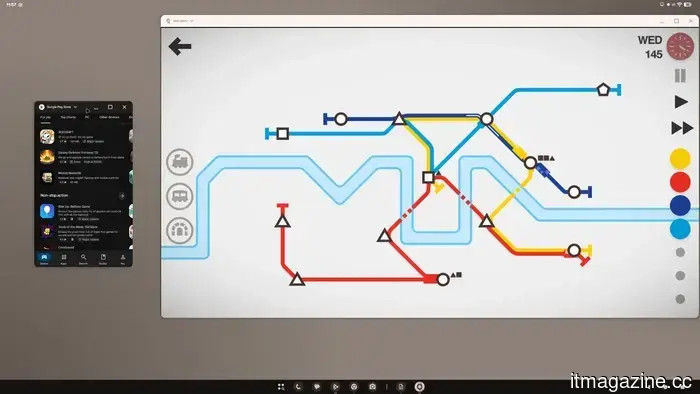
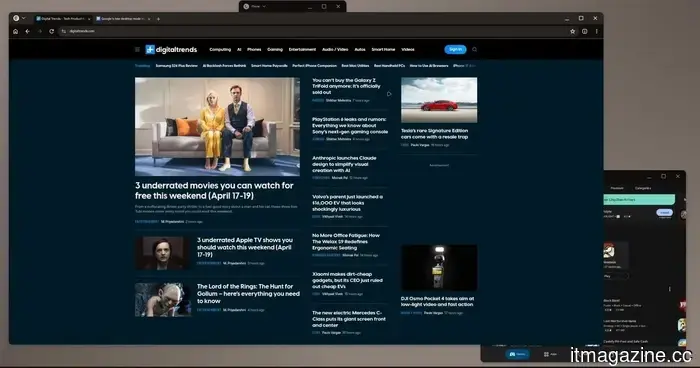
When you connect a Pixel 8 or a newer model to an external display, it presents a desktop-style workspace complete with a taskbar, resizable windows, app snapping, and keyboard shortcuts, rather than merely mirroring the phone screen.
This is the clearest indication yet that Google wants Android to extend beyond acting solely as a mobile operating system, especially considering the hardware’s potential.
This should feel like a triumph. For the most part, it does. However, it comes with an uncomfortable reality. Samsung has been doing this for years and has done so with much greater certainty.
Samsung DeX is not merely Android displayed on a monitor. It feels like a distinct desktop layer, offering deeper optimization and more practical features that become significant once the novelty fades.
Samsung also provides functionalities that Google still lacks, such as the ability to use the phone as a touchpad.
Therein lies the crux. The concept is finally official, yet Samsung still appears to be the company that grasped the assignment first.
The disparity between shipping and polishing
This becomes evident as soon as the novelty of the setup diminishes. Google’s desktop session has the right visual elements, but it feels constrained by its connection to the phone, a challenge that DeX addressed long ago.
It functions like Android attempting to play the role of a desktop environment, rather than a full-fledged desktop experience.
DeX is more difficult to overlook because Samsung has continuously focused on the less glamorous realities of using a phone as a computer, rendering it more self-contained.
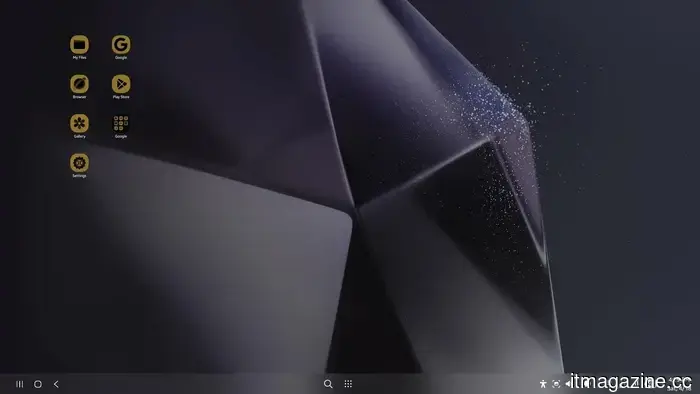
The Samsung DeX home screen maintains its desktop settings separately from the phone, ensuring customizations remain unique to each mode.
Google’s solution still exhibits first-generation limitations. The reliance on the phone display, minimal customization options, and the sense that the desktop borrows excessively from the phone lead to a perception of a workspace that feels immature, almost like a prototype that coincidentally got released.
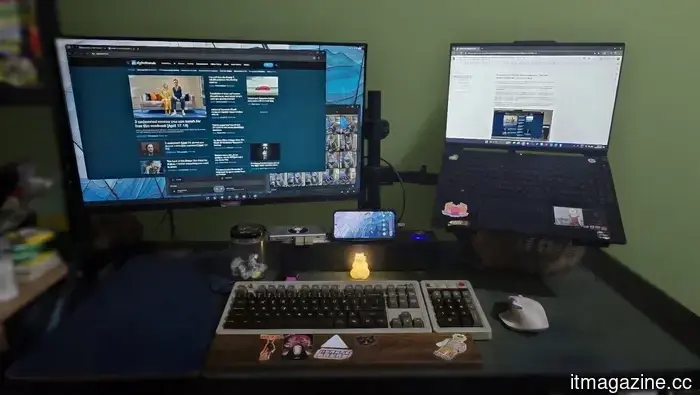
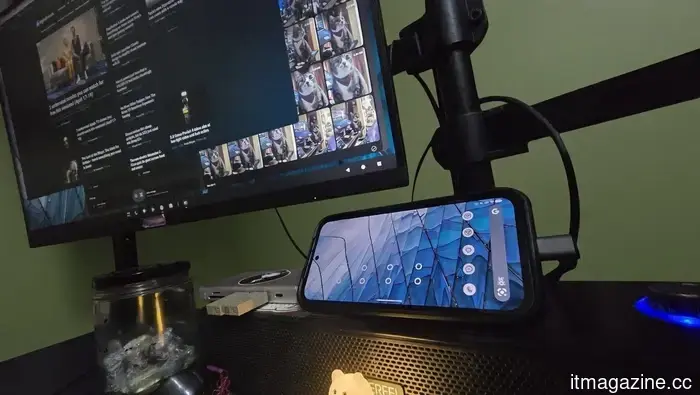
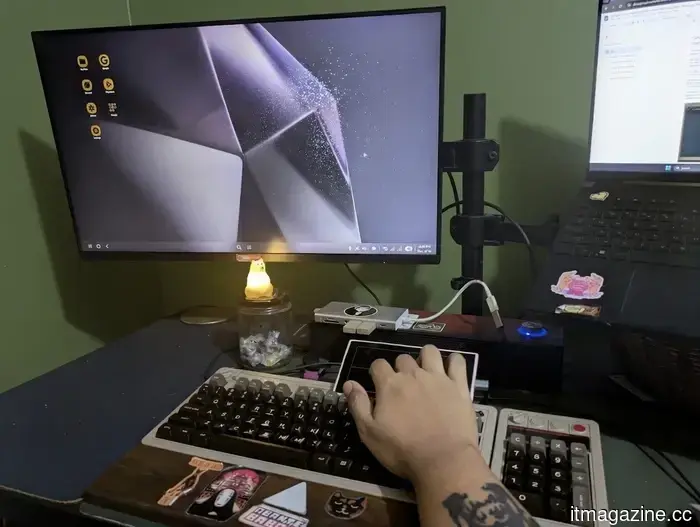
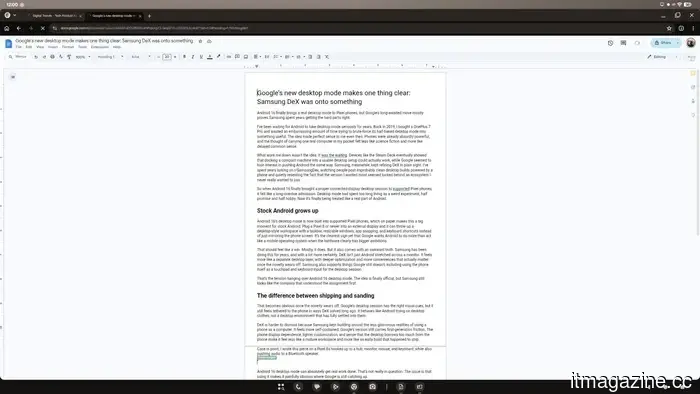
For instance, I composed this article on a Pixel 8a connected to a hub, monitor, mouse, and keyboard, while also streaming audio to a Bluetooth speaker.
Android 16’s desktop mode on the Pixel 8a can certainly accomplish real work. That’s not in dispute. The problem is that using it starkly reveals where Google still needs to catch up.
Where the flaws are apparent
Android 16 desktop mode begins to expose its shortcomings the moment you attempt to personalize the setup. There’s no dedicated desktop settings layer, so even simple adjustments affect the phone.
For instance, if you change the DPI for better text visibility on a monitor, it simultaneously alters it on the device. You also can’t modify the desktop wallpaper without affecting the one on the phone, which may seem trivial until the entire desktop starts to feel like a mere projection rather than a distinct workspace.
There are also more pronounced issues. While games operate smoothly, demonstrating that the concept isn’t lacking in power, various features still feel unfinished.
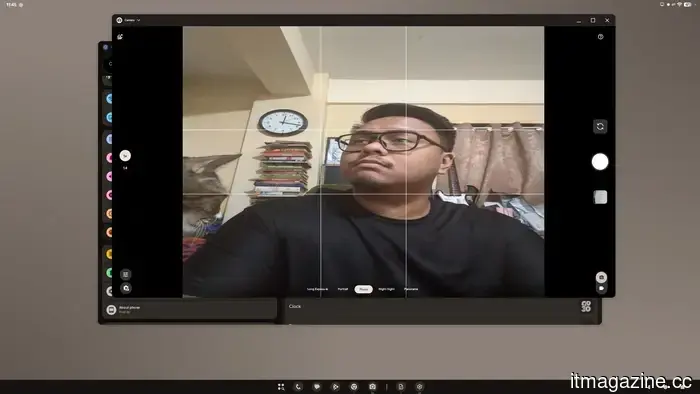
For instance, the camera preview aspect ratio is incorrect, and small glitches like that disrupt the overall experience.
The camera preview isn’t ideal, yet photos taken are fine.
In contrast, DeX includes enough features to solidify its role as a daily tool. Its additional functionalities don’t come across as decorative; they serve to alleviate the challenges of transforming a phone into a desktop. With DeX, the phone truly feels like the backbone supporting the desktop.
With Google’s offering, the phone continues to feel like the central device. The desktop is present, but it never entirely sheds its connection to the phone.
Nevertheless, both still maintain a hint of novelty. This aspect is what the category has yet
Other articles
 Google's new desktop mode clearly demonstrates that Samsung DeX was ahead of its time.
Android 16's desktop mode finally offers Pixel users an authentic desktop experience, but the comparison with Samsung DeX highlights how much more refined Samsung’s approach remains.
Google's new desktop mode clearly demonstrates that Samsung DeX was ahead of its time.
Android 16's desktop mode finally offers Pixel users an authentic desktop experience, but the comparison with Samsung DeX highlights how much more refined Samsung’s approach remains.
 AirPods Pro 3 might enable you to communicate with Siri without the need to speak aloud.
The AirPods Pro 3 may offer more than just music playback: featuring IR cameras and Q.ai's micro-facial-movement technology, Apple's upcoming earbuds might enable users to control Siri without any sound.
AirPods Pro 3 might enable you to communicate with Siri without the need to speak aloud.
The AirPods Pro 3 may offer more than just music playback: featuring IR cameras and Q.ai's micro-facial-movement technology, Apple's upcoming earbuds might enable users to control Siri without any sound.
 PlayStation 6 leaks and rumors: All we know about Sony's upcoming next-generation gaming console.
The PlayStation 6 is on its way, but it may not be as imminent as we previously believed, particularly due to the rising costs of components.
PlayStation 6 leaks and rumors: All we know about Sony's upcoming next-generation gaming console.
The PlayStation 6 is on its way, but it may not be as imminent as we previously believed, particularly due to the rising costs of components.
 Smart glasses are discovering an unexpected niche in Korean drama and theater performances.
These smart glasses are transforming our experience of live theatre and Korean dramas. Language no longer seems like an obstacle; it simply recedes into the background as you immerse yourself in the narrative.
Smart glasses are discovering an unexpected niche in Korean drama and theater performances.
These smart glasses are transforming our experience of live theatre and Korean dramas. Language no longer seems like an obstacle; it simply recedes into the background as you immerse yourself in the narrative.
 Zoom will now verify whether you are a human or an AI impersonator during video calls.
Zoom has introduced human verification in its video meetings, collaborating with Sam Altman's World to showcase a "Verified Human" badge for attendees who successfully complete a three-step biometric verification process.
Zoom will now verify whether you are a human or an AI impersonator during video calls.
Zoom has introduced human verification in its video meetings, collaborating with Sam Altman's World to showcase a "Verified Human" badge for attendees who successfully complete a three-step biometric verification process.
.jpg) 3 overlooked films you can enjoy for free this weekend (April 17-19)
From a tense dinner party thriller to an uplifting tale about a man and his cat, these three complimentary Tubi films cater to every mood you might desire this weekend.
3 overlooked films you can enjoy for free this weekend (April 17-19)
From a tense dinner party thriller to an uplifting tale about a man and his cat, these three complimentary Tubi films cater to every mood you might desire this weekend.
Google's updated desktop mode clearly indicates that Samsung DeX had the right idea.
Android 16's desktop mode finally offers Pixel users an authentic desktop experience; however, when compared to Samsung DeX, it highlights that Samsung's implementation remains more refined.