
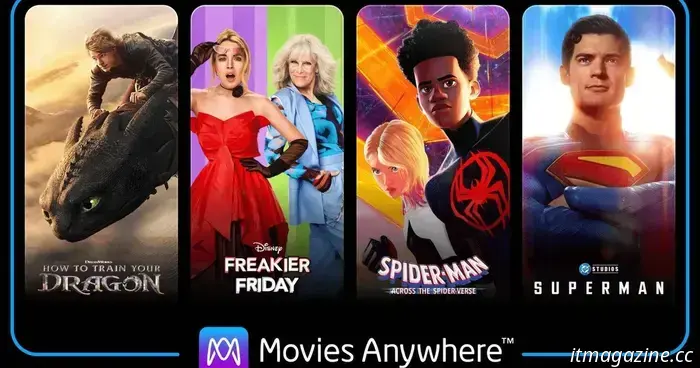
You can once more access films bought from Google Play and YouTube through Movies Anywhere.
You will need to reconnect your Google account to regain access.
The recent issues between Disney and Google affected more than just YouTube TV subscribers losing access to all Disney channels. Disney also removed its entire film catalog from Google TV and YouTube and ceased support for Google within its movie syncing service, Movies Anywhere.
Although the two companies resolved their dispute by November 14 and restored all Disney channels on YouTube TV, Disney only re-listed its movies on Google’s digital platforms at the end of last month. Nearly a month later, users can finally connect their Google accounts to Movies Anywhere to access films purchased from Google Play and YouTube.
According to 9to5Google, impacted users have begun receiving emails announcing this update, which includes an option to reconnect Google Play and YouTube to Movies Anywhere. Users can click the link in the email to reconnect their account and regain access.
To reconnect your Google account to Movies Anywhere
If you have not yet received the email, you can manually reconnect your Google account via Movies Anywhere’s settings. To do this, open the drop-down menu in the top-right corner, click on Settings, and then select Manage Retailers from the sidebar.
Click the Connect button next to Google’s listing and follow the on-screen instructions to reconnect your account. After completing this, you should once again have access to movies purchased from Google Play and YouTube within Movies Anywhere.
With Google reinstated as a partner for Movies Anywhere, users who were caught in the middle of the Disney-Google conflict can now find relief. This update effectively resolves one of the last remaining issues stemming from the dispute and restores normal operations.
---
Your Apple Podcasts app might be experiencing some strange behavior as security experts alert users to a peculiar bug.
If your iPhone or Mac has recently started behaving unusually—specifically, if the Apple Podcasts app opens automatically and plays random shows you don’t recognize—you’re not going crazy.
Users have been reporting this problem for months. One moment, their device is idle, and the next, the Podcasts app launches on its own, playing obscure and bizarre shows. These aren’t popular hits; they often consist of random religious sermons, silent audio files, or programs with nonsensical titles.
---
I watched Stranger Things 5 volume 1, and here are the key moments you don’t want to miss.
Stranger Things 5 has released its first volume on Netflix, bringing another exciting sci-fi horror saga. This new season continues to follow the heroes of a quarantined Hawkins as they pursue Vecna (Jamie Campbell Bower) in the Upside Down while evading the U.S. military.
Season 5 has crammed numerous spectacular moments into its first four episodes, and more excitement is on the way, with volume 2 set to premiere on December 25. Until then, fans should not overlook these incredible highlights from volume 1 of Stranger Things season 5.
---
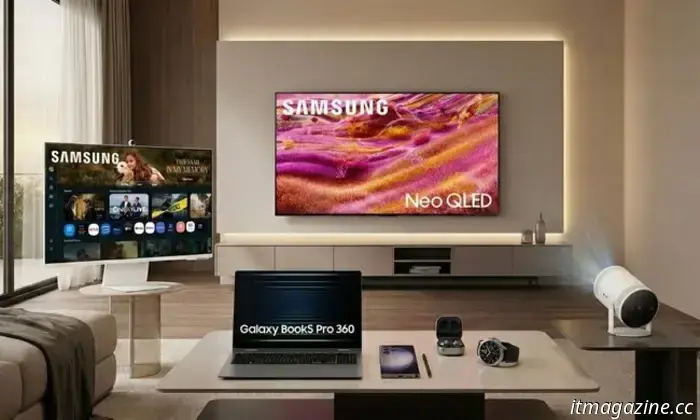
Best Samsung holiday deals available on Amazon right now: phones, TVs, laptops, and more.
Samsung is offering holiday discounts on Amazon this year across numerous major categories: phones, TVs, laptops, monitors, audio devices, and wearables. For those already in the Galaxy ecosystem or considering joining it, now is an excellent time to upgrade essential components of your setup while prices are significantly reduced.
Galaxy S25 Ultra (256GB) – now $899.99 (was $1,299.99)

Other articles
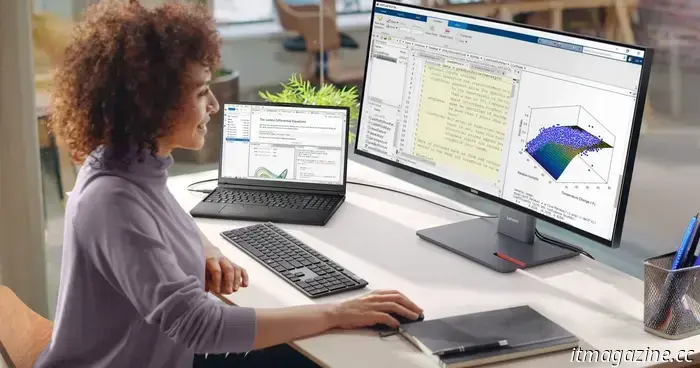 The opportunity for skill enhancement: The importance of AI PCs in transforming the workforce.
The potential and impact of artificial intelligence in the workplace is now a reality, not just a concept. AI tools enhance workflows, create content, and reveal insights more quickly than ever before. However, for certain professionals, the promise of AI may seem unattainable. This isn't due to technological constraints, but rather a lack of education on how to utilize it. AI [...]
The opportunity for skill enhancement: The importance of AI PCs in transforming the workforce.
The potential and impact of artificial intelligence in the workplace is now a reality, not just a concept. AI tools enhance workflows, create content, and reveal insights more quickly than ever before. However, for certain professionals, the promise of AI may seem unattainable. This isn't due to technological constraints, but rather a lack of education on how to utilize it. AI [...]
 AFEELA now offers PS Remote Play, allowing you to enjoy your PlayStation 5 while parked.
Sony Honda Mobility announces that AFEELA will incorporate PS Remote Play, allowing PS5 and PS4 games to be streamed to the car's cabin display. This seems promising when stationary, but the reliability of broadband speed and coverage will determine its success.
AFEELA now offers PS Remote Play, allowing you to enjoy your PlayStation 5 while parked.
Sony Honda Mobility announces that AFEELA will incorporate PS Remote Play, allowing PS5 and PS4 games to be streamed to the car's cabin display. This seems promising when stationary, but the reliability of broadband speed and coverage will determine its success.
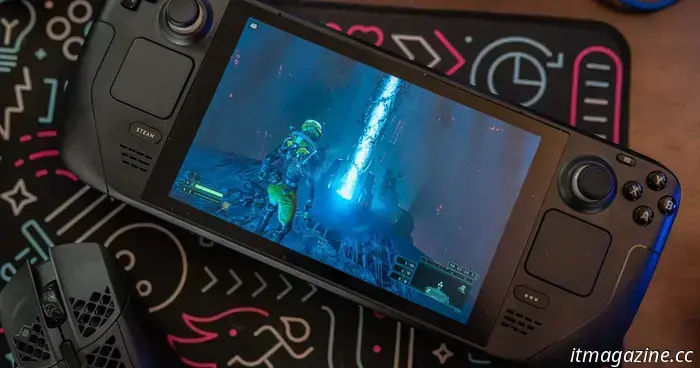 The LCD of the Steam Deck is nearing the end of its lifecycle, which could impact your upcoming handheld purchase.
Valve is discontinuing sales of the Steam Deck LCD for one of its main configurations. On the Steam Deck store page, Valve announced that it is “phasing out the Steam Deck LCD 256GB model” and that it “will no longer be available” once the remaining inventory is sold out. The message also highlights the distinction between […]
The LCD of the Steam Deck is nearing the end of its lifecycle, which could impact your upcoming handheld purchase.
Valve is discontinuing sales of the Steam Deck LCD for one of its main configurations. On the Steam Deck store page, Valve announced that it is “phasing out the Steam Deck LCD 256GB model” and that it “will no longer be available” once the remaining inventory is sold out. The message also highlights the distinction between […]
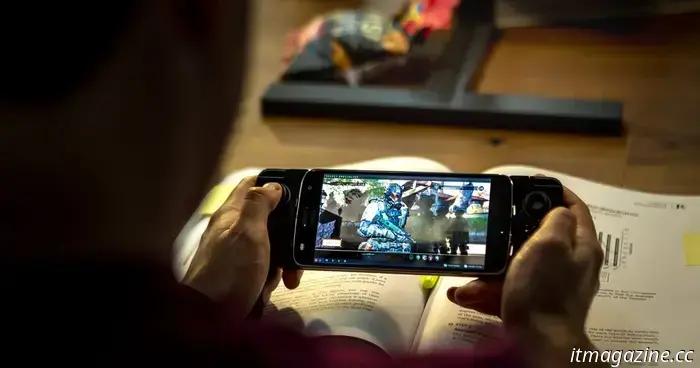 An explanation of GeForce NOW's 100-hour limit for your monthly gameplay.
GeForce NOW will implement a monthly limit of 100 hours starting January 1. This will first affect certain users, and existing paid members might have additional time. Here's what to verify before the limit takes effect.
An explanation of GeForce NOW's 100-hour limit for your monthly gameplay.
GeForce NOW will implement a monthly limit of 100 hours starting January 1. This will first affect certain users, and existing paid members might have additional time. Here's what to verify before the limit takes effect.
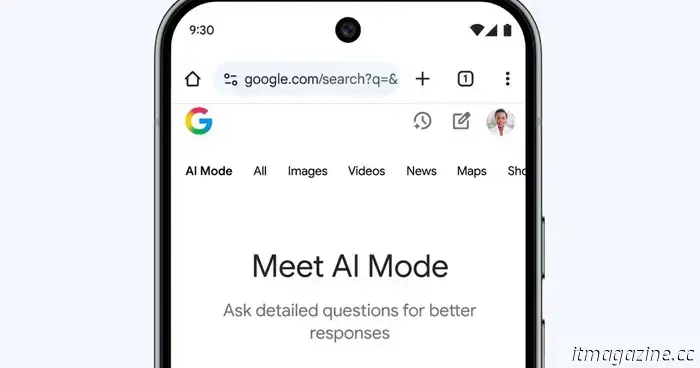 Chrome will soon inform you about what you were previously reading using tab-aware AI.
Chrome's AI Mode is advancing past basic chat features. It will soon have the capability to refer to your recent tabs and respond to inquiries about the content you accessed previously.
Chrome will soon inform you about what you were previously reading using tab-aware AI.
Chrome's AI Mode is advancing past basic chat features. It will soon have the capability to refer to your recent tabs and respond to inquiries about the content you accessed previously.
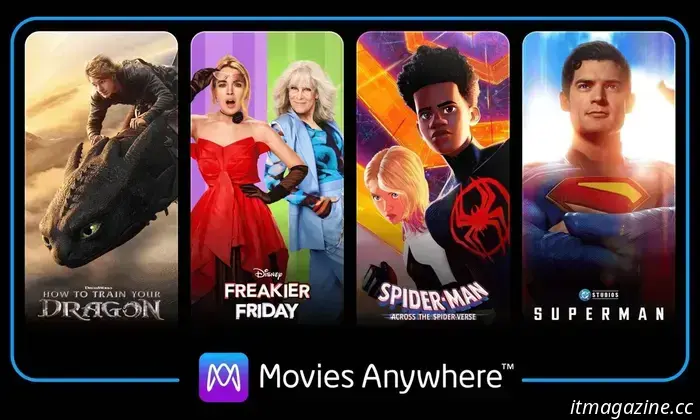
You can once more access films bought from Google Play and YouTube through Movies Anywhere.
Movies Anywhere has reinstated Google as a partner service, allowing users to access their movie purchases from Google Play and YouTube on the platform.