
I discovered a Mac application that helps manage my health, and it’s a blessing for those who work at desks.
I spend more time hunched over my laptop or gazing at an oversized monitor than I'd like to admit. Between work, gaming, and personal projects, my daily screen time is alarmingly unhealthy. To make matters worse, my almost constant work-from-home situation means I don't have the luxury of proper ergonomics.
This lifestyle has visibly affected my well-being. I wear prescription glasses to address vision problems and protect against blue light. I frequently use hot water bags or vests to help me sit up straight because of my forward head posture. Additionally, I've neglected proper hydration and regular breaks for years.
While there are solutions available, most require me to check another screen, such as my iPhone or Apple Watch. There are Mac utilities, too, but many are limited in function. I’m not keen on spending $10 for an app that just reminds me to drink water every hour. However, I believe I've found the ideal solution.
Introducing Loook
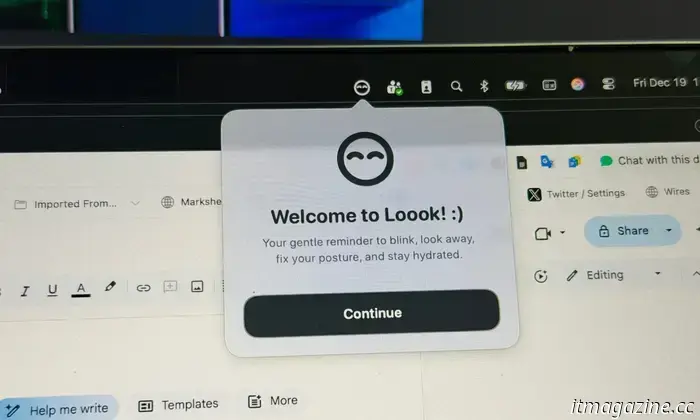
Loook is a Mac app that serves four main purposes: it reminds you to stay hydrated, encourages you to take a brief break from the screen, prompts you to blink to relieve your eyes, and most importantly, nudges you to improve your posture.
You might think that’s all it does and that it sounds quite basic, but there’s more to this minimalist gem than meets the eye. It doesn't clutter your Mac's dock, which is a bonus for someone like me with a packed dock. Instead, Loook operates entirely as a Menu Bar utility and is designed exceptionally well. All essential tools are just a click or two away without any digging through pages. The best part? The basic functionality is free, though you have the option to purchase additional themes for a bit of flair.
It simply functions
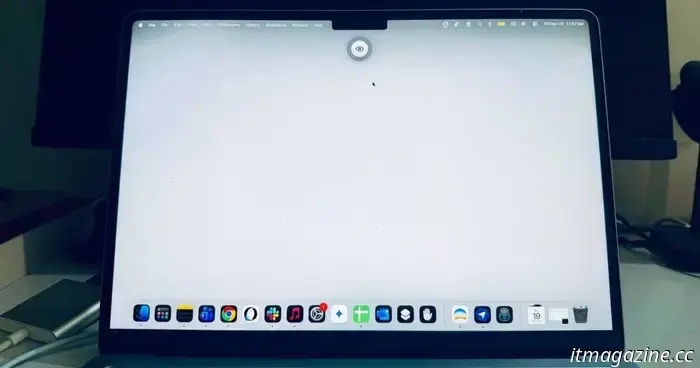
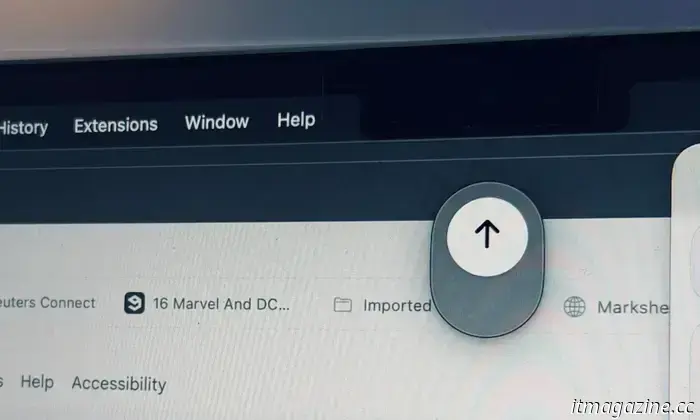
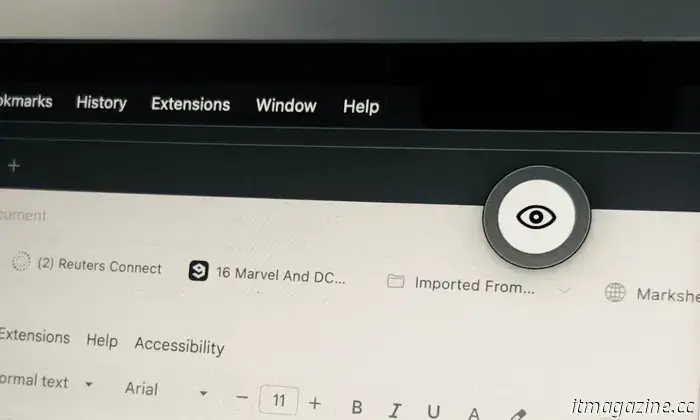
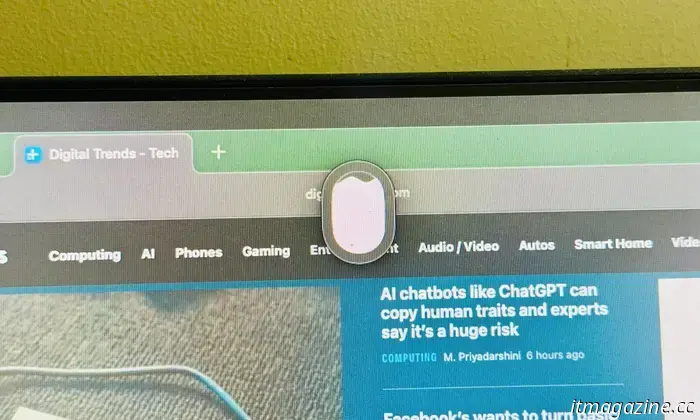
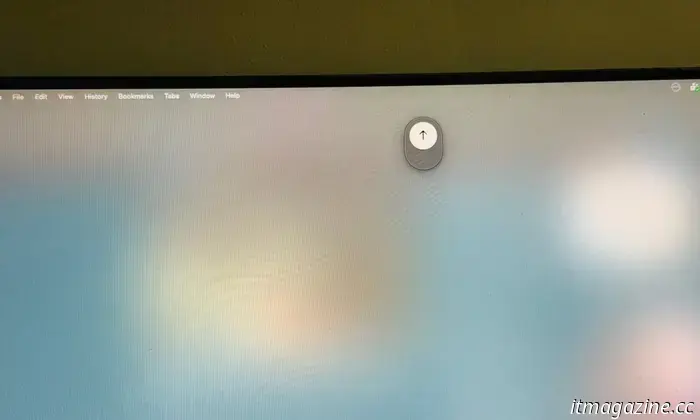
Loook presents a small icon on your screen, prompting you to drink water, get up, look away, or blink. Here's the clever aspect: when the animated icon appears, you might overlook it, especially when working on a large digital canvas with multiple applications. The app addresses this with a subtle solution.
You can choose to see the animated reminder appear on the screen naturally or opt for a slight fading effect that dims your screen subtly. Alternatively, you can make the entire screen take on a blank, clouded appearance for a more noticeable alert.
On the functional side, you can customize the intervals for each reminder. For instance, you can set the eye blink reminder to start at 1 minute and extend it up to 10 minutes. The posture reminder can range from 5 to 30 minutes, while the hydration reminder can be set between 30 minutes to 2 hours.
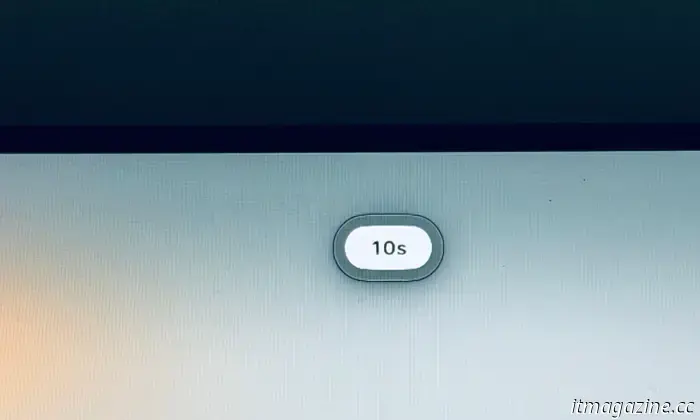
You can opt for varying intervals for the look-away-from-screen notification, choosing to activate it every 5 minutes or after a 30-minute work session. When the alert pops up, you can also specify how long you’d like to look away from the display, with durations ranging from 20 seconds to a full minute. I appreciate this thoughtful design, especially considering the app doesn't require any intrusive permissions or access to sensors.
Grounded in research
Loook's approach is scientifically supported. Digital eye strain is a well-documented problem, with symptoms including dry eyes, itchiness, a sensation of foreign objects, watering, blurred vision, and headaches.
It can also be linked to a stiff neck, general fatigue, headaches, and back pain. Research published in the Ophthalmology and Therapy journal indicates that taking regular breaks from screens, periodically shifting focus to distant objects, and following the 20-20-20 rule can help alleviate eye strain.
Another study from the Contact Lens and Anterior Eye journal discusses the advantages of breaks in reducing eye strain. An analysis of 29 symptomatic computer users found that the “20-20-20 rule is an effective strategy for reducing digital eye strain and dry eye symptoms.”
If you’re not familiar, this rule involves looking away from the screen and focusing on something at least 20 feet away for 20 seconds after every 20 minutes of screen time. Loook helps you adhere to this rule precisely.
Additionally, Loook can be set to launch automatically whenever you start your computer, remembering all your timing preferences.
While Loook isn't a comprehensive solution to your body-technology problems—it can't pinpoint how your posture is off or guide you in fixing it, nor does it provide detailed logging for water intake during an eight-hour workday—it's a convenient and minimalist tool to start developing healthier habits, which I highly recommend.
You can download Loook from the App Store.
Other articles
 The RAM shortage is expected to persist, but Samsung assures that SSDs will not be affected for the time being.
Despite memory limitations linked to AI, Samsung has stated that it will persist in selling consumer SSDs, although wider supply chain challenges are causing fluctuations in prices and availability.
The RAM shortage is expected to persist, but Samsung assures that SSDs will not be affected for the time being.
Despite memory limitations linked to AI, Samsung has stated that it will persist in selling consumer SSDs, although wider supply chain challenges are causing fluctuations in prices and availability.
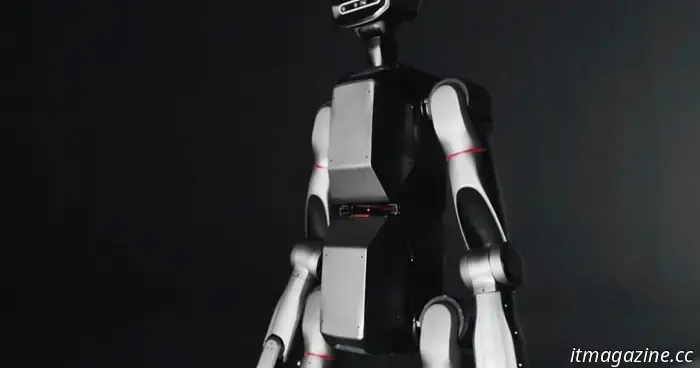 According to its creator, this sophisticated modular robot is perfectly suited for missions to Mars.
LimX Dynamics is engaged in some intriguing developments within the robotics field. Four months after showcasing its skilled Oli humanoid robot, the three-year-old tech startup has recently introduced Tron 2, which, as its name cleverly indicates, is the sequel to Tron 1. Based on the video (above) that LimX released on Thursday, Tron 2 […]
According to its creator, this sophisticated modular robot is perfectly suited for missions to Mars.
LimX Dynamics is engaged in some intriguing developments within the robotics field. Four months after showcasing its skilled Oli humanoid robot, the three-year-old tech startup has recently introduced Tron 2, which, as its name cleverly indicates, is the sequel to Tron 1. Based on the video (above) that LimX released on Thursday, Tron 2 […]
I discovered a Mac application that helps manage my health, and it’s a blessing for those who work at desks.
An application designed to improve your posture, gaze, stress levels, and hydration – all in a highly minimalist manner? That's the essence of Loook.