
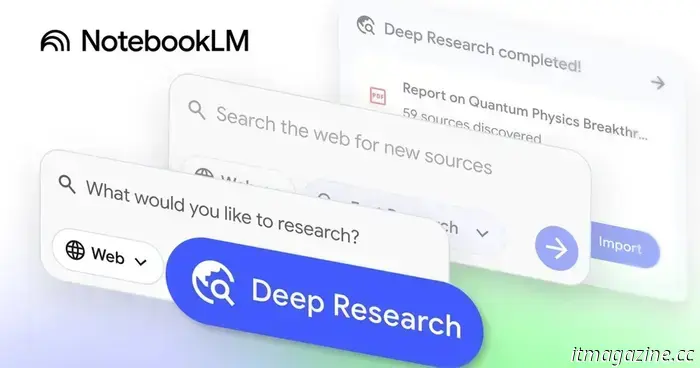
You can now pose questions to Gemini regarding your NotebookLM notebooks.
The NotebookLM integration is currently restricted to the web version of Gemini.
Recently, we discovered that Google has been preparing a feature that enables users to pose questions about their NotebookLM notebooks to Gemini. While Google has yet to make an official statement, this feature now seems to be becoming available to users.
According to recent posts on X by Sai Nemani and TestingCatalog, the attachment menu in the web version of Gemini now features a NotebookLM button. This option allows users to attach a notebook and inquire about it, yielding more relevant answers from Gemini.
TestingCatalog mentions that this feature enables users to attach multiple notebooks as sources. Furthermore, the NotebookLM integration is compatible with Gemini Gems, allowing users to build customized AI assistants with expertise drawn from their NotebookLM notebooks.
The rollout of Gemini’s NotebookLM integration is currently focused on the web platform.
At this stage, the NotebookLM integration seems confined to the web version of Gemini, as the attachment button is absent from the Gemini app on Android devices we checked. Overall availability appears to be limited, with many users reporting that the feature has not yet appeared in their Google accounts.
Google may extend this access in the upcoming days and eventually include the NotebookLM attachment button in the mobile version of the Gemini app, but there is no confirmation at this time. An official announcement with further details could be on the horizon.
In recent weeks, Google has rolled out several significant updates for NotebookLM, introducing support for additional file types like Google Sheets, Drive files, images, PDFs, and Microsoft Word documents, along with a notably larger context window, enhanced conversational memory, and improved response quality. The NotebookLM mobile app has also received various enhancements, including support for flashcards and quizzes, along with broader chat improvements that were initially available in the web version.
Pranob is an experienced tech journalist with more than eight years of experience in covering consumer technology. His work has been…
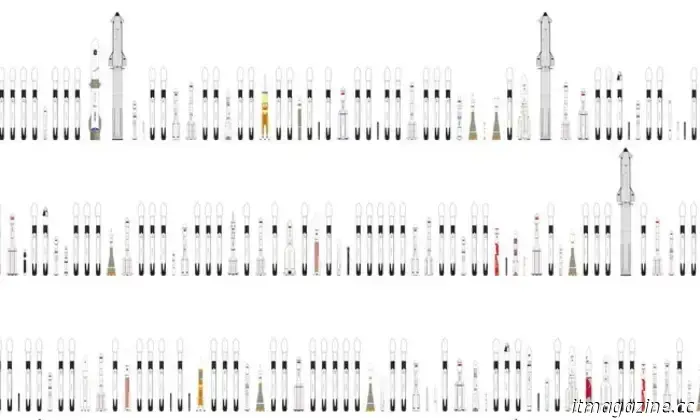
These impressive rocket charts are ideal for space enthusiasts.
Filters allow for in-depth exploration.
If you enjoy rocket launches, you will certainly appreciate these charts designed by Flight Atlas. The site was launched earlier this year, but a recent post on X by Rocket Lab chief Peter Beck has increased its visibility.
Read more
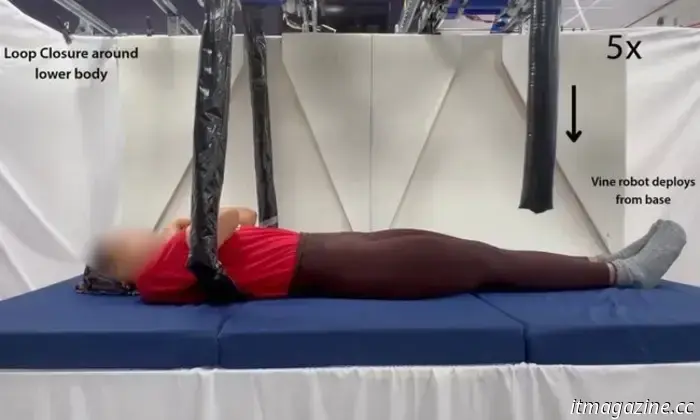
This amazing vine-like robot could be a great asset for caretakers.
It can already gently and safely lift humans.
Engineers from MIT and Stanford University have created a vine-like robotic gripper that encircles objects before carefully lifting them. This innovative robot features a pressurized container that releases inflatable tubes capable of expanding around objects before retracting to lift them.
Read more
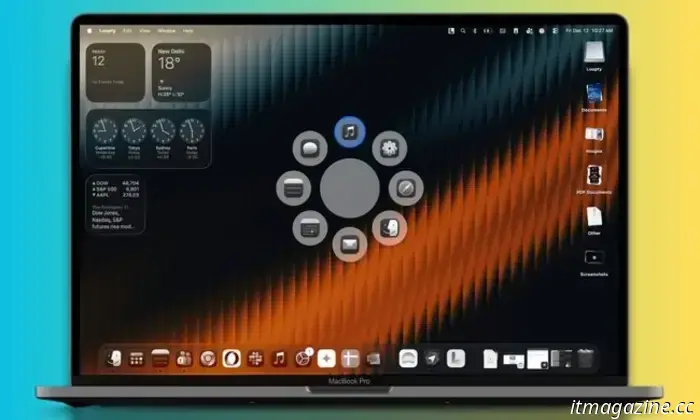
I’ve discovered a Mac tool that you'll appreciate as a sleeker dock with additional features.
The Mac's dock has remained unchanged over the years. Loopty replaces it with a lot of practical flair.
The transition to macOS Tahoe brought numerous upgrades to core Mac systems. Spotlight, in particular, received several significant updates, including support for custom shortcuts and a better AI-powered search system. However, the removal of LaunchPad sparked some controversy. Apple also overlooked deeper cross-app integrations that have made applications like RayCast popular within the user community. The new Spotlight aims to be the center of your basic Mac activities, but it comes with its share of clutter and notable omissions.
Read more

Other articles
 Google Lens is being integrated into the native AI interface of Chrome.
Google Lens now activates Chrome’s AI panel in Canary builds, indicating a future in which Chrome will provide contextual, chat-based support directly alongside web content.
Google Lens is being integrated into the native AI interface of Chrome.
Google Lens now activates Chrome’s AI panel in Canary builds, indicating a future in which Chrome will provide contextual, chat-based support directly alongside web content.
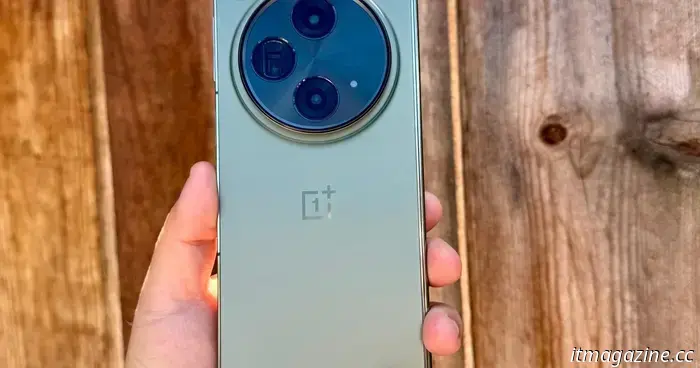 OnePlus has officially begun the rollout of OxygenOS 16, which is based on Android 16, for OnePlus Open users in North America.
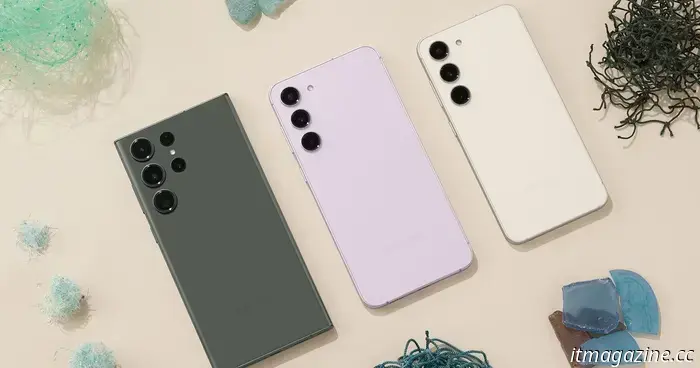 Increasing memory costs may affect the price and performance of your next Android phone.
Smartphones are incorporating more AI features rather than fewer, but increasing memory costs could lead manufacturers to release phones with reduced RAM in 2026.
Increasing memory costs may affect the price and performance of your next Android phone.
Smartphones are incorporating more AI features rather than fewer, but increasing memory costs could lead manufacturers to release phones with reduced RAM in 2026.
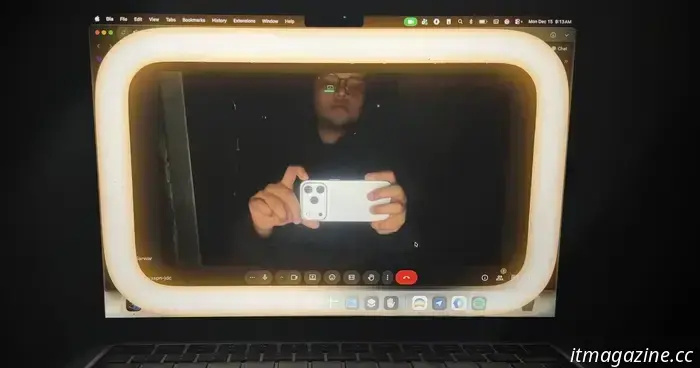 macOS 26.2 creates a light effect on Macs, which completely took me by surprise in total darkness.
The newest version of macOS Tahoe (26.2) introduces an impressive Edge Light feature that's ideal for video calls in low light, along with a smart trick included.
macOS 26.2 creates a light effect on Macs, which completely took me by surprise in total darkness.
The newest version of macOS Tahoe (26.2) introduces an impressive Edge Light feature that's ideal for video calls in low light, along with a smart trick included.
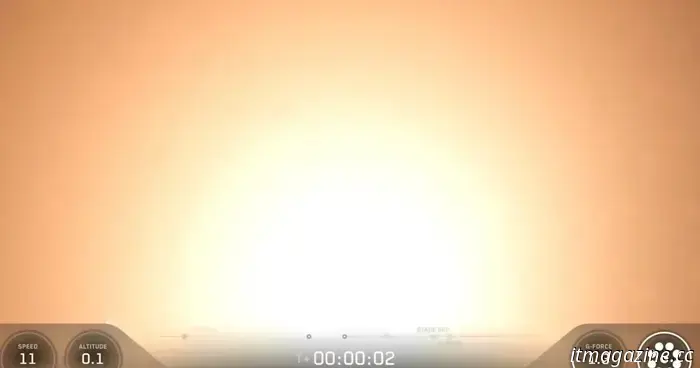 You won't encounter a stranger rocket launch than this Falcon 9 soaring through the fog.
SpaceX broadcasts live every one of its rocket launches, primarily featuring its reliable Falcon 9 rocket. Most Falcon 9 launches occur from Florida's Space Coast, though the company occasionally conducts missions from Vandenberg Space Force Base in California. Recommended Videos For its latest launch from the West Coast […]
You won't encounter a stranger rocket launch than this Falcon 9 soaring through the fog.
SpaceX broadcasts live every one of its rocket launches, primarily featuring its reliable Falcon 9 rocket. Most Falcon 9 launches occur from Florida's Space Coast, though the company occasionally conducts missions from Vandenberg Space Force Base in California. Recommended Videos For its latest launch from the West Coast […]
 Disregard the Galaxy S26; some of Samsung's most exciting technology for 2026 might be showcased at CES.
Here’s what you can anticipate from Samsung's products at CES 2026.
Disregard the Galaxy S26; some of Samsung's most exciting technology for 2026 might be showcased at CES.
Here’s what you can anticipate from Samsung's products at CES 2026.
You can now pose questions to Gemini regarding your NotebookLM notebooks.
Google has begun to introduce a new integration for NotebookLM that allows you to pose questions about your notebooks to Gemini.