
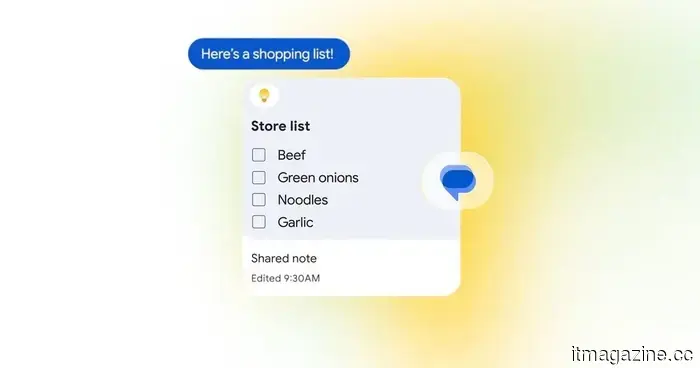
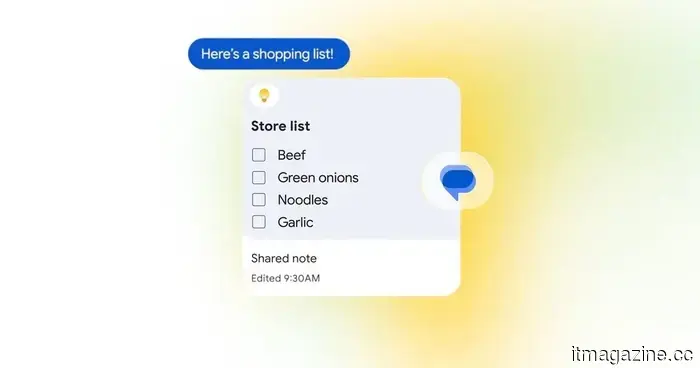
Google Messages has integrated Google Keep, simplifying the management of group plans.
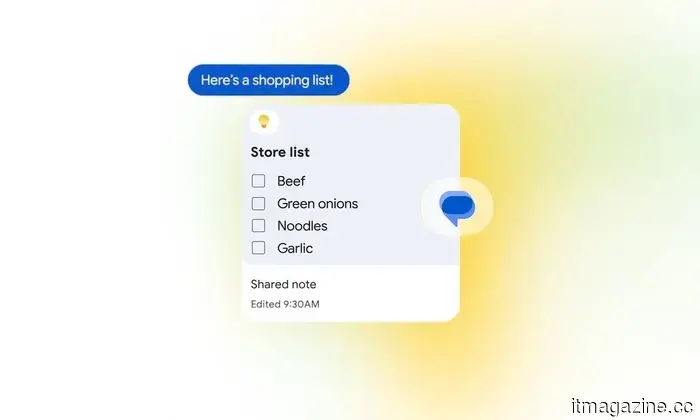
The new integration allows all participants in a Google Messages chat to view, edit, and contribute to the same Google Keep note.
Google Messages is receiving a valuable enhancement for those who have seen a straightforward plan evolve into numerous messages scattered throughout a group chat.
As part of the September Android Drop, Google is embedding Google Keep directly into Messages. Participants in a conversation can generate a shared note or list, and then access, modify, and add to it without exiting the chat. This integration is set to begin rolling out today.
While it may seem like a minor feature, incorporating Keep into Messages could significantly enhance the functionality of group chats for organizing information.
This could eliminate the need for endless scrolling in group chats.
Accessing the new Google Keep integration is simple; just tap the + icon within Google Messages. From there, a shared note or list can be created and included directly in the conversation. Everyone in the chat can then view it, contribute new items, make alterations, or check off completed tasks.
The practical applications include grocery lists and vacation planning, but many more possibilities come to mind. Friends getting together could maintain a live store-run list rather than sending multiple requests in the chat. A road-trip group could track their stops, while those organizing a party could compile a checklist for food, drinks, and supplies.
Movie nights are another suitable scenario. Everyone could add their suggestions to a single shared list and then discuss the options when it’s time to make a choice. Roommates might use this feature for shared household purchases, while families could maintain a common list of errands or tasks that still need completion.
Most importantly, the list remains editable, allowing anyone to add new items later without having to sift through old conversations to find where the planning began.
Google Messages is also getting a bit more vibrant.
While shared notes are the more functional enhancement, Google is also introducing new customization features.
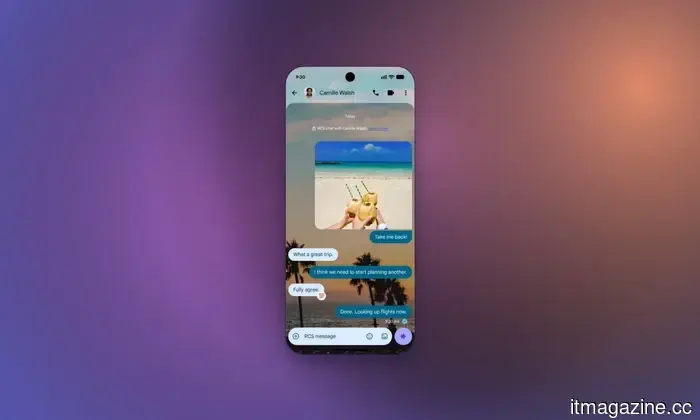
The chat theme option allows you to assign individual conversations unique backgrounds and colors. You can choose a wallpaper or use one of your own photos, and the message bubbles will automatically adjust to match. Colors can also be customized independently.
Chat themes are available now, while the Google Keep integration is rolling out today. Although the two features are quite distinct, both enhancements make Google Messages feel more capable than a simple messaging app.


Other articles
 Google Messages now features integration with Google Keep, simplifying the management of group plans.
Google Messages is introducing integration with Google Keep, enabling users to create and modify shared notes and lists without having to exit the conversation.
Google Messages now features integration with Google Keep, simplifying the management of group plans.
Google Messages is introducing integration with Google Keep, enabling users to create and modify shared notes and lists without having to exit the conversation.
 China exported 8.32 million vehicles last year, and it now aims to sell them at consistent prices.
China has instructed its automotive manufacturers to set prices based on costs and refrain from making significant cuts in foreign markets. In contrast, Brussels has been working for two years to reach an agreement on a minimum import price.
China exported 8.32 million vehicles last year, and it now aims to sell them at consistent prices.
China has instructed its automotive manufacturers to set prices based on costs and refrain from making significant cuts in foreign markets. In contrast, Brussels has been working for two years to reach an agreement on a minimum import price.
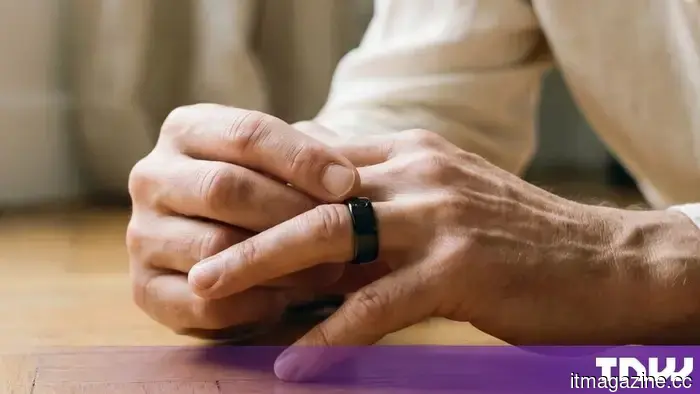 Circular unveils Ring 3 Pro and Slim at IFA, featuring contactless payment capabilities and haptic feedback alerts.
Circular unveiled its Ring 3 series at IFA, featuring NFC payments and an ECG function. The clearance mentioned is from the FDA, while EU regulations require a separate CE mark.
Circular unveils Ring 3 Pro and Slim at IFA, featuring contactless payment capabilities and haptic feedback alerts.
Circular unveiled its Ring 3 series at IFA, featuring NFC payments and an ECG function. The clearance mentioned is from the FDA, while EU regulations require a separate CE mark.
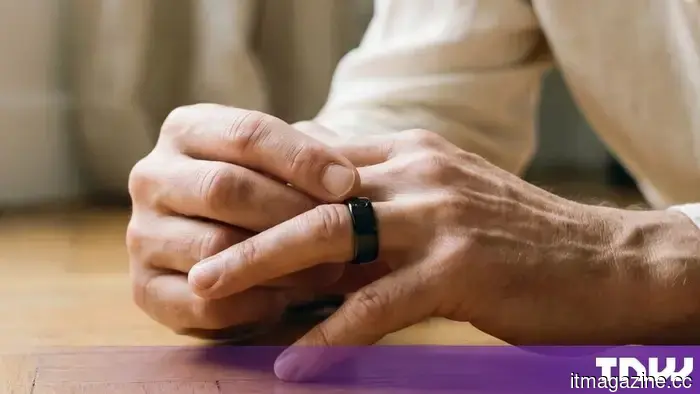 Circular unveils Ring 3 Pro and Slim at IFA, featuring contactless payment options and haptic notifications.
Circular introduced its Ring 3 series at IFA, featuring NFC payments and an ECG. The clearance mentioned is from the FDA, while EU regulations require an additional CE mark.
Circular unveils Ring 3 Pro and Slim at IFA, featuring contactless payment options and haptic notifications.
Circular introduced its Ring 3 series at IFA, featuring NFC payments and an ECG. The clearance mentioned is from the FDA, while EU regulations require an additional CE mark.
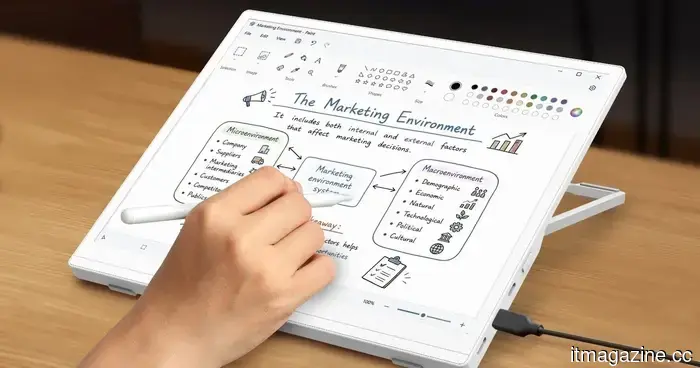 Acer's latest ePaper monitor aims to enhance your screen time comfort.
Acer has recently introduced a portable ePaper monitor that eliminates glare and backlighting, offering a paper-like experience that is ideal for reading, writing, and extended work sessions while on the move.
Acer's latest ePaper monitor aims to enhance your screen time comfort.
Acer has recently introduced a portable ePaper monitor that eliminates glare and backlighting, offering a paper-like experience that is ideal for reading, writing, and extended work sessions while on the move.
 Best Buy is offering significant Labor Day savings on these six appliances.
I went through Best Buy's Labor Day appliance sale and discovered six significant appliance deals to consider, including a $1,200 discount on an LG refrigerator.
Best Buy is offering significant Labor Day savings on these six appliances.
I went through Best Buy's Labor Day appliance sale and discovered six significant appliance deals to consider, including a $1,200 discount on an LG refrigerator.
Google Messages has integrated Google Keep, simplifying the management of group plans.
Google Messages is integrating Google Keep, allowing users to create and modify shared notes and lists directly within a conversation.