
Google Meet can now take notes for your in-person meetings.
Your next face-to-face meeting will now include an automatic scribe.
We’ve all experienced it: sitting in a meeting, trying to engage and share thoughts while frantically taking notes to ensure important details aren’t overlooked. Fortunately, you no longer need to sacrifice one for the other.
Google is introducing a new capability that allows Google Meet to handle note-taking not just for video calls, but also for in-person meetings. This feature was unveiled at Google’s Cloud Next 2026 event in Las Vegas and is now being rolled out to users.
How does the Google Meet note-taking feature work?
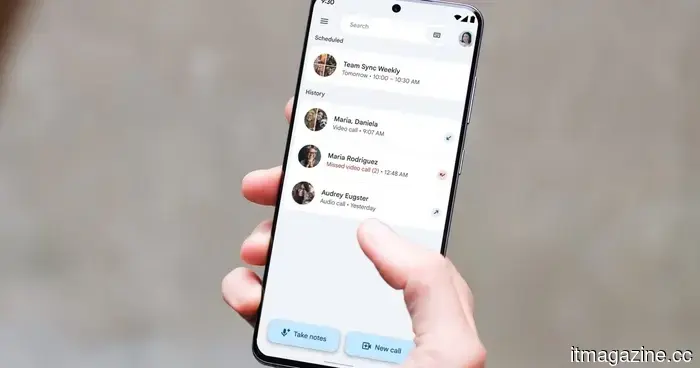
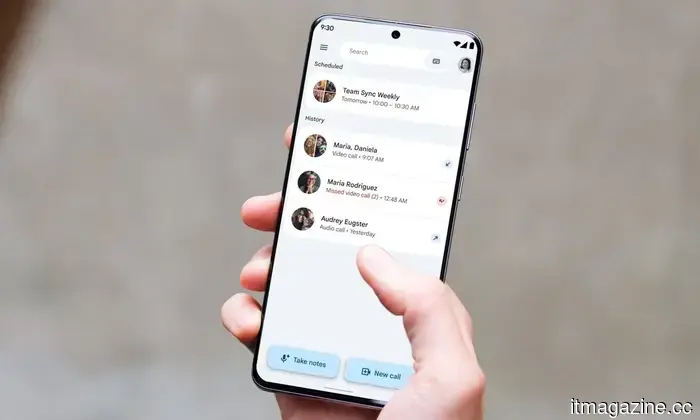
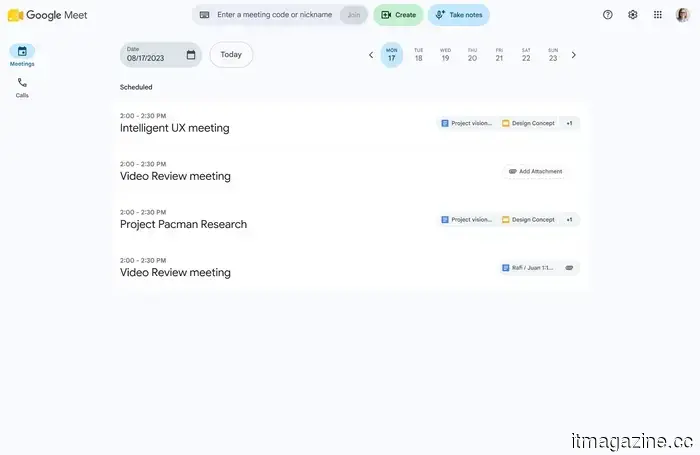
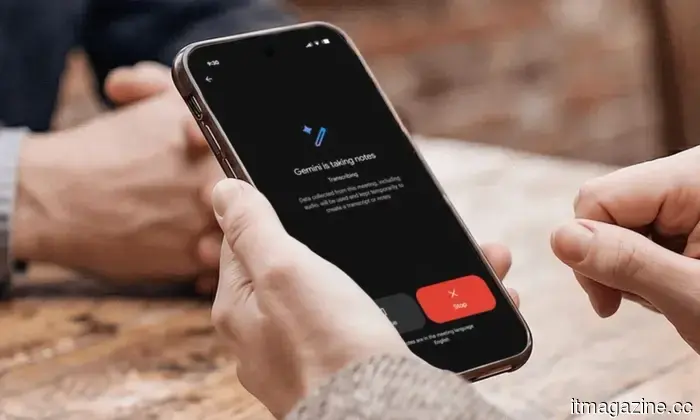
Starting a session is straightforward. Simply open Google Meet on your web browser or mobile device, then click the Take notes button on the home screen. After you press record, Gemini starts capturing everything discussed in the meeting room.
When the meeting concludes, press the same button again to finish the recording. From there, Gemini compiles everything it captured into a concise summary, outlines the action items, and creates a complete transcript, all within a new Google Doc.
The document is then saved to your Google Drive, and you will receive an email with the link to it, so you won’t have to search for it later.
Who can access this feature?
For admins, this feature is linked to your current Google Meet notes settings, so no additional setup is necessary. In terms of availability, Android users will start receiving it from August 11, while web users can expect it from August 14.
iOS users will need to wait longer, with the rollout set to begin no earlier than August 31. Depending on your platform, you might already have access, or you may need to wait a few more weeks for the feature to appear.
This feature is available to Business Standard and Plus, Enterprise Standard and Plus, Google AI Pro and Ultra consumer plans, as well as Frontline Plus users.
Rachit is an experienced tech journalist with over ten years of expertise in the consumer technology sector.
Keychron has taken the hassle of 96 blank keys off your hands
The 10-by-10 macro pad transforms an empty grid into a customizable control panel.
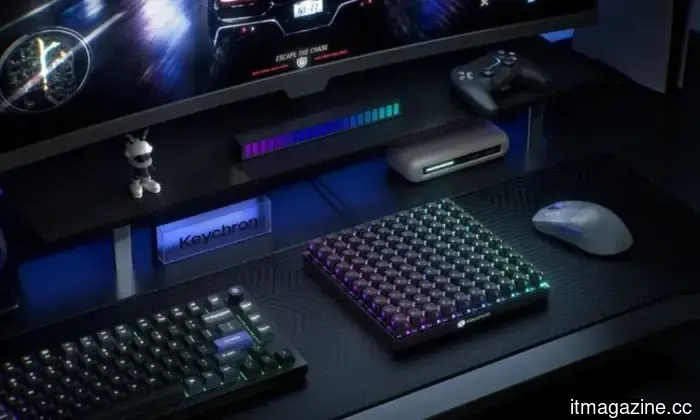
Keychron has created a 100-key macro pad for anyone who's ever wished that none of a keyboard's keys were assigned duties. The Keychron C100 8K, priced at $64.99, features a 10-by-10 grid with no letters, numbers, or commands predefined.
Four corner keys are designated for lighting controls and cannot be remapped, resulting in 96 programmable slots. That’s almost the entirety of a full-size mechanical keyboard dedicated to shortcuts, though no one has yet determined their functions.
Samsung is reportedly leveraging Claude to enhance chip design
Samsung's engineers are utilizing Claude Code to automate segments of semiconductor verification and software development, with one assignment allegedly taking just two days instead of over a month.
It seems Samsung is adopting AI to expedite one of the most time-consuming and complex aspects of chip design. As per a report from Chosun Biz, the company’s engineers have turned to Anthropic's Claude to significantly speed up various tasks, with one project completed approximately fifteen times more efficiently than usual. Samsung managed to reduce a chip verification job from over a month to just two days.
Farewell to Chronicle. ChatGPT’s new Computer History feature is superior
You dictate what it retains, making this update genuinely valuable.
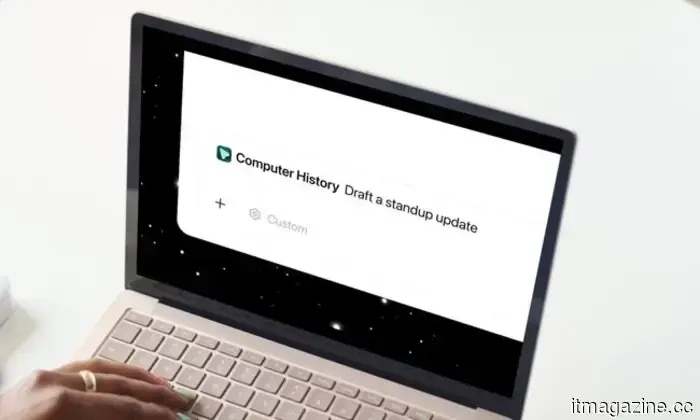
OpenAI has recently launched Computer History for the ChatGPT desktop application, and if you found Chronicle intriguing but excessively reliant on screenshots, this update should alleviate your concerns.
What functions does Computer History perform?

Other articles
 Flock Safety reduces data retention period to seven days following numerous incidents of police misuse.
Flock Safety has revised its privacy policies, reducing data retention from 30 days to seven days and requiring mandatory search audits, following numerous instances of police misconduct.
Flock Safety reduces data retention period to seven days following numerous incidents of police misuse.
Flock Safety has revised its privacy policies, reducing data retention from 30 days to seven days and requiring mandatory search audits, following numerous instances of police misconduct.
 The 'Made in EU' regulations of Europe begin at 5%, and there is no mention of software.
The origin rules for products made in the EU begin with a requirement of 5% for concrete and 25% for aluminium. Engineering software and cloud hosting are completely excluded from the Act.
The 'Made in EU' regulations of Europe begin at 5%, and there is no mention of software.
The origin rules for products made in the EU begin with a requirement of 5% for concrete and 25% for aluminium. Engineering software and cloud hosting are completely excluded from the Act.
 Darksiders 4 and the upcoming Kingdom Come title may be released by March 2028.
Darksiders 4 and the upcoming Kingdom Come title are slated for Embracer's fiscal year 2027/28, indicating a possible release period from April 2027 to March 2028.
Darksiders 4 and the upcoming Kingdom Come title may be released by March 2028.
Darksiders 4 and the upcoming Kingdom Come title are slated for Embracer's fiscal year 2027/28, indicating a possible release period from April 2027 to March 2028.
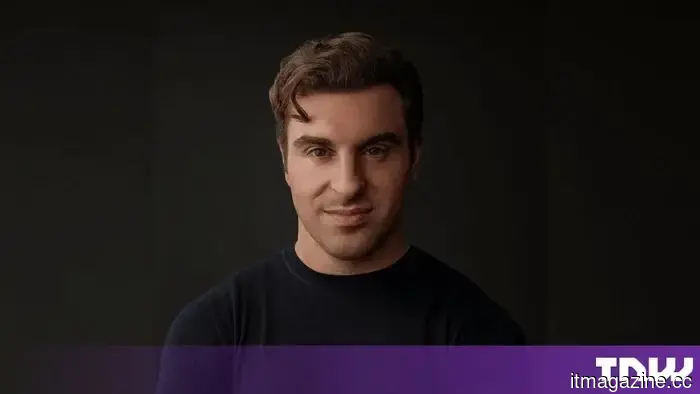 The CEO of Airbnb claims that AI is not being developed for everyday users. He is a member of the board of Y Combinator.
Brian Chesky claims that the gap in consumer AI is the reason many Americans have a negative perception of AI. According to him, 159 out of 175 Y Combinator startups focus on enterprise solutions.
The CEO of Airbnb claims that AI is not being developed for everyday users. He is a member of the board of Y Combinator.
Brian Chesky claims that the gap in consumer AI is the reason many Americans have a negative perception of AI. According to him, 159 out of 175 Y Combinator startups focus on enterprise solutions.
 Scientists developed a small wearable patch that detects cholesterol levels through sweat.
Researchers at Caltech have developed a wearable patch that continuously monitors cholesterol and triglyceride levels through sweat, eliminating the need for needles or laboratory appointments.
Scientists developed a small wearable patch that detects cholesterol levels through sweat.
Researchers at Caltech have developed a wearable patch that continuously monitors cholesterol and triglyceride levels through sweat, eliminating the need for needles or laboratory appointments.
 Google has released the Gemini 3.7 Flash model, which is equipped to assist you with your tasks using the Spark agent.
Google's latest Gemini 3.7 Flash model offers significant improvements in workflow automation and document management, which could greatly enhance the functionality of Spark.
Google has released the Gemini 3.7 Flash model, which is equipped to assist you with your tasks using the Spark agent.
Google's latest Gemini 3.7 Flash model offers significant improvements in workflow automation and document management, which could greatly enhance the functionality of Spark.
Google Meet can now take notes for your in-person meetings.
Google Meet's meeting notes function is broadening its scope beyond video calls, allowing Gemini to record notes during your in-person meetings and convert them into a document that includes action items and a complete transcript.