
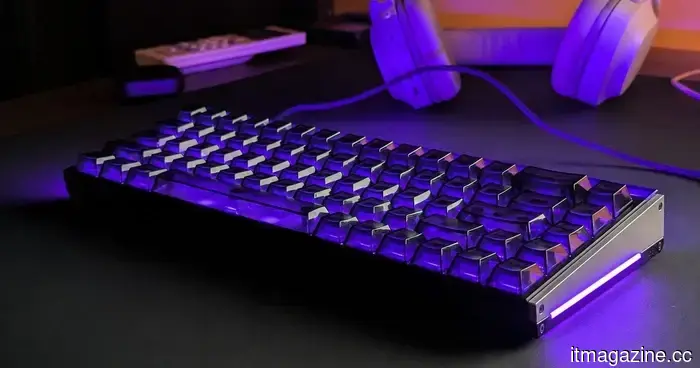
I came across a peculiar MelGeek lighting feature and transformed my keyboard into a Tetris game.
I have been assessing the MelGeek Made68 Ultra V2 for the last few weeks, and interestingly, one of my favorite aspects of it is unrelated to gaming.
Let’s be clear, this is indeed a gaming keyboard and a high-end one at that. It features Hall effect switches, adjustable actuation, and all the standard functionalities you would expect from a contemporary magnetic keyboard. I have particularly enjoyed playing Rainbow Six Siege on it, as peeking and strafing feel considerably quicker compared to the mechanical keyboards I typically use.
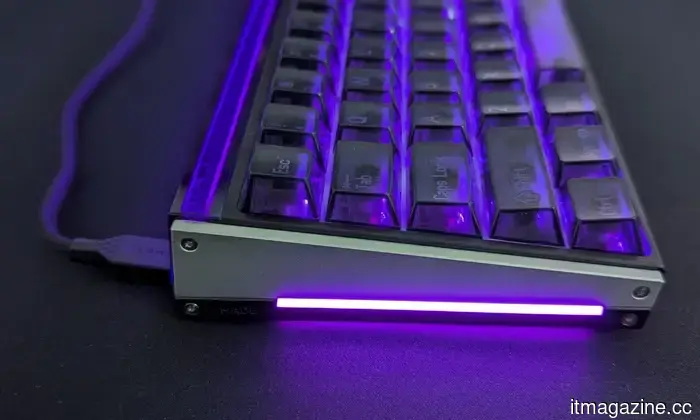
However, I've also developed a fondness for typing on it. My unit utilizes TTC’s KOM Lite switches, which have been an absolute pleasure. They emit a clicky yet surprisingly balanced sound that is a joy to my ears after years of using relatively muted linear mechanical switches.
Sudhanshu Kumar Manglam / Digital Trends
None of this, though, could have prepared me for the feature that has consumed most of my time during my review.
Wait, why does my keyboard support GIFs?
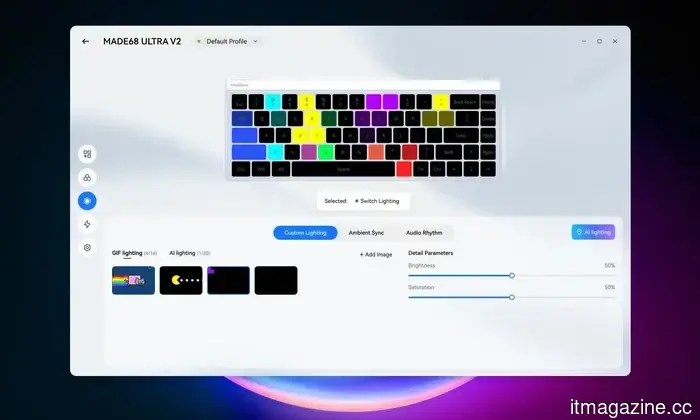
While exploring MelGeek’s Hive 2.0 software, I stumbled upon an option labeled GIF Lighting. My initial reaction was one of confusion.
Uploading GIFs seems logical for keyboards equipped with small LCD or OLED screens. The Made68 Ultra V2 lacks one. It has 69 RGB LEDs beneath its keys, so I was curious about what exactly MelGeek intended for me to do with a GIF.
Naturally, I began uploading random ones.
Sudhanshu Kumar Manglam / Digital Trends
I started with Pac-Man, then added Nyan Cat and a few other simple animations. The results were rather chaotic, as one would expect when recreating an image with fewer than 70 individual lights. Colors moved across the keyboard, but understanding what was actually happening required quite a bit of imagination.
Then it hit me. Tetris.
I spent a significant portion of my childhood playing Tetris on inexpensive Game Boy clones, generally on small black-and-white displays. A keyboard seemed almost ideal for recreating it. The keys already form a grid, each can show a different color, and Tetris doesn’t require intricate graphics to be recognizable.
Sudhanshu Kumar Manglam / Digital Trends
I searched for appropriate GIFs but found nothing that fit my vision. So, I resorted to using ChatGPT to create one from scratch.
It took me two tries to get it right, but I eventually crafted a 30-second looping animation filled with red, blue, green, purple, yellow, and turquoise blocks falling and stacking against a black background.
My keyboard is now running Tetris.
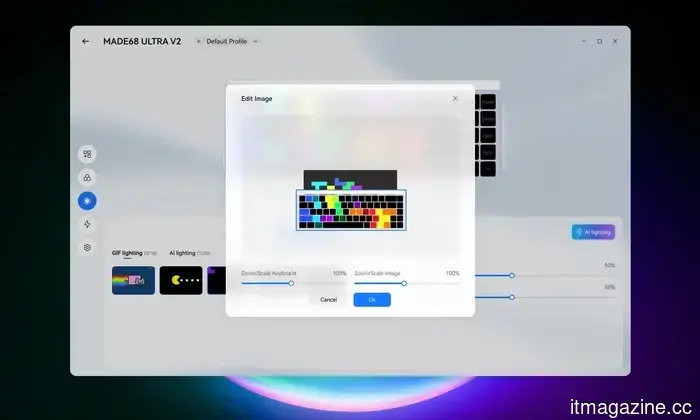
Uploading it to the keyboard was surprisingly straightforward. I input the GIF into MelGeek Hive, adjusted its scale and position, and mapped the animation across the RGB lighting.
Suddenly, little Tetris blocks were cascading across my keyboard.
It is clearly not a perfect miniature Tetris display. The number of LEDs simply isn’t sufficient for that level of detail. However, the chunky blocks, vibrant colors, and movement translate surprisingly well. From a typical sitting distance, it appears as though a small game is perpetually unfolding beneath my fingertips.
I certainly am not the first to display Tetris on an RGB keyboard. What I find intriguing about MelGeek’s implementation is how little effort it requires. There’s no need to search for someone else's lighting configuration, install a custom preset, or manually program each key. It simply accepts a standard GIF, and Hive enables me to resize and reposition it until the animation fits.
More importantly, I am not confined to a short preset animation. My current Tetris loop lasts for 30 seconds, but nothing stops me from creating something considerably longer. I already have my sights set on a 30-minute or even hour-long Tetris game, along with enhancing the animation to utilize every key better.
Sudhanshu Kumar Manglam / Digital Trends
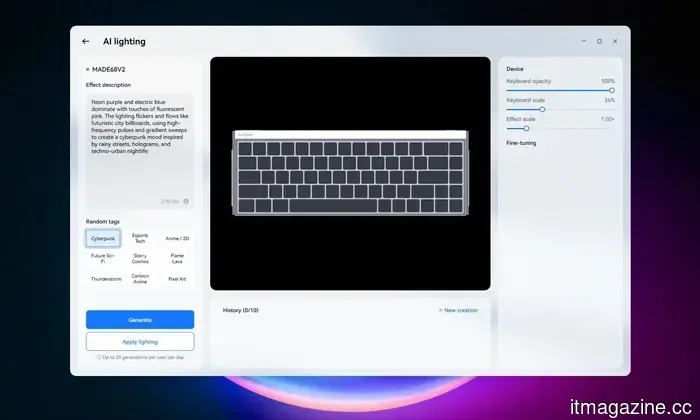
GIF Lighting isn’t the only unique lighting feature tucked away in Hive. There’s also AI Lighting, which allows you to describe a color palette, mood, or visual style through a prompt, and the software generates an effect. Presets such as Cyberpunk, Esports Tech, Anime/2D, Pixel Art, and Flame Lava provide a starting point.
I am still exploring these features and will have much more to share about the Made68 Ultra V2 in my complete review. For now, I’m enjoying Tetris playing across my keyboard and pondering which other GIFs might work just as effectively.
Other articles
 I didn't notice how much Finder was hindering my productivity until I made the switch to Bloom.
Finder never caused me any trouble until I started using Bloom. The multi-pane layouts, a floating Portal, and more efficient search made me recognize how much time I had been quietly wasting each day.
I didn't notice how much Finder was hindering my productivity until I made the switch to Bloom.
Finder never caused me any trouble until I started using Bloom. The multi-pane layouts, a floating Portal, and more efficient search made me recognize how much time I had been quietly wasting each day.
 Amkor is considering a stake sale of over $1 billion in its chip division in China.
Amkor Technology is considering selling a stake in its chip packaging division in China, valued between $1 billion and $1.5 billion, as it shifts its focus to Nvidia and Arizona.
Amkor is considering a stake sale of over $1 billion in its chip division in China.
Amkor Technology is considering selling a stake in its chip packaging division in China, valued between $1 billion and $1.5 billion, as it shifts its focus to Nvidia and Arizona.
 VinSpace, a part of Vingroup, has partnered with SpaceX to launch Vietnam's inaugural home-built satellites.
VinSpace, a subsidiary of Vingroup established a year ago, has entered into a launch agreement with SpaceX to deploy Vietnam's first independently developed satellites into orbit in 2027.
VinSpace, a part of Vingroup, has partnered with SpaceX to launch Vietnam's inaugural home-built satellites.
VinSpace, a subsidiary of Vingroup established a year ago, has entered into a launch agreement with SpaceX to deploy Vietnam's first independently developed satellites into orbit in 2027.
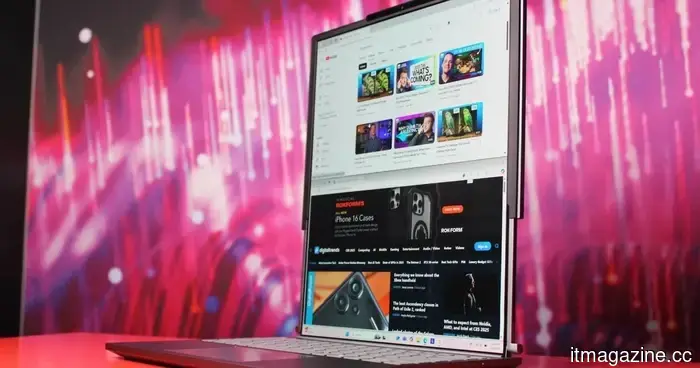 Lenovo's upcoming ThinkBook may expand to feature a portable ultrawide configuration.
A recently revealed Lenovo design suggests a ThinkBook featuring a horizontally extending display, possibly introducing the company's ultrawide rollable innovations into its productivity-oriented laptop range.
Lenovo's upcoming ThinkBook may expand to feature a portable ultrawide configuration.
A recently revealed Lenovo design suggests a ThinkBook featuring a horizontally extending display, possibly introducing the company's ultrawide rollable innovations into its productivity-oriented laptop range.
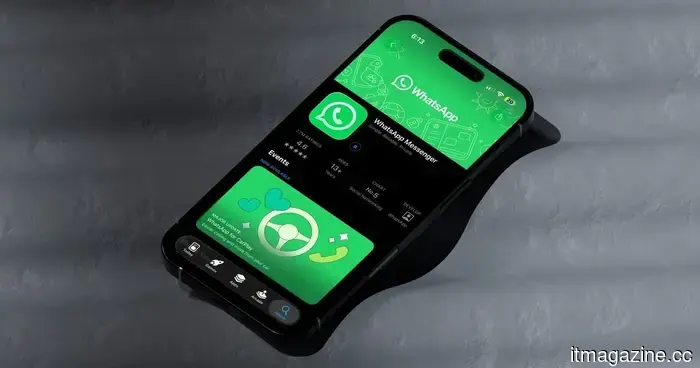 The upcoming iPhone update for WhatsApp may simplify the process of searching through chats significantly.
WhatsApp is developing a new in-chat search button for iPhone that will show up when you scroll up, allowing you to locate previous messages without exiting the conversation.
The upcoming iPhone update for WhatsApp may simplify the process of searching through chats significantly.
WhatsApp is developing a new in-chat search button for iPhone that will show up when you scroll up, allowing you to locate previous messages without exiting the conversation.
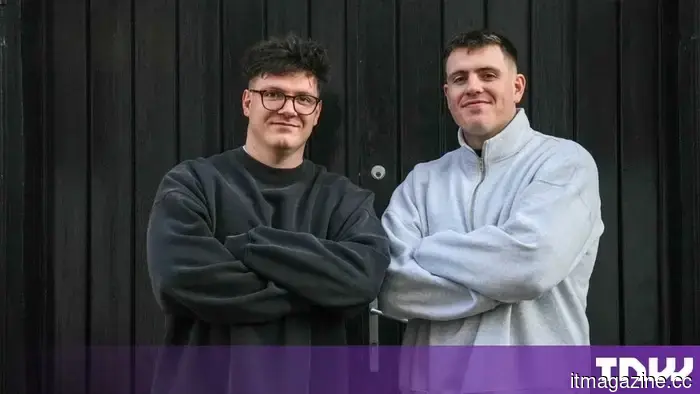 HSBC Asset Management has invested in Model ML's 'agentic operating system' designed for banks.
HSBC Asset Management has invested in Model ML, a London-based startup developing an agentic operating system for financial services, as part of its main venture-capital strategy.
HSBC Asset Management has invested in Model ML's 'agentic operating system' designed for banks.
HSBC Asset Management has invested in Model ML, a London-based startup developing an agentic operating system for financial services, as part of its main venture-capital strategy.
I came across a peculiar MelGeek lighting feature and transformed my keyboard into a Tetris game.
I found out that the MelGeek MADE68 Ultra V2 is capable of transforming standard GIFs into RGB lighting effects, so I decided to create a 30-second loop of Tetris for it.