

Looking for back-to-school supplies? Here are the webcam lights I would definitely use before joining a Zoom call.
With online classes, group project calls, and the occasional Zoom job interview, your webcam will be working much harder in school than at home. However, the issue is that many laptop cameras perform poorly in low light, causing every video call to become a challenge of "can you see me clearly?"
A quality webcam light can resolve this quickly, without the need to move your entire desk. I’ve selected five options, starting with the most affordable and progressing to one that’s indeed excessive for a Zoom call but still noteworthy.
**Neewer NL-60AI Clip Light**
**Pros**
- Compact and ultra-portable clip-on design
- Budget-friendly price
- Adjustable brightness and color temperature
- Convenient 2000mAh rechargeable battery
**Cons**
- Plastic clip feels a bit flimsy
- Clip may obstruct some displays
The Neewer clip light is ideal for those seeking optimal lighting for video calls without breaking the bank. It clamps directly onto your laptop, tablet, or phone with a circular mount that keeps your camera unobstructed. The 60 LEDs have a CRI rating of 95, ensuring that skin tones appear natural rather than overly bright or warm.
You can adjust the brightness from 10 to 100 percent in small increments and switch between warm and cool color temperatures based on your surroundings. It offers approximately 2 hours of full brightness and charges via USB-C or micro USB. Given its compact size and affordability, it fulfills the essential functions of a webcam light perfectly.
**Logitech Litra Glow**
**Pros**
- Compact monitor mount saves space
- Soft and diffused eye-friendly lighting
- Full integration with Logitech G Hub
- Highly adjustable height and tilt
**Cons**
- Included power cable is short
- Considered pricey for a basic webcam light
The Logitech Litra Glow ranks among the finest webcam lights available. It has a built-in frameless diffuser, providing a soft, uniform light that avoids harsh bright spots. It’s been proven safe for extended use, making it suitable for back-to-back online classes.
The mounting system is another highlight; it attaches to your monitor or laptop lid and can be adjusted for height, tilt, and rotation, allowing you to direct the light where you need it. If you use a Mac or PC, Logitech's G HUB app enables you to control brightness and color temperature from your desktop while saving your preferred settings, eliminating the need to adjust a dial during calls.
**Lume Cube Video Conference Lighting Kit**
**Pros**
- Bright and customizable color temperature
- Soft diffused and eye-friendly light
- Compact and portable size
- Convenient pass-through USB charging
**Cons**
- Limited mounting options
- Relatively expensive for a webcam light
The Lume Cube kit is another premium option for video calls. It comes with a frosted lens and an additional diffuser panel to soften the light before it reaches your face. It offers a full brightness range and adjustable color temperature to suit any environment. The suction cup mount allows for quick setup on your laptop or monitor.
Notable is its battery life, which lasts for hours on a single charge. For long calls, you can plug it into a USB port and use it continuously without worrying about battery life. It strikes a balance, serving as a step up from a basic clip light without becoming a permanent desk fixture.
**LitONES Desk Light**
**Pros**
- Soft, glare-free side-emitting light
- Space-saving C-clamp desk mount
- High CRI color rendering output
- Flexible, adjustable swing arm
**Cons**
- Requires constant USB power connection
- As a desk light, it lacks portability
For those preferring a more permanent lighting solution on their desk rather than clipped to a laptop, this is a suitable choice. It uses a C-clamp for mounting, and an aluminum swing arm allows for height adjustments between 10 and 33 inches and full 360-degree head rotation, keeping it out of your way until needed.
The light features a broad area coverage at a CRI of 95, with three color modes and ten brightness levels ranging from 3000K to 6500K, all adjustable via the included remote or the touch panel. It also has a memory function to revert to your last settings, along with a built-in timer that can serve as a gentle reminder to take breaks during lengthy study sessions.
**SmallRig RM120**
**Pros**
- High color rendering accuracy
- Long 5000mAh battery lifespan
- Clear and intuitive OLED display
- Durable metal construction
- Versatile 360-degree RGB color options
**Cons**
- Long charging time
- Higher price point
The SmallRig RM120 may be more than necessary for a Zoom call, but it's worth considering if you care about your on-camera appearance. It boasts a CRI of 98, allows for a wide range of color temperatures, and offers specific colors and effects control via a


Other articles
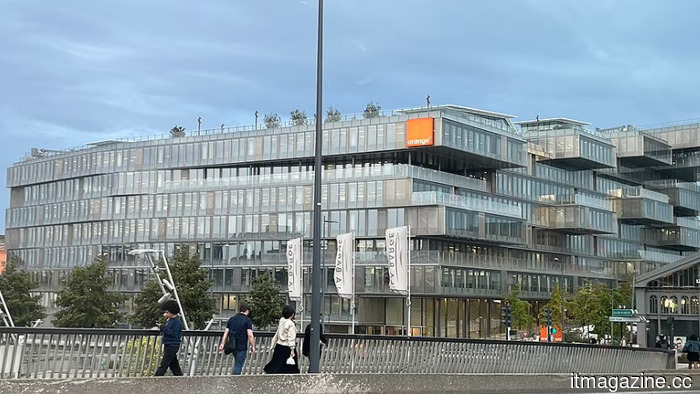 Orange and Morrison intend to launch a EUR 3 billion data center project in France.
Orange and Morrison are set to develop a 400MW data centre platform in France, supported by EUR 3 billion, which is presented as an initiative for European sovereignty financed by a manager from New Zealand.
Orange and Morrison intend to launch a EUR 3 billion data center project in France.
Orange and Morrison are set to develop a 400MW data centre platform in France, supported by EUR 3 billion, which is presented as an initiative for European sovereignty financed by a manager from New Zealand.
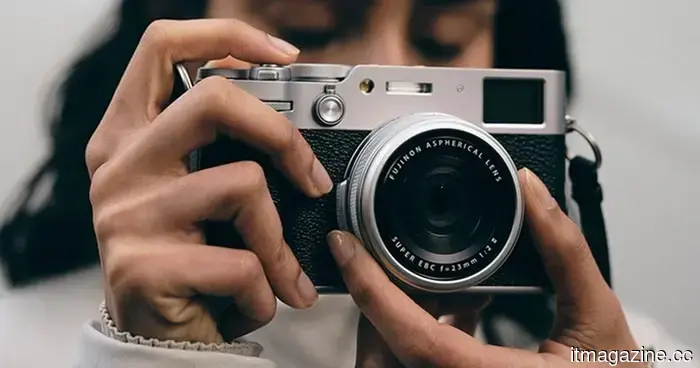 RAMmageddon is approaching for cameras, and your ideal setup is in jeopardy.
The ongoing DRAM shortage that is driving up prices for smartphones and laptops is now affecting cameras as well, leading Fujifilm to increase its list prices by as much as €500 beginning in September.
RAMmageddon is approaching for cameras, and your ideal setup is in jeopardy.
The ongoing DRAM shortage that is driving up prices for smartphones and laptops is now affecting cameras as well, leading Fujifilm to increase its list prices by as much as €500 beginning in September.
 Google Chrome may soon enable users to translate pages directly within Reading Mode.
Google is experimenting with a translate button in the Reading Mode of Chrome on Canary, allowing users to translate web pages and PDFs without exiting Reading Mode.
Angola secures $321 million in its largest initial public offering to date with the Unitel listing.
Angola sold a 15% interest in Unitel for approximately $321 million, marking its largest initial public offering to date. The shares originate from a 2022 confiscation involving Isabel dos Santos.
Google Chrome may soon enable users to translate pages directly within Reading Mode.
Google is experimenting with a translate button in the Reading Mode of Chrome on Canary, allowing users to translate web pages and PDFs without exiting Reading Mode.
Angola secures $321 million in its largest initial public offering to date with the Unitel listing.
Angola sold a 15% interest in Unitel for approximately $321 million, marking its largest initial public offering to date. The shares originate from a 2022 confiscation involving Isabel dos Santos.
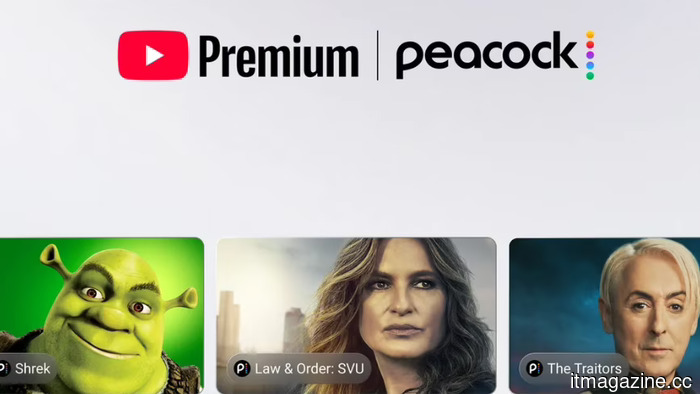 Starting in early 2027, YouTube Premium will offer Peacock at no additional charge. This marks Peacock's biggest distribution agreement.
Starting in early 2027, Peacock Premium ($11/month) will be offered at no additional cost with YouTube Premium. This agreement expands the distribution of YouTube TV and incorporates live sports into YouTube.
Starting in early 2027, YouTube Premium will offer Peacock at no additional charge. This marks Peacock's biggest distribution agreement.
Starting in early 2027, Peacock Premium ($11/month) will be offered at no additional cost with YouTube Premium. This agreement expands the distribution of YouTube TV and incorporates live sports into YouTube.
Looking for back-to-school supplies? Here are the webcam lights I would definitely use before joining a Zoom call.
Fatigued from appearing as if you're broadcasting from a cave during class Zoom sessions? Here are five webcam lights, beginning with the most affordable, that will genuinely improve your lighting.