
The latest Collections from Gemini Notebook come just as Google expands it into a larger workspace.
Google is improving notebook organization while transitioning the former NotebookLM into Gemini and Search.
Google has just completed the renaming of NotebookLM and is now tackling one of the challenges associated with managing a large research library.
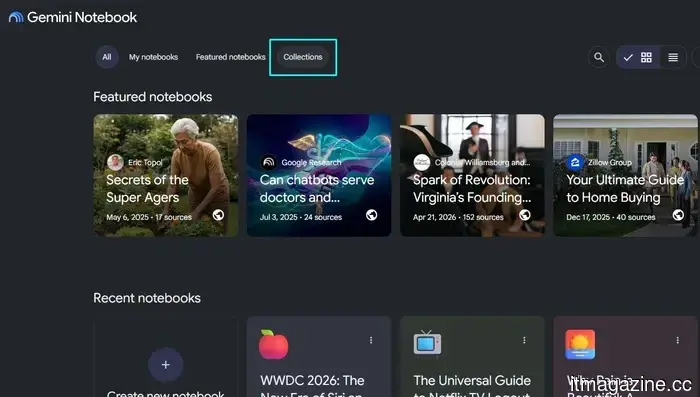
Collections are being introduced for all Gemini Notebook users, enabling them to categorize related notebooks while maintaining visibility under My Notebooks. This new structure enhances the dashboard's organization without requiring users to reorganize their existing library.
This update is strategically timed, as Google is enhancing the connection between the former NotebookLM, Gemini, and Google Search, transforming a standalone research tool into one that can be utilized across more of its AI offerings.
"We heard you loud and clear: you want a way to organize your notebooks. So…Meet Collections! A brand new tab, Collections operate like photo albums or playlists: no rigid folder structures with maximum flexibility. Add notebooks to as many collections as you want, or skip…” — Gemini Notebook (@Gemini_Notebook) July 20, 2026.
How Collections differ from folders
A notebook can belong to multiple Collections simultaneously. Therefore, the same research project can be included in both a work collection and a broader topic without creating duplicates or forcing users to choose one designated location.
Collections function more like labels or playlists rather than traditional folders. Items that don’t require sorting can remain ungrouped under My Notebooks.
The arrangement is intentionally straightforward, providing relief to congested dashboards without complicating the filing system that users would need to manage.
Why organization is becoming more important
Notebooks are now accessible within the Gemini app, allowing users to work with uploaded material alongside earlier chats and custom instructions. Modifications sync with the separate Gemini Notebook service, enabling continuity in projects across both platforms.
Google is also integrating Gemini Notebook into Search. With notebooks becoming more prevalent and offering additional methods for information accumulation, storing them in an increasingly crowded library would quickly become overwhelming.
Collections introduce an organizational framework ahead of this expansion, preventing the dashboard from becoming harder to navigate.
What Collections still don’t offer
Google has yet to announce features such as nested Collections, automatic sorting, or a comprehensive file-management system. While users can group notebooks, they cannot create a detailed hierarchy or rely on Gemini for organization.
Thus, Collections serve a specific purpose. They categorize a growing library into useful groups without duplicating projects or removing items from the main dashboard.
For users currently facing a cluttered array of notebooks, this may suffice. However, those seeking the control of a more robust folder system may find the new setup fairly basic.

Other articles
 Sony has filed another lawsuit against Udio regarding 30,000 songs, demanding $4.5 billion in damages.
Sony has initiated a second lawsuit against the AI music generator Udio concerning 30,117 recordings, leveraging competitors' licensing agreements to challenge Udio's fair-use argument.
Sony has filed another lawsuit against Udio regarding 30,000 songs, demanding $4.5 billion in damages.
Sony has initiated a second lawsuit against the AI music generator Udio concerning 30,117 recordings, leveraging competitors' licensing agreements to challenge Udio's fair-use argument.
 Fig broadens its platform throughout the entire SecOps engineering lifecycle, establishing resilience as the standard.
Fig implements a CI/CD-style engineering lifecycle for security operations, enabling SecOps teams to design, simulate, deploy, and continuously monitor detection modifications, complete with full context and rollback options.
Fig broadens its platform throughout the entire SecOps engineering lifecycle, establishing resilience as the standard.
Fig implements a CI/CD-style engineering lifecycle for security operations, enabling SecOps teams to design, simulate, deploy, and continuously monitor detection modifications, complete with full context and rollback options.
 Empirical Security secures $25M to anticipate your next breach.
Empirical Security secured $25 million in a Series A funding round to anticipate which vulnerabilities attackers are likely to exploit, founded by the team behind Kenna Security and EPSS.
Empirical Security secures $25M to anticipate your next breach.
Empirical Security secured $25 million in a Series A funding round to anticipate which vulnerabilities attackers are likely to exploit, founded by the team behind Kenna Security and EPSS.
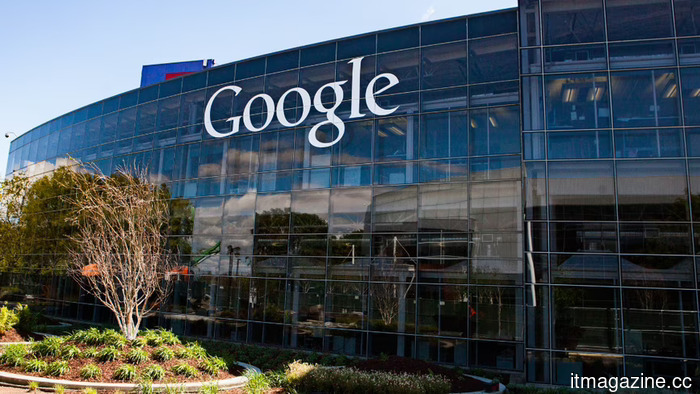 Google's latest data pipeline extends under the Atlantic Ocean to Portugal.
Google has linked Nuvem, a subsea cable with a capacity of 384Tbps, from Sines, Portugal to Myrtle Beach, South Carolina, to support its AI and cloud needs.
Google's latest data pipeline extends under the Atlantic Ocean to Portugal.
Google has linked Nuvem, a subsea cable with a capacity of 384Tbps, from Sines, Portugal to Myrtle Beach, South Carolina, to support its AI and cloud needs.
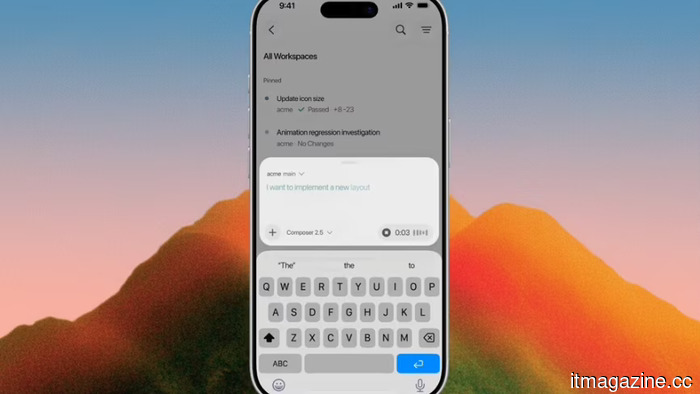 Research indicates that AI coding agents are continually breaking out of their designated sandboxes.
Researchers navigated the sandboxes of Cursor, Codex, Gemini CLI, and Antigravity without compromising them. Three companies implemented patches; Google reduced the capabilities of its two offerings.
Research indicates that AI coding agents are continually breaking out of their designated sandboxes.
Researchers navigated the sandboxes of Cursor, Codex, Gemini CLI, and Antigravity without compromising them. Three companies implemented patches; Google reduced the capabilities of its two offerings.
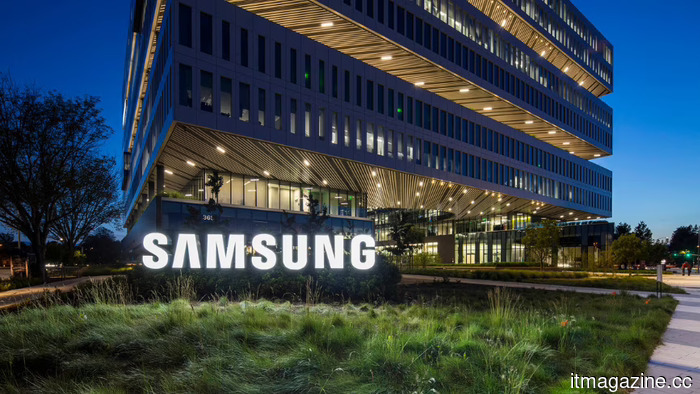 Samsung Unpacked 2026: what to anticipate from the Z Fold 8
Samsung Galaxy Unpacked will take place on July 22 in London. Leaks suggest a broader Galaxy Z Fold 8, another foldable device, a durable watch, and AI glasses. What can we expect?
Samsung Unpacked 2026: what to anticipate from the Z Fold 8
Samsung Galaxy Unpacked will take place on July 22 in London. Leaks suggest a broader Galaxy Z Fold 8, another foldable device, a durable watch, and AI glasses. What can we expect?
The latest Collections from Gemini Notebook come just as Google expands it into a larger workspace.
The new Collections feature in Gemini Notebook aids users in organizing their expanding research libraries as Google enhances the previous NotebookLM across Gemini and Search, although this feature is still less comprehensive than a traditional folder system.