

The early internet created a museum for fading tech sounds, and it surprisingly remains active.
The charmingly outdated website has survived longer than many of the noisy devices it was designed to showcase.
**Museum of Endangered Sounds**
In the era before our devices transformed into silent glass screens, they were anything but quiet. Dial-up modems screeched at each connection, while dot-matrix printers emitted sounds resembling a slow struggle against the desk.
The Museum of Endangered Sounds keeps that disruptive soundtrack alive. Launched in 2012, the site remains active 14 years later, welcoming visitors to experience technology that has largely faded from daily life.
**What you can listen to inside**
Essentially a soundboard for outdated technology, the museum allows users to click on images and reactivate the related device. The collection spans from the chaotic noises of a 56K modem to the unexpectedly calming startup tune of Windows 95.
Other displays capture mechanical operations that younger audiences might not have encountered. In the past, loading a VHS tape was accompanied by a gratifying sequence of clicks and whirs, while saving data to a floppy disk produced grinding sounds that suggested imminent data loss.
Additionally, visitors can play multiple exhibits simultaneously, transforming a nostalgic experience into something akin to an electronics store in disarray.
**Who created this unusual museum?**
According to the site, it is operated by Brendan Chilcutt, an eccentric collector with eight gerbils and a surprisingly ambitious goal to preserve vintage sounds. He is, fittingly, another product of the internet.
Chilcutt was invented by advertising students Phil Hadad, Marybeth Ledesma, and Greg Elwood. The concept emerged when Hadad recognized that physical keys on a BlackBerry produced distinctive sounds, while an iPhone’s touchscreen remained silent.
That small difference led to a broader inquiry: What's lost in technology when its mechanical parts and interfaces vanish?
**Why do these sounds persist?**
Older devices provided an ongoing narrative about their actions. Without visual confirmation, you could tell if a computer was connecting or if a tape had finished loading. In contrast, modern gadgets generally communicate only through vibrations or artificial chimes.
The museum’s proposed ten-year preservation initiative does not seem to have reached its intended culmination. Its outdated layout and purposefully elaborate writing now feel as much like exhibits as the sounds themselves.
Take a visit while the old internet is still welcoming visitors.
Paulo Vargas is an English major turned reporter turned technical writer, whose career has consistently circled back to…
**Dell XPS 14 (2026) Review: Dell’s classic Windows laptop makes a comeback and remains hard to resist**
The iconic line returns and demonstrates ongoing relevance.
**Quick take:**
Dell's XPS series has always carried significant recognition. It is a family of Windows laptops that people can identify even if they don't follow them closely. Featuring a sleek design with high-quality materials, vibrant displays, and top-notch hardware, the Dell XPS 14 DA14260 continues this tradition.
**Read more**
**Samsung’s secret AI chip may finally cool down Exynos phones**
Samsung's GAIA AI chip is debuting in laptops first, but its links to Exynos suggest a real remedy for phones in the future.
If you've owned an Exynos-powered Galaxy phone, you're familiar with the situation: demanding tasks like taking rapid photos, extensive gaming, or video rendering can leave your device feeling like a hot potato. As a result, the battery drains faster than normal. Fortunately, Samsung might be working on a solution, and it’s coming in an unexpected manner.
**Read more**
**Thinking of buying a monitor? This Mac app can uncover issues before your return window closes**
Your new monitor might appear flawless, but it's wise to double-check.
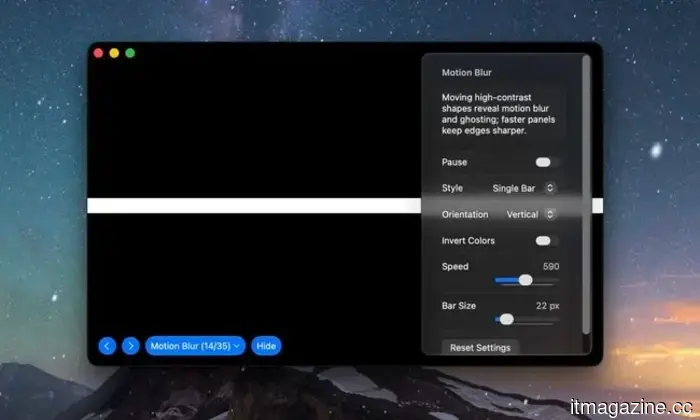
Purchasing new tech doesn't always guarantee a flawlessly operating unit. However, a small Mac app called Screen Test can assist you in identifying defects before it’s too late. Screen Test (version 1.1) is a native macOS utility that includes over 25 patterns and diagnostic tools for assessing built-in and external displays. It can help identify dead or stuck pixels, backlight bleeding, and other concerns. The app operates completely offline, eliminating the need for browser tabs or an internet connection.
Every pixel undergoes thorough examination.
**Read more**




Other articles
 A mini lab the size of AirPods could assist in detecting disease markers within minutes.
The VPodDuo, which is roughly the size of an AirPods case, links to a smartphone and can analyze molecular tests for viruses, bacteria, and cancer-related biomarkers in approximately 10 minutes.
A mini lab the size of AirPods could assist in detecting disease markers within minutes.
The VPodDuo, which is roughly the size of an AirPods case, links to a smartphone and can analyze molecular tests for viruses, bacteria, and cancer-related biomarkers in approximately 10 minutes.
 Adobe's Project Indigo camera application can now utilize AI to edit and evaluate your photographs.
Adobe is trialing AI Playground, a new functionality in its Project Indigo camera application that incorporates AI editing tools along with a photo critic. Currently, access is free, but it's restricted to a select group of users for a few weeks.
Adobe's Project Indigo camera application can now utilize AI to edit and evaluate your photographs.
Adobe is trialing AI Playground, a new functionality in its Project Indigo camera application that incorporates AI editing tools along with a photo critic. Currently, access is free, but it's restricted to a select group of users for a few weeks.
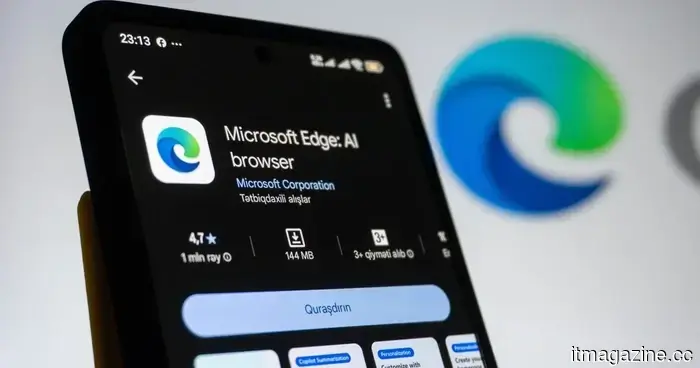 Microsoft aims to prevent screenshot leaks, addressing the issue one Edge tab at a time.
Microsoft is addressing a security vulnerability that enabled sensitive PDFs to be intercepted within web browsers. However, this protection is initially available only for Edge users with an enterprise account.
Microsoft aims to prevent screenshot leaks, addressing the issue one Edge tab at a time.
Microsoft is addressing a security vulnerability that enabled sensitive PDFs to be intercepted within web browsers. However, this protection is initially available only for Edge users with an enterprise account.
 AMD's Helios integrates 72 GPUs and 31 terabytes of HBM4 within a single rack. This is AMD's response to Nvidia's NVL72.
The AMD Helios contains 72 MI455X GPUs, 31TB of HBM4, and delivers 2.9 exaflops of inference computing within a single rack. Engineering samples are set to be shipped in the second half of 2026, with mass production beginning in the second quarter of 2027.
AMD's Helios integrates 72 GPUs and 31 terabytes of HBM4 within a single rack. This is AMD's response to Nvidia's NVL72.
The AMD Helios contains 72 MI455X GPUs, 31TB of HBM4, and delivers 2.9 exaflops of inference computing within a single rack. Engineering samples are set to be shipped in the second half of 2026, with mass production beginning in the second quarter of 2027.
 Microsoft aims to prevent screenshot leaks, focusing on one Edge tab at a time.
Microsoft is addressing a security vulnerability that permitted sensitive PDFs to be intercepted within web browsers. However, this protection currently necessitates the use of Edge and an enterprise account.
Microsoft aims to prevent screenshot leaks, focusing on one Edge tab at a time.
Microsoft is addressing a security vulnerability that permitted sensitive PDFs to be intercepted within web browsers. However, this protection currently necessitates the use of Edge and an enterprise account.
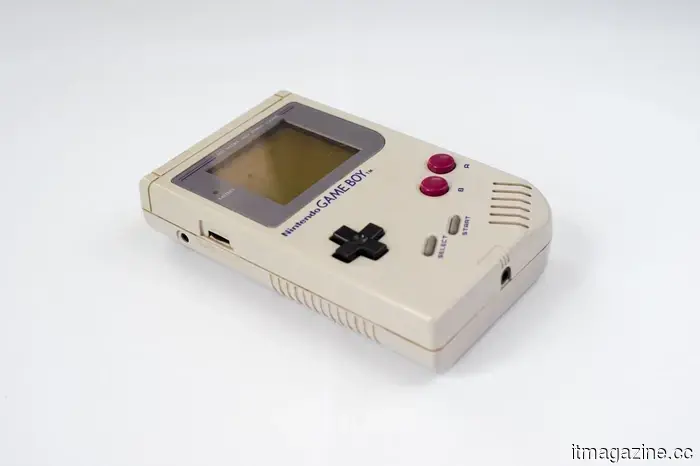
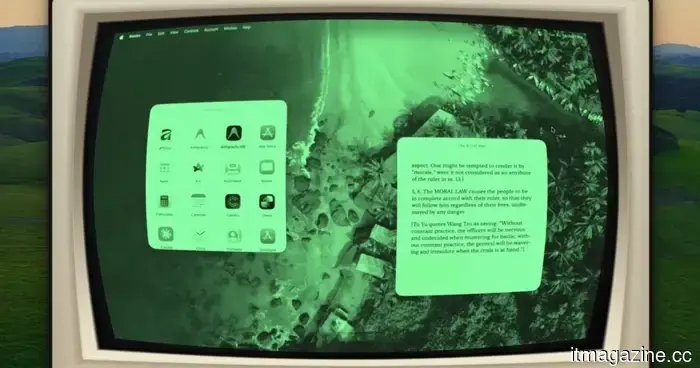 This Mac application can transform any window into a CRT fever dream or a reminiscent Game Boy experience.
Glaze 1.9 employs real-time GPU shaders to enhance every Mac window, video, and game, offering more than 50 styles for a one-time cost of $9.99.
This Mac application can transform any window into a CRT fever dream or a reminiscent Game Boy experience.
Glaze 1.9 employs real-time GPU shaders to enhance every Mac window, video, and game, offering more than 50 styles for a one-time cost of $9.99.
The early internet created a museum for fading tech sounds, and it surprisingly remains active.
This charmingly retro online museum keeps alive the sounds of dial-up modems, floppy drives, Windows startup chimes, and other auditory memories that faded away as our devices became sleeker, quicker, and significantly less vocal.