
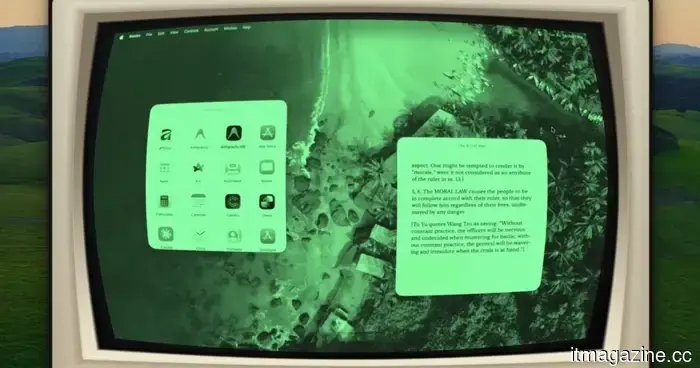
This Mac application can transform any window into a CRT fever dream or a reminiscent Game Boy experience.
Apple may not provide quirky customization options for Macs, but Glaze has you covered.
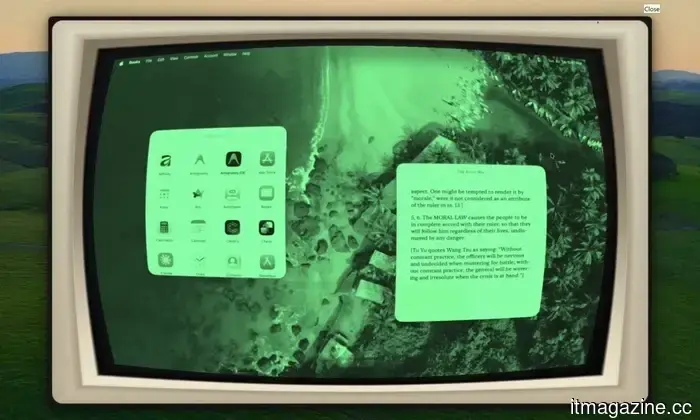
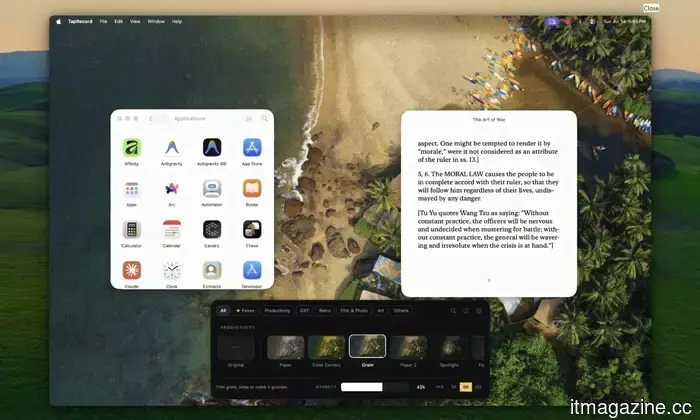
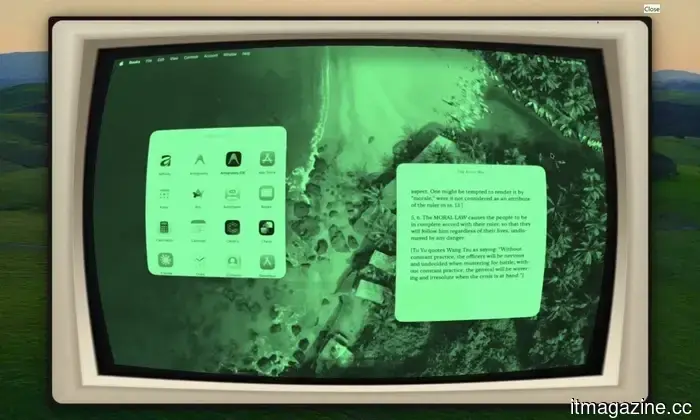
If you're looking to go beyond basic customizations like wallpaper and accent colors on your MacBook, an indie tool called Glaze might be worth exploring. The newest version, Glaze 1.9, can completely alter your Mac's live display with over 50 GPU-powered visual effects. These include realistic imitations of CRT monitors, Game Boy screens, aged VHS tapes, comic book styles, oil paintings, old film aesthetics, vintage paper, and even Sony’s Trinitron screens.
Your Mac can finally take on the appearance of a CRT
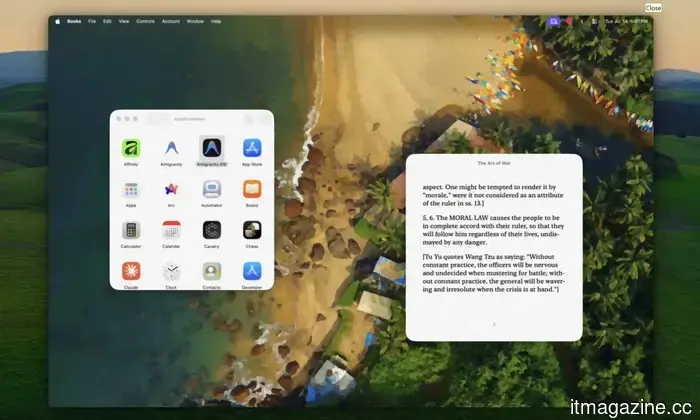
Glaze started as a project by developer Armaan Khan to replicate the glow, curved glass, and scanlines of a vintage CRT iMac via software. The effect overlays the live screen, so it extends across app windows, videos, browsers, and games instead of vanishing once you leave the desktop.
The CRT setting can also frame the display with an optional cream-colored monitor casing, adding an extra dramatic touch to the modern MacBook screen. Users can modify the intensity of each effect, including the degree of simulated curvature.
Version 1.9 also introduces more subdued Productivity looks for daily use. The Comfort option softens glaring white interfaces, Midnight makes the display darker and warmer for nighttime use, and Color Correct includes several adaptations for color vision accessibility. The developer states that the accessibility mode will remain free.
First, you’ll need to give it some permissions
Glaze requires macOS Screen Recording permission as it needs access to the live display to apply its effects. Khan assures users that the screen is not recorded, saved, or uploaded, with all processing done locally on the Mac. There’s no account creation necessary, and the app is compatible with both Apple Silicon and Intel machines.
According to the developer, Glaze typically uses between 100MB and 300MB of memory while offloading most of the processing to the GPU. Low Power Mode can reduce GPU performance by half, causing demanding shaders to stutter, so it's recommended to disable this mode while using the app.
There is also a slight delay when switching between macOS Spaces. Although the new desktop is immediately usable, the selected shader might take about a second to respond. Glaze is available for a one-time fee of $9.99, which includes future updates and new effects. Users can access the Paper, Game Boy, and Prank Mode options for free indefinitely, while the paid license is valid for one Mac at a time and can be transferred across devices.
Vikhyaat Vivek is a tech journalist and reviewer with seven years in the field, focusing on consumer hardware.
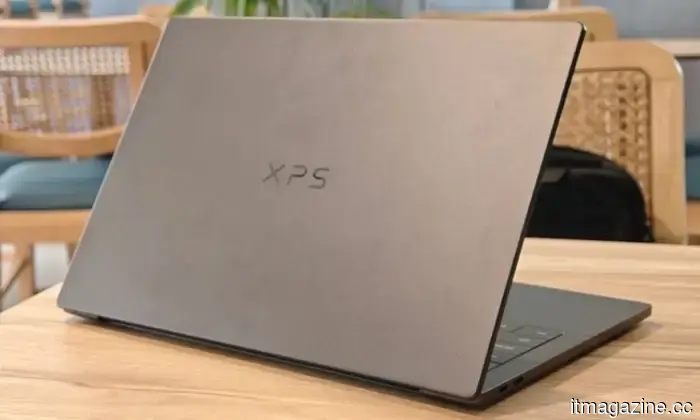
Dell XPS 14 (2026) Review: Dell’s classic Windows laptop makes a comeback, hard to resist
The icon returns, demonstrating its ongoing relevance
Overview
Dell’s XPS series has always had a certain prestige. It’s a family of Windows laptops that even those who aren't tech enthusiasts recognize. Boasting a clean design with high-quality materials, sharp displays, and premium hardware, the Dell XPS 14 DA14260 continues this tradition.
Read more
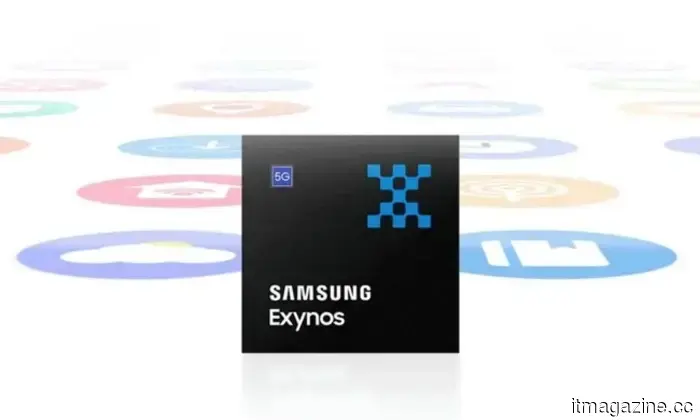
Samsung's hidden AI chip could finally alleviate issues with Exynos phones
Samsung's GAIA AI chip is debuting in laptops first, but its connection to Exynos suggests a potential solution for phones in the future.
If you’ve owned an Exynos-powered Galaxy phone, you’re familiar with the problems: tasks such as taking numerous photos, intense gaming, or video rendering can heat your device. In these scenarios, the battery also depletes faster than normal. It seems Samsung might be developing a solution, arriving in an unexpected form.
Read more
Purchasing a monitor? This Mac app can identify issues before the return period is over
Your new monitor might seem flawless, but checking for defects is always wise.
When acquiring new tech, there's no guarantee that everything will work perfectly. However, a small Mac app called Screen Test can help you find defects before it’s too late. The latest version, Screen Test 1.1, is a native macOS utility featuring over 25 patterns and diagnostic tools for assessing both built-in and external displays. It can help identify dead or stuck pixels, backlight bleeding, and other problems. The app operates entirely offline, so there's no need for browser tabs or internet access.
Each pixel is thoroughly examined.
Read more

Other articles
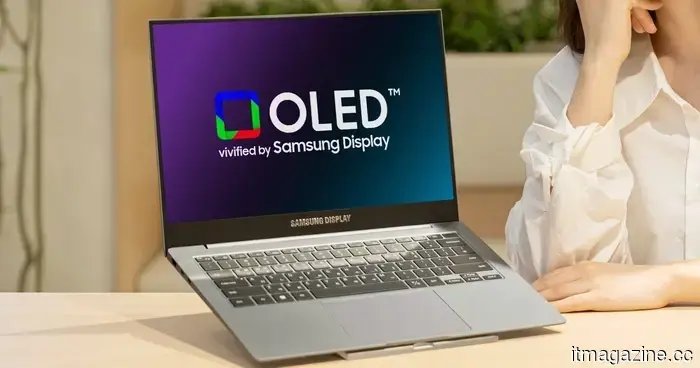 Samsung's latest OLED laptop displays have become significantly brighter and also have an extended lifespan.
Samsung Display's latest tandem OLED panel reaches a brightness of 1,600 nits and has a lifespan that is double that of standard OLED, and it has already been incorporated into a Lenovo laptop.
Samsung's latest OLED laptop displays have become significantly brighter and also have an extended lifespan.
Samsung Display's latest tandem OLED panel reaches a brightness of 1,600 nits and has a lifespan that is double that of standard OLED, and it has already been incorporated into a Lenovo laptop.
 Google Frozen chip: Gemini integrated into the silicon.
A report indicates that the Google Frozen chip will integrate Gemini directly into silicon, achieving up to 10 times the efficiency by 2028. This has implications for AI.
Google Frozen chip: Gemini integrated into the silicon.
A report indicates that the Google Frozen chip will integrate Gemini directly into silicon, achieving up to 10 times the efficiency by 2028. This has implications for AI.
 Z.AI constructed a large AI data center utilizing chips manufactured in China.
The Chinese company Z.AI has finished constructing a 1GW data center that operates exclusively on domestically produced chips to train its GLM models, entirely devoid of Nvidia components. This development indicates potential implications for the field of AI.
Z.AI constructed a large AI data center utilizing chips manufactured in China.
The Chinese company Z.AI has finished constructing a 1GW data center that operates exclusively on domestically produced chips to train its GLM models, entirely devoid of Nvidia components. This development indicates potential implications for the field of AI.
 Interested in exploring film photography? Kodak's new camera priced at $35 is an excellent option to begin with.
This $35 point-and-shoot camera simplifies 35mm film photography, featuring user-friendly settings and a sleek sliding lens cover.
Interested in exploring film photography? Kodak's new camera priced at $35 is an excellent option to begin with.
This $35 point-and-shoot camera simplifies 35mm film photography, featuring user-friendly settings and a sleek sliding lens cover.
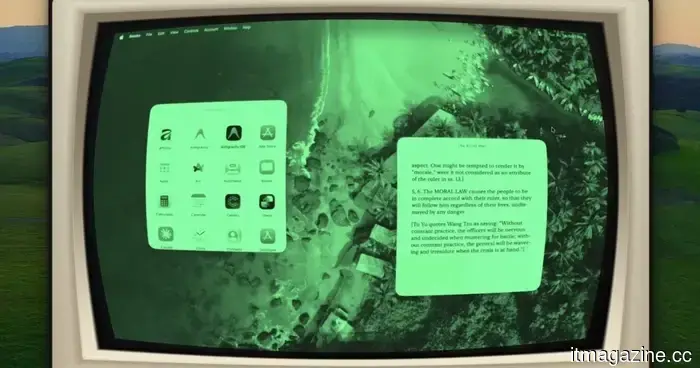 This Mac application can transform any window into a CRT-inspired surreal experience or evoke the nostalgia of a Game Boy.
Glaze 1.9 employs real-time GPU shaders to enhance every Mac window, video, and game, offering more than 50 different appearances for a one-time cost of $9.99.
This Mac application can transform any window into a CRT-inspired surreal experience or evoke the nostalgia of a Game Boy.
Glaze 1.9 employs real-time GPU shaders to enhance every Mac window, video, and game, offering more than 50 different appearances for a one-time cost of $9.99.
 Microsoft aims to prevent screenshot leaks, tackling the issue one Edge tab at a time.
Microsoft is addressing a security vulnerability that permitted the capture of sensitive PDFs within web browsers. However, this protection initially necessitates the use of Edge and an enterprise account.
Microsoft aims to prevent screenshot leaks, tackling the issue one Edge tab at a time.
Microsoft is addressing a security vulnerability that permitted the capture of sensitive PDFs within web browsers. However, this protection initially necessitates the use of Edge and an enterprise account.
This Mac application can transform any window into a CRT fever dream or a reminiscent Game Boy experience.
Glaze 1.9 employs real-time GPU shaders to enhance every Mac window, video, and game, offering more than 50 styles for a one-time cost of $9.99.