
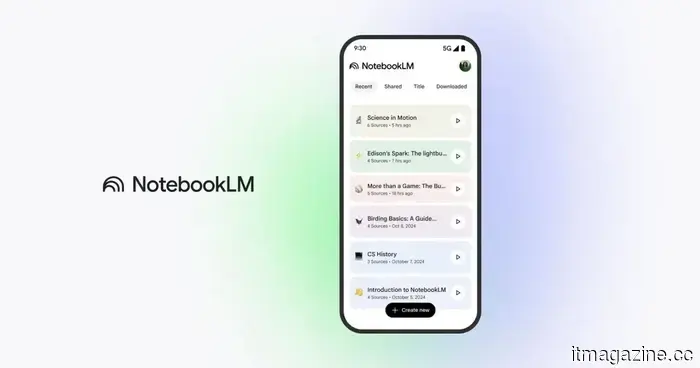
I didn't fully appreciate this NotebookLM feature until it transformed my study habits entirely.
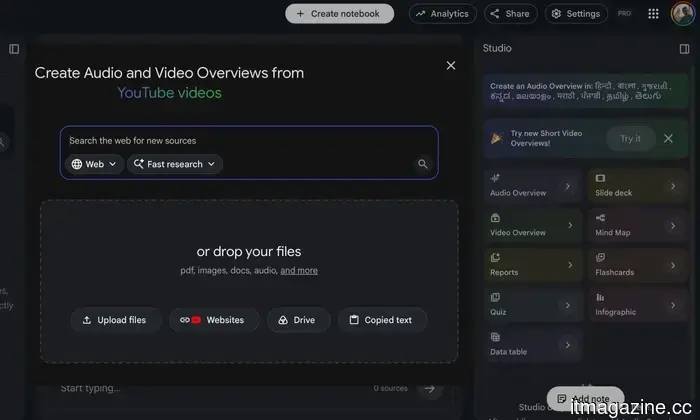
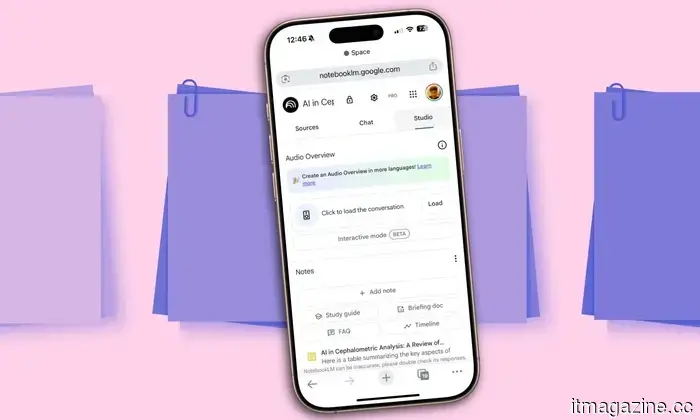
I’ll admit it: I overlooked NotebookLM's Mind Maps feature for far too long. I primarily used the app to ask questions about my documents or to create Audio Overviews and Short Video Overviews, while the Mind Map button remained unclicked. I thought of it as more of a luxury than a necessity. As it turns out, I was entirely mistaken.
I stopped feeling overwhelmed by my notes
Eventually, I came to realize that my main issue wasn’t locating information — it was interpreting it. After dumping ten or fifteen articles, PDFs, and notes into a notebook, the volume can quickly become daunting. All the information is present, but knowing where to start is a challenge. I spent a lot of time jumping between documents, reading a few paragraphs here and skimming another file there, hoping to see how everything fit together. That’s where Mind Maps made a significant difference for me.
Shimul Sood / Digital Trends
In just seconds, NotebookLM processed everything I had uploaded and created a visual representation of the topic. Rather than confronting a wall of documents, I saw a central idea branching out into key themes, with those breaking down further into smaller concepts. Even before diving deep into a single source, I grasped how everything connected. This fundamentally altered my approach to studying. Instead of asking, “Where do I begin?” I now had a clear roadmap indicating what to address first, what could wait, and how each component interrelated.
The branches open only when desired
What I appreciate most is the ease of exploration. NotebookLM doesn’t overwhelm you by displaying all connections at once. It starts with the overarching concept, and if something piques your interest, you simply click that branch to reveal more details. You can delve deeper only when you choose to, making the entire experience feel much less daunting than facing a massive wall of notes.
Nadeem Sarwar / Digital Trends
This gradual method is what enhances its effectiveness. Rather than attempting to grasp an entire subject at once, you explore it incrementally. However, I did learn one important lesson. There's an option to expand every branch with one click, and naturally, I was tempted to try it. Within moments, my neatly organized map transformed into a chaotic web of tiny text and connecting lines that became nearly illegible. I promptly collapsed it and returned to exploring one branch at a time, where the feature truly excels.
Provide it with better notes, and it will reward you
Naturally, it’s not flawless. Like many AI features, Mind Maps are only as effective as the information you provide. If you upload outdated articles or unreliable sources, NotebookLM won’t flag them as incorrect — it will simply organize what it has. Because of this, I ensure that the documents I’m uploading are accurate before depending on the map. I’ve also noticed that this feature is most effective when there’s ample material available. A notebook filled with multiple articles, PDFs, or thorough notes results in a richer map than a single two-page document. The more context provided, the more valuable the connections become.
Google
One newer feature that I’ve come to appreciate is the ability to direct the map with a prompt. Instead of allowing NotebookLM to determine the organization, I can specify what I’m curious about. If I’m revising a single chapter or trying to grasp a specific concept, I indicate that from the outset. This leads to a much cleaner, more focused map that directs me to the information I truly need, without the surrounding clutter.
The button I previously overlooked has become essential to me
Looking back, it's amusing that the feature I ignored for so long is now the first one I utilize. I still appreciate NotebookLM's summaries and Audio Overviews — they’re excellent for quickly grasping the content of my documents. But Mind Maps offer something different. They enable you to understand the connections among ideas before you even start studying. That single change has made a more significant impact than I anticipated. Instead of wading through a stack of PDFs and hoping to make sense of them later, I begin with the map. Within a minute, I can see the main ideas, how they relate, and where I should commence. It makes the entire learning process feel less overwhelming and far more organized.
So, if you’ve been disregarding that little Mind Map button like I did, consider this your prompt to try it out. It may not turn out to be your favorite NotebookLM feature — but don’t be surprised if it becomes the one you rely on the most.
Other articles
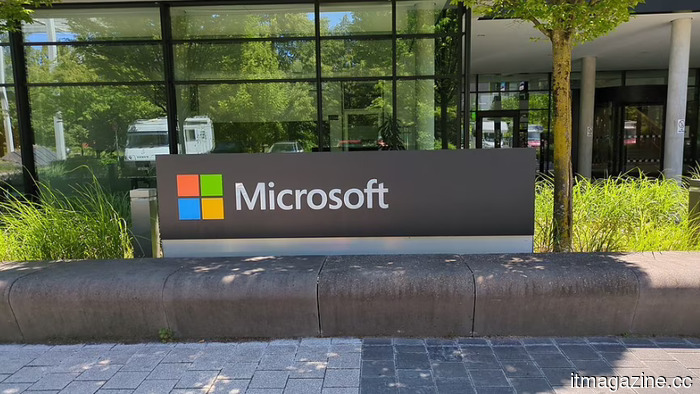 Microsoft's emissions increased by 25% due to the expansion of AI data centers.
Microsoft's emissions increased by approximately 25% in 2025, reaching 20.3 million tonnes, largely due to AI data centres, making its goal of being carbon-negative by 2030 more challenging.
Microsoft's emissions increased by 25% due to the expansion of AI data centers.
Microsoft's emissions increased by approximately 25% in 2025, reaching 20.3 million tonnes, largely due to AI data centres, making its goal of being carbon-negative by 2030 more challenging.
 Xbox might be on the verge of trying out an unexpectedly intelligent method for digitizing game discs.
Microsoft might soon begin testing Positron, a speculated Xbox feature that transforms physical games into transferable digital licenses while maintaining the ability to lend, resell, and access regular discs.
Xbox might be on the verge of trying out an unexpectedly intelligent method for digitizing game discs.
Microsoft might soon begin testing Positron, a speculated Xbox feature that transforms physical games into transferable digital licenses while maintaining the ability to lend, resell, and access regular discs.
 Paramount has stated that it will appeal to the Supreme Court if states impede the Warner Bros merger.
Twelve state attorneys general filed a lawsuit to prevent Paramount's $110 billion purchase of Warner Bros Discovery, but the company claims it can finalize the deal by September.
Paramount has stated that it will appeal to the Supreme Court if states impede the Warner Bros merger.
Twelve state attorneys general filed a lawsuit to prevent Paramount's $110 billion purchase of Warner Bros Discovery, but the company claims it can finalize the deal by September.
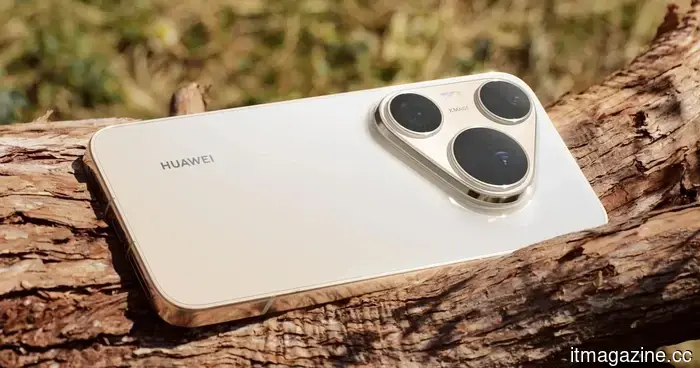 Huawei Pura 90s Pro series launches globally, boasting a camera system that could make iPhones apprehensive.
Huawei's Pura 90s Pro series has launched in international markets, featuring variable-aperture cameras and a massive 200MP telephoto sensor that challenges Apple's imaging technology.
Huawei Pura 90s Pro series launches globally, boasting a camera system that could make iPhones apprehensive.
Huawei's Pura 90s Pro series has launched in international markets, featuring variable-aperture cameras and a massive 200MP telephoto sensor that challenges Apple's imaging technology.
 Xbox might be on the verge of experimenting with an unexpectedly clever method for digitizing game discs.
Microsoft might soon begin testing Positron, a speculated Xbox feature that allows physical games to be converted into transferable digital licenses, while still enabling lending, resale, and standard disc access.
Xbox might be on the verge of experimenting with an unexpectedly clever method for digitizing game discs.
Microsoft might soon begin testing Positron, a speculated Xbox feature that allows physical games to be converted into transferable digital licenses, while still enabling lending, resale, and standard disc access.
 Dimon states that AI has already removed 30 to 40 percent of jobs in certain divisions of JPMorgan.
Jamie Dimon informed analysts that AI has already removed 30 to 40 percent of jobs in certain JPMorgan divisions, but competitive pressures will diminish margin improvements.
Dimon states that AI has already removed 30 to 40 percent of jobs in certain divisions of JPMorgan.
Jamie Dimon informed analysts that AI has already removed 30 to 40 percent of jobs in certain JPMorgan divisions, but competitive pressures will diminish margin improvements.
I didn't fully appreciate this NotebookLM feature until it transformed my study habits entirely.
An upcoming exam prompted me to give NotebookLM's Mind Maps a try. Now, it's the first tool I turn to whenever I begin a new notebook.