
ASUS Zenbook Duo UX8407AA review: Dual screens have truly found their way into my bag.
**ASUS Zenbook Duo UX8407AA**
**MSRP:** $2,499.99
“A refined dual-screen workstation that makes standard laptops feel cramped.”
**Pros:**
- Two outstanding 3K 144Hz OLED touchscreens
- Polished and genuinely practical dual-screen modes
- Solid build with an impressive kickstand
- Extended battery life in single-screen mode
- Surprisingly portable for a dual-display workstation
- Includes a stylus, sleeve, and charger
**Cons:**
- Quite costly
- Integrated graphics restrict creative and gaming capabilities
- Finish is prone to difficult-to-remove smudges
- Stylus must be carried separately
- Performance lags behind more affordable premium laptops
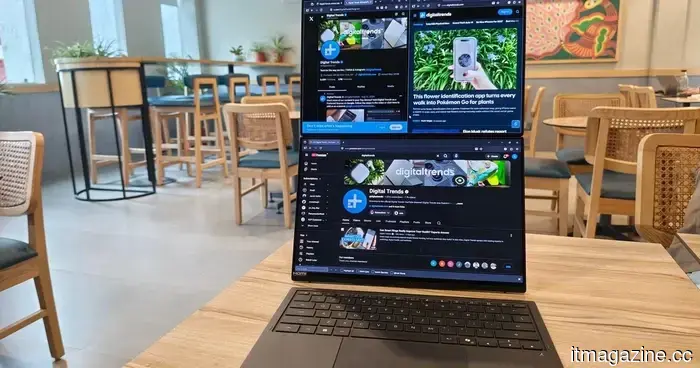
Having two screens on a laptop once seemed like an elaborate solution waiting for the right situation. However, ASUS has been consistently demonstrating its utility over several generations. After utilizing the latest Zenbook Duo (2026) UX8407AA for more than two weeks, I found myself adjusting my daily routine around the second display.
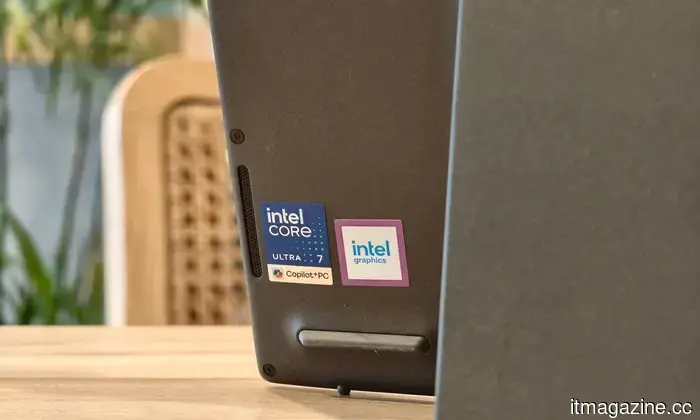
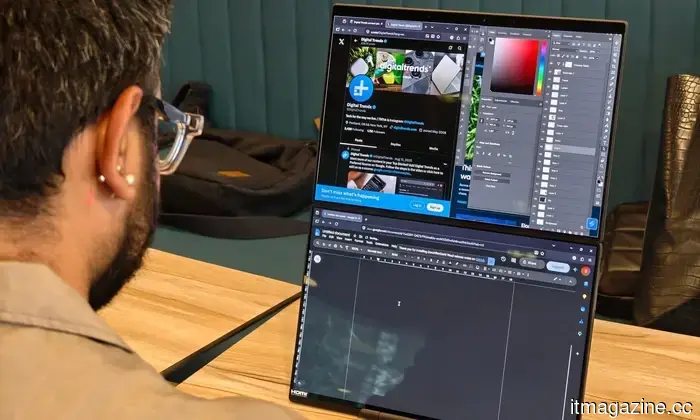
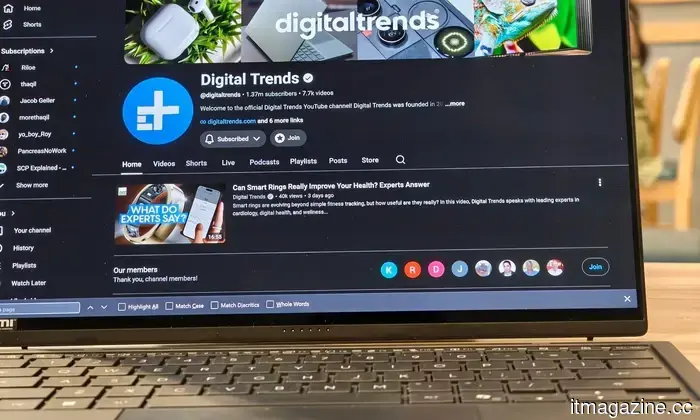
I managed my browser, reference materials, chats, and video streams on one screen while focusing on actual work on the other. When I switched back to a standard laptop, everything felt cramped. The dual-screen arrangement is no longer just a novelty, and the Zenbook Duo proves its effectiveness in everyday scenarios. My review unit is powered by the Intel Core Ultra 7 355, accompanied by 32GB of LPDDR5X memory and a 1TB PCIe 4.0 SSD. The configuration available in the United States starts at $2,499, positioning it as an ultra-premium laptop, but such a price brings high expectations.
ASUS has engineered one of the most refined dual-screen laptops I have ever experienced.
With its two displays, robust construction, long battery life in single-screen mode, and versatile design, it’s an excellent choice for mobile creatives and serious multitaskers. However, the limitations of integrated graphics and a few ergonomic compromises prevent it from being a straightforward recommendation for all users.
**ASUS Zenbook Duo Specs:**
- Model Number: ASUS Zenbook Duo, UX8407AA
- Processor: Intel Core Ultra 7 355, eight cores, up to 4.7GHz
- Operating System: Windows 11 Home
- Memory: 32GB LPDDR5X
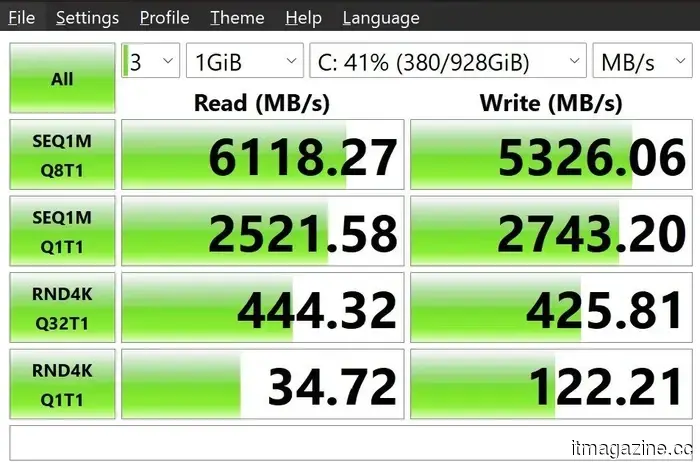
- Primary Storage: 1TB PCIe 4.0 NVMe SSD
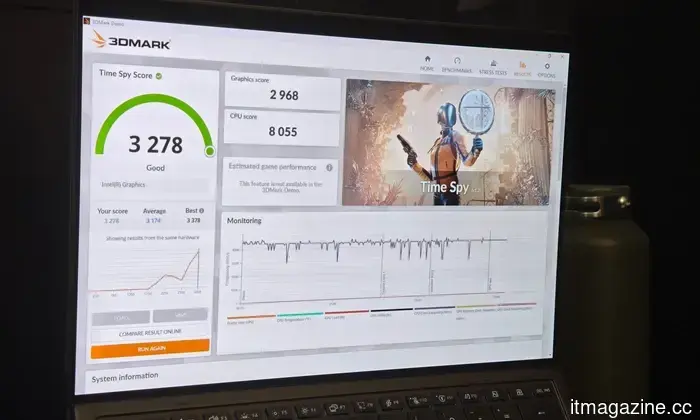
- Video Card: Intel integrated Arc graphics
- Display: Two 14-inch 2880 x 1800 OLED touchscreens, 144Hz, 500 nits SDR, up to 1,000 nits HDR, 100% DCI-P3
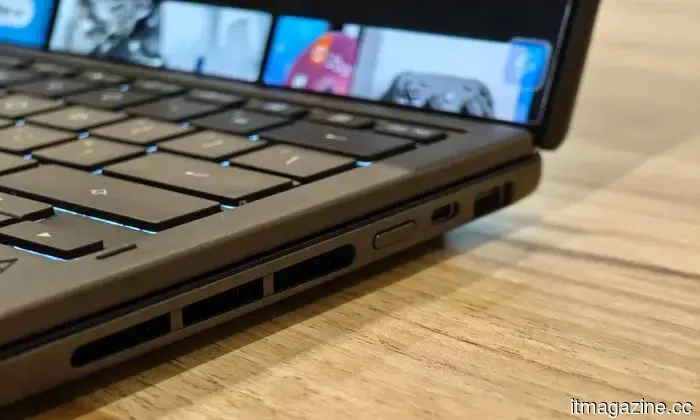
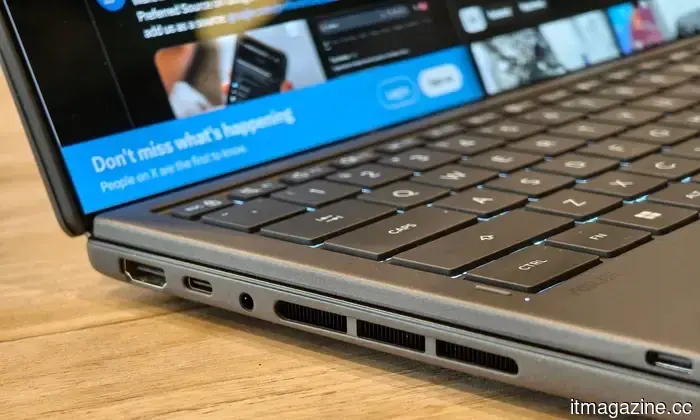
- Ports: Two Thunderbolt 4, USB-A 3.2 Gen 2, HDMI 2.1, 3.5mm audio
- Dimensions & Weight: 1.65kg with detachable keyboard
- Camera: 1080p IR camera with Windows Hello
- Primary Battery: 99Wh dual-battery system
- Power Adapter: 100W USB-C
**Design: The dual-screen laptop has evolved**
Quick Overview: The Zenbook Duo is bulkier than a typical ultrabook, yet managing two screens within a 1.65kg package is still an impressive feat.
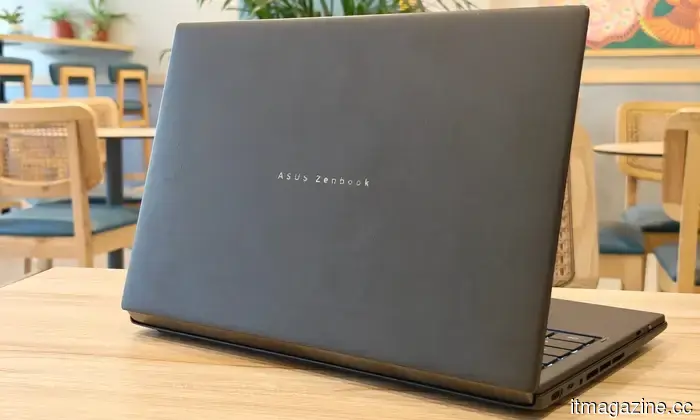
Constructed from ASUS’ Ceraluminum material, which blends aluminum's lightweight traits with a ceramic finish, the Zenbook Duo is solidly built with a reliable hinge, minimal flex, and no concerning creaks during my testing.
While it is bulkier and thicker than standard thin-and-light laptops, especially with the detachable keyboard and charger, it weighs approximately 400 grams more than an M5 MacBook Air at around 1.65kg. It never crosses into gaming-laptop weight territory, and the additional weight is justifiable since it serves as both a laptop and a portable monitor.
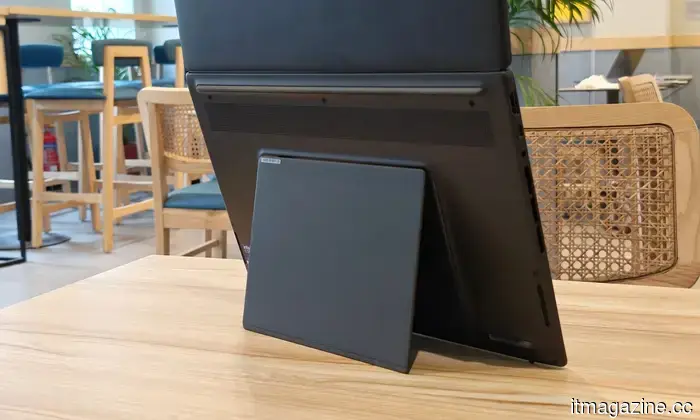
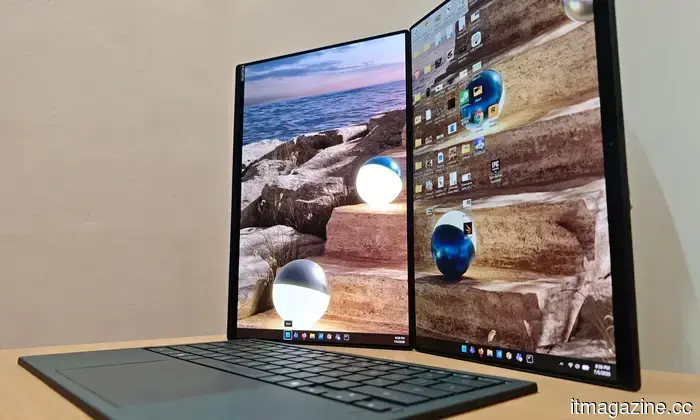
The finish can be frustrating, as it collects fingerprints and smudges frequently, some of which can be challenging to remove. The laptop looks premium until light reflects off the lid, revealing every spot you touched. One of the standout features of the design is the integrated kickstand, which opens effortlessly, secures the laptop firmly, and supports several practical configurations without needing additional accessories. Setting it up is quick and easy; reattaching the keyboard and elevating the laptop to its dual-screen position takes only three seconds.
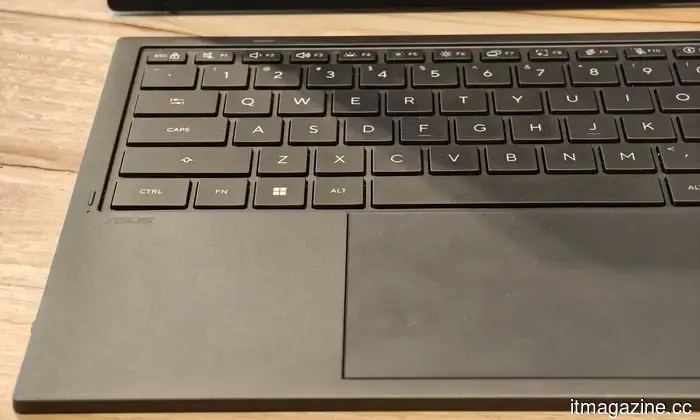
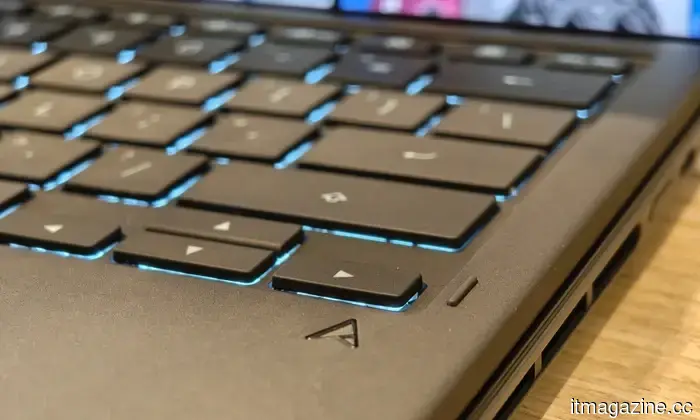
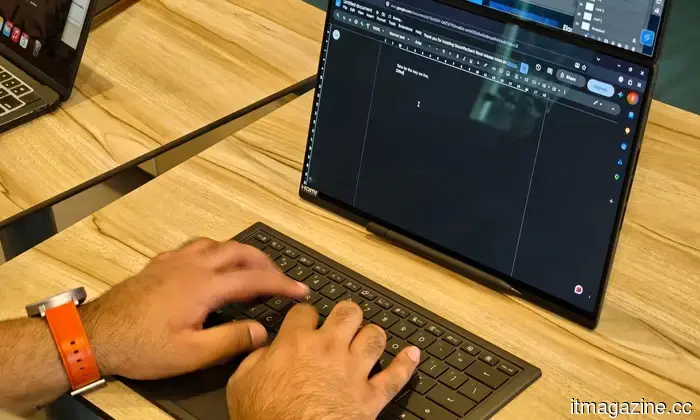
The magnets that hold the keyboard are strong, with pogo pins maintaining the connection and charging in standard laptop mode. You need not worry about damaging them, as the magnets on the keyboard elevate it only when reattaching it. I never had concerns about it loosening in my bag or shifting during use.
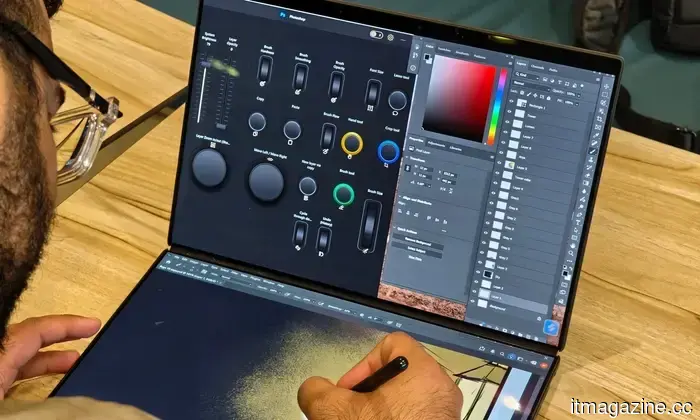
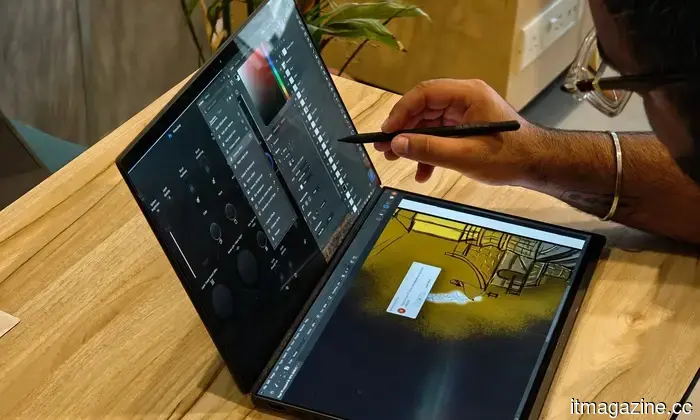
Standard laptop mode performs as expected. The main appeal begins once you remove the keyboard. Stacking both displays horizontally creates a compact dual-monitor setup, while rotating the laptop yields two vertical panels useful


Other articles
 Purchasing a TCL TV in the UK? Be sure to take advantage of this five-year warranty deal.
UK customers who buy a qualifying 2026 TCL TV from a participating retailer can receive five years of warranty coverage, provided they register the TV within 30 days.
Purchasing a TCL TV in the UK? Be sure to take advantage of this five-year warranty deal.
UK customers who buy a qualifying 2026 TCL TV from a participating retailer can receive five years of warranty coverage, provided they register the TV within 30 days.
 Utah's AI prescription program raises concerns among its medical board.
Utah has become the first state in the US to allow an AI chatbot to renew prescriptions without the involvement of a doctor. However, the state's medical board is requesting that the Doctronic pilot program be paused.
Utah's AI prescription program raises concerns among its medical board.
Utah has become the first state in the US to allow an AI chatbot to renew prescriptions without the involvement of a doctor. However, the state's medical board is requesting that the Doctronic pilot program be paused.
 Klaus Schwab mentions that he discovered a bug in his home office.
The founder of the WEF lodged a criminal complaint in Geneva following the discovery of a hidden listening device during a security check, concluding a tumultuous two-year period.
Klaus Schwab mentions that he discovered a bug in his home office.
The founder of the WEF lodged a criminal complaint in Geneva following the discovery of a hidden listening device during a security check, concluding a tumultuous two-year period.
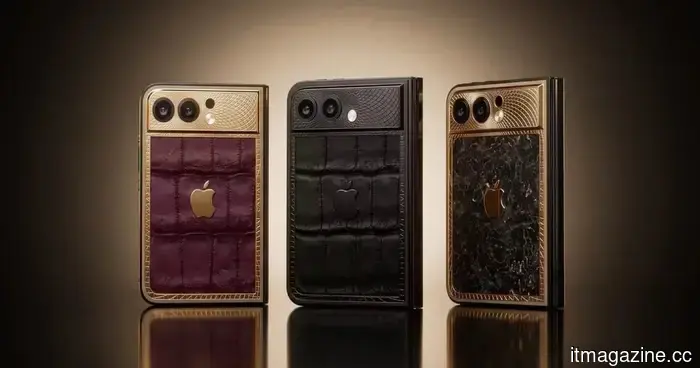 Before Apple, Caviar is showcasing the luxurious foldable iPhone Ultra.
Caviar is not holding out for Apple’s initial foldable iPhone, unveiling a luxury collection of 19 units inspired by the speculated iPhone Ultra.
Before Apple, Caviar is showcasing the luxurious foldable iPhone Ultra.
Caviar is not holding out for Apple’s initial foldable iPhone, unveiling a luxury collection of 19 units inspired by the speculated iPhone Ultra.
 How crypto payment processors assist businesses in accepting cryptocurrency
A comprehensive overview of cryptocurrency payment processors such as 0xProcessing that enable businesses to receive payments in cryptocurrencies, detailing their functionality, security features, and possible advantages such as lower transaction fees and the ability to reach a global customer base.
How crypto payment processors assist businesses in accepting cryptocurrency
A comprehensive overview of cryptocurrency payment processors such as 0xProcessing that enable businesses to receive payments in cryptocurrencies, detailing their functionality, security features, and possible advantages such as lower transaction fees and the ability to reach a global customer base.
 The Expense of Tool Overload: The Reason Companies Are Moving Away from Numerous Applications
Relying on different applications for each task in the workplace can subtly increase expenses and complications. Bitrix24 is convinced that there's a more efficient approach to creating a modern workspace with a comprehensive business suite.
The Expense of Tool Overload: The Reason Companies Are Moving Away from Numerous Applications
Relying on different applications for each task in the workplace can subtly increase expenses and complications. Bitrix24 is convinced that there's a more efficient approach to creating a modern workspace with a comprehensive business suite.
ASUS Zenbook Duo UX8407AA review: Dual screens have truly found their way into my bag.
The ASUS Zenbook Duo features two vibrant OLED displays that create a truly functional mobile workstation; however, its high price and average graphics limit its appeal primarily to professionals.