
An innovative Mac application allows you to experience vibrations via the trackpad whenever you click on a link or button.
This $5 Mac app transforms your trackpad into a mini web radar
A newly launched Mac app called HapticPad aims to enhance web browsing with a more tactile experience. The developer announced it on Reddit’s r/macapps community, explaining that the app utilizes the Force Touch trackpad on a Mac to produce a subtle vibration when the cursor hovers over links, buttons, and input fields in the browser. This allows users to "feel" different elements of a webpage before clicking on them. It’s a simple concept, yet its cleverness is so apparent that it raises the question of why macOS hasn’t incorporated this feature already.
So, how does it function?
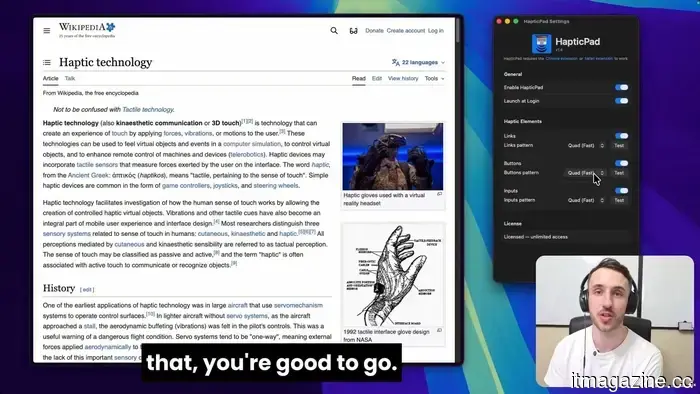
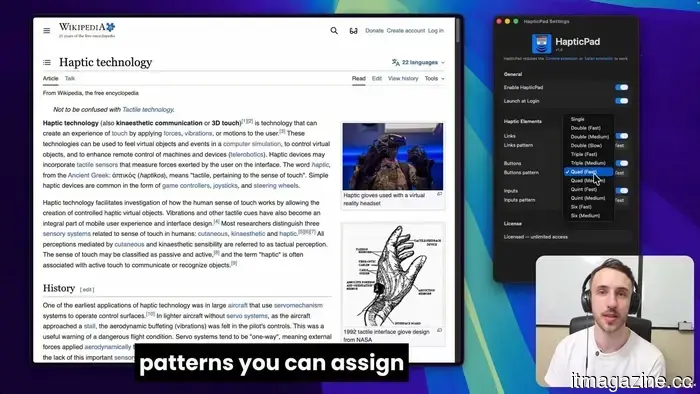
HapticPad operates through a Mac application along with a bundled Chrome extension. The developer claims that the trackpad vibrations occur within 10 milliseconds, allowing for various haptic patterns for different web components. For instance, links can have one type of pulse, buttons another, and input fields a different feedback pattern. According to the official website, users can personalize seven haptic patterns, which include single, double, triple, and quad-style feedback options.
The app is also presented as an accessibility-friendly tool. By adding a physical feedback element to web browsing, it could assist users who benefit from an additional cue apart from visual indicators. The developer affirms that the settings are compatible with VoiceOver and can be navigated via keyboard. This application aligns broadly with other unique software, yet it appears to be more practical than some quirky options, such as a $3 app that makes a MacBook emit moans and various sounds when tapped.
Price and compatibility
HapticPad is available for $4.99 as a one-time purchase, and it offers a 7-day free trial. It requires macOS 13 Ventura or newer and a Mac with a Force Touch trackpad. The developer states that the Chrome extension conducts element detection locally, ensuring that no URLs, page content, or analytics are transmitted from the Mac. Overall, it’s a small app with practical features, as Apple has provided excellent trackpad haptics for years, and HapticPad enhances their usability.
Vikhyaat Vivek is a technology journalist and reviewer with seven years of experience focusing on consumer hardware.
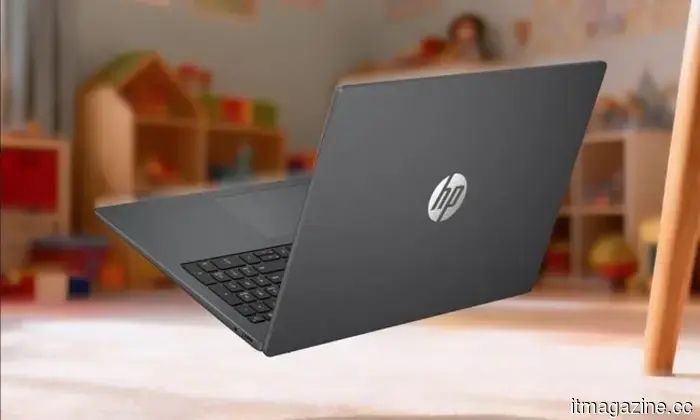
I discovered 2 Prime Day budget laptop deals suitable for students, work, and everyday tasks
Best Prime Day laptop deals I found under $500
Prime Day brings numerous budget laptop deals, making it challenging to identify which options are genuinely worth purchasing. After evaluating the choices, I selected two laptops that seem to offer excellent value for those in need of an affordable Windows device for daily tasks, schooling, browsing, streaming, and basic productivity.
ASUS Vivobook 14
This site publicly criticizes popular platforms like Instagram, Netflix, and Spotify for their reluctance to adopt passkeys
Apple, Google, and Microsoft fully endorse passkeys, yet companies such as Netflix and Spotify have not provided any reasons for the discrepancy.
A new website is addressing a long-standing frustration among security experts by publicly naming major corporations that have yet to embrace passkeys. Titled Why No Passkeys, the site monitors prominent platforms that still depend on traditional passwords, even as passkeys emerge as the safer alternative. If you use applications like Instagram, Netflix, or Spotify, you may be astonished to see them included in the list. The website was developed by security researcher Scott Helme, who previously collaborated with Troy Hunt in 2017 to launch WhyNoHTTPS, a site that promoted encrypted browsing across the internet.
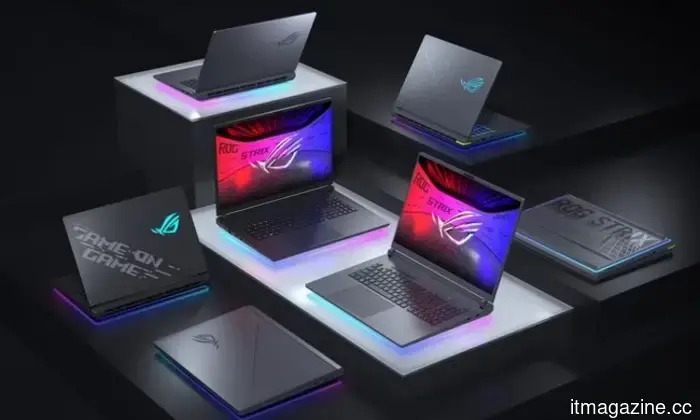
I found 2 Prime Day gaming laptop deals that avoid the usual RGB disappointment
The better choice relies on what you value more: RTX 5060 performance or a larger 18-inch display.
Prime Day gaming laptop deals might seem impressive at first glance until you pause to examine the specifications closely. For gaming laptops, worthwhile discounts generally depend on the GPU, display, memory, and storage meeting certain criteria. These two deals from MSI and ASUS stand out due to their clear strengths before you check out.
MSI Katana 15 HX

Other articles
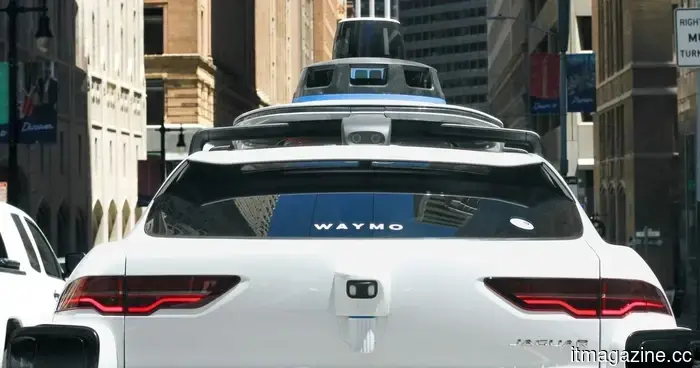 The chaotic era of robotaxis is beginning to conclude.
The initial worldwide regulations for robotaxis establish unified safety standards for completely autonomous vehicles, providing manufacturers with a more defined objective, while still facing significant obstacles related to city approvals, local regulations, and readiness for implementation.
The chaotic era of robotaxis is beginning to conclude.
The initial worldwide regulations for robotaxis establish unified safety standards for completely autonomous vehicles, providing manufacturers with a more defined objective, while still facing significant obstacles related to city approvals, local regulations, and readiness for implementation.
 Oracle lays off approximately 500 employees in Romania as it continues its AI restructuring efforts.
Oracle is eliminating approximately 500 positions in Romania, following a similar local layoff from the previous year, as part of its ongoing worldwide restructuring driven by AI.
Oracle lays off approximately 500 employees in Romania as it continues its AI restructuring efforts.
Oracle is eliminating approximately 500 positions in Romania, following a similar local layoff from the previous year, as part of its ongoing worldwide restructuring driven by AI.
 Russia accessed an activist's iPhone using Cellebrite, months after the company stated it had withdrawn.
Citizen Lab discovered forensic proof that Russia utilized Cellebrite’s UFED on opposition politician Andrey Pivovarov, several months after the company claimed to have severed connections.
Russia accessed an activist's iPhone using Cellebrite, months after the company stated it had withdrawn.
Citizen Lab discovered forensic proof that Russia utilized Cellebrite’s UFED on opposition politician Andrey Pivovarov, several months after the company claimed to have severed connections.
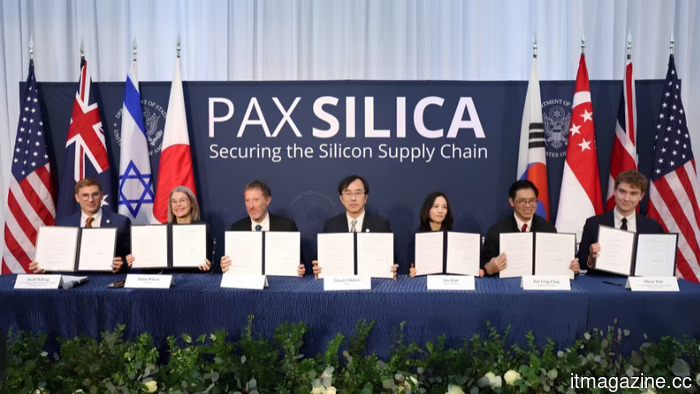 The EU agrees to Pax Silica, the US-led semiconductor agreement that France described as colonization.
Brussels is participating in the US-led Pax Silica initiative concerning AI chip supply chains, despite French concerns that it compromises Europe’s technological sovereignty.
The EU agrees to Pax Silica, the US-led semiconductor agreement that France described as colonization.
Brussels is participating in the US-led Pax Silica initiative concerning AI chip supply chains, despite French concerns that it compromises Europe’s technological sovereignty.
 Amazon plans to invest an additional $13 billion in cloud and AI in India by the year 2030.
Amazon is set to increase its investment in Indian cloud and AI infrastructure by an additional $13 billion, bringing its total commitment for 2026-2030 to $48 billion, as announced during Jassy's meeting with Modi.
Amazon plans to invest an additional $13 billion in cloud and AI in India by the year 2030.
Amazon is set to increase its investment in Indian cloud and AI infrastructure by an additional $13 billion, bringing its total commitment for 2026-2030 to $48 billion, as announced during Jassy's meeting with Modi.
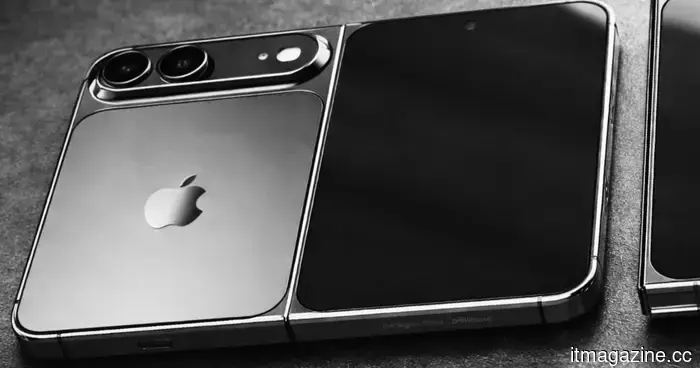 According to reports, Apple has addressed the problems with the hinge of the foldable iPhone, so you can feel a bit more at ease now.
Apple has allegedly addressed the majority of the hinge problems that raised concerns about delays for its first foldable iPhone, with mass production expected to start next month.
According to reports, Apple has addressed the problems with the hinge of the foldable iPhone, so you can feel a bit more at ease now.
Apple has allegedly addressed the majority of the hinge problems that raised concerns about delays for its first foldable iPhone, with mass production expected to start next month.
An innovative Mac application allows you to experience vibrations via the trackpad whenever you click on a link or button.
HapticPad utilizes your Mac's Force Touch trackpad to provide vibrations on links, buttons, and web inputs as you hover over them in Chrome.