
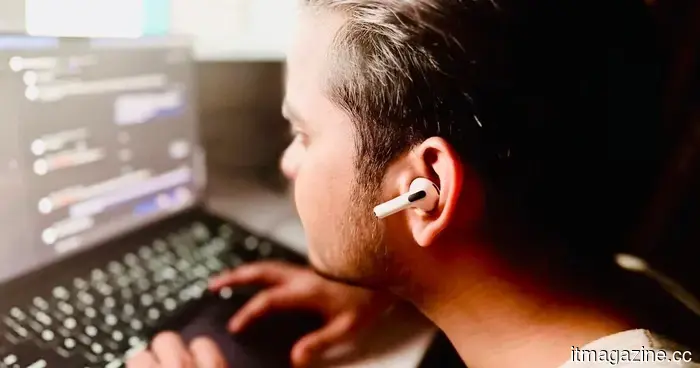
I developed a Mac application to monitor my poor posture using AirPods, and I didn't write any code myself.
A few weeks back, I mentioned an app that utilizes the Mac’s webcam to monitor posture. Once it detects slouching, it sends a notification and keeps a record of occurrences along with a daily posture score. This open-source app attracted a lot of attention on Reddit when its creator shared it, leading many inquisitive users to question how it processes and stores data—valid concerns indeed.
After all, by granting an app access to your camera, you allow it to monitor both you and your environment in real-time. Is there a risk of unauthorized access? What additional data might the app be tracking in the background, and how much of your audio and video feed is being sent to an external cloud server? Thankfully, the app operates completely online, processing everything locally on my Mac. Yet, unease lingered.
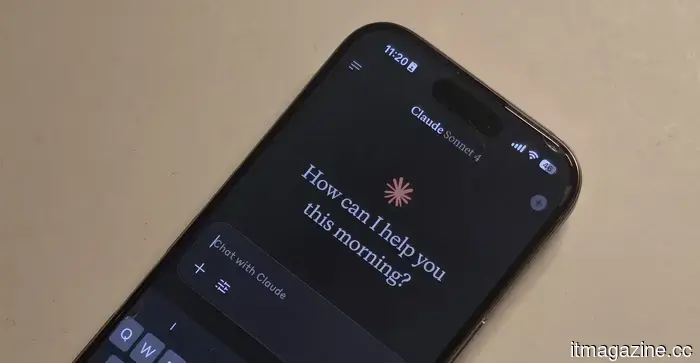
This prompted me to venture into creating my own software. Instead of using the camera to identify poor posture, I wondered why not utilize the motion sensors in AirPods? I had little understanding of how the underlying system would function, so I turned to the AI chatbot that many rely on today for guidance—Anthropic’s Claude.
And then everything clicked.
The major hurdle? I had never written a single line of coherent code in my life. My knowledge of coding languages necessary for software development was minimal. Surprisingly, by interacting with Claude AI, I was able to create a fully functional app without ever needing to visualize it.
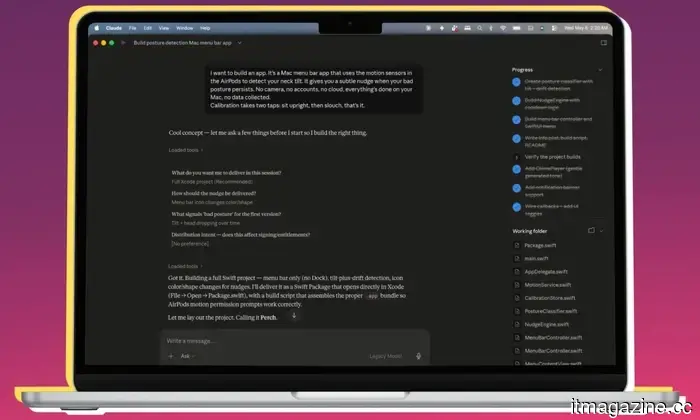
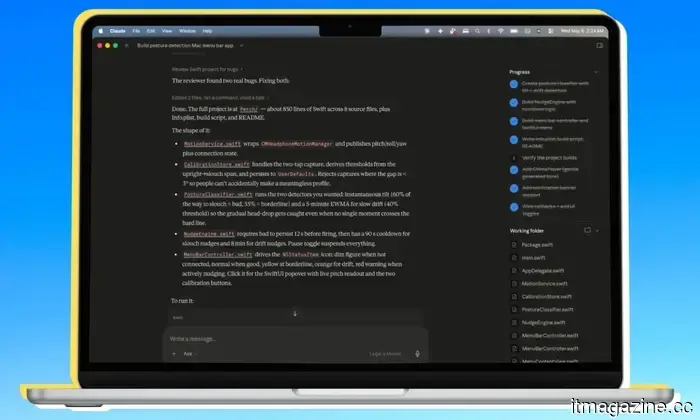
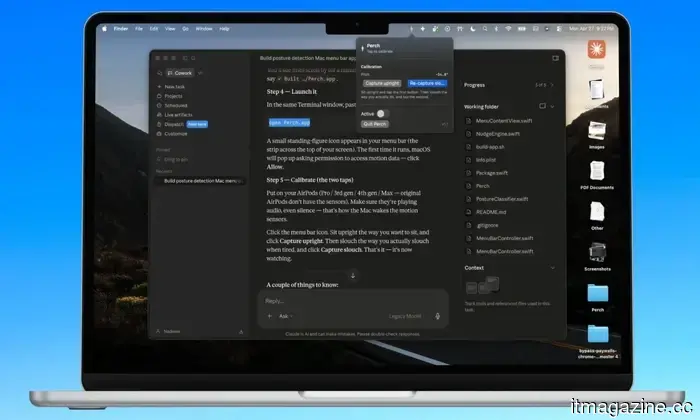
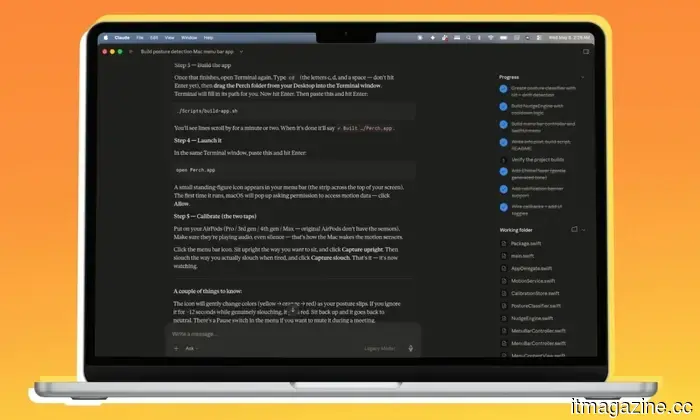
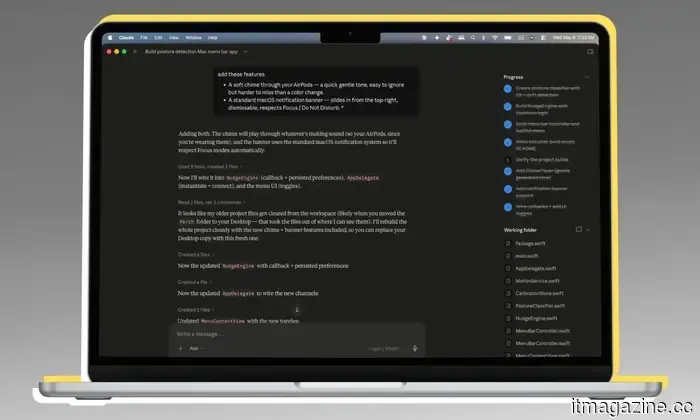
I inquired if such an app could be viable, and upon receiving a positive response, I allowed Claude to lead the development, without even reviewing the underlying code. It posed a few questions regarding my preferences, which I briefly answered. Within thirty minutes, the app was up and running on my Mac.
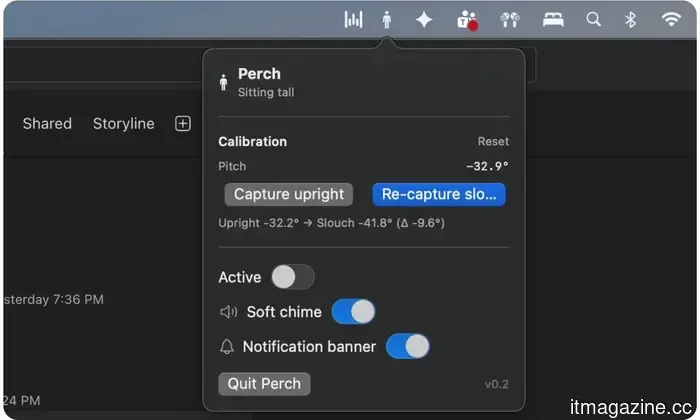
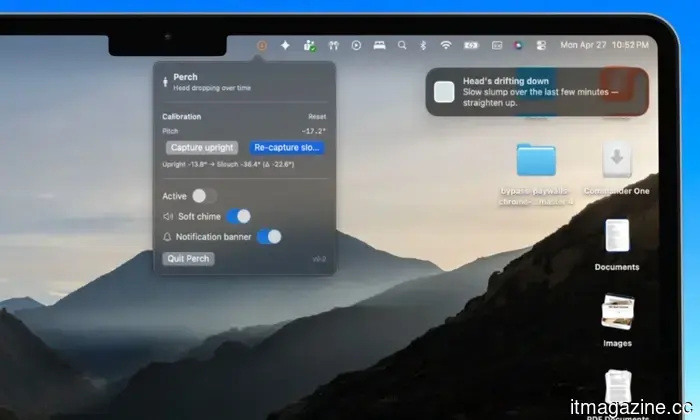
Claude even designed a menu bar icon, the posture notification banner with accompanying warning text, and the user interface that appears when I interact with the app, as well as the calibration controls. It managed color-changing animations, established criteria for identifying poor posture duration, added alert sounds, and implemented a two-stage warning system.
It began with a simple, “I want to build this app” in a chatbox, leading to a comprehensive experience of app development. I didn’t provide detailed instructions regarding most of the app’s visuals or protocols. The concept of front-end and back-end development blurred into the background, leaving natural language as the sole layer.
Claude would ask if the app should include specific features, and I would simply agree.
To say I was amazed would be an understatement. Claude also created an appropriate app icon and organized everything neatly in a folder. Once the code compiled, launching and using the app felt just like any other app downloaded from the internet. However, this app was exclusively created and stored on my Mac, ensuring that no activity data ever leaves my device.
How does the app function?
The main idea is to utilize AirPods’ motion sensors to detect posture changes and send a warning message. Upon launching the app, it instructs me to sit upright (or adopt the naturally healthy posture) and sets this as the ideal posture based on the angular data from the AirPods’ sensors. Then, it asks me to demonstrate bad posture, such as slouching, and notes the corresponding spatial data.
That’s all there is to it.
You wear the AirPods, open the app, calibrate ideal and poor postures, and you’re all set. There’s no need for manual input of height or angular measurements. I simply demonstrate the correct and incorrect postures, and the app records the data. I don’t even see the app running in my dock; instead, Claude designed it exclusively as a menu bar utility, making it visible at all times without adding to screen clutter or needing to use a Command+Tab shortcut to check its activity.
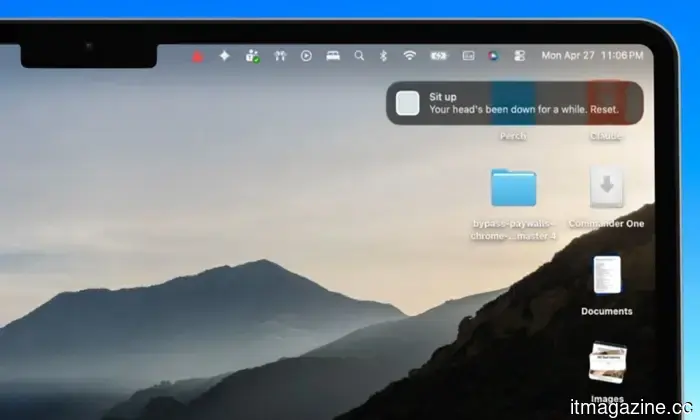
When I sit up straight, the icon in the app is grey. If it detects a change in posture, the icon turns yellow. Should my posture worsen, it changes to red, complete with motion indicators. If I maintain an unhealthy posture for more than 12 seconds, the icon becomes a fiery red triangle, and a notification banner appears in the top-right corner of the screen, prompting me to correct my posture.
This notification behaves like any other from apps on your Mac, respecting focus mode, and allows me to either act on or dismiss it with a click. Initially skeptical about the app's premise, I was impressed by its effective motion sensing and posture detection. I had family members and friends try it out with my second-generation AirPods Pro, and they were pleasantly surprised by its responsiveness, appreciating the genuinely useful nature of such a tool.
What’s next?
Currently, I have no plans to release it on the App Store. It would involve an excessive amount of work, requiring an Apple developer account, navigating Apple’s strict quality control, and likely needing someone to manage it in the long run. That was never my goal to begin with; I merely wanted to explore
Other articles
 The US believes that Thailand's OBON Corp assisted in the smuggling of NVIDIA chips to Alibaba.
OBON Corp., a Thai firm associated with the national AI strategy, is referred to as the unnamed "Company-1" in the $2.5 billion indictment of Supermicro.
The US believes that Thailand's OBON Corp assisted in the smuggling of NVIDIA chips to Alibaba.
OBON Corp., a Thai firm associated with the national AI strategy, is referred to as the unnamed "Company-1" in the $2.5 billion indictment of Supermicro.
 Perplexity's AI answering engine will not be available on Snapchat, after all.
Snapchat has abandoned its Perplexity AI search initiative, leading to new inquiries about the degree to which users desire AI integration in social applications.
Perplexity's AI answering engine will not be available on Snapchat, after all.
Snapchat has abandoned its Perplexity AI search initiative, leading to new inquiries about the degree to which users desire AI integration in social applications.
 Perplexity's AI answering system will not be available on Snapchat, after all.
Snapchat has abandoned its Perplexity AI search initiative, prompting new inquiries into the extent to which users truly desire AI integration within social applications.
Perplexity's AI answering system will not be available on Snapchat, after all.
Snapchat has abandoned its Perplexity AI search initiative, prompting new inquiries into the extent to which users truly desire AI integration within social applications.
 Research indicates that social media friends don’t necessarily reduce feelings of loneliness.
A recent study involving over 1,500 adults revealed that online interactions with unfamiliar individuals were associated with increased feelings of loneliness, whereas face-to-face interactions did not show a definitive decrease in loneliness.
Research indicates that social media friends don’t necessarily reduce feelings of loneliness.
A recent study involving over 1,500 adults revealed that online interactions with unfamiliar individuals were associated with increased feelings of loneliness, whereas face-to-face interactions did not show a definitive decrease in loneliness.
 Research reveals that having friends on social media may not actually reduce feelings of loneliness.
A recent study involving over 1,500 adults discovered that online interactions with unfamiliar individuals were associated with increased feelings of loneliness, whereas face-to-face interactions did not show a definitive decrease in loneliness levels.
Research reveals that having friends on social media may not actually reduce feelings of loneliness.
A recent study involving over 1,500 adults discovered that online interactions with unfamiliar individuals were associated with increased feelings of loneliness, whereas face-to-face interactions did not show a definitive decrease in loneliness levels.
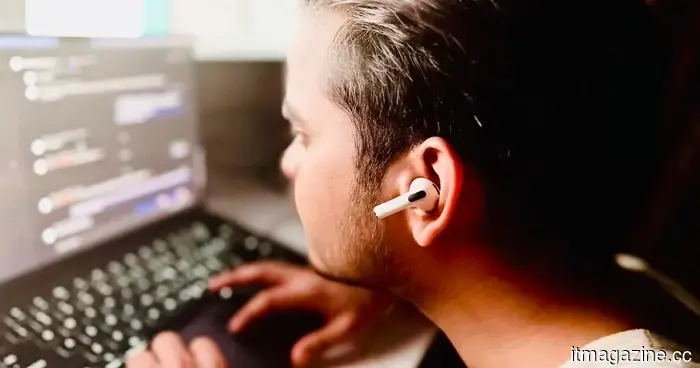 I created a Mac app to monitor my poor posture using AirPods, without writing any code myself.
With the help of Claude, I was able to create an app without any programming knowledge. Not long ago, the idea of developing my own software would have felt like an impossible dream for someone like me.
I created a Mac app to monitor my poor posture using AirPods, without writing any code myself.
With the help of Claude, I was able to create an app without any programming knowledge. Not long ago, the idea of developing my own software would have felt like an impossible dream for someone like me.
I developed a Mac application to monitor my poor posture using AirPods, and I didn't write any code myself.
Thanks to Claude, I developed an app without any programming skills. Not long ago, it would have seemed like a distant dream for someone like me to even think about creating my own software.