
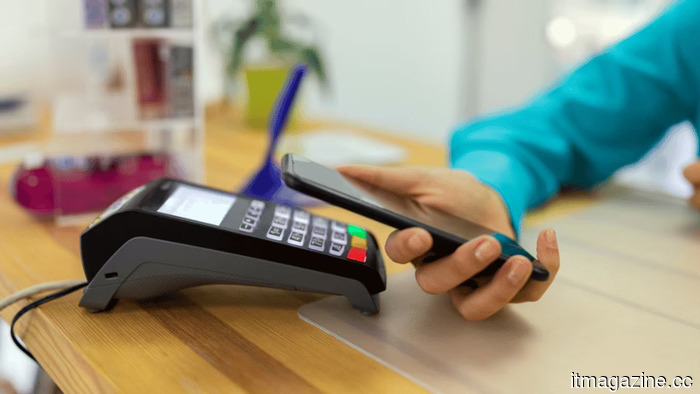
iOS 27 enables users to generate personalized Wallet passes from any QR code, as Apple decides to stop waiting for developers.
**TL;DR** Apple is introducing a "Create a Pass" feature in the iOS 27 Wallet that allows users to generate custom digital passes from any QR code. It includes three templates (standard, membership, event) and offers customization tools for styles, images, colors, and text. After fourteen years of expecting developers to utilize PassKit, Apple is recognizing that many small businesses likely won't, and is enabling users to fill that gap, shifting Wallet’s growth model from being developer-reliant to user-driven.
For over a decade, Apple has sought to engage gyms, cinemas, airlines, and transit systems worldwide to create native passes for its Wallet app, but most have not complied. Many businesses continue to provide QR codes via standalone apps. For instance, the local gym still uses a separate app for QR codes, cinemas prefer emailing PDFs, and transit cards are limited to their own interfaces. Although Apple Wallet is elegantly designed, service providers have largely failed to utilize it. In iOS 27, Apple is shifting its strategy. Instead of waiting for developers to create passes, users will now have the ability to make their own.
**The feature**
The new "Create a Pass" tool, found in testing versions of iOS 27 before its anticipated announcement at WWDC on June 8, enables users to take any QR code and generate a tailored digital pass in the Wallet app. Users can access this feature via the "+" button in Wallet or on the page where they typically add credit cards. The interface invites users to "create passes for tickets, memberships, gift cards, and more."
Users have the option to create a pass from scratch or scan a QR code with their iPhone’s camera to import it directly. Apple is testing three templates: a standard orange template for any type of pass, a blue membership template for recurring access like gym memberships, and a purple event template for tickets to concerts, matches, and screenings. Each template features customization options for styles, images, colors, and text, allowing users to control the information shown on their passes. Consequently, any service providing a QR code for entry, payment, or identification can now be integrated into Wallet, regardless of whether the associated developer has utilized PassKit.
**The gap**
PassKit, Apple’s framework for creating Wallet-compatible passes, has been available since iOS 6 in 2012. It supports a variety of passes, including boarding passes, event tickets, coupons, and store cards, and allows developers to remotely update pass content and trigger location-based notifications while integrating with Apple Pay.
Despite its accessibility and support from third-party tools, most small and mid-sized businesses continue to bypass using PassKit. The hurdles are straightforward: developing and maintaining a Wallet pass necessitates a developer account, a server for updates, and ongoing attention to what most businesses view as a low priority. This has created an inconsistent user experience, where only a fraction of passes are stored in Wallet, undermining its potential as a centralized app for users.
**The shift**
The "Create a Pass" feature represents Apple’s acknowledgment that a developer-centric strategy has its limitations. Digital wallets are evolving towards a unified model where identity documents, payment details, transit passes, and event tickets are all available in one interface, and Apple cannot afford to depend on whether a local gym has a knowledgeable developer on staff. By enabling users to create their own passes from any QR code, Apple disconnects Wallet's expansion from developer uptake and instead aligns it with user behavior, which Apple can readily leverage.
The design remains controlled; users won’t create random content but will rather be wrapping existing QR codes in Apple’s templates with predefined customization options. The three templates—standard, membership, and event—are designed to cater to the most common scenarios that PassKit has historically struggled to support. Apple is not unleashing chaos into Wallet; instead, it is establishing a structured connection between the existing QR codes businesses already issue and the organized Wallet experience Apple aims to provide.
**The context**
The pass builder is one of various enhancements coming with iOS 27. The main highlight is an updated Siri, partially powered by Google’s Gemini models under a multi-year deal reportedly costing Apple approximately $1 billion annually. Siri will feature a dedicated app, a new interface in the Dynamic Island, and capabilities as a text-based conversational assistant alongside voice functions.
Apple is also enhancing AI functionalities in photo editing, introducing generative tools for extending and reframing images, and launching a Siri Camera Mode to offer real-time insights about objects, text, and locations detected by the camera. Apple’s acquisition of Q.ai, an Israeli silent-speech AI startup for $2 billion, reflects the company's commitment to diversifying interaction methods beyond voice and touch. The Wallet pass builder resides in a different segment of the product but echoes the same strategic goal: making the iPhone more versatile without requiring third-party collaboration to facilitate this. Silent speech recognition would allow
Other articles
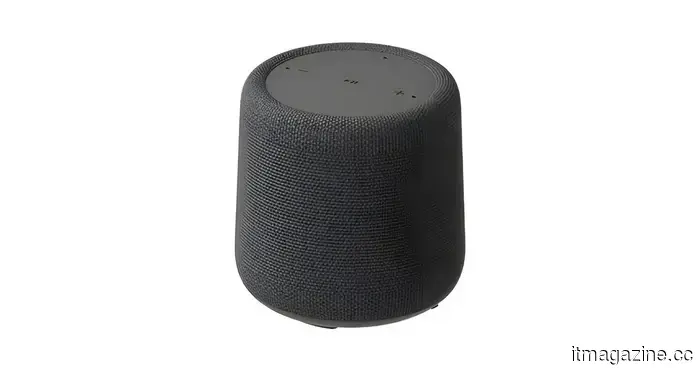 A Walmart leak reveals a growing Onn product lineup that includes a smart speaker compatible with Gemini.
A certification listing indicates that Walmart's Onn lineup is set to grow with the introduction of a Gemini-powered smart speaker that includes Matter support, Google Cast, and a 10W speaker.
A Walmart leak reveals a growing Onn product lineup that includes a smart speaker compatible with Gemini.
A certification listing indicates that Walmart's Onn lineup is set to grow with the introduction of a Gemini-powered smart speaker that includes Matter support, Google Cast, and a 10W speaker.
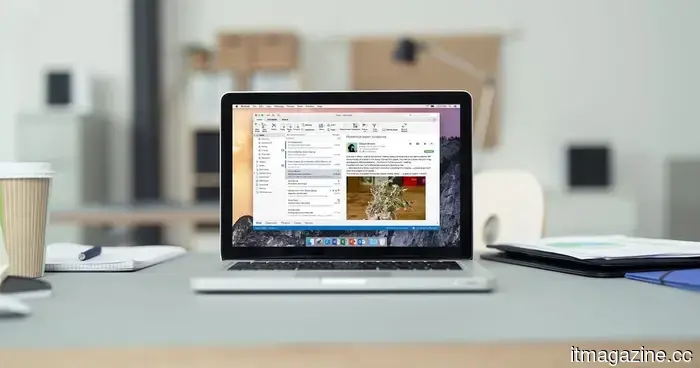 Microsoft has announced that it is working on a solution for the Outlook issue that caused documents to appear blank.
Microsoft is deploying a server-side solution for a longstanding Outlook issue that caused shared Word, Excel, and PowerPoint files to open as blank. In the meantime, browser-based alternatives are available until the fix is implemented for all users.
Microsoft has announced that it is working on a solution for the Outlook issue that caused documents to appear blank.
Microsoft is deploying a server-side solution for a longstanding Outlook issue that caused shared Word, Excel, and PowerPoint files to open as blank. In the meantime, browser-based alternatives are available until the fix is implemented for all users.
 Rivian has managed to cut the production costs of the R2 EVs by 50%. Hopefully, this reduction will be reflected in prices for consumers.
Rivian claims that the R2 is more than 50% less expensive to manufacture compared to its R1 models, which represents a significant advance towards more affordable electric vehicles, provided that consumers recognize the value.
Rivian has managed to cut the production costs of the R2 EVs by 50%. Hopefully, this reduction will be reflected in prices for consumers.
Rivian claims that the R2 is more than 50% less expensive to manufacture compared to its R1 models, which represents a significant advance towards more affordable electric vehicles, provided that consumers recognize the value.
 STMicroelectronics aims to generate over $3 billion from the space sector.
STMicroelectronics aims for over $3 billion in total revenue from space chips from 2026 to 2028, driven by the growth of Starlink.
STMicroelectronics aims to generate over $3 billion from the space sector.
STMicroelectronics aims for over $3 billion in total revenue from space chips from 2026 to 2028, driven by the growth of Starlink.
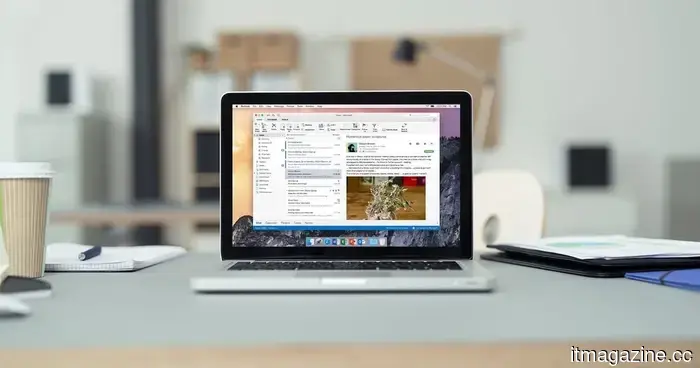 Microsoft announced that it is working on a solution for an Outlook issue that caused documents to appear blank.
Microsoft is implementing a server-side solution for a longstanding Outlook issue that caused shared Word, Excel, and PowerPoint files to open with a blank screen. In the meantime, browser-based alternatives are available until the fix is fully deployed.
Microsoft announced that it is working on a solution for an Outlook issue that caused documents to appear blank.
Microsoft is implementing a server-side solution for a longstanding Outlook issue that caused shared Word, Excel, and PowerPoint files to open with a blank screen. In the meantime, browser-based alternatives are available until the fix is fully deployed.
 Do you believe music is the most affected by sloppiness? AI has also significantly tarnished podcasts.
A surge of AI-generated podcasts is rapidly spreading across audio platforms, with a Bloomberg report indicating that about 39% of new podcast feeds established in approximately nine days might be created by machines.
Do you believe music is the most affected by sloppiness? AI has also significantly tarnished podcasts.
A surge of AI-generated podcasts is rapidly spreading across audio platforms, with a Bloomberg report indicating that about 39% of new podcast feeds established in approximately nine days might be created by machines.
iOS 27 enables users to generate personalized Wallet passes from any QR code, as Apple decides to stop waiting for developers.
Apple's iOS 27 introduces a "Create a Pass" feature that includes three templates. Following 14 years of anticipation for PassKit's adoption, Apple is now allowing users to create their own passes.