
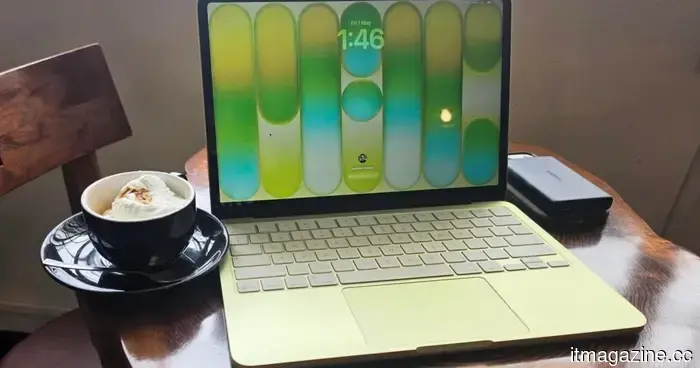
I decided to hold off on purchasing the MacBook Neo. I hope the next version addresses these five minor issues before I spend my money.
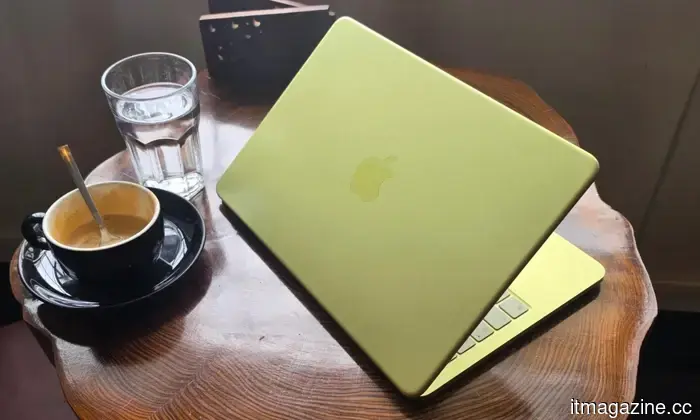
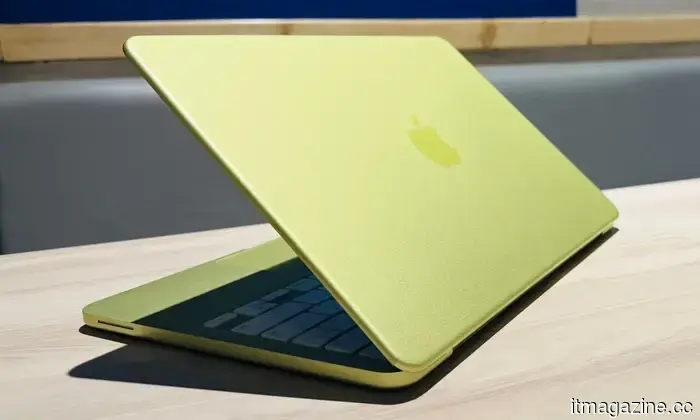
The MacBook Neo caught my attention, not just because it's a sleek technological marvel that excites the tech enthusiast in me, but due to Apple's overall presentation — an aluminum chassis, efficient silicon, and impressive battery life all at an unbelievable price of $599. I was eager to try it out and almost purchased it a few weeks back.
However, I refrained from buying it. This decision wasn't due to any shortcomings in the Neo itself. I had the chance to use the device for a couple of days (thanks to a friend who treated himself to one) and the more I investigated what Apple had omitted to achieve that surprisingly low price, the more I felt it prudent to wait for improvements before making my purchase.
I understand most of the compromises made, but I'm puzzled by why certain omissions were necessary from the start, as they seem to detract from the quintessential MacBook experience rather than just cutting costs for the company. Therefore, dear Apple, please address these five issues in the next MacBook Neo, and I’ll be ready to spend my money before pre-orders even begin.
**MacBook Neo (2026) Specs**
- **Chip:** Apple A18 Pro (6-core CPU, 5-core GPU)
- **RAM:** 8GB unified memory (not upgradeable)
- **Storage:** 256GB / 512GB SSD
- **Display:** 13-inch Liquid Retina, 2408×1506, 500 nits, 1 billion colors
- **Battery:** Up to 16 hours
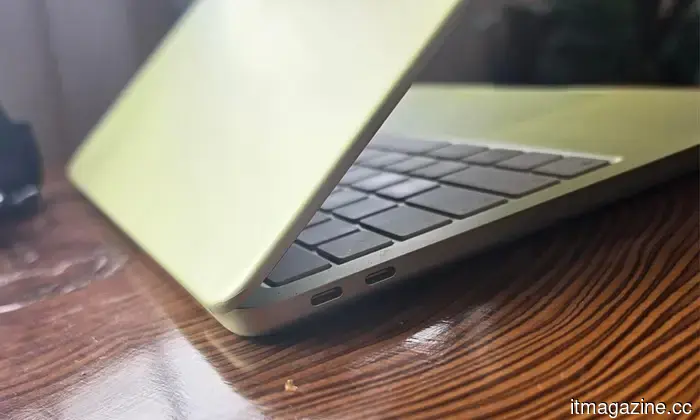
- **Ports:** 2x USB-C (left: USB 3, right: USB 2)
- **Camera:** 1080p FaceTime HD
- **Connectivity:** Wi-Fi 6E, Bluetooth
- **Starting Price:** $599 ($499 education)
**A19 Pro could push performance higher**
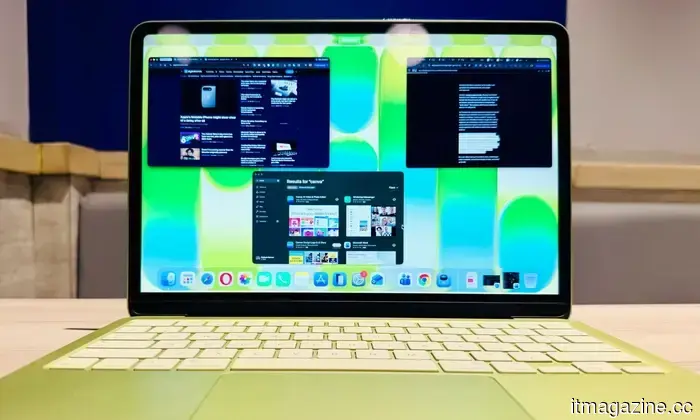
As a first-generation device, the MacBook Neo performs admirably with Apple’s A18 Pro chip (derived from the iPhone 16 Pro, albeit with one less GPU core). I was surprised by how effectively it manages routine tasks like web browsing, email, and crucially, multitasking across numerous Chrome tabs.
However, I've hesitated to proceed with the purchase. While the A18 Pro excels in day-to-day activities, it lacks additional cores compared to the M-series chips, leaving it behind in demanding tasks such as photo editing, graphic design, or coding.
This is where a more advanced chip could elevate the Neo's capabilities—not just for immediate performance boosts, but to ensure the device stays relevant for the next several years, particularly as AI-centered tasks demand more processing power.
The good news is that Apple is already working on incorporating the A19 Pro (from the iPhone 17 Pro) in the next model, and I'm fully on board with that. This chip promises significant upgrades in CPU, GPU, and Neural Engine performance, enhancing the overall Neo experience.
**It’s Apple’s optimization, not just 8GB of RAM**
I must acknowledge that it isn't solely the 8GB of physical RAM on the MacBook Neo that contributes to its efficiency. It's Apple's meticulous control over hardware and software integration (including temporary swap-in memory) that allows for smooth browsing, streaming, and multitasking on the Neo.
However, when I pushed the device by running several applications concurrently—like Chrome with over two dozen tabs, alongside Apple Music and FaceTime—the limitations of the memory became evident. Unlike Windows laptops, where RAM upgrades are possible, MacBooks are fixed in terms of what you purchase.
In my view, this device primarily targets first-time laptop buyers: students, new professionals, and those seeking a secondary portable device, and it serves this audience well. Yet, with inevitable memory slowdowns, the 8GB of RAM will not suffice in the long run.
To me, more RAM not only resolves the immediate multitasking limitations but also addresses long-term usability. Fortunately, rumors suggest that the A19 Pro chip will include 12GB of unified memory as standard in the next Neo, which should have been the baseline from the start.
**I type in the dark every single day**
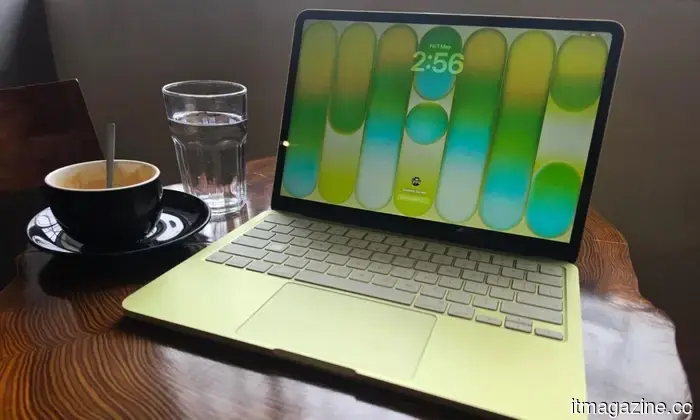
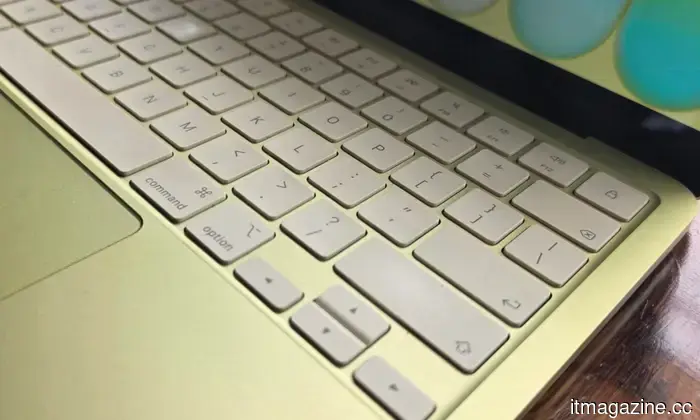
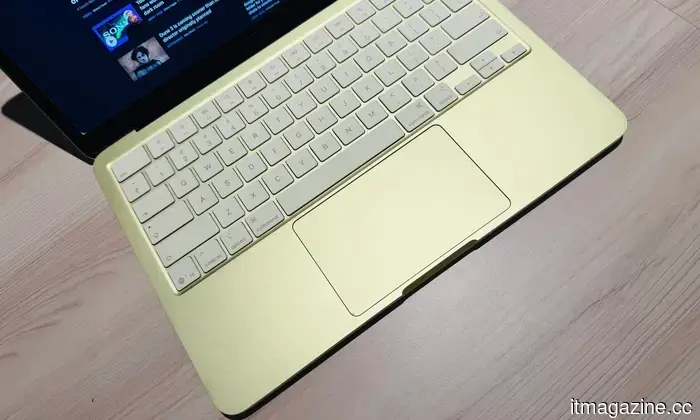
While some issues aren't immediately noticeable, this one struck me the moment I opened the device for the first time. The Neo lacks a backlit keyboard, a feature so standard in 2026 that even entry-level Windows laptops include it.
Apple's alternative features color-matched keys with lighter tones across all finishes, and while the display's illumination does help, it simply can't replace a traditional backlit keyboard, which my M1 MacBook Air has. A backlit keyboard not only looks appealing at night but also makes finding function keys significantly easier.
I cannot emphasize enough how beneficial a backlit keyboard would be for the target audience of the Neo: students working on assignments late at night, frequent travelers needing to work in low-light situations on planes or trains, or individuals like me who prefer working
Other articles
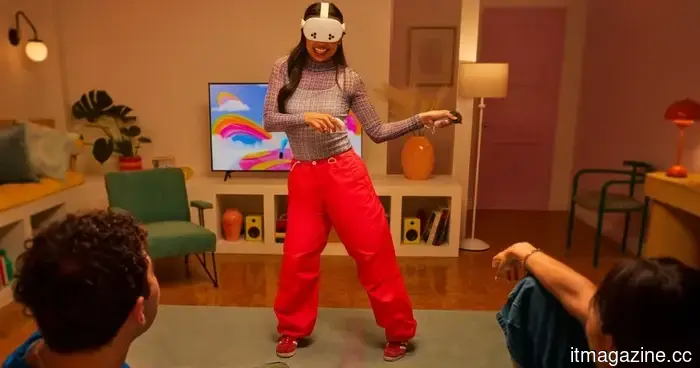 VR headsets can improve your dancing skills, provided you can go beyond just gaming and streaming.
Cornell’s DanXeReflect tool transforms dance videos into interactive 3D avatars, providing performers with a more engaging method to analyze their movements, practice modifications, and give feedback.
VR headsets can improve your dancing skills, provided you can go beyond just gaming and streaming.
Cornell’s DanXeReflect tool transforms dance videos into interactive 3D avatars, providing performers with a more engaging method to analyze their movements, practice modifications, and give feedback.
 Indoor solar panels for powering your devices? A team has now demonstrated that it can be done safely.
Scientists have created lead-free indoor solar panels that transform artificial light into electricity with unprecedented efficiency.
Indoor solar panels for powering your devices? A team has now demonstrated that it can be done safely.
Scientists have created lead-free indoor solar panels that transform artificial light into electricity with unprecedented efficiency.
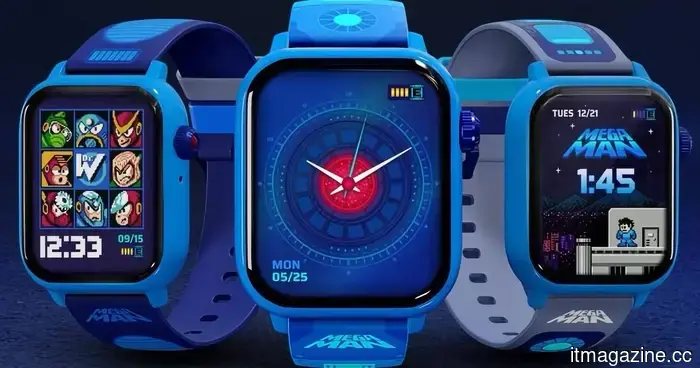 This vintage gaming watch is capable of monitoring your heart rate and playing Mega Man 2 too.
This smartwatch, inspired by a revamped Mega Man 2, features animated watch faces and fitness tracking in a device designed to minimize distractions.
This vintage gaming watch is capable of monitoring your heart rate and playing Mega Man 2 too.
This smartwatch, inspired by a revamped Mega Man 2, features animated watch faces and fitness tracking in a device designed to minimize distractions.
 In trials conducted at Harvard, AI outperformed doctors in making emergency diagnoses.
A trial at Harvard revealed that OpenAI's o1 model outperformed doctors in emergency triage diagnoses, highlighting the potential of AI as a secondary opinion resource in hospitals.
In trials conducted at Harvard, AI outperformed doctors in making emergency diagnoses.
A trial at Harvard revealed that OpenAI's o1 model outperformed doctors in emergency triage diagnoses, highlighting the potential of AI as a secondary opinion resource in hospitals.
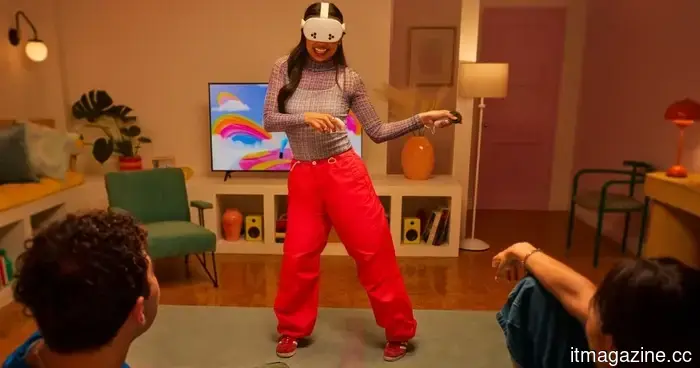 VR headsets can enhance your dancing skills, provided you move beyond just gaming and streaming.
Cornell's DanXeReflect tool transforms dance footage into interactive 3D avatars, providing dancers with a more engaging method for analyzing their movements, practicing modifications, and giving feedback.
VR headsets can enhance your dancing skills, provided you move beyond just gaming and streaming.
Cornell's DanXeReflect tool transforms dance footage into interactive 3D avatars, providing dancers with a more engaging method for analyzing their movements, practicing modifications, and giving feedback.
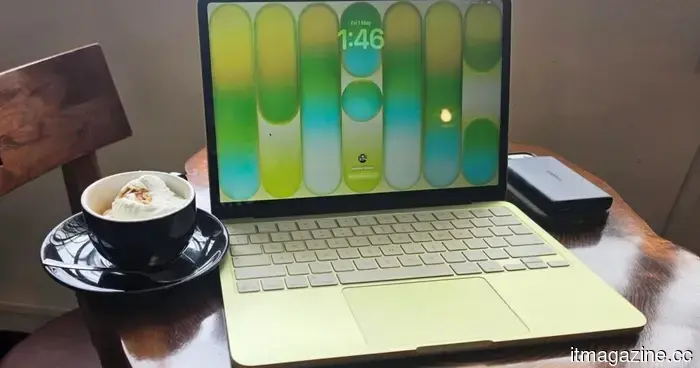 I decided to wait on the MacBook Neo. I hope the next version addresses these 5 minor issues before I spend any money.
I almost purchased the MacBook Neo, but after using it for a few days, I decided against it. Here’s precisely what Apple removed that they shouldn’t have, along with what needs to be improved.
I decided to wait on the MacBook Neo. I hope the next version addresses these 5 minor issues before I spend any money.
I almost purchased the MacBook Neo, but after using it for a few days, I decided against it. Here’s precisely what Apple removed that they shouldn’t have, along with what needs to be improved.
I decided to hold off on purchasing the MacBook Neo. I hope the next version addresses these five minor issues before I spend my money.
I almost purchased the MacBook Neo, but after using it for a few days, I reconsidered. Here’s precisely what Apple eliminated that it should not have, and what needs to be revised.