
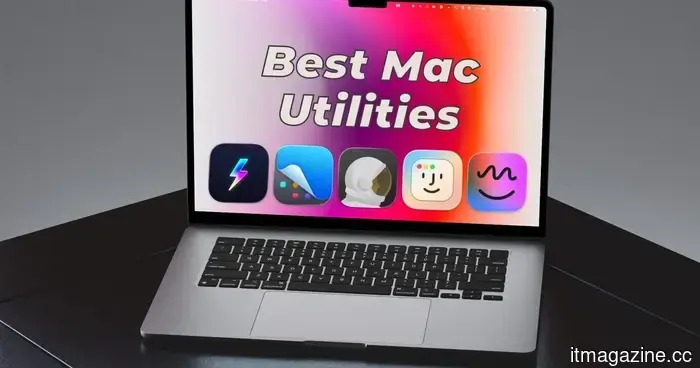
Here are the five top Mac utilities I discovered in 2026, and you should consider trying them as well.
I have been using a Mac for more than ten years, and during that time, I’ve discovered several third-party utilities that I can’t live without. Some address longstanding macOS issues, while others introduce features that should have been included from the beginning, and some simply improve your overall macOS experience. Here are my top five daily Mac utilities.
**Supercharge**
macOS functions well, but it does have its oddities, and Supercharge resolves a surprising number of them. The application includes over 70 tweaks that tackle small but annoying issues that Apple has overlooked for years. Once you start using it, you'll wonder how you ever got by without it.
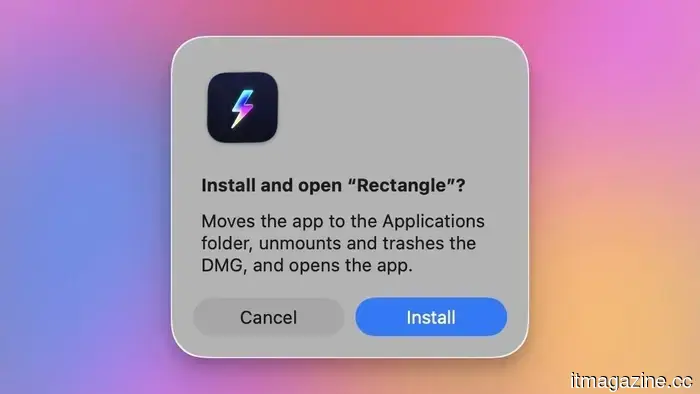
My favorite feature is the one-click DMG installer. If you've ever installed an app that's not available on the Mac App Store, you're familiar with the routine: download the DMG file, double-click to open it, drag the app to the Applications folder, then manually eject the disk image and delete the installer. Supercharge streamlines all of that into a single click, handling the installation, ejecting the disk image, and sending the DMG to the trash automatically.
Another feature I rely on is the app-specific keyboard shortcuts. Instead of searching through Spotlight or the Dock, I’ve set shortcuts for all my frequently used apps, allowing me to launch them in seconds. Supercharge also enables the use of Command+X to cut and paste files, similar to Windows, which can be helpful for many users switching from that platform.
My other two preferred tweaks are Cat Mode and Cleaning Mode. The former disables the keyboard while the latter turns off the display, so you can clean your Mac without triggering any unintended actions.
These are just a few of the tweaks Supercharge offers. It's one of the best Mac utilities I have ever used, and I highly recommend it to all Mac users.
**Get Supercharge**
**CleanShot X**
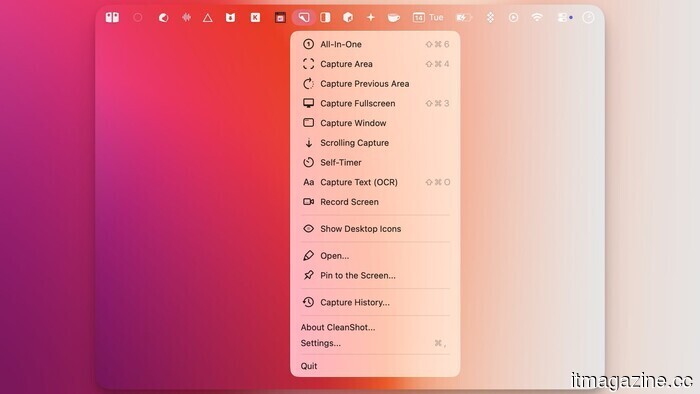
The built-in screenshot tool on the Mac handles the basics, but if your work frequently involves capturing screenshots, it’s worth investing in something more advanced. CleanShot X is that superior option, and I use it daily for writing articles.
In addition to standard full-screen and window captures, CleanShot X allows for scrolling screenshots of entire web pages or documents, enables time delays before capturing, records your screen, and can even extract text from images using OCR technology.
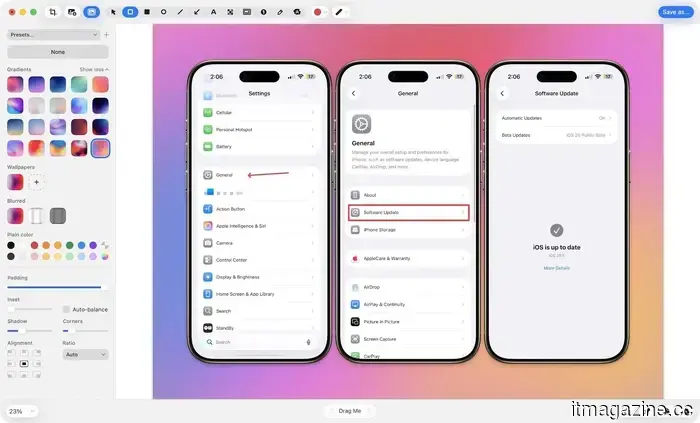
While capturing screenshots is great, the built-in editor is where it truly excels. You can annotate screenshots, draw arrows, add colored backgrounds for polish, crop and resize, and blur out sensitive information.
A recent update also introduced the ability to add backgrounds to your screenshots, enhancing their visual appeal. You can choose solid colors, gradients, or even use your current Mac wallpaper as the background. If you’ve read my articles before, you may have noticed this in use.
CleanShot X is pricier than other apps on this list, but the time savings and quality it adds to my workflow make it worth the cost. If you frequently take screenshots for work, it pays for itself. You can purchase it directly from the developer’s website or get it for free with a SetApp subscription.
**Get CleanShot X**
**Monocle**
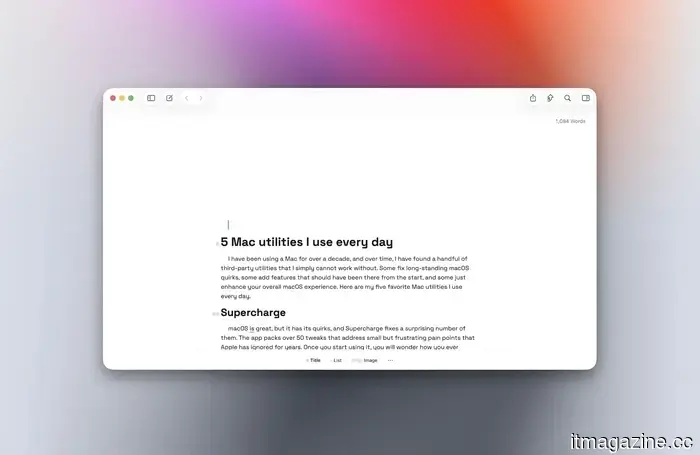
A common issue most productivity guides overlook is visual clutter. With multiple windows open, your mind continuously processes them all, even if you're meant to focus on just one. Monocle addresses this simply.
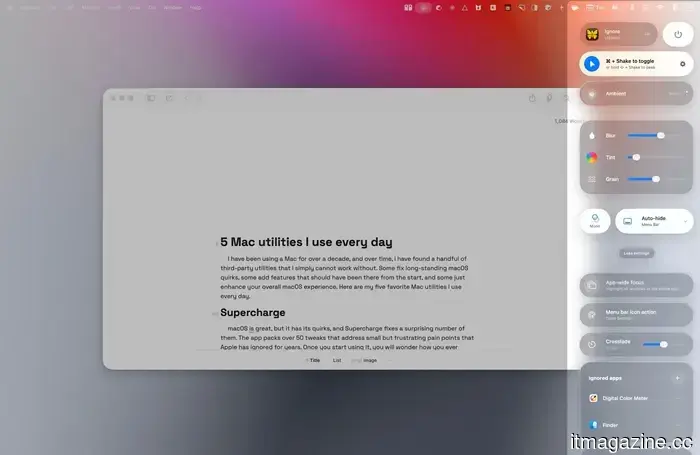
The app blurs everything on your screen except for the active window. When you click into an app, everything else fades away. It might seem trivial, but the improvement in focus is almost immediate.
You can also adjust the blur intensity, add a film grain effect if you prefer that style, and control the speed of the fade animation. It supports both light and dark themes and can sync with your system’s appearance.
If you often find distractions from other open windows while trying to work, you should give it a try.
**Get Monocle**
**Hyperkey**
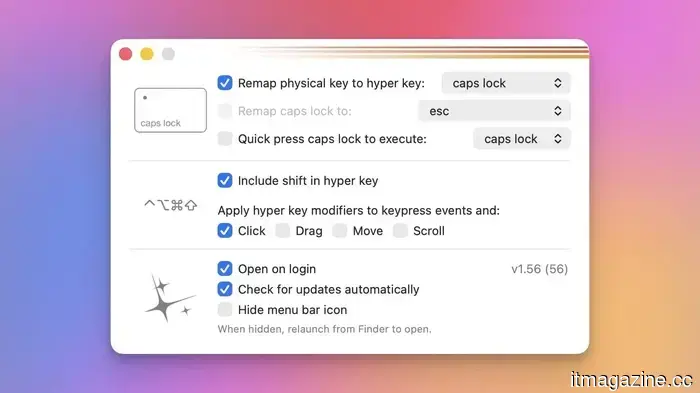
Hyperkey is arguably the utility I use the most on my Mac. I appreciate keyboard shortcuts but dislike the complex finger movements that come with them. Hyperkey resolves this by allowing you to assign a combination of keyboard modifiers to a single key, which I have set to the Caps Lock key.
When I press Caps Lock, it registers as pressing all four modifier keys simultaneously: Control (⌃), Option (⌥), Command (⌘), and Shift (⇧). This opens up a new layer of keyboard shortcuts that don’t conflict with any existing system or app shortcuts.
You can set these Hyper key combinations to whatever you like. It’s free, lightweight, and operates quietly in the background without interfering. Once you incorporate Hyperkey shortcuts into your routine, using a keyboard without them feels rather limiting.
**Get Hyperkey**
**DockDoor**
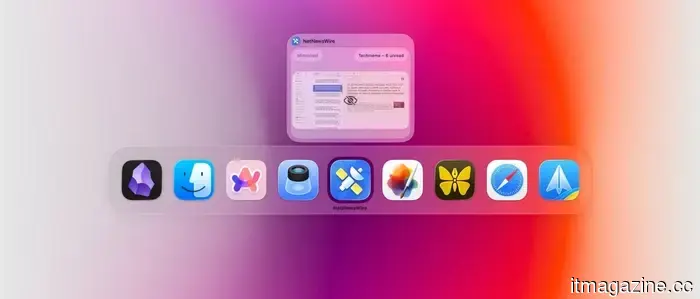
While the macOS app switcher functions well, it doesn't match the capabilities found on Windows. It simply lists open apps without showing all active windows. Although you


Other articles
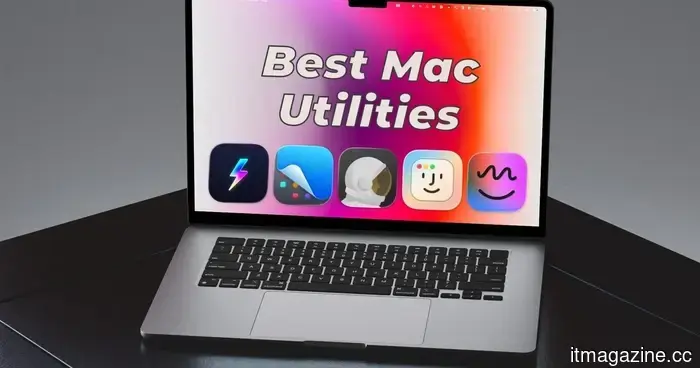 Here are the five best Mac utilities I discovered in 2026, and you should consider trying them as well.
macOS is excellent, but it does have its shortcomings. These five utilities address those gaps, and I find myself missing them every time I use a Mac without them.
Here are the five best Mac utilities I discovered in 2026, and you should consider trying them as well.
macOS is excellent, but it does have its shortcomings. These five utilities address those gaps, and I find myself missing them every time I use a Mac without them.
 AppDirect purchases PartnerStack in its sixth acquisition within a year.
AppDirect has purchased PartnerStack, based in Toronto, merging its marketplace infrastructure with 138,000 B2B partners in an effort to consolidate enterprise software distribution on a single platform.
AppDirect purchases PartnerStack in its sixth acquisition within a year.
AppDirect has purchased PartnerStack, based in Toronto, merging its marketplace infrastructure with 138,000 B2B partners in an effort to consolidate enterprise software distribution on a single platform.
 Sony is developing an animated film based on Bloodborne.
Sony Pictures announced a Bloodborne animated film at CinemaCon 2026, with JackSepticEye attached as a co-producer, assuring that the movie will faithfully capture the game's gruesome essence.
Sony is developing an animated film based on Bloodborne.
Sony Pictures announced a Bloodborne animated film at CinemaCon 2026, with JackSepticEye attached as a co-producer, assuring that the movie will faithfully capture the game's gruesome essence.
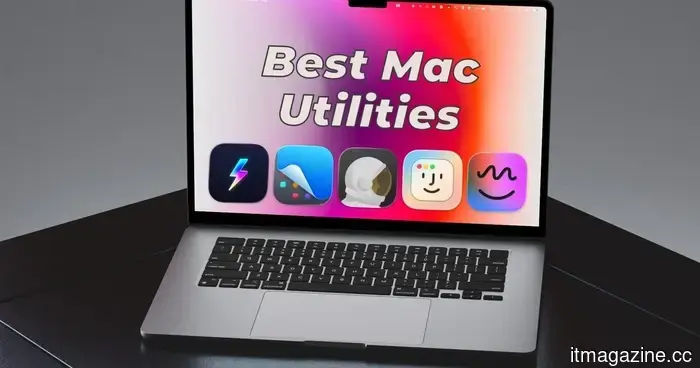 Here are five of the top Mac utilities I discovered in 2026, and you should definitely check them out as well.
macOS is fantastic, but it does have its shortcomings. These five utilities address those issues, and I find their absence noticeable every time I use a Mac without them.
Here are five of the top Mac utilities I discovered in 2026, and you should definitely check them out as well.
macOS is fantastic, but it does have its shortcomings. These five utilities address those issues, and I find their absence noticeable every time I use a Mac without them.
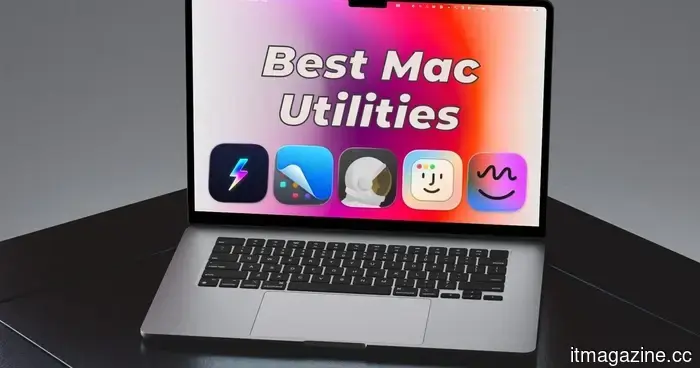 Here are the five top Mac utilities I discovered in 2026, and you should definitely check them out as well.
macOS is fantastic, but it has its shortcomings. These five utilities address those gaps, and I find myself missing them every time I use a Mac without them.
Here are the five top Mac utilities I discovered in 2026, and you should definitely check them out as well.
macOS is fantastic, but it has its shortcomings. These five utilities address those gaps, and I find myself missing them every time I use a Mac without them.
 Sony is developing an animated film adaptation of Bloodborne.
Sony Pictures announced an animated film adaptation of Bloodborne at CinemaCon 2026, with JackSepticEye as a co-producer, ensuring that the movie will reflect the game's gruesome essence.
Sony is developing an animated film adaptation of Bloodborne.
Sony Pictures announced an animated film adaptation of Bloodborne at CinemaCon 2026, with JackSepticEye as a co-producer, ensuring that the movie will reflect the game's gruesome essence.
Here are the five top Mac utilities I discovered in 2026, and you should consider trying them as well.
macOS is wonderful, but it has its shortcomings. These five tools address those gaps, and I find myself missing them every time I use a Mac without them.