
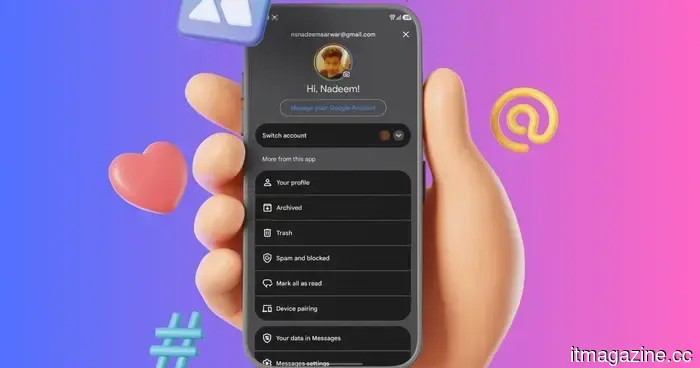
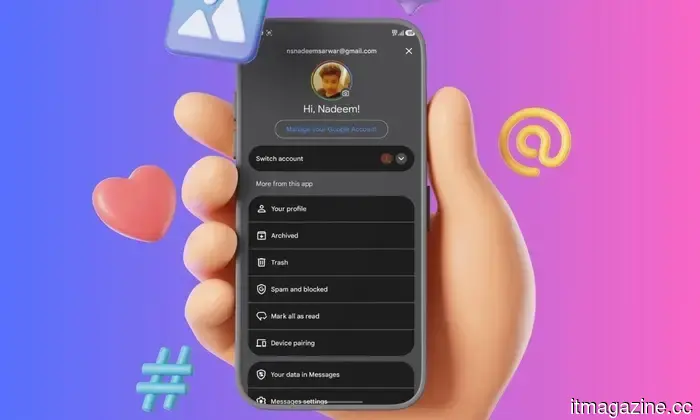
Google Messages introduces a Trash folder for your less important conversations to linger in.
Deleted the wrong chat? Google Messages now includes a Trash folder
Google Messages is introducing a new feature that is both small and significant, designed to assist with cleanups and unintentional deletions. The app now features a dedicated trash folder that allows users to recover conversations they have recently deleted.
Why this is a useful new option
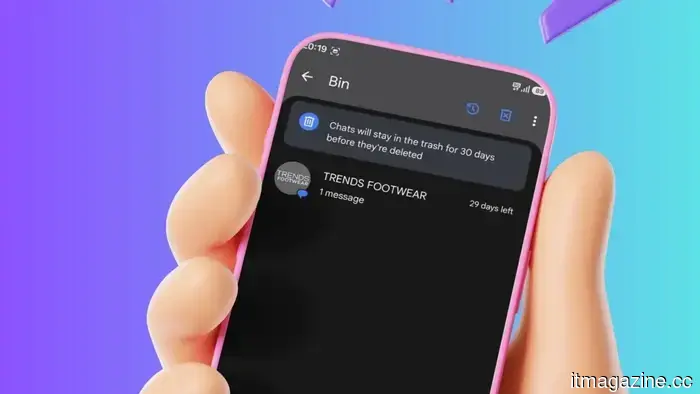
The company's official support documentation has unveiled the new Trash folder, which permits users to retrieve deleted conversations within a 30-day period. This addition provides a safeguard to minimize accidental message loss. However, once this month-long timeframe expires, the conversation will be permanently removed.
Despite this, the feature remains quite beneficial. Instead of an erased conversation disappearing immediately, it first moves to the Trash, similar to the Bin folder in Google Drive. Users can then choose to restore individual chats, recover all deleted chats, or permanently delete specific conversations. Google states that each trashed conversation will display a countdown, indicating the days remaining before it is permanently deleted.
Multiple methods to send chats to Trash
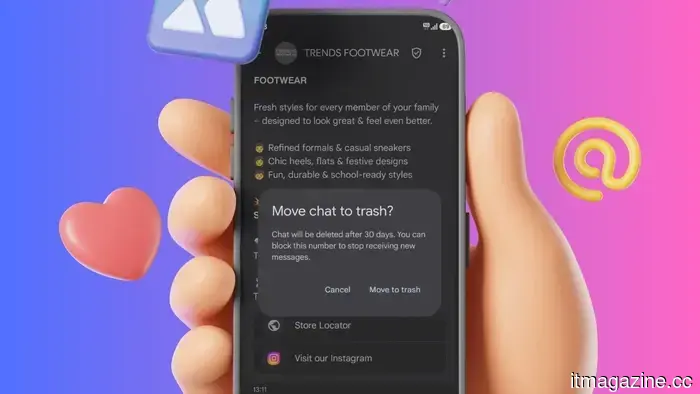
Google designed this feature for easy access. Users can transfer conversations to Trash either by setting up a swipe action or by pressing and holding one or more chats and tapping the Trash icon. To activate the swipe shortcut, users need to go into Messages settings, select Swipe actions, and designate Trash for either left or right swipes.
There is, however, a small limitation.
If a new message arrives in a conversation that is in Trash, that incoming message may show up as a new conversation in your inbox. Therefore, Trash is not strictly a holding area for chat threads you want to avoid.


Other articles
 Anthropic integrates Claude into Microsoft Word, with legal contract review being its primary application.
Anthropic's Claude for Word beta is now available in Microsoft Word for Team and Enterprise users, with the initial use case focused on legal contract review.
Anthropic integrates Claude into Microsoft Word, with legal contract review being its primary application.
Anthropic's Claude for Word beta is now available in Microsoft Word for Team and Enterprise users, with the initial use case focused on legal contract review.
 France bids “au revoir” to Windows and “bonjour” to Linux.
France intends to switch from Windows to Linux in order to lessen its dependence on US technology and enhance its digital sovereignty.
France bids “au revoir” to Windows and “bonjour” to Linux.
France intends to switch from Windows to Linux in order to lessen its dependence on US technology and enhance its digital sovereignty.
 X prepares to launch a dedicated messaging app as XChat becomes available on the App Store.
The XChat will provide end-to-end encrypted messaging and will be accessible to iPhone users on April 17, featuring support for more than 45 languages.
X prepares to launch a dedicated messaging app as XChat becomes available on the App Store.
The XChat will provide end-to-end encrypted messaging and will be accessible to iPhone users on April 17, featuring support for more than 45 languages.
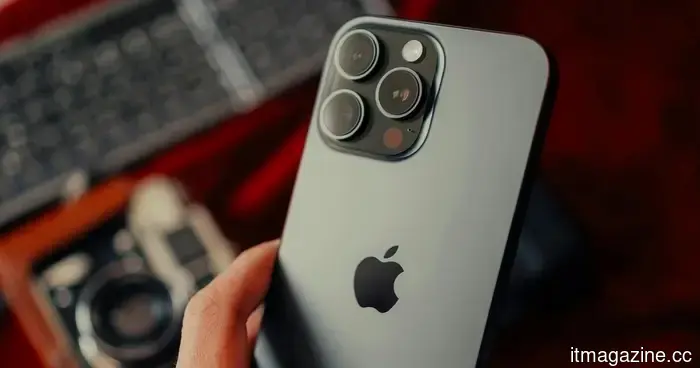 In 2026, iPhones claim the top spot in the global smartphone market as Google Pixels experience significant growth.
In the first quarter of 2026, Apple tops the global smartphone shipments with a 21% market share, while Google Pixel experiences significant growth despite a general downturn in the market.
In 2026, iPhones claim the top spot in the global smartphone market as Google Pixels experience significant growth.
In the first quarter of 2026, Apple tops the global smartphone shipments with a 21% market share, while Google Pixel experiences significant growth despite a general downturn in the market.
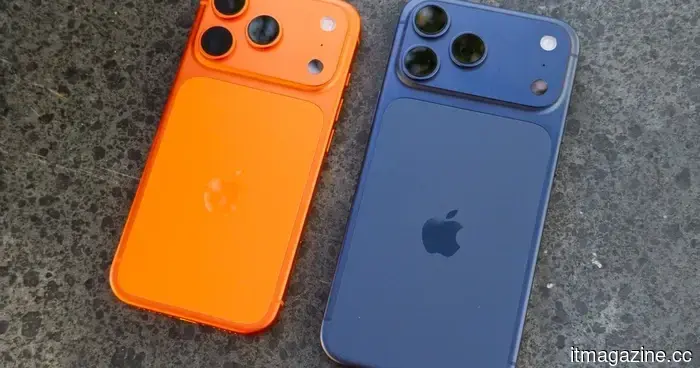 iPhone 18 series: All the information we have up to now
For the first time, Apple may launch its iPhone 18 series at two different events, which alters the way you should consider your next upgrade.
iPhone 18 series: All the information we have up to now
For the first time, Apple may launch its iPhone 18 series at two different events, which alters the way you should consider your next upgrade.
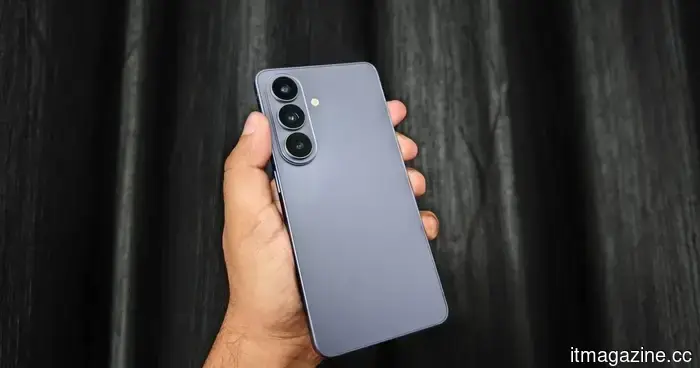 I criticized the Galaxy S26 in my review, yet it remains frustratingly easy to appreciate.
I still believe that the Galaxy S26 is too cautious for a flagship price — however, I can't overlook how enjoyable it is to use.
I criticized the Galaxy S26 in my review, yet it remains frustratingly easy to appreciate.
I still believe that the Galaxy S26 is too cautious for a flagship price — however, I can't overlook how enjoyable it is to use.
Google Messages introduces a Trash folder for your less important conversations to linger in.
Google Messages has introduced a Trash folder that allows deleted conversations to be recovered within a 30-day period before they are permanently deleted.