
Three reasons why I feel envy towards Apple’s macOS in 2026.
I’ve never been particularly fond of Apple's MacBook, but I must acknowledge that their platform is indeed succeeding in many areas. Dealing with Windows has become quite frustrating lately, and Apple is gradually making progress for all the right reasons. Although I still depend on Windows, mere familiarity doesn’t cut it anymore.
In 2026, certain macOS features seem less like luxury amenities and more like essential computing functions that Microsoft should have already sorted out. The frustrating part is that Apple’s edge isn't always due to sheer power or impressive AI. Much of the annoyance stems from smaller, more practical aspects. These are the types of features that quietly save time, create a smooth experience, and make a computer feel like it belongs alongside the smartphone in your pocket.
Sharing Wi-Fi passwords shouldn't still feel this satisfying on a Mac
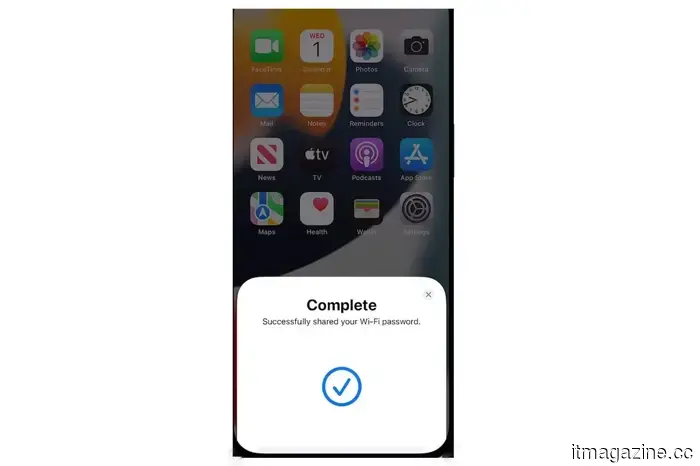
This is the feature that always impresses me. Apple allows you to share Wi-Fi passwords from an iPhone, iPad, or Mac to another nearby Apple device almost instantly, provided the devices are close by and set up properly. I’ve witnessed others use this convenience for years, and it feels like I’m being left out.
You can also share Wi-Fi passwords from one Mac to another Mac, iPhone, or iPad. It may seem like a minor detail, but it has a magical quality that modern computing should possess. On the other hand, Windows still makes such a basic task feel manual, leaving you to rely on your memory. Yet, in 2026, this is just disappointing.
Universal Clipboard remains one of Apple’s most significant advantages
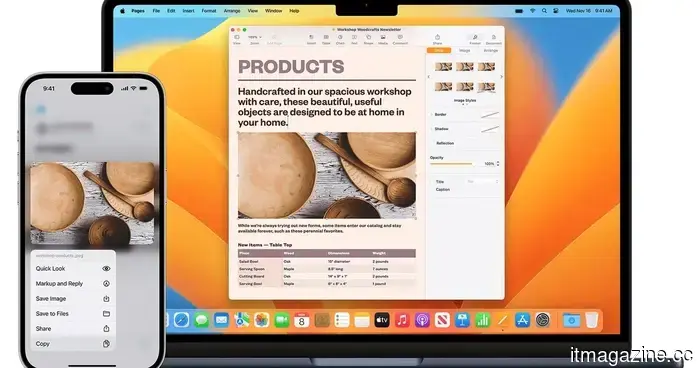
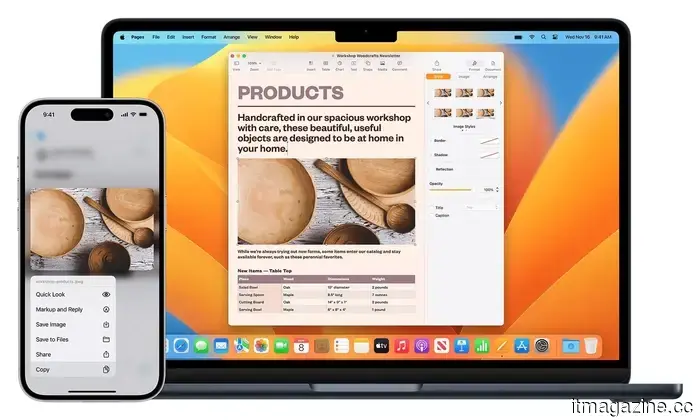
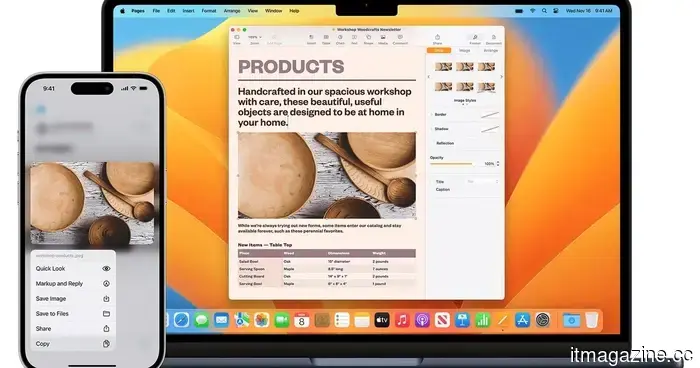
Seamlessness is what you come to expect from the Apple ecosystem, and nothing demonstrates this better than the Universal Clipboard feature. Copy something on your iPhone, and paste it on your Mac. Copy an image on your Mac, and insert it into a message on your iPad. While Apple's Universal Clipboard might sound dull until you actually use it, it quickly becomes a feature you sorely miss when you return to a less integrated setup.
Apple officially supports this across iPhone, iPad, and Mac as part of its Continuity system. This is what places macOS ahead. It makes the experience with multiple devices feel like extensions of a single workspace. To be fair, Windows has improved in connecting to phones, but Apple still manages to make the transition feel more seamless and natural.
Unlocking your Mac with an Apple Watch is exactly the kind of convenience I admire
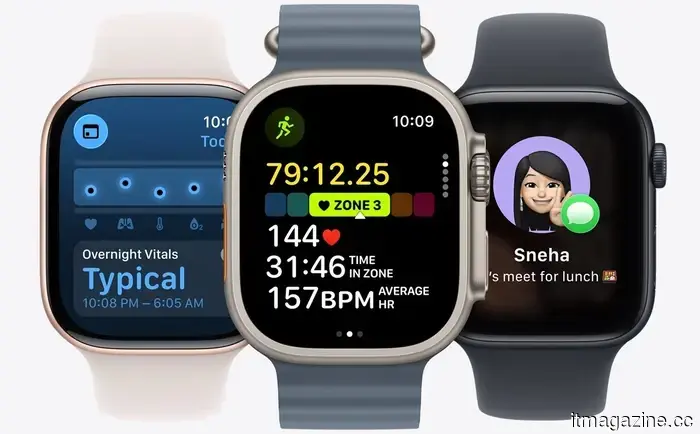
This might be the most quintessentially Apple feature on the list, and I mean that positively. If you're wearing an unlocked Apple Watch, your Mac can unlock automatically when you wake it, and the watch can also authenticate password prompts and admin requests. Apple officially refers to this as Auto Unlock, and the convenience is undeniable.
Is it life-changing? Probably not. But does it represent the effortless quality-of-life features that give a platform a more premium and thoughtful feel? Absolutely.
Honorary Mention: Continuity Camera
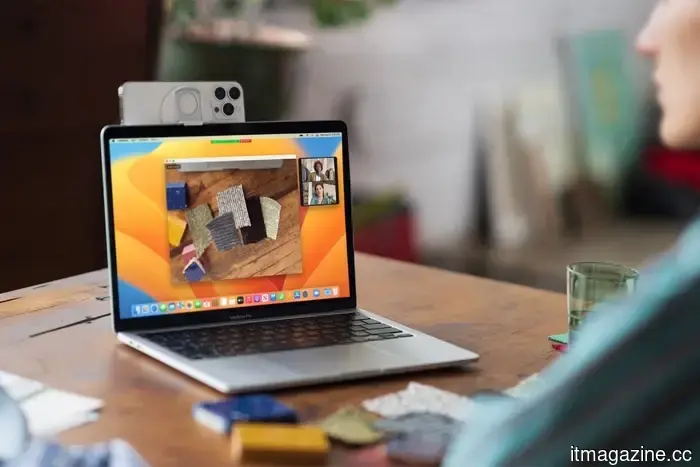
Apple’s ability to turn an iPhone into a Mac webcam is one of those features that seems like a gimmick until you realize its usefulness. Continuity Camera allows a Mac to utilize the iPhone’s far superior camera system wirelessly or via USB, and Apple also incorporates some clever features like Center Stage, Portrait mode, Studio Light, and even Desk View.
You can also leverage the same Continuity feature to scan documents or take photos directly into Mac applications like Notes, Finder, and others. Windows has made strides with native smartphone camera support via Phone Link, but it doesn’t offer as many features as Apple’s solution.
My issue with macOS is that it consistently gets the small things right
My envy simply stems from Apple consistently addressing everyday frustrations before Microsoft does. Once those solutions are in place, it becomes increasingly difficult to revert. Sharing Wi-Fi passwords, copying across devices, and unlocking your computer with a watch might not be sufficient on their own to make me switch from Windows immediately. However, in conjunction, they form a layer of convenience that feels frustratingly advanced.
Other articles
 3 reasons I feel envious of Apple’s macOS in 2026.
A genuine list from a Windows user highlighting macOS features that continue to seem more intelligent, streamlined, and frustratingly more advanced than Windows PCs in 2026.
3 reasons I feel envious of Apple’s macOS in 2026.
A genuine list from a Windows user highlighting macOS features that continue to seem more intelligent, streamlined, and frustratingly more advanced than Windows PCs in 2026.
 X’s Grok AI now overcomes language barriers and allows you to edit photos with easy prompts.
X is launching Grok-powered automatic translation along with an AI photo editor that allows users to adjust images using straightforward prompts.
X’s Grok AI now overcomes language barriers and allows you to edit photos with easy prompts.
X is launching Grok-powered automatic translation along with an AI photo editor that allows users to adjust images using straightforward prompts.
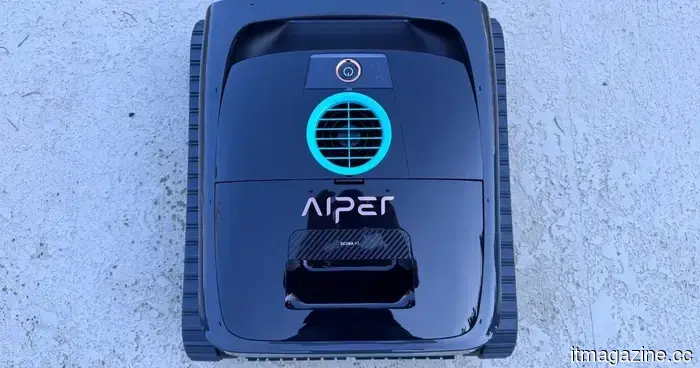 Aiper Scuba V3 Review: At last, a pool robot that truly has intelligence.
Aiper's Scuba V3 offers an enjoyable combination of AI-guided navigation, hassle-free wireless charging, and effective cleaning, all at an affordable price.
Aiper Scuba V3 Review: At last, a pool robot that truly has intelligence.
Aiper's Scuba V3 offers an enjoyable combination of AI-guided navigation, hassle-free wireless charging, and effective cleaning, all at an affordable price.
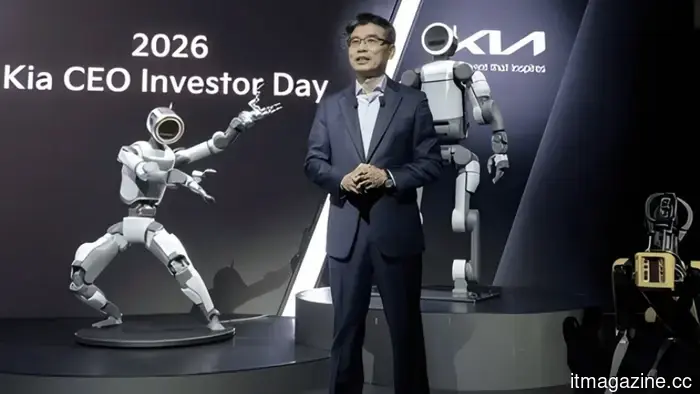 Kia reduces its electric vehicle target, announces the development of an electric pickup, and intends to implement Atlas robots in its factories in Georgia.
Kia's 2026 investor day revises its 2030 electric vehicle target to 1 million units, announces a North American electric pickup truck, and establishes 2028 as the timeline for deploying the Atlas robot.
Kia reduces its electric vehicle target, announces the development of an electric pickup, and intends to implement Atlas robots in its factories in Georgia.
Kia's 2026 investor day revises its 2030 electric vehicle target to 1 million units, announces a North American electric pickup truck, and establishes 2028 as the timeline for deploying the Atlas robot.
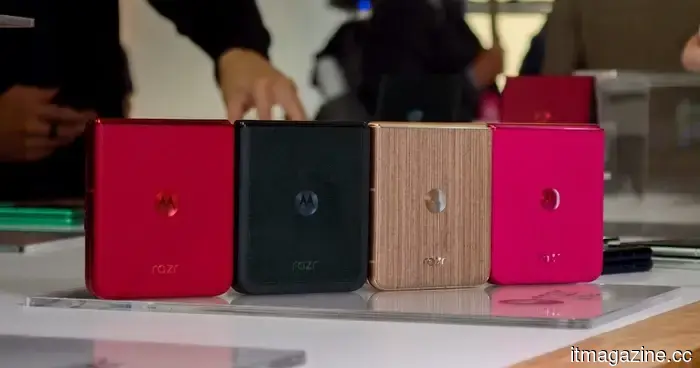 A leak of the Razr 70 Ultra reveals how Motorola intends to captivate users with striking new designs.
Leaked images of the Razr 70 Ultra suggest eye-catching new designs, including Alcantara and wood textures.
A leak of the Razr 70 Ultra reveals how Motorola intends to captivate users with striking new designs.
Leaked images of the Razr 70 Ultra suggest eye-catching new designs, including Alcantara and wood textures.
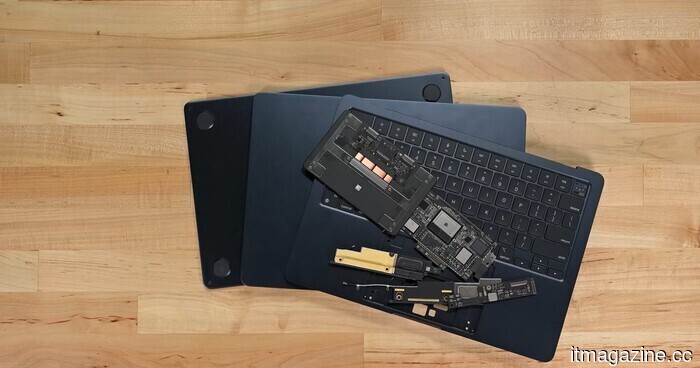 According to a consumer group, MacBooks remain the most challenging laptops to repair.
A recent report by the U.S. PIRG Education Fund indicates that Apple’s MacBooks are the most challenging laptops to repair among the major brands assessed, with Apple placing last in the 2026 rankings.
According to a consumer group, MacBooks remain the most challenging laptops to repair.
A recent report by the U.S. PIRG Education Fund indicates that Apple’s MacBooks are the most challenging laptops to repair among the major brands assessed, with Apple placing last in the 2026 rankings.
Three reasons why I feel envy towards Apple’s macOS in 2026.
An honest list from a Windows user highlighting macOS features that still seem more intelligent, seamless, and frustratingly more advanced than Windows PCs in 2026.