

Android 17's updated notification settings may finally help you manage your alert overload.
Granular controls in Android 17 may enable you to silence, highlight, or block notifications by app or contact.
Android's updated notification guidelines could finally help you manage alert overload. Initial code in Android 17 suggests a more sophisticated way to control how and when your phone disrupts you, particularly if you find persistent notifications overwhelming.
The mechanism, identified in Android 17 Beta 3 by Android Authority, indicates that you’ll have the ability to customize notification behaviors based on specific apps or even individual contacts. Instead of silencing everything, you can choose which notifications warrant your attention and which can remain unobtrusive.
Android already excels in notification management, and this update enhances that advantage by personalizing alerts to better match your daily routines.
Five actions redefine how alerts function
At the core of this system are five actions you can assign to notifications, each influencing how the alerts are presented and how they interrupt you.
These actions include Silence, Block, Silence and Bundle, Highlight, and Highlight and Alert. Collectively, they provide control over both the visibility and urgency of notifications, addressing gaps in current settings.
This opens up practical applications beyond simple muting. You can bundle less significant updates from social apps while keeping work messages prominent or block specific notifications entirely without impacting others. The flexibility seems deliberate and rooted in real-world habits.
The significance of contact-level control
A notable change is the extension of functionality from apps to individual people. Currently, Android allows adjustments to app notifications, but it does not adequately differentiate how various contacts are managed within the same app.
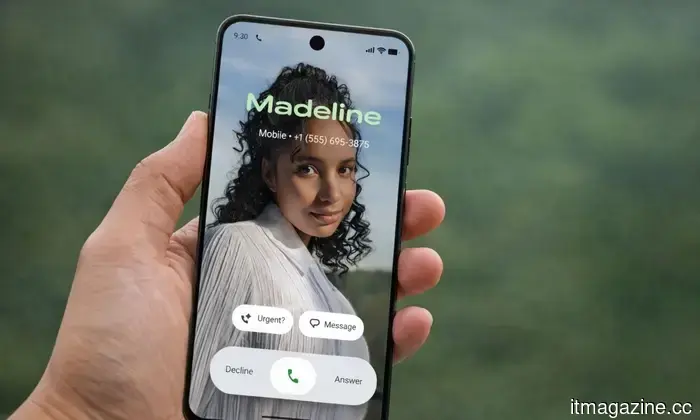
Code snippets also suggest that you’ll be able to search and select contacts while creating rules, then apply distinct behaviors to them. This means you could silence calls from one individual without disrupting everyone else, addressing a common annoyance.
There’s also an element of prioritization. Highlighted notifications may be more prominent or rise to the top, allowing important messages to stand out without requiring constant manual organization.
An early feature, but a clear direction
Many aspects remain uncertain. Google has yet to verify this for Android 17, and features identified in early code don’t always make it to the final release, as the teardown indicates.
Regardless, the indicators suggest broader access if it moves forward. The same code appears in leaked One UI 9 builds, indicating that Samsung devices might support it as well.
If this feature is implemented, it will be beneficial. You'll spend less time managing distractions and more time focusing on what truly matters, which is the direction notification systems need to take next.
Paulo Vargas is an English major turned reporter turned technical writer, with a career that has always circled back to…
Honor teases its upcoming phone as it seeks to revive the affordable flagship market
Honor's next phone could pose significant competition to flagship models.
Honor, one of the fastest-growing smartphone brands, has officially begun to tease its forthcoming smartphone lineup, and if the teaser images are anything to go by, the upcoming series looks promising. Although Honor hasn't confirmed the name, all indications point to this being the Honor 600 Series, the next iteration in its N Series lineup.
The Pixel 11 Pro XL leak shows a larger phone, not a redesigned model
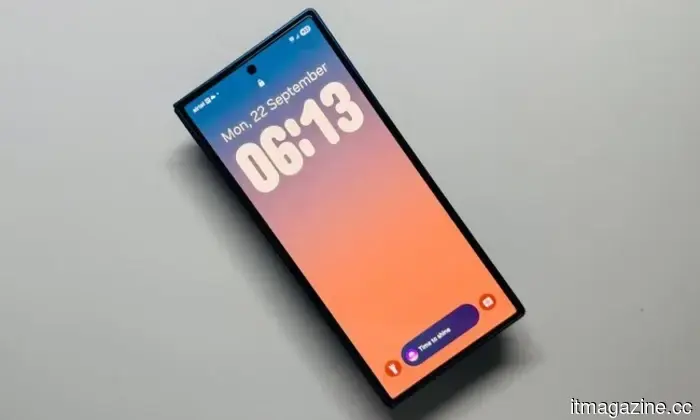
You’ll see an expanded screen, but the overall design remains quite familiar.
The Pixel 11 Pro XL is becoming clearer, and if you were expecting a bold redesign, this leak suggests otherwise. Early CAD renders obtained by Android Headlines reveal a device closely mirroring Google’s current design, only stretched into a larger frame. This approach seems intentional. If you appreciate the Pixel design, this model builds on it rather than altering it. The primary adjustment is straightforward: it’s bigger.
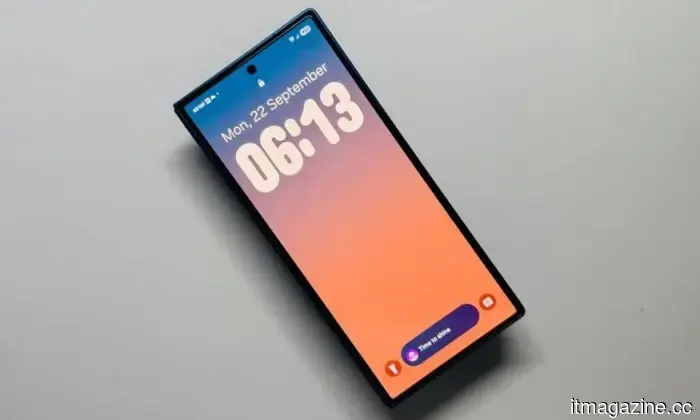
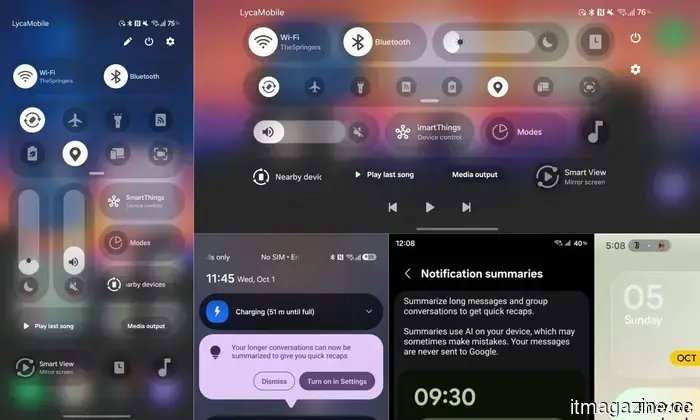
Samsung enhances Quick Panel customization in One UI 8.5
I don't typically get overly enthusiastic about Android skins, but One UI 8.5 genuinely deserves recognition. Samsung has always excelled at customization, and this update takes it further in a manner that feels useful. There are already numerous ways to adjust how your phone looks and operates, but now Samsung is refining the experience where it counts the most. The Quick Panel, which you likely swipe down multiple times a day, is receiving even more customization options.
What’s new?



Other articles
 Wearable Robotics secures €5 million to enhance its arm exoskeleton.
Wearable Robotics secures €5M in funding, with CDP Venture Capital leading the investment, for its ALEX RS bilateral arm exoskeleton, which is currently utilized in 20 countries.
Wearable Robotics secures €5 million to enhance its arm exoskeleton.
Wearable Robotics secures €5M in funding, with CDP Venture Capital leading the investment, for its ALEX RS bilateral arm exoskeleton, which is currently utilized in 20 countries.
 IREX introduces AI fire detection that operates on current camera networks.
IREX has enhanced its FireTrack AI to identify fire and smoke in real time by utilizing current CCTV systems, thereby increasing both accuracy and response time.
IREX introduces AI fire detection that operates on current camera networks.
IREX has enhanced its FireTrack AI to identify fire and smoke in real time by utilizing current CCTV systems, thereby increasing both accuracy and response time.
 Amazon, impacted by the war, is implementing a fuel surcharge that may increase your shopping costs.
Starting April 17, Amazon will implement a 3.5% fuel surcharge on fees for third-party sellers, a move prompted by rising oil prices associated with the ongoing conflict in the Middle East. Customers may soon experience the effects as well.
Amazon, impacted by the war, is implementing a fuel surcharge that may increase your shopping costs.
Starting April 17, Amazon will implement a 3.5% fuel surcharge on fees for third-party sellers, a move prompted by rising oil prices associated with the ongoing conflict in the Middle East. Customers may soon experience the effects as well.
 OpenAI has purchased the Silicon Valley talk show TBPN.
OpenAI has acquired TBPN, the daily tech talk program favored by Silicon Valley insiders, promising to maintain editorial independence while integrating it within its strategy division.
OpenAI has purchased the Silicon Valley talk show TBPN.
OpenAI has acquired TBPN, the daily tech talk program favored by Silicon Valley insiders, promising to maintain editorial independence while integrating it within its strategy division.
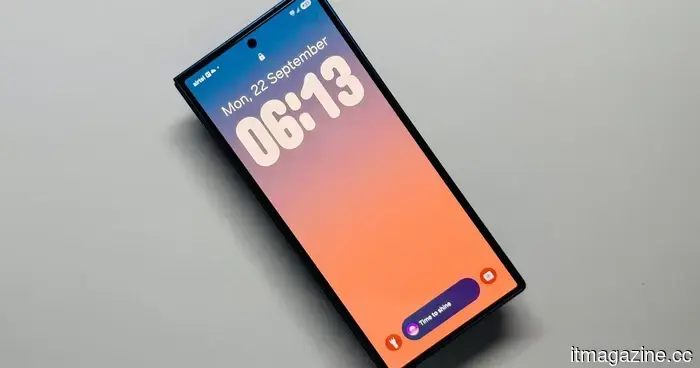 Samsung enhances Quick Panel personalization in One UI 8.5.
A new day brings new methods to personalize your phone.
Samsung enhances Quick Panel personalization in One UI 8.5.
A new day brings new methods to personalize your phone.
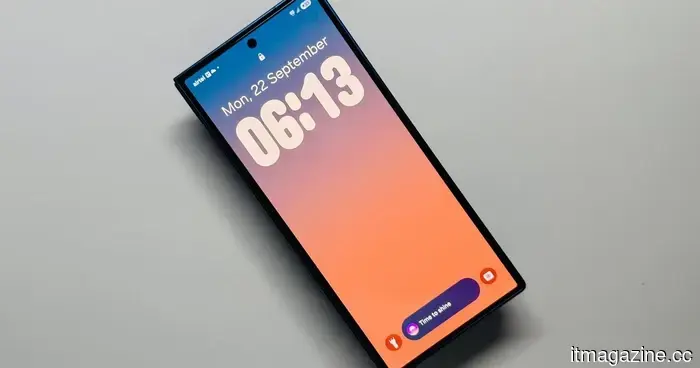 Samsung enhances Quick Panel personalization in One UI 8.5.
A new day brings fresh opportunities to personalize your phone.
Samsung enhances Quick Panel personalization in One UI 8.5.
A new day brings fresh opportunities to personalize your phone.
Android 17's updated notification settings may finally help you manage your alert overload.
Android 17 might implement notification rules that allow you to manage alerts based on apps and contacts. This feature suggests improved filtering, enhanced prioritization, and reduced unwanted interruptions during regular use.