
Firefox is offering a free VPN, and here's why it's important.
Mozilla guarantees safer browsing free from the typical risks associated with free VPN services.
Mozilla is introducing a free VPN for Firefox that addresses a longstanding issue associated with free privacy tools. Many of these free VPNs depend on vague data practices for sustainability, but this new option is integrated within the browser to avoid such compromises.
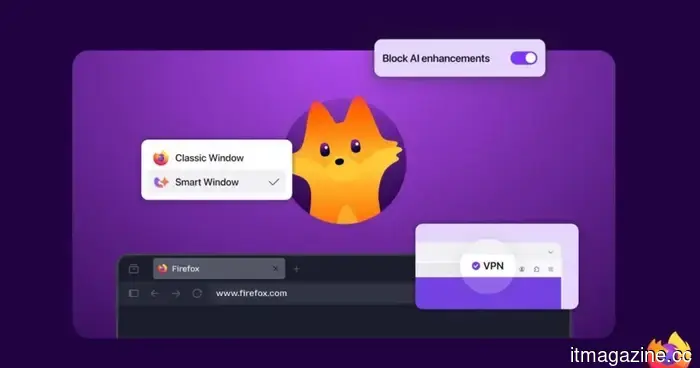
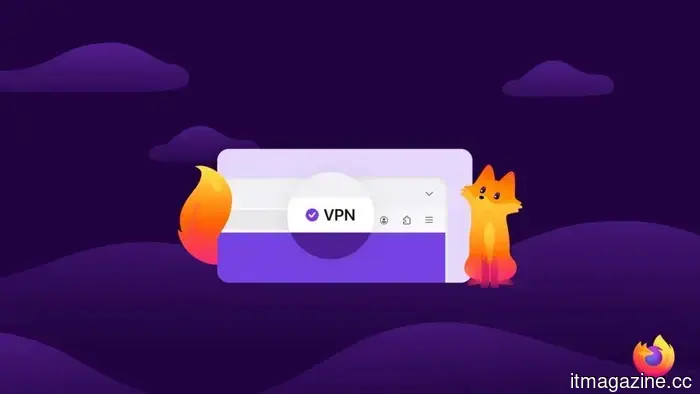
The feature will launch with Firefox 149 on March 24, granting users in the US, France, Germany, and the UK 50GB of monthly data. It directs browser traffic through a proxy, concealing your IP address and location without the need for additional downloads.
This initiative aligns with a broader effort to enhance user control and establish safer defaults. Protective measures operate quietly in the background, while new features remain optional rather than automatic, ensuring you don't have to enroll in another service for basic protection.
What sets this VPN apart
Free VPNs often come with hidden drawbacks, particularly regarding user data handling. Mozilla presents this VPN as part of its established privacy framework, where such trade-offs are not part of the business model.
Since it operates within Firefox, there’s no need for a separate app installation or account management, simplifying the user experience and keeping your browsing consolidated. This also minimizes the amount of your activity that passes through external providers.
However, there are limitations to consider. The initial rollout is restricted to a few regions and imposes a 50GB monthly cap, which means it won't fully substitute for a paid VPN for streaming or continuous use. Nonetheless, it should meet the typical needs for everyday browsing without additional setup.
More features, same philosophy
The VPN is part of a broader set of enhancements aimed at improving browsing flexibility without complicating the user experience.
The Split View feature allows users to display two pages side by side within a single window, facilitating easier comparisons or multitasking. Tab Notes provide simple reminders directly on tabs, enabling users to return to unfinished tasks without losing context.
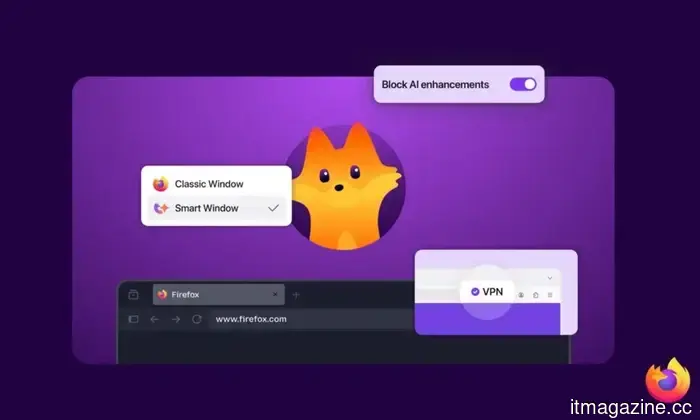
There’s also an optional AI feature named Smart Window that can summarize web pages, define terms, or compare products without navigating away from the tab. This opt-in approach keeps users in control, rather than imposing new tools into their routines.
What’s next
The built-in VPN will begin rolling out with Firefox 149 on March 24, though its availability will be limited at launch. Mozilla has not yet announced a timeline for a more extensive release.
The update will also feature enhanced security measures, including a Sanitizer API designed to block certain attacks before users are affected. A visual refresh, with updated interface elements and a new mascot, is also in development for the next phase of the browser.
If you're in a supported region, it’s worth trying once it becomes available. While it won’t replace a full VPN setup, it should adequately support most everyday browsing tasks without requiring extra effort.



Other articles
 Samsung will offer you a Galaxy S26 Ultra for rent at 50% of its retail price for one year.
Galaxy Forever transforms flagship ownership in India — make a 50% payment now and then, after a year, choose whether to retain, return, or upgrade to the next Galaxy.
Samsung will offer you a Galaxy S26 Ultra for rent at 50% of its retail price for one year.
Galaxy Forever transforms flagship ownership in India — make a 50% payment now and then, after a year, choose whether to retain, return, or upgrade to the next Galaxy.
 Apple discreetly addresses the major flaw in Family Sharing a decade after its introduction.
Apple has addressed a billing issue with Family Sharing that has existed since the feature was introduced in 2014.
Apple discreetly addresses the major flaw in Family Sharing a decade after its introduction.
Apple has addressed a billing issue with Family Sharing that has existed since the feature was introduced in 2014.
 Samsung will lease you a Galaxy S26 Ultra for a year at half the retail price.
Galaxy Forever reshapes flagship ownership in India — pay 50% upfront, and after a year, you can choose to keep, return, or upgrade to the next Galaxy.
Samsung will lease you a Galaxy S26 Ultra for a year at half the retail price.
Galaxy Forever reshapes flagship ownership in India — pay 50% upfront, and after a year, you can choose to keep, return, or upgrade to the next Galaxy.
 The VPN problems on your phone seem to be an unresolved bug in Android 16.
Android 16 users might want to review their privacy settings.
The VPN problems on your phone seem to be an unresolved bug in Android 16.
Android 16 users might want to review their privacy settings.
 Samsung will lease you a Galaxy S26 Ultra for a year at 50% of its retail price.
Galaxy Forever reshapes flagship ownership in India — pay half now and then, after a year, choose whether to keep, return, or upgrade to the next Galaxy.
Samsung will lease you a Galaxy S26 Ultra for a year at 50% of its retail price.
Galaxy Forever reshapes flagship ownership in India — pay half now and then, after a year, choose whether to keep, return, or upgrade to the next Galaxy.
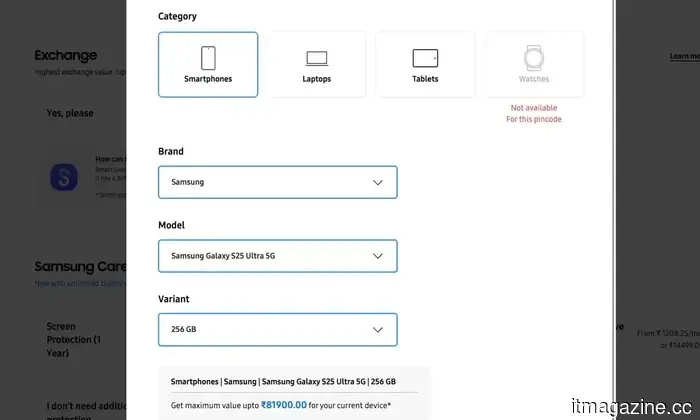 Samsung is offering to rent you a Galaxy S26 Ultra for a year at 50% of the retail price.
Galaxy Forever redefines flagship ownership in India—make a 50% payment now, and after a year, choose whether to retain, return, or upgrade to the next Galaxy.
Samsung is offering to rent you a Galaxy S26 Ultra for a year at 50% of the retail price.
Galaxy Forever redefines flagship ownership in India—make a 50% payment now, and after a year, choose whether to retain, return, or upgrade to the next Galaxy.
Firefox is offering a free VPN, and here's why it's important.
Firefox is introducing a built-in free VPN that offers 50GB of monthly data, with the goal of addressing trust concerns associated with free privacy tools while ensuring protection within the browser.